How to update Global Admin from non-actionable to actionable?
5 min
Updating a Global Admin from non-actionable to actionable makes sure they have the right permissions and access in Partner Centre to do things like manage users, offers, and programme enrolments without any problems. Please follow the setps below:
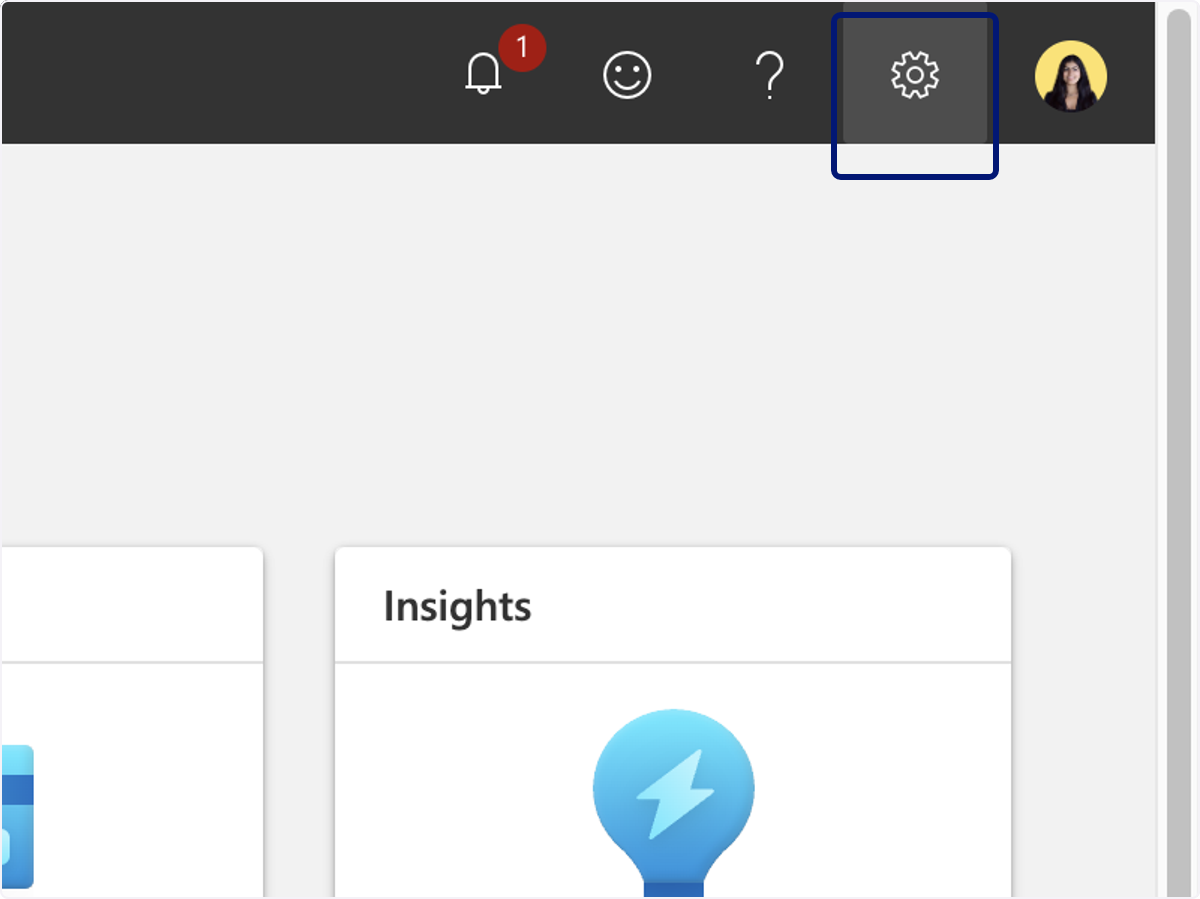
🟣 Click on Settings
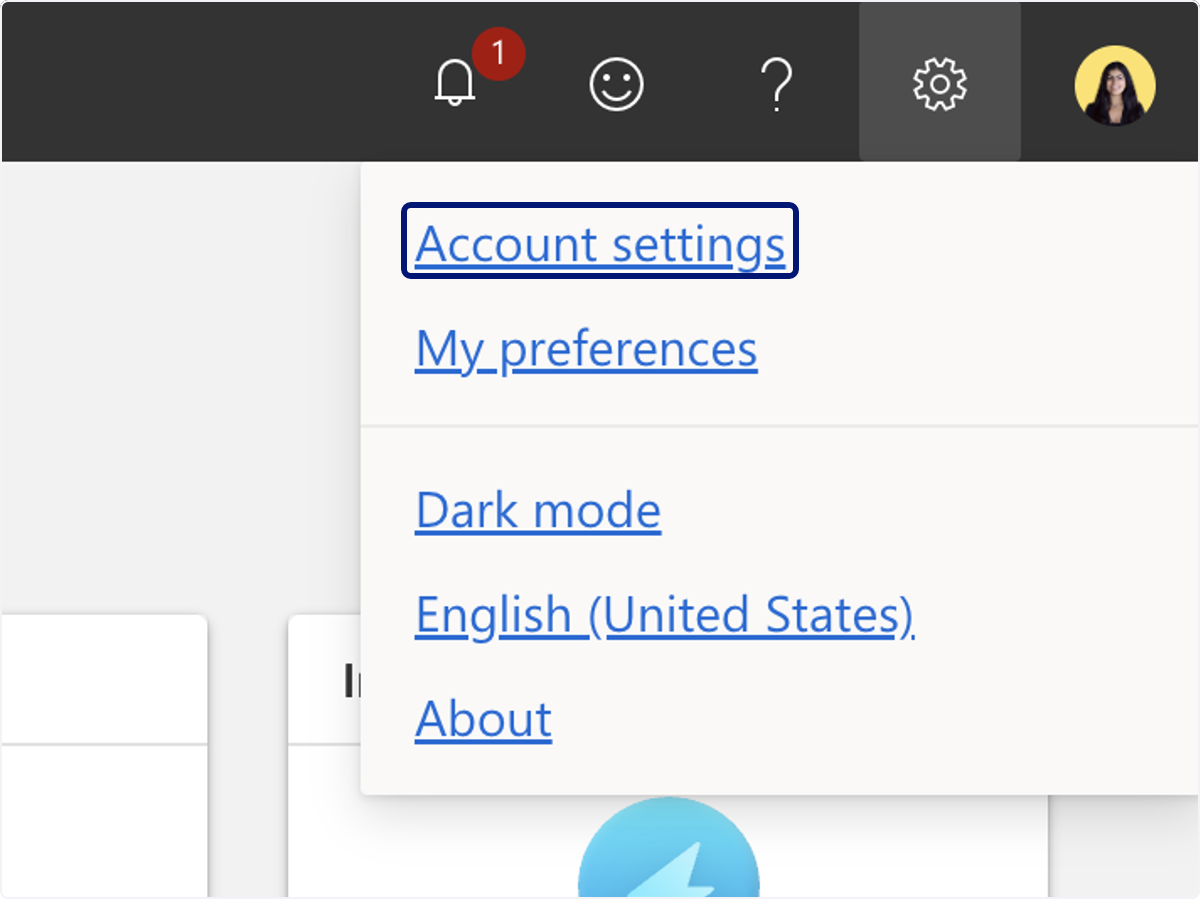
🟣 Click on Account settings
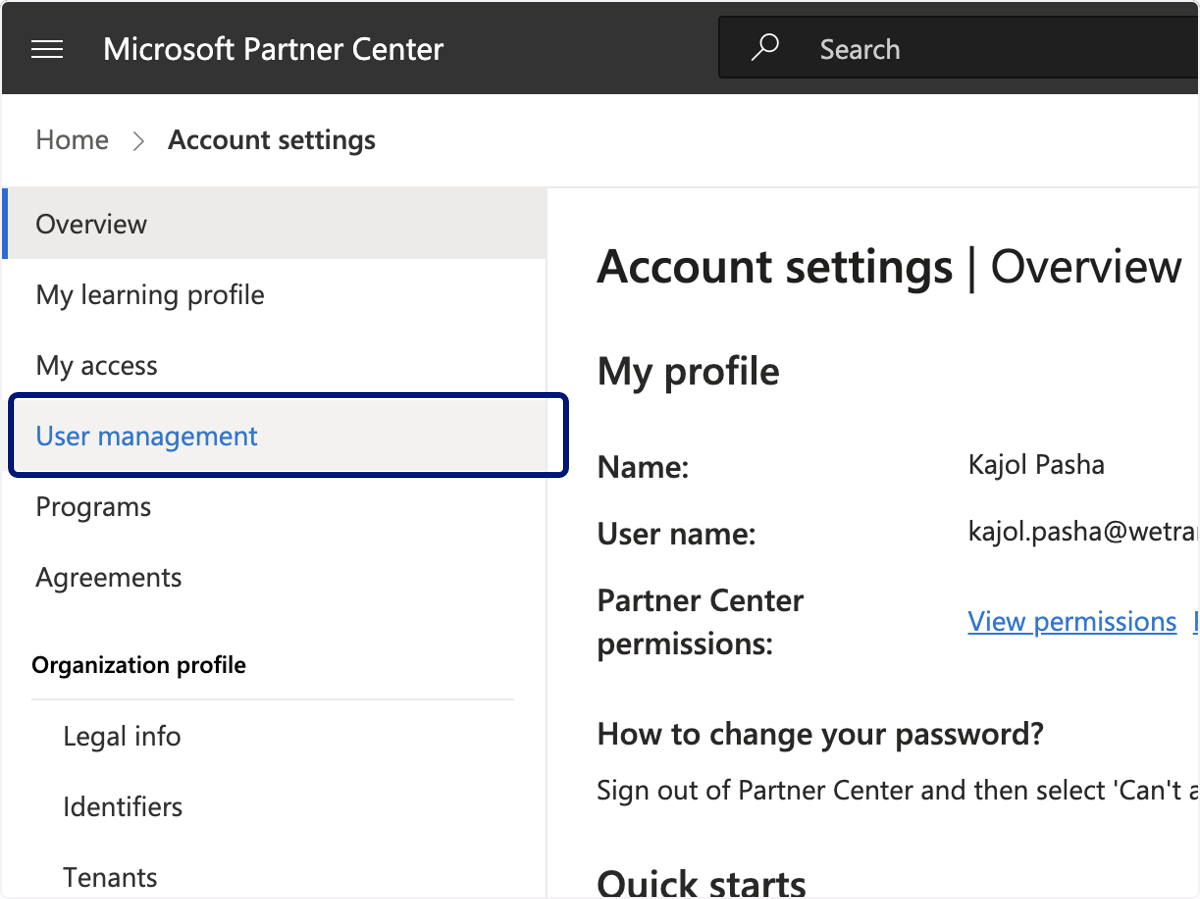
🟣 Click on User management
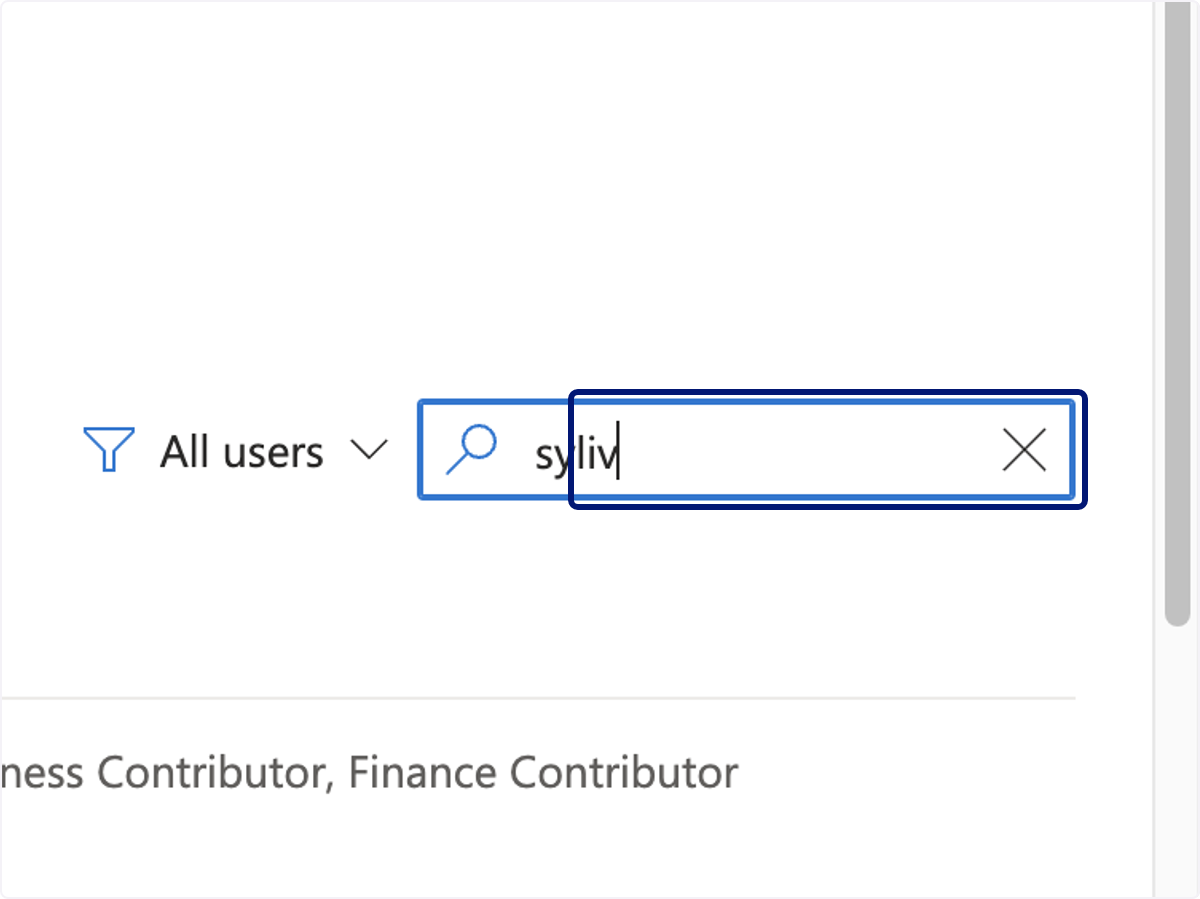
🟣 Type the name of whom you are updating the user rights for
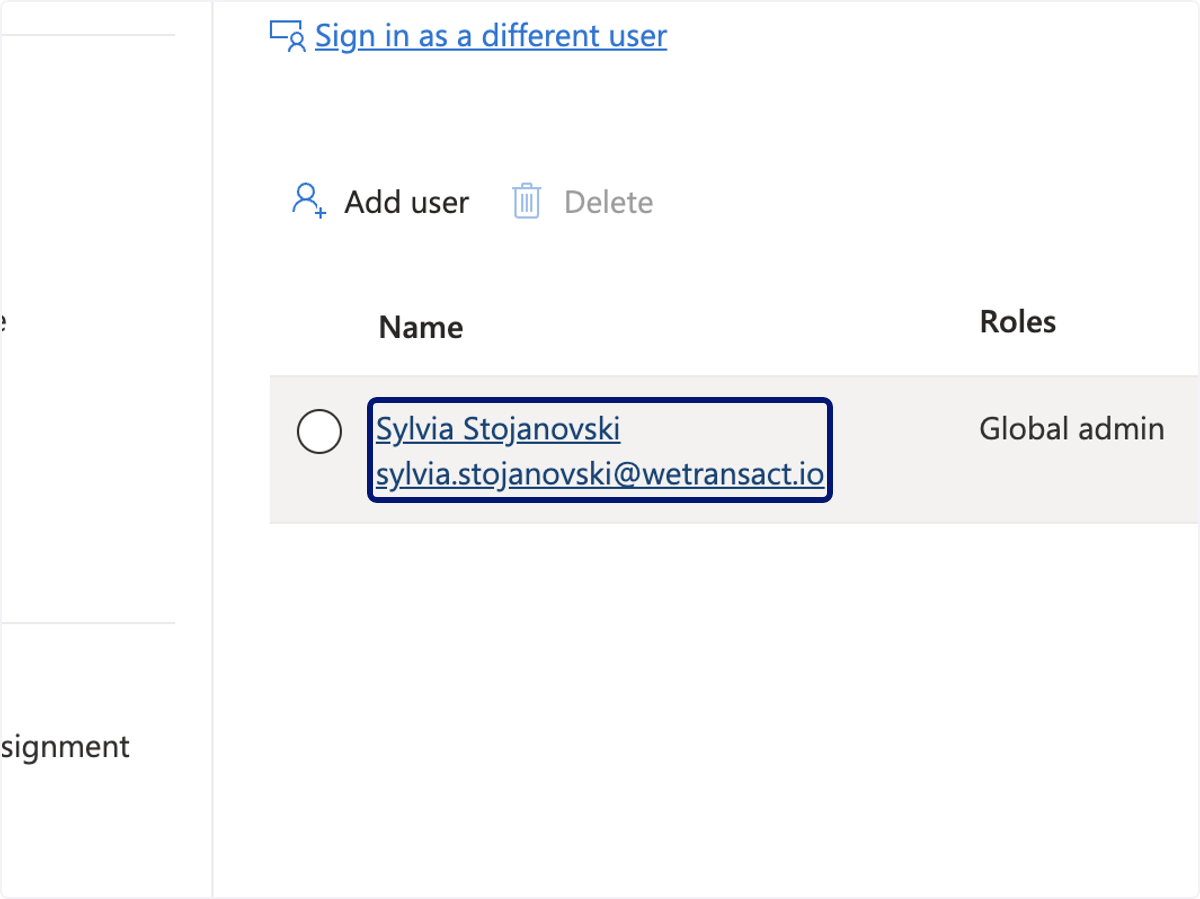
🟣 Click on their name…
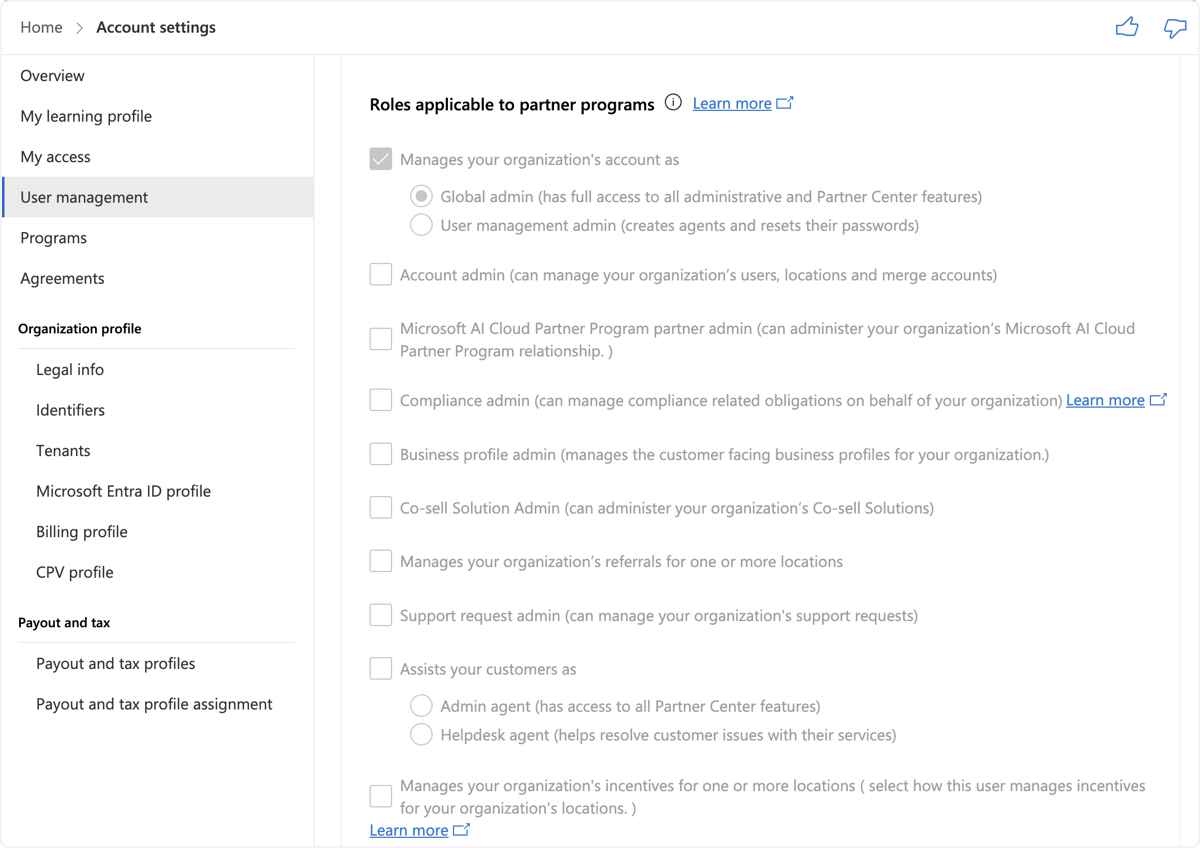
🟣 Select all of the unchecked boxes in the first section
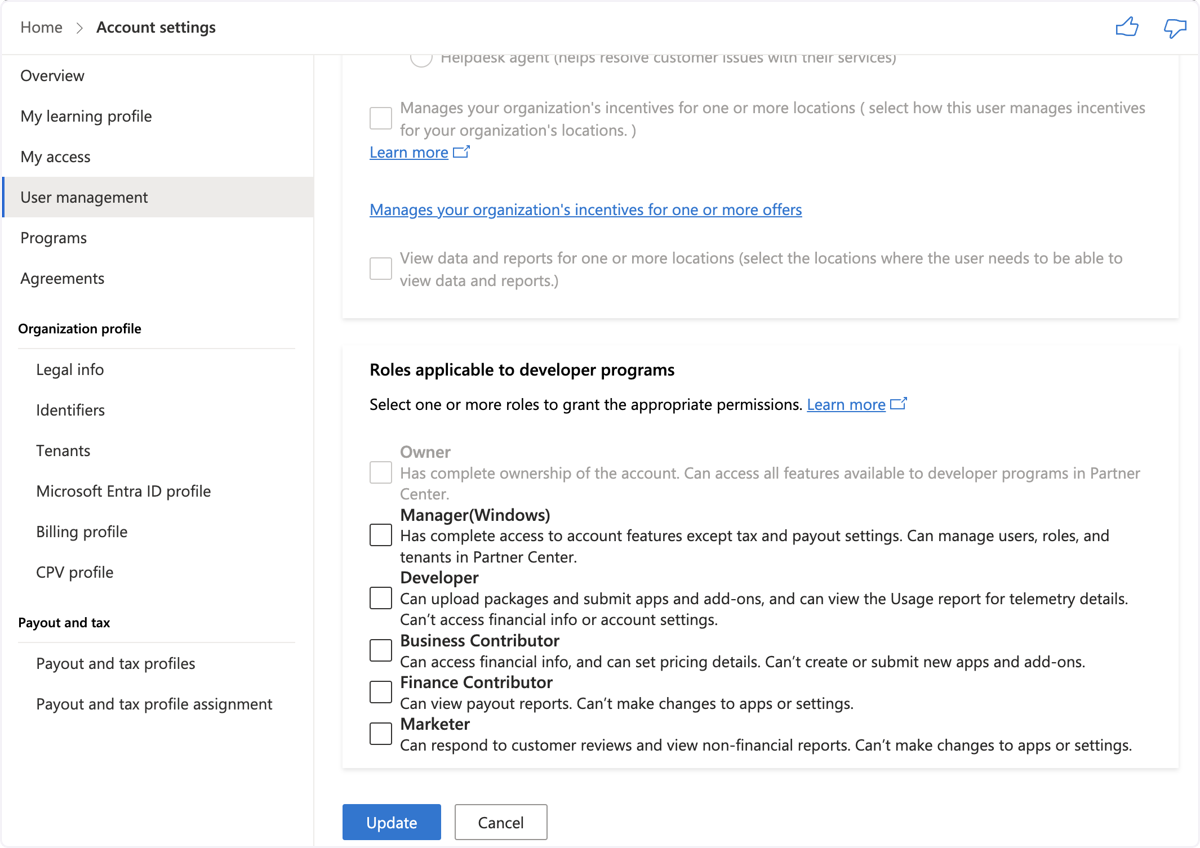
🟣 Select all of the unchecked boxes in the second section below, then click update.
💬 For more, contact us at : [email protected]