How do I change the billing region in Azure Marketplace?
4 min
Switching billing regions allows you to review your pricing in different currencies. Please follow the steps below:
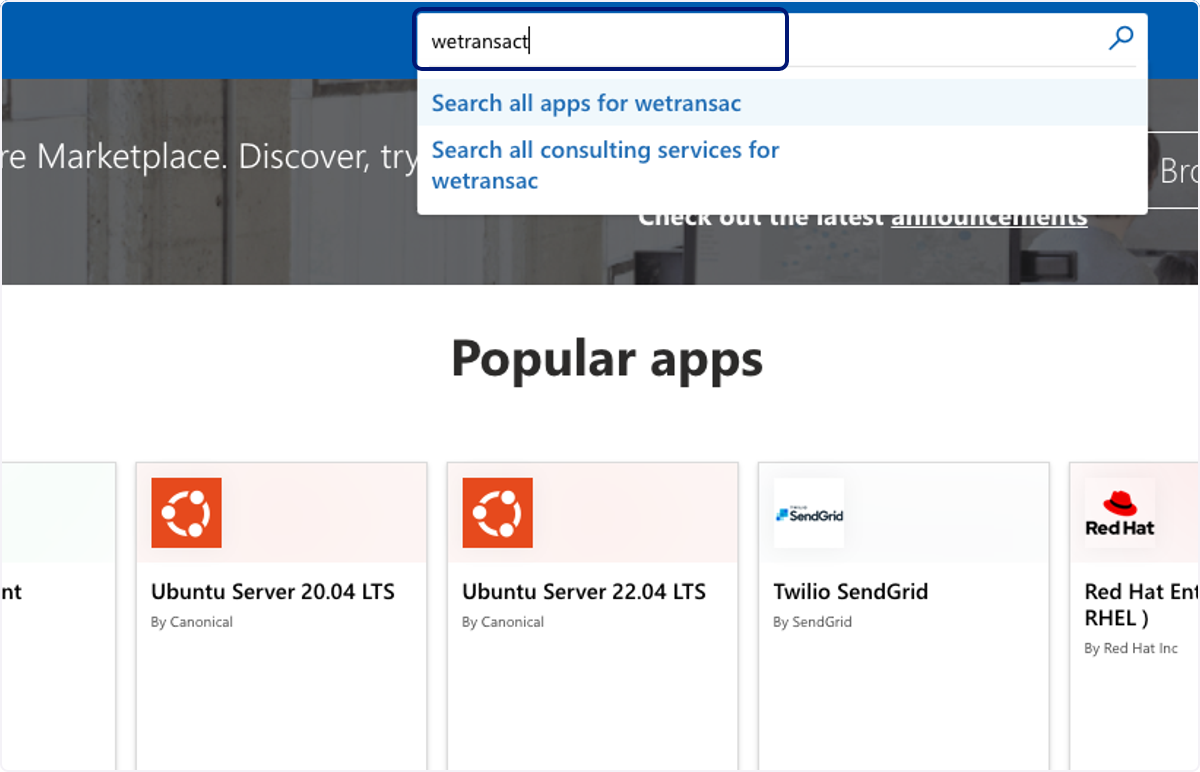
🟣 Go to Azure marketplace and type solution name
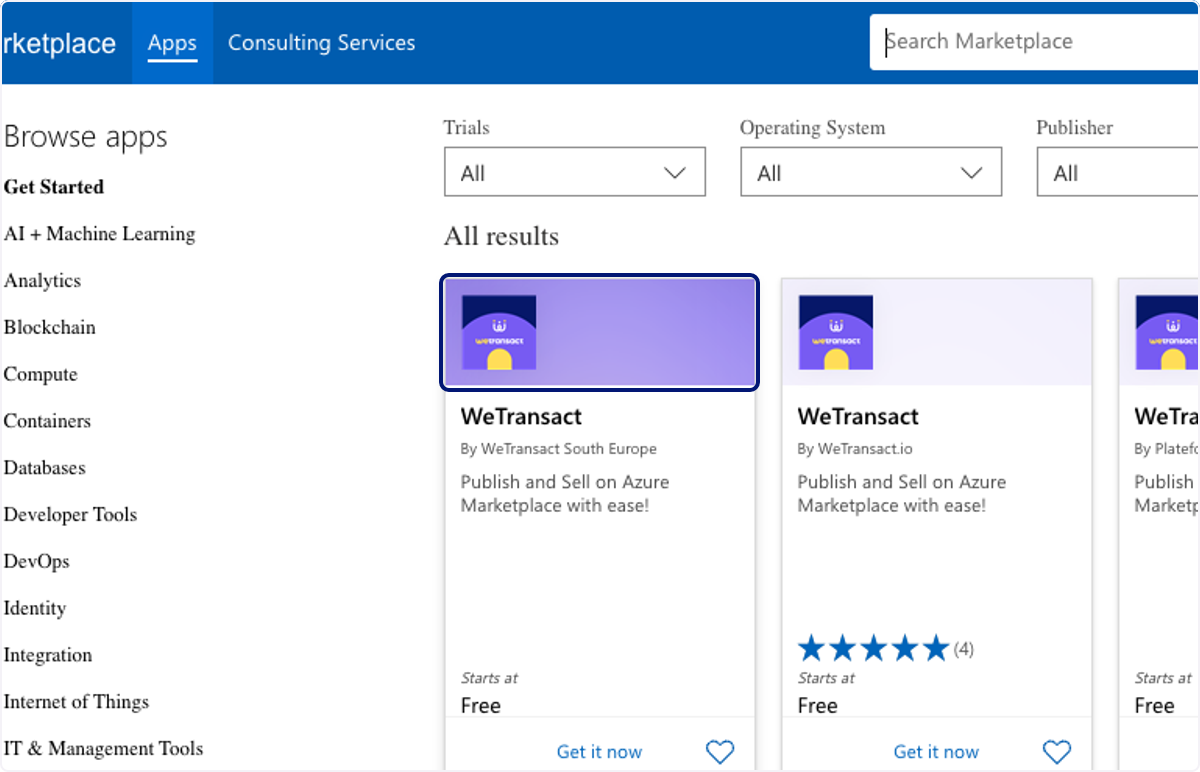
🟣 Click on solution…
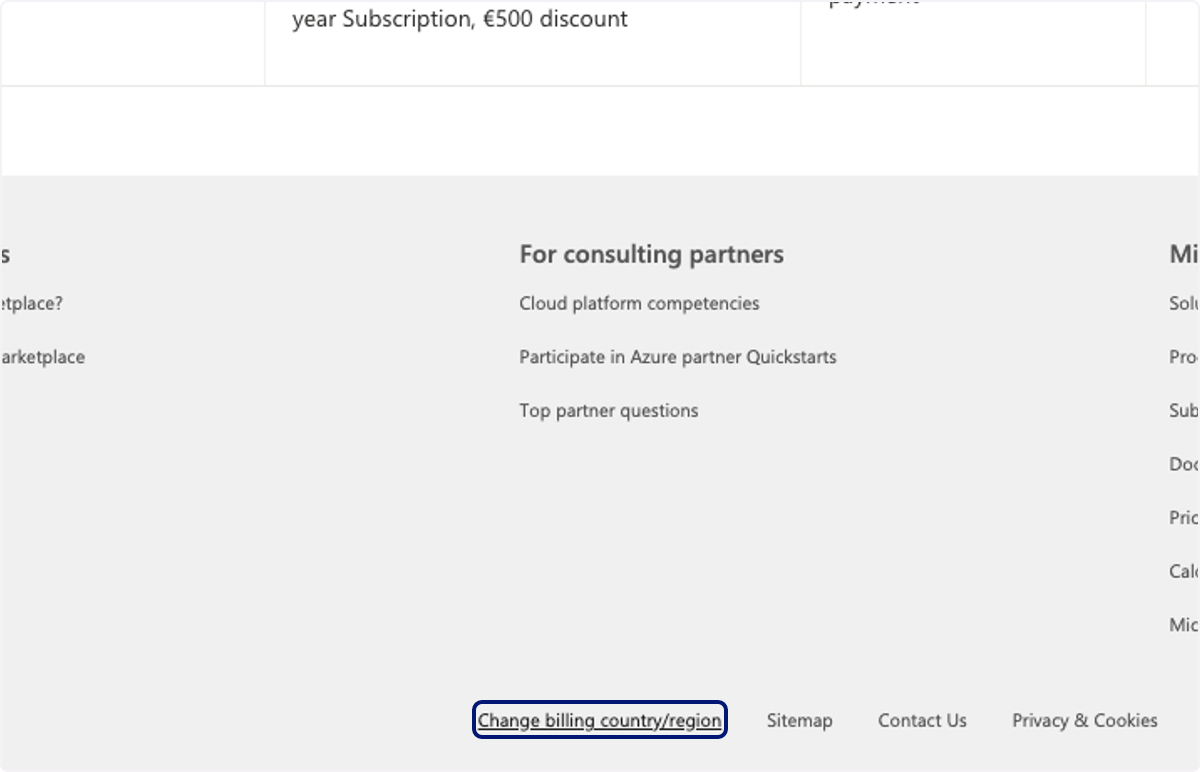
🟣 Scroll down to the bottom of the screen, click on Change billing country/region
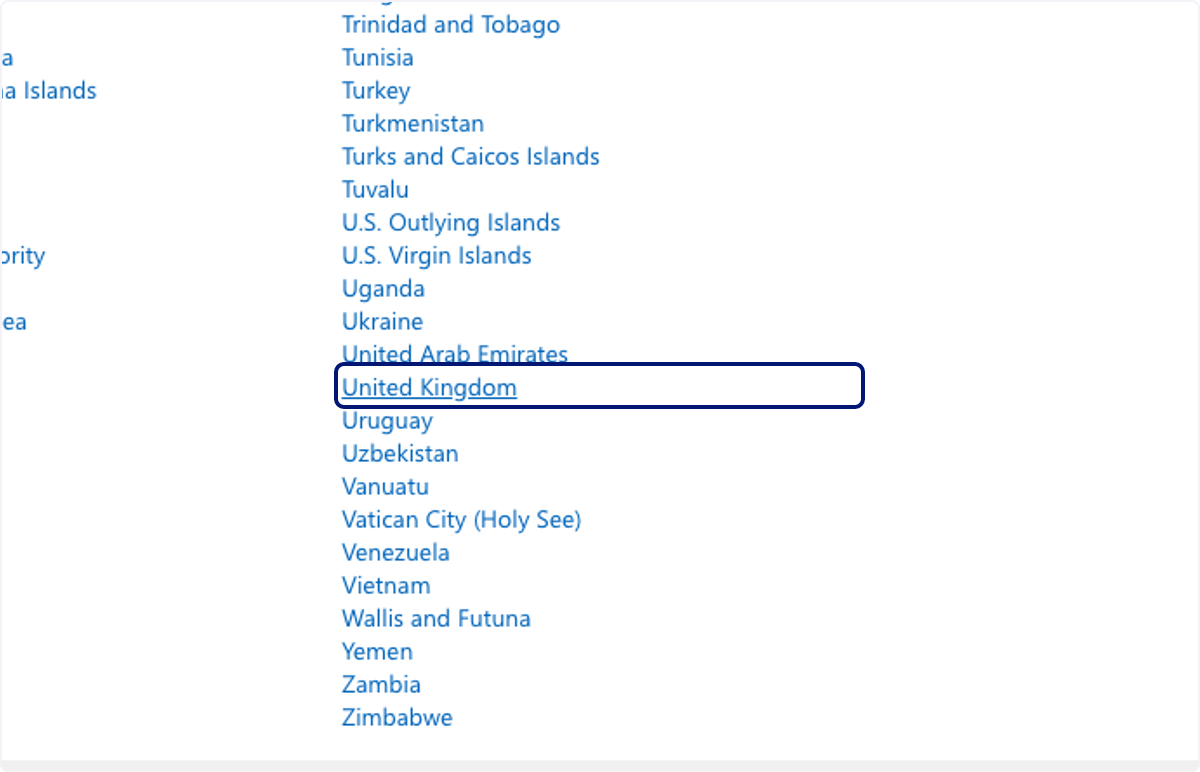
🟣 Click on desired billing region
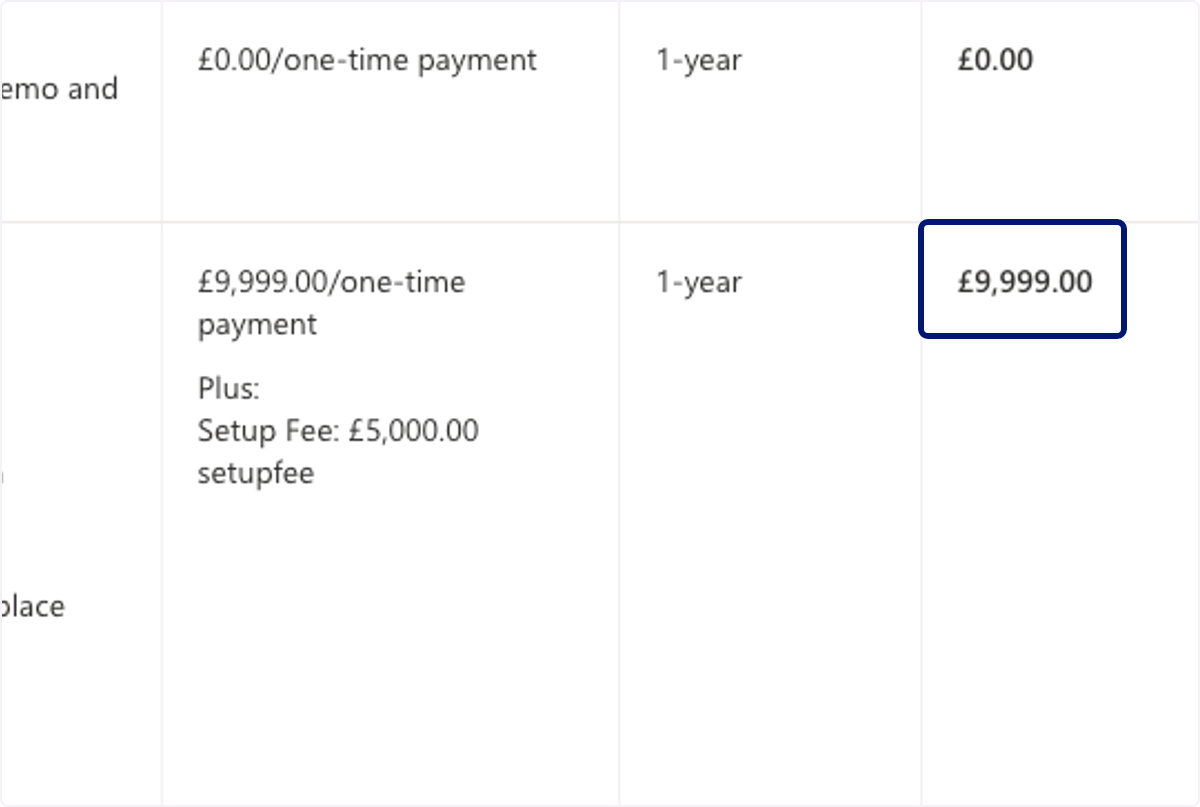
🟣 Review pricing of solution in billing region's currency.
💬 For more, contact us at : [email protected]