How to configure a SaaS account in Azure Portal?
9 min
If you need to configure your account after already creating a subscription, follow steps below to find the existing subscription and send in your order.
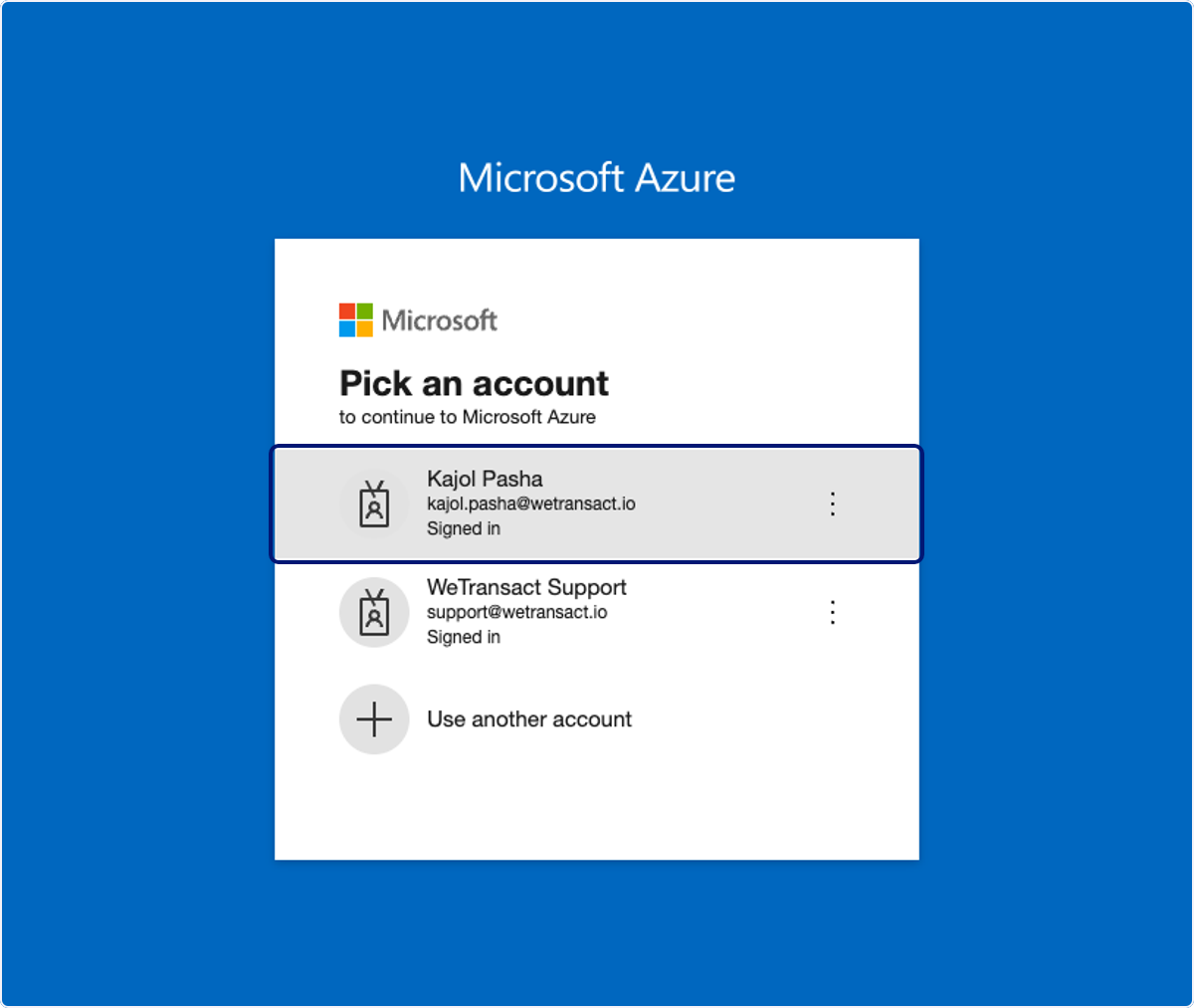
🟣 Sign in to Azure portal
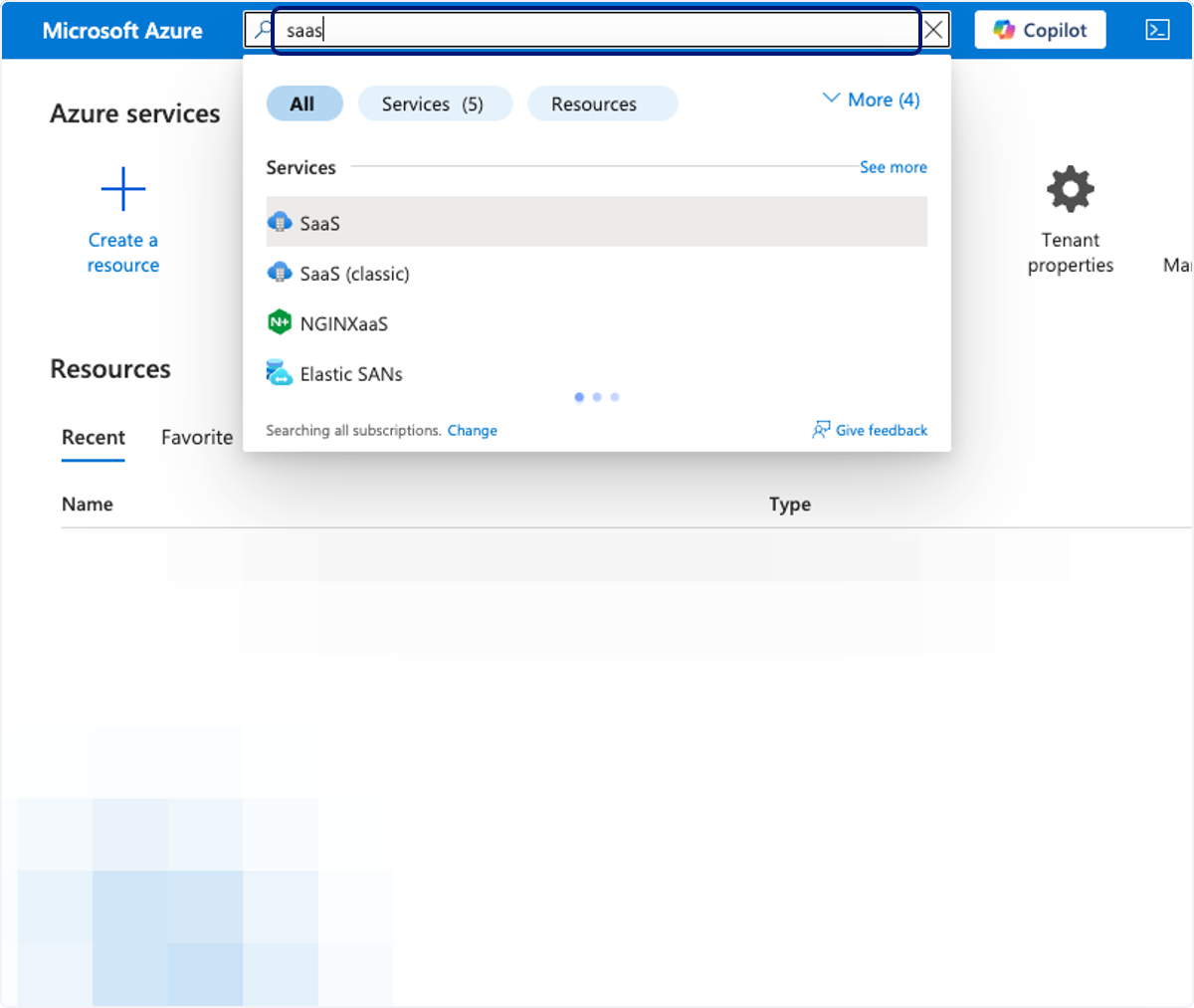
🟣 Type "saas"
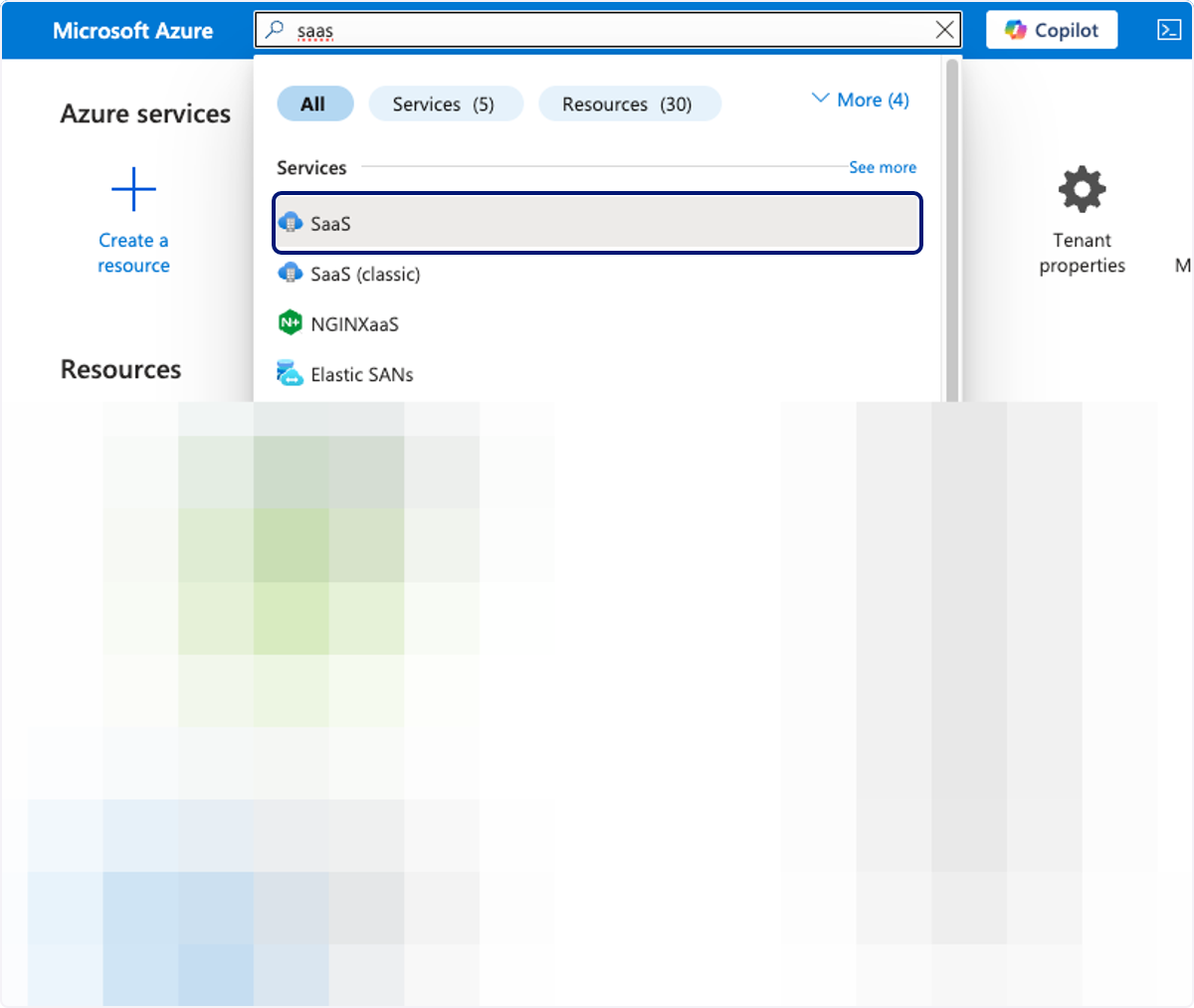
🟣 Click on SaaS
🟣 Click on List of SaaS
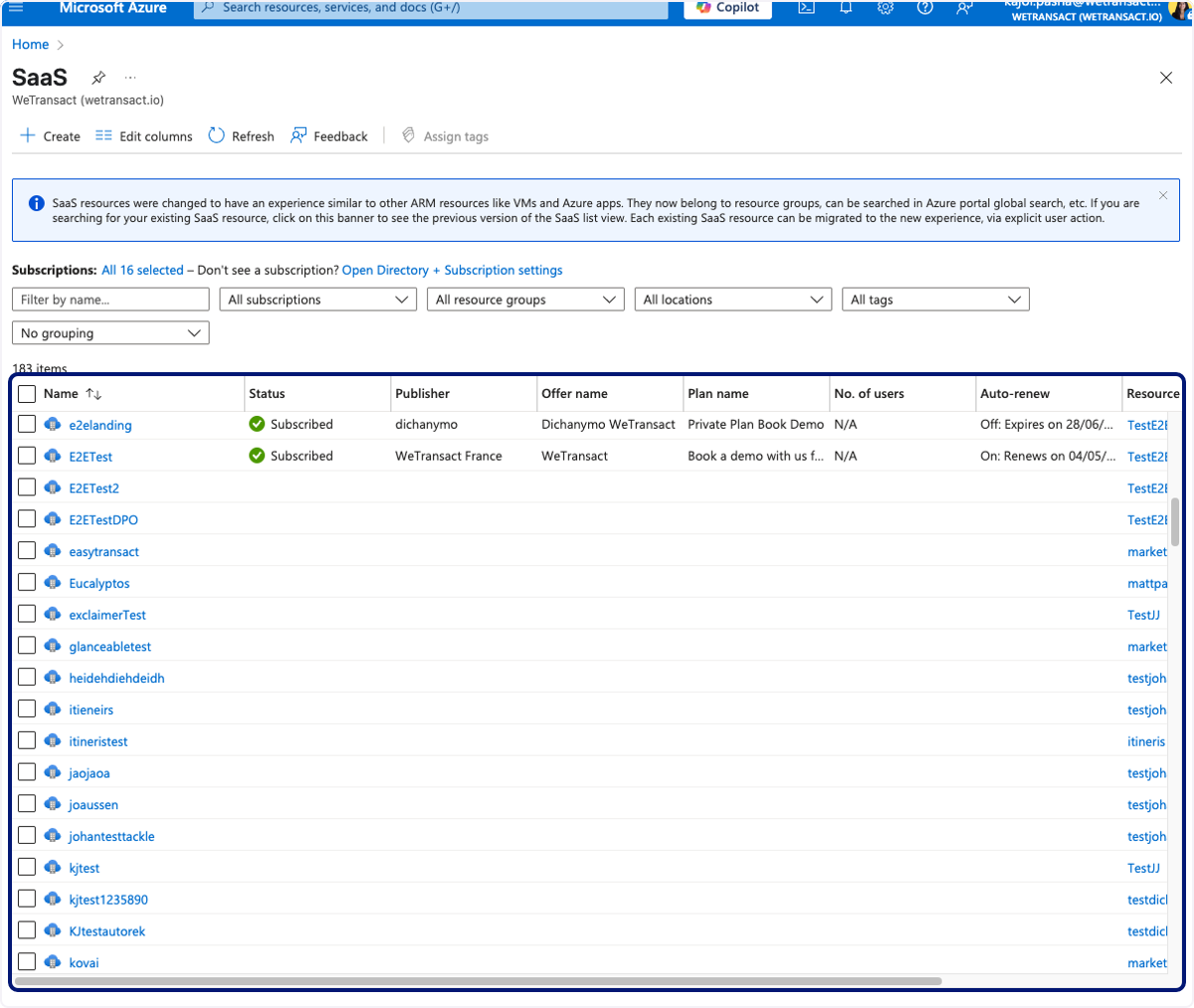
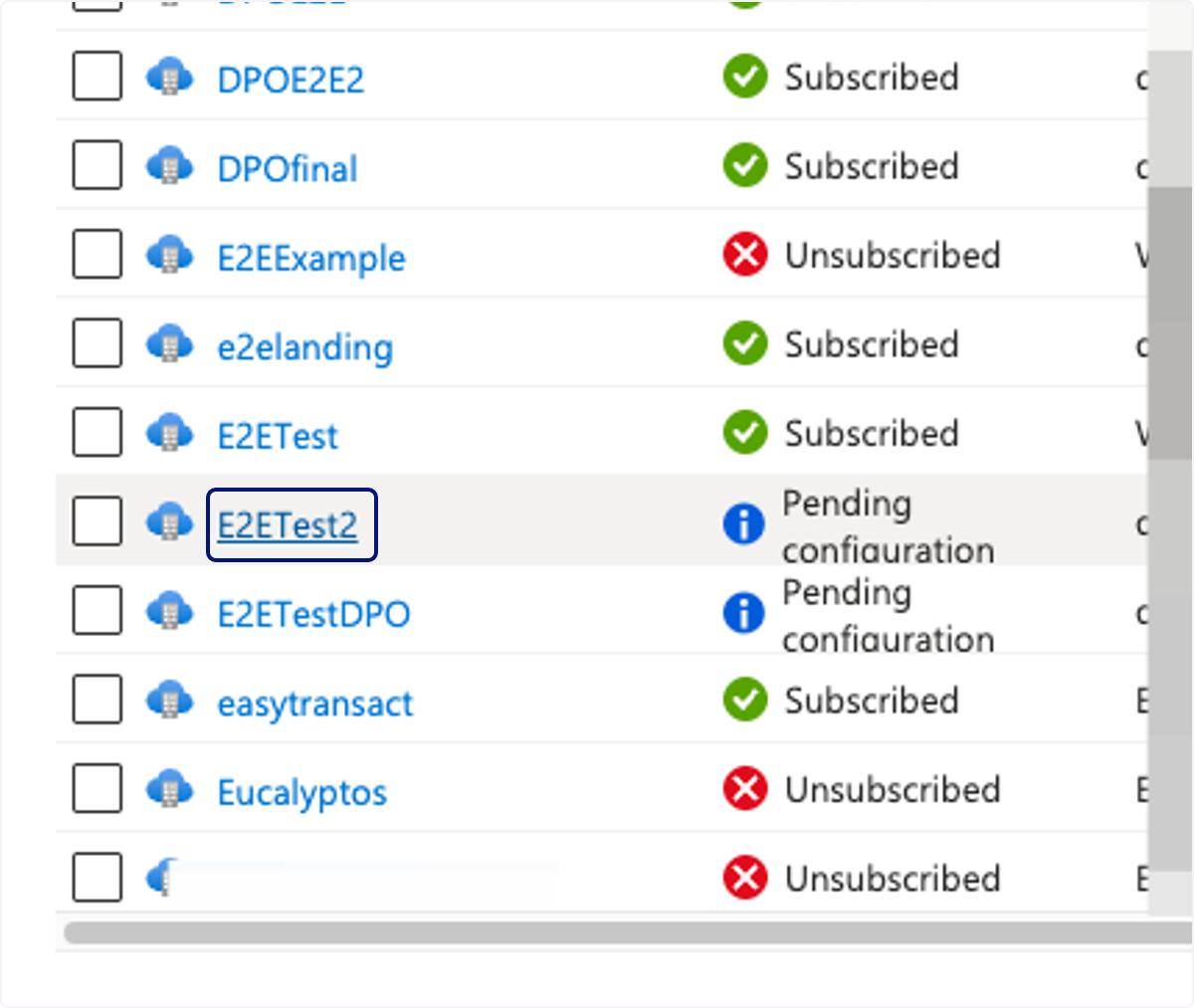
🟣Click on the product you purchased (for example, "E2ETest2")
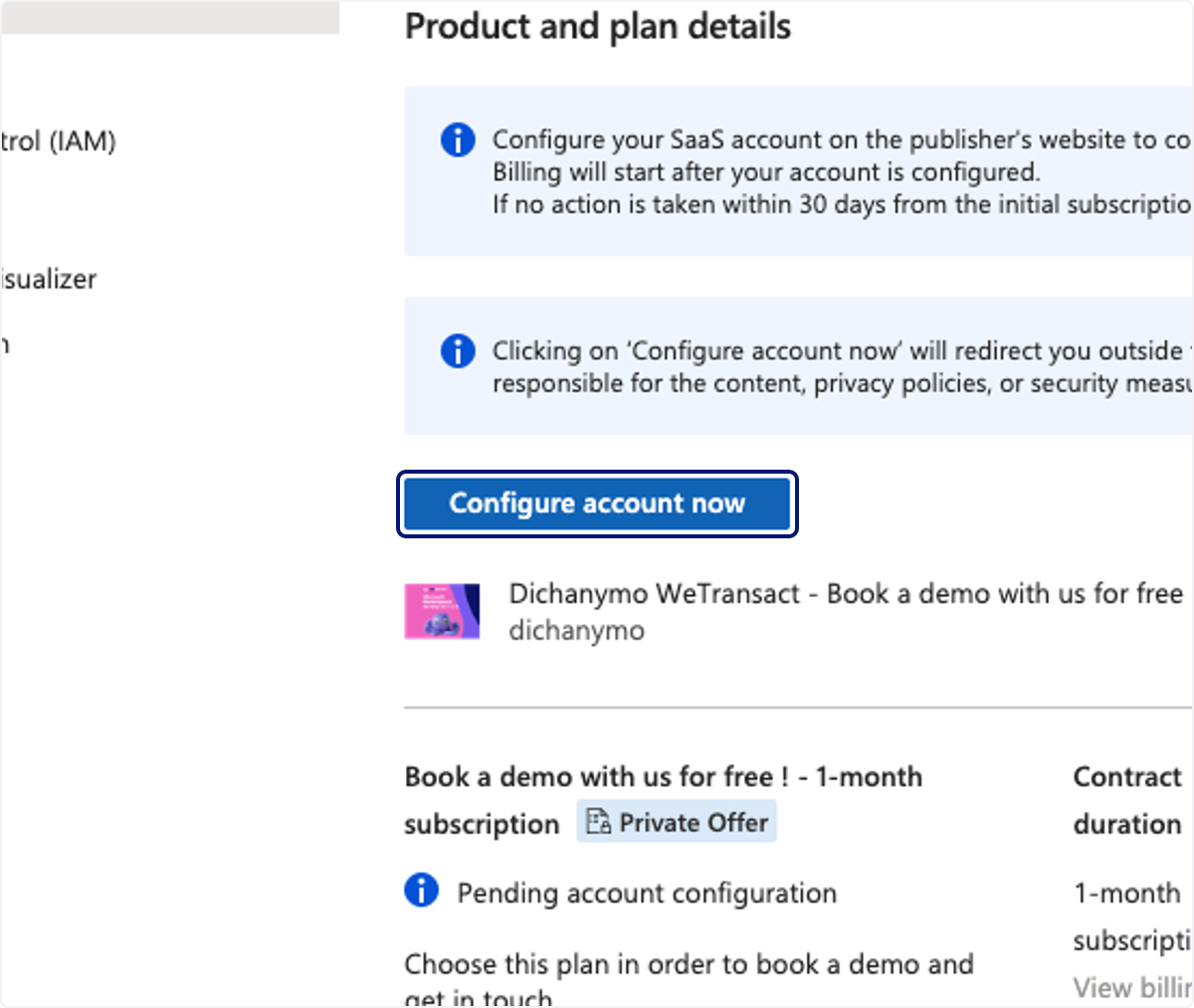
🟣 Click on Configure account now
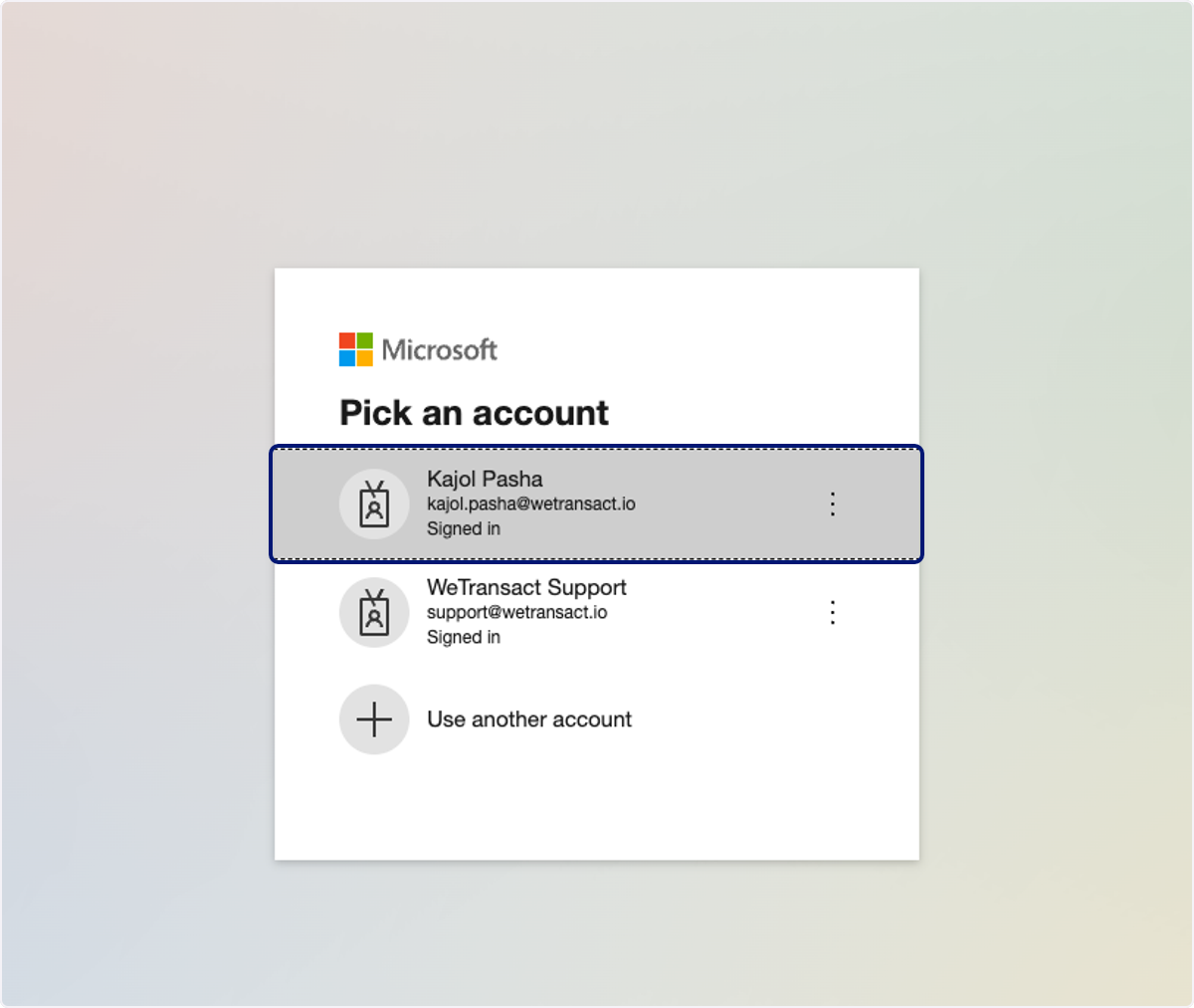
🟣 Sign in to your account
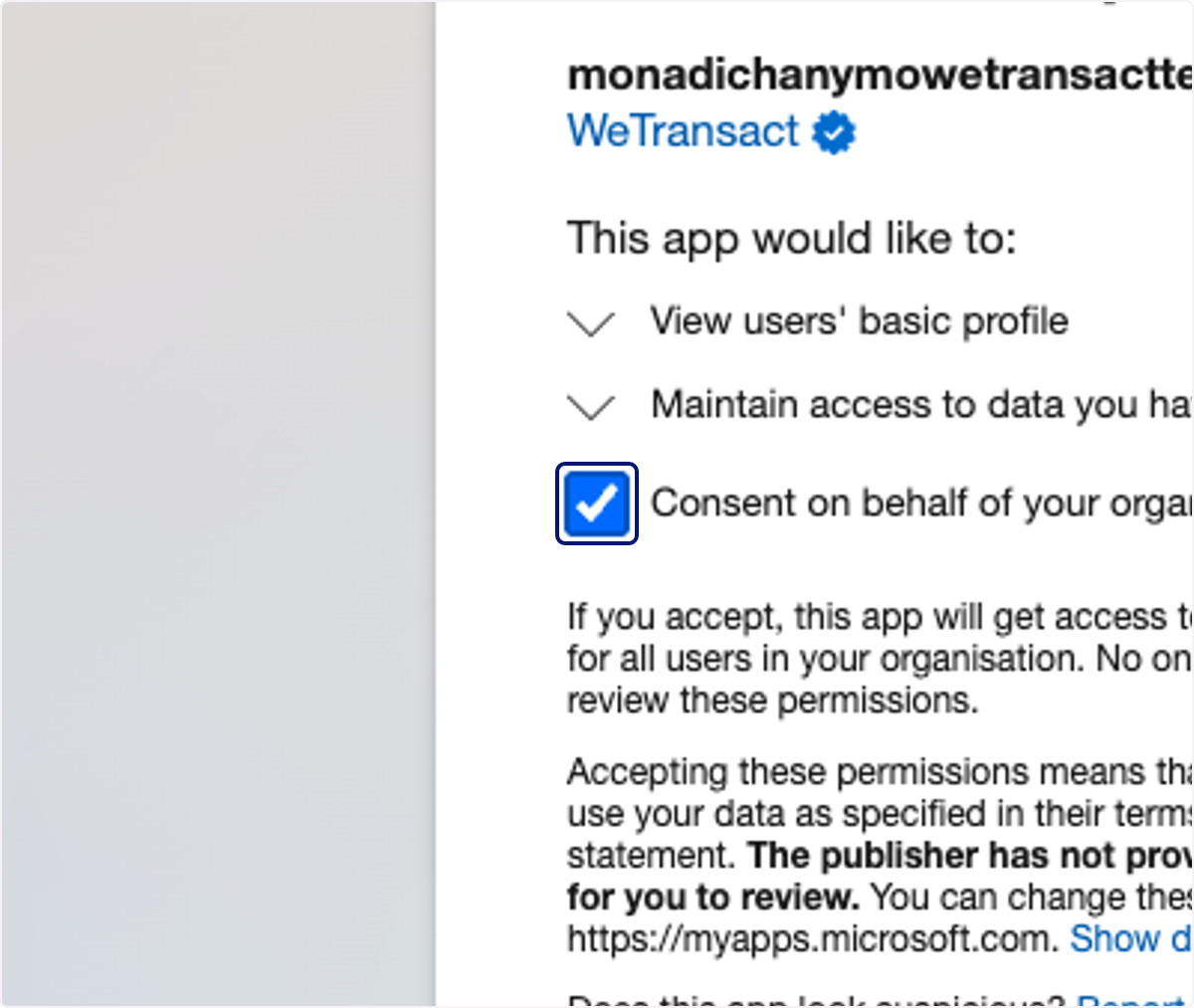
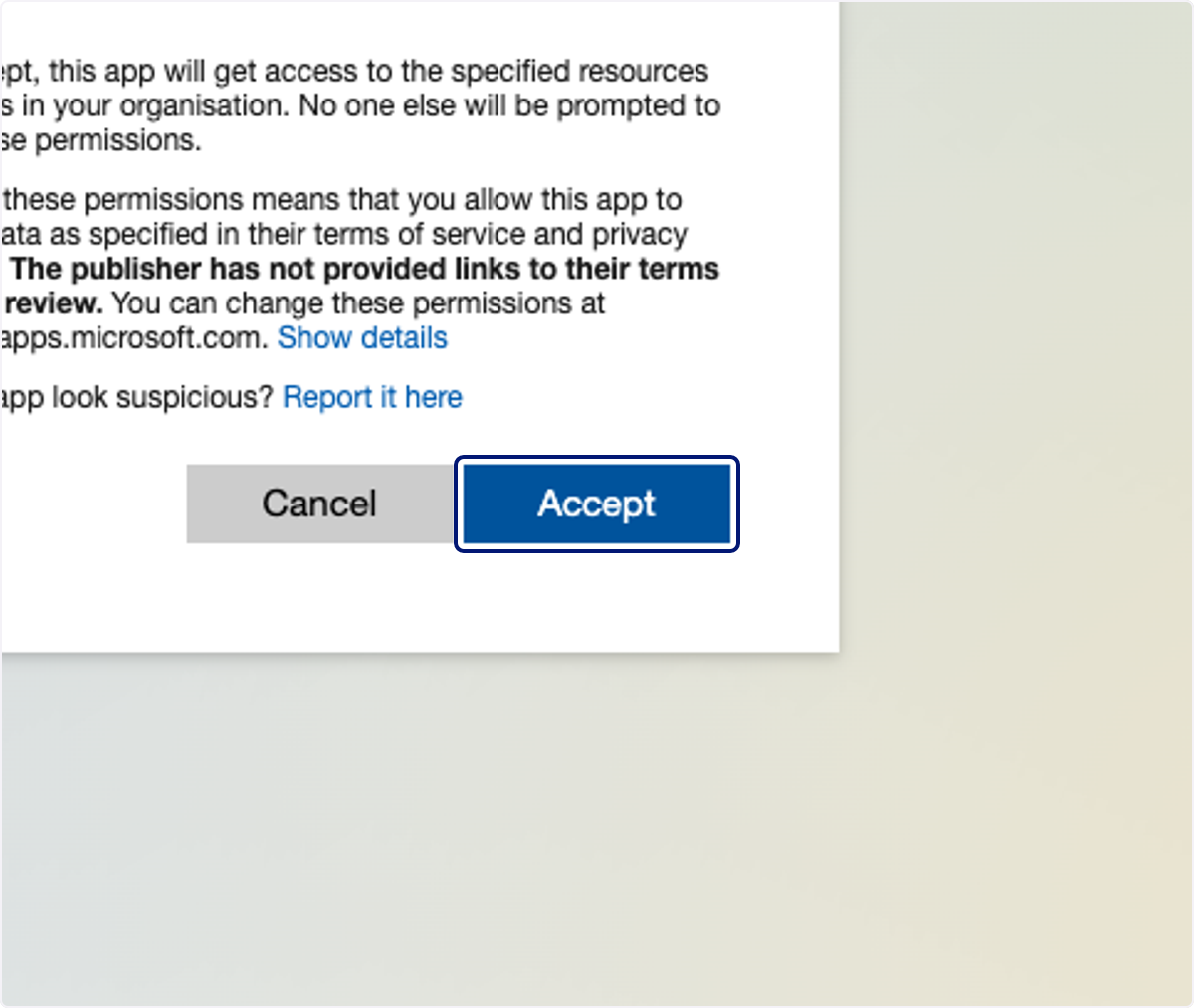
🟣 Check Consent on behalf of your organisation
🟣 Click on Accept
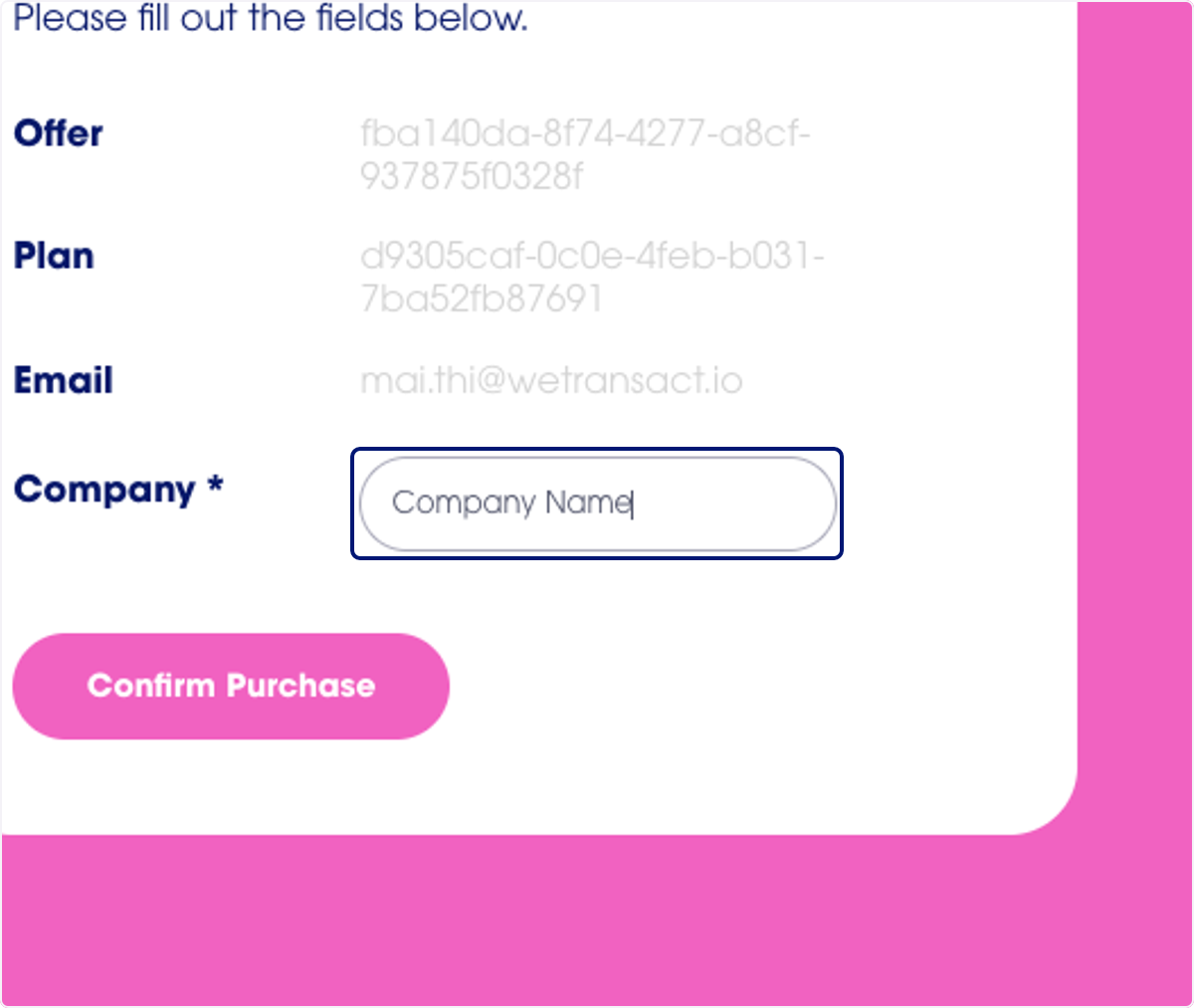
🟣 Type "Company Name" on the landing page
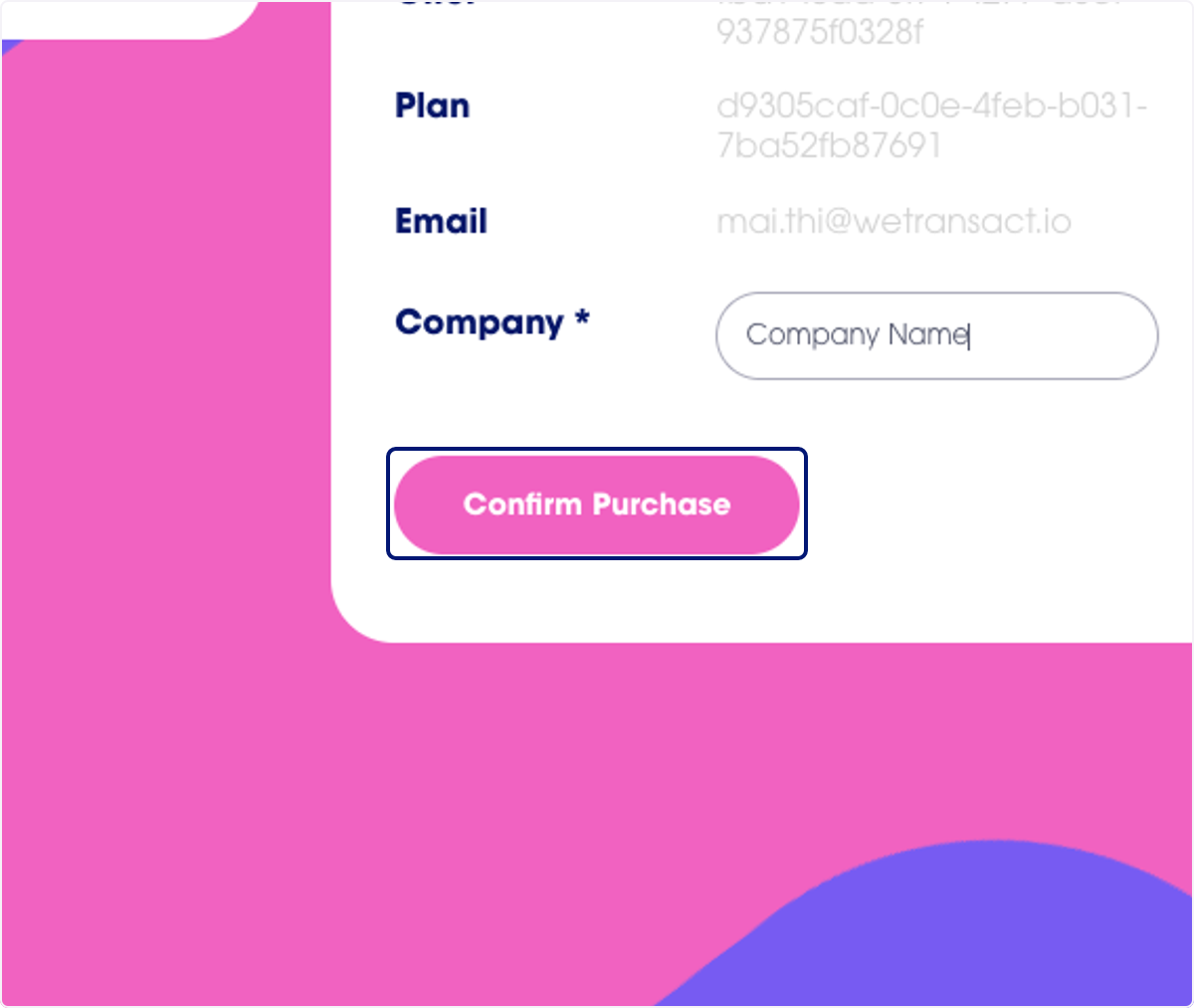
🟣 Click on Confirm Purchase
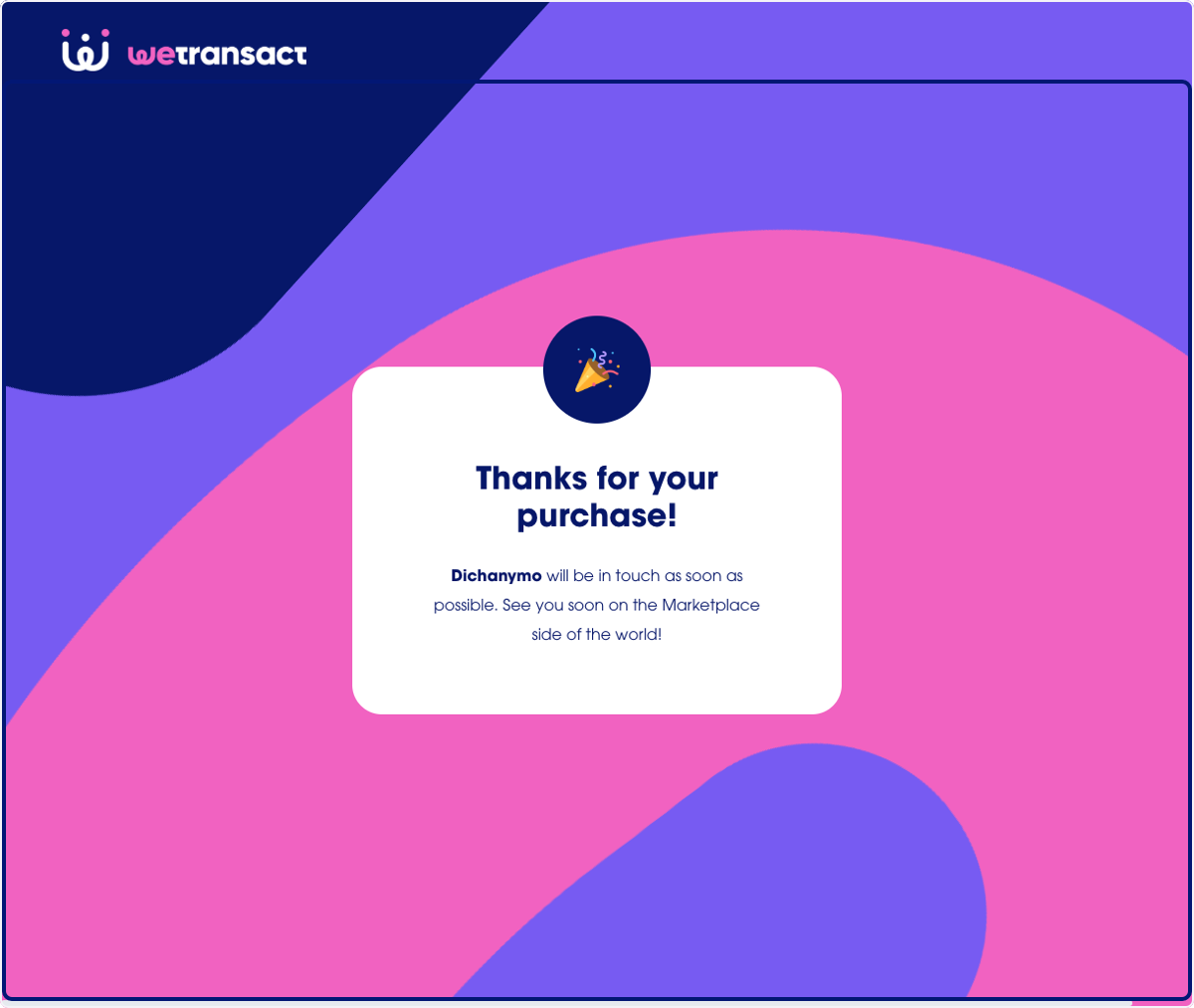
Your order has been sent!
💬 For more, contact us at : [email protected]