How to configure multiple Publisher IDs in WeTransact portal?
14 min
Configuring additional Publisher IDs in WeTransact by adding credentials allows you to manage multiple locations or entities under one account, enabling seamless offer management and compliance across different regions.
🟣 Click on Settings
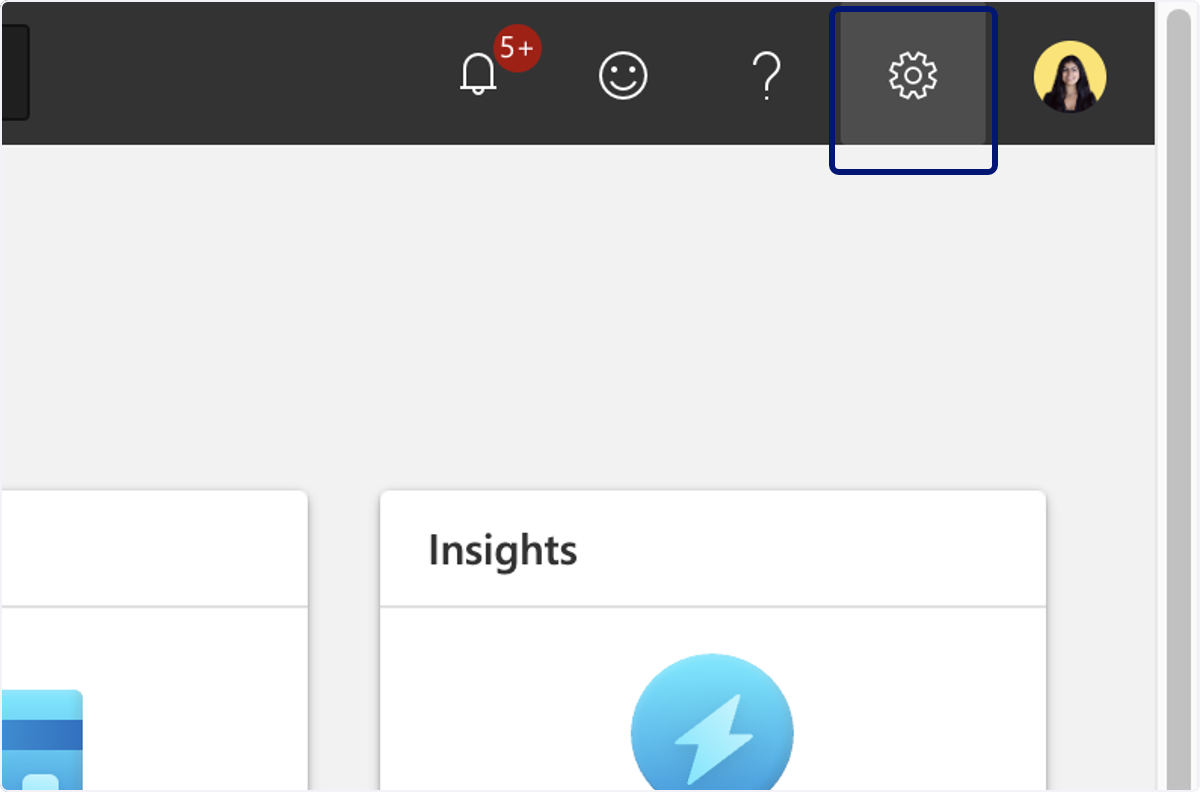
🟣 Click on Account settings
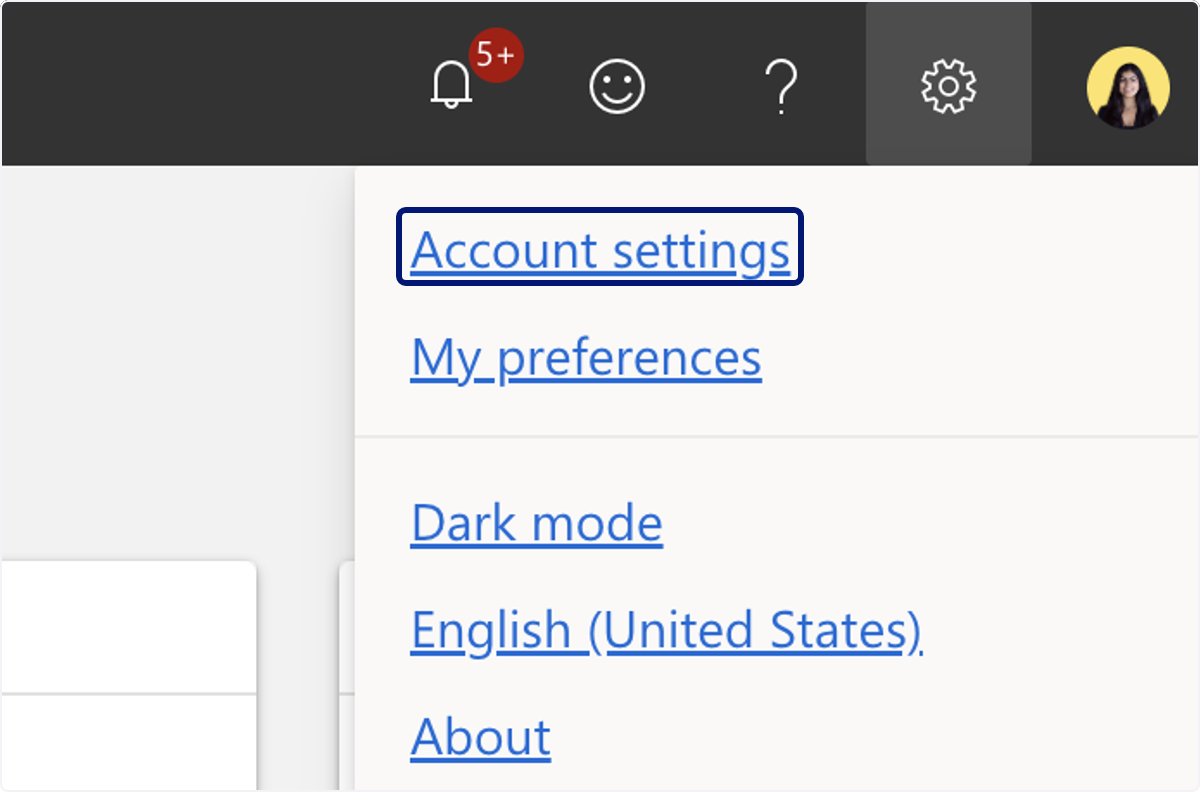
🟣 Click on User management
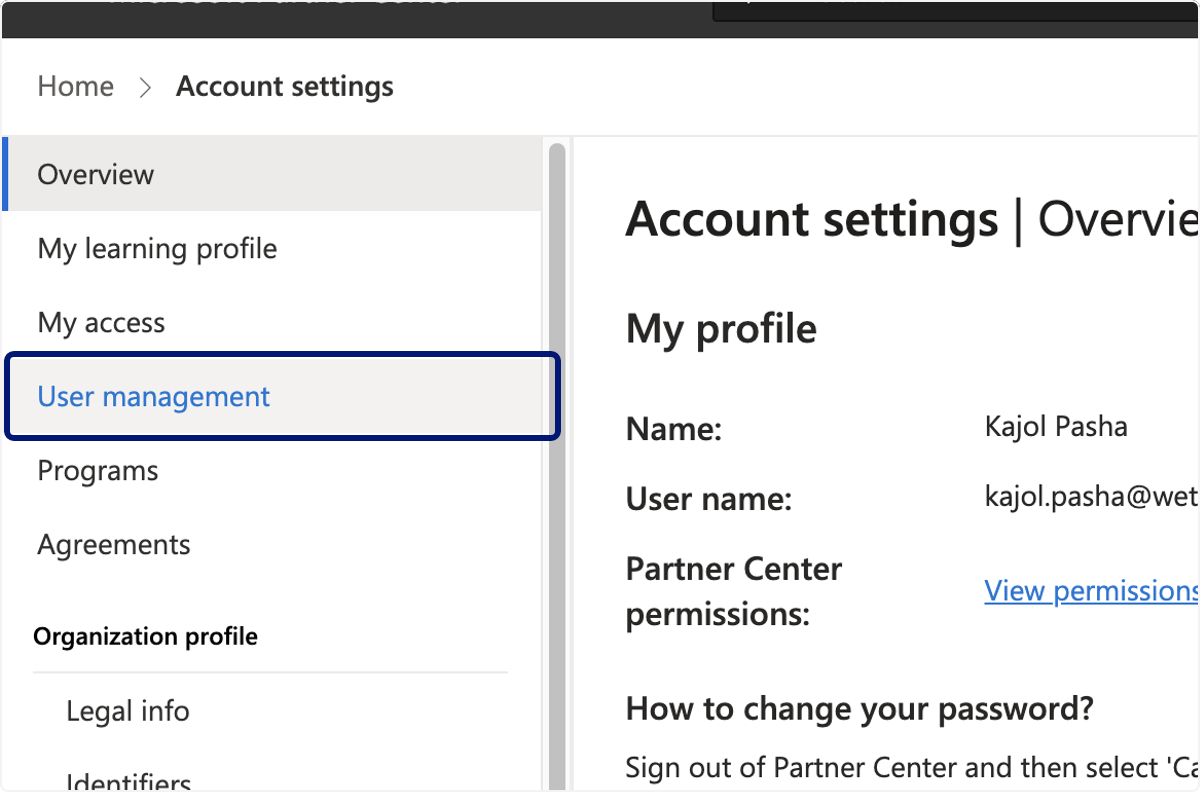
🟣 Click on Microsoft Entra applications
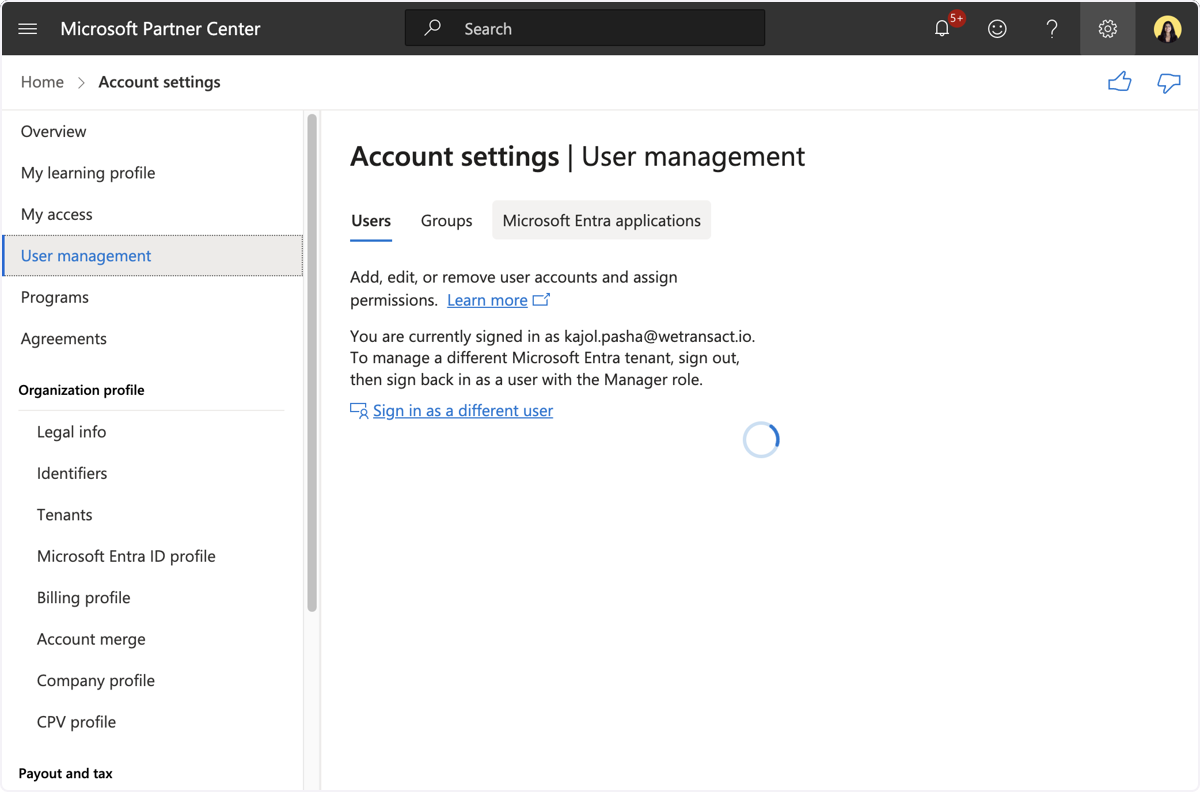
🟣 Click on Create Microsoft Entra application, then click continue
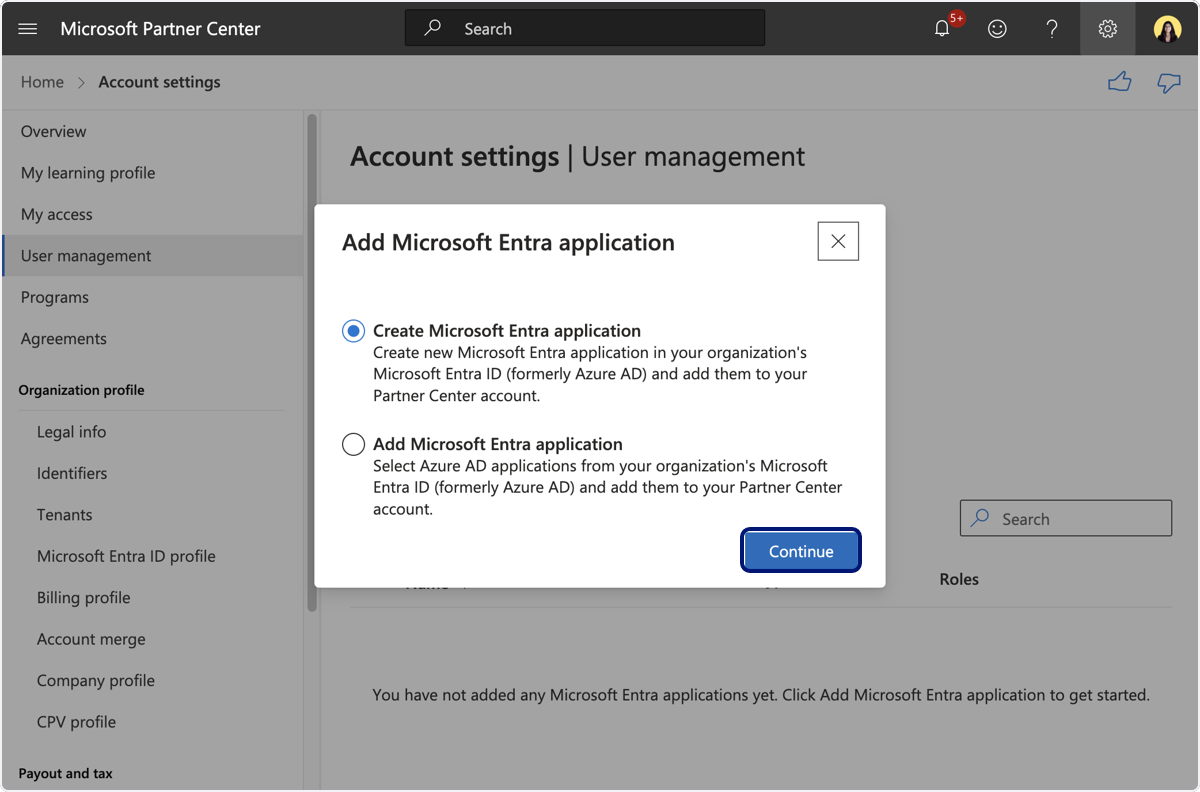
🟣 Fill the following fields - replace "yourcompany" by your company name
Name: api-yourcompanywetransact Reply URL: https://www.yourcompanywetransact.io
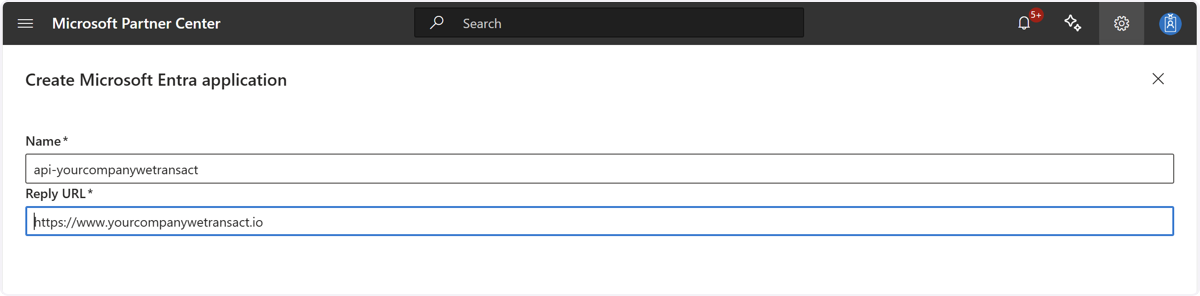
🟣 Go Next
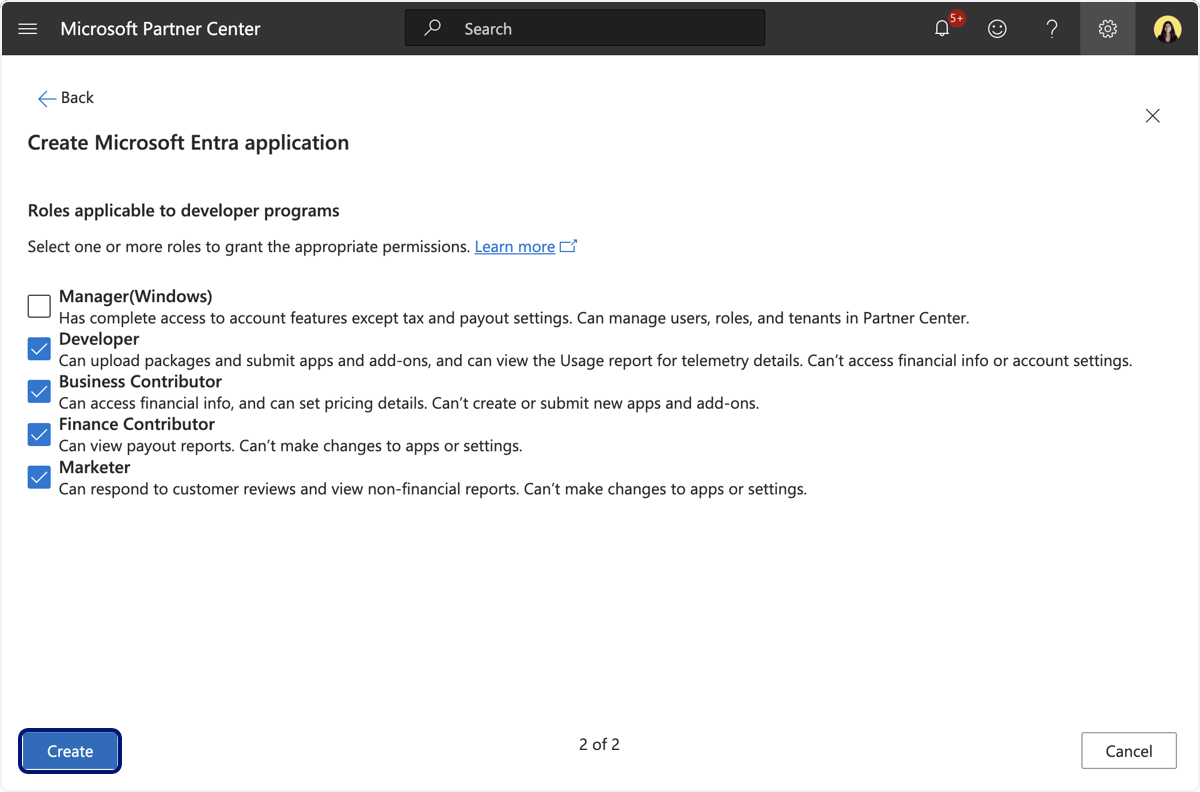
🟣 Select the following roles.
-Developer -Business Contributor -Finance contributor -Marketer
Then click Save.
🟣 Click on Add New Key
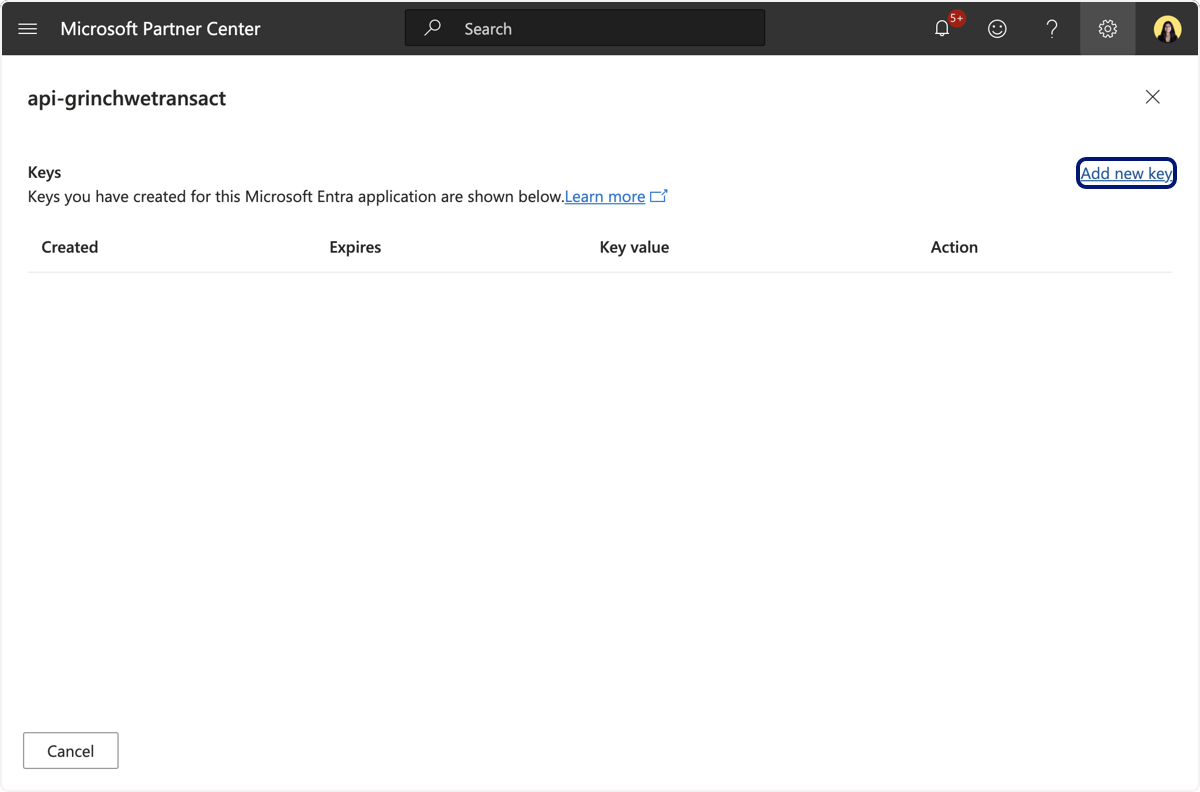
🟣 Highlight Client ID and Key
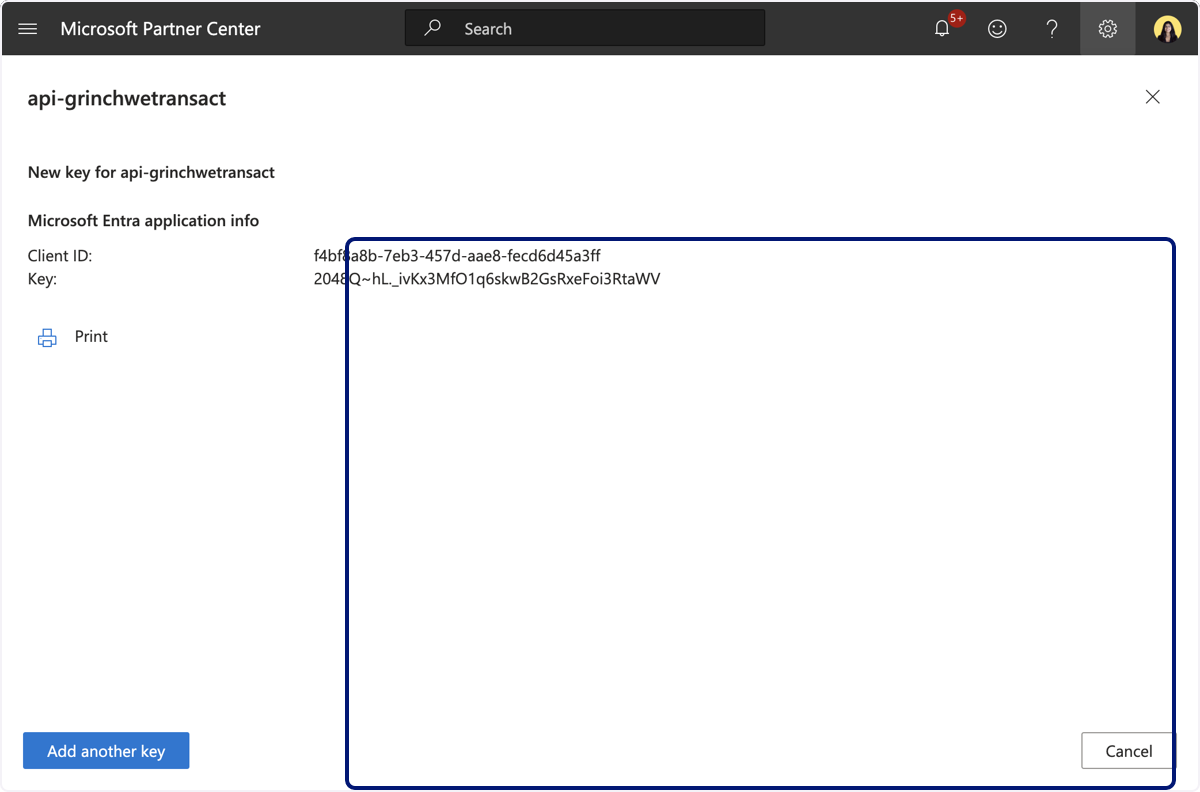
You will need to follow the above steps for each location.
Head to your WeTransact portal
🟣 click on settings.
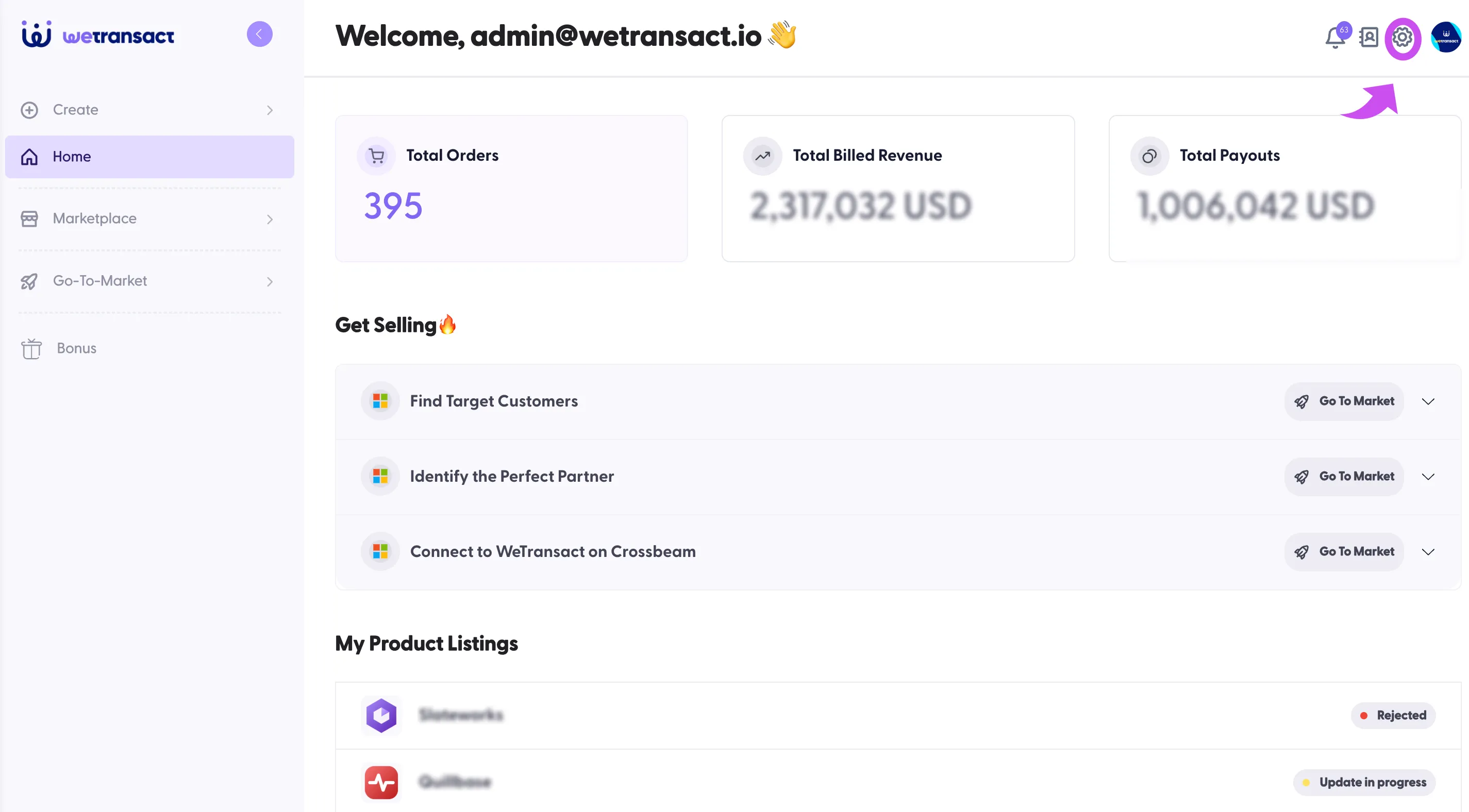
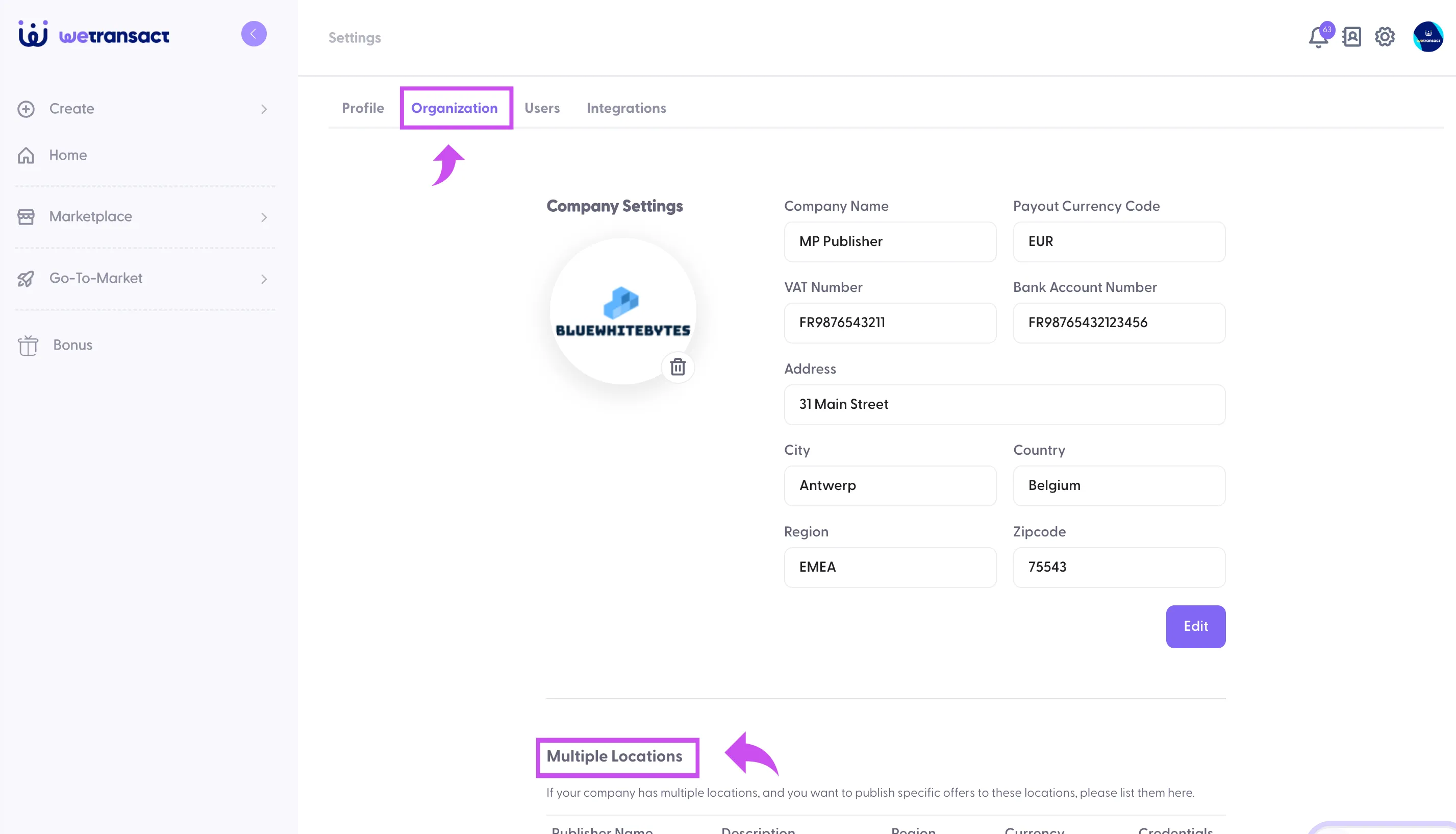
🟣 Click on Organization and scroll down
🟣 Click on Add another Publisher
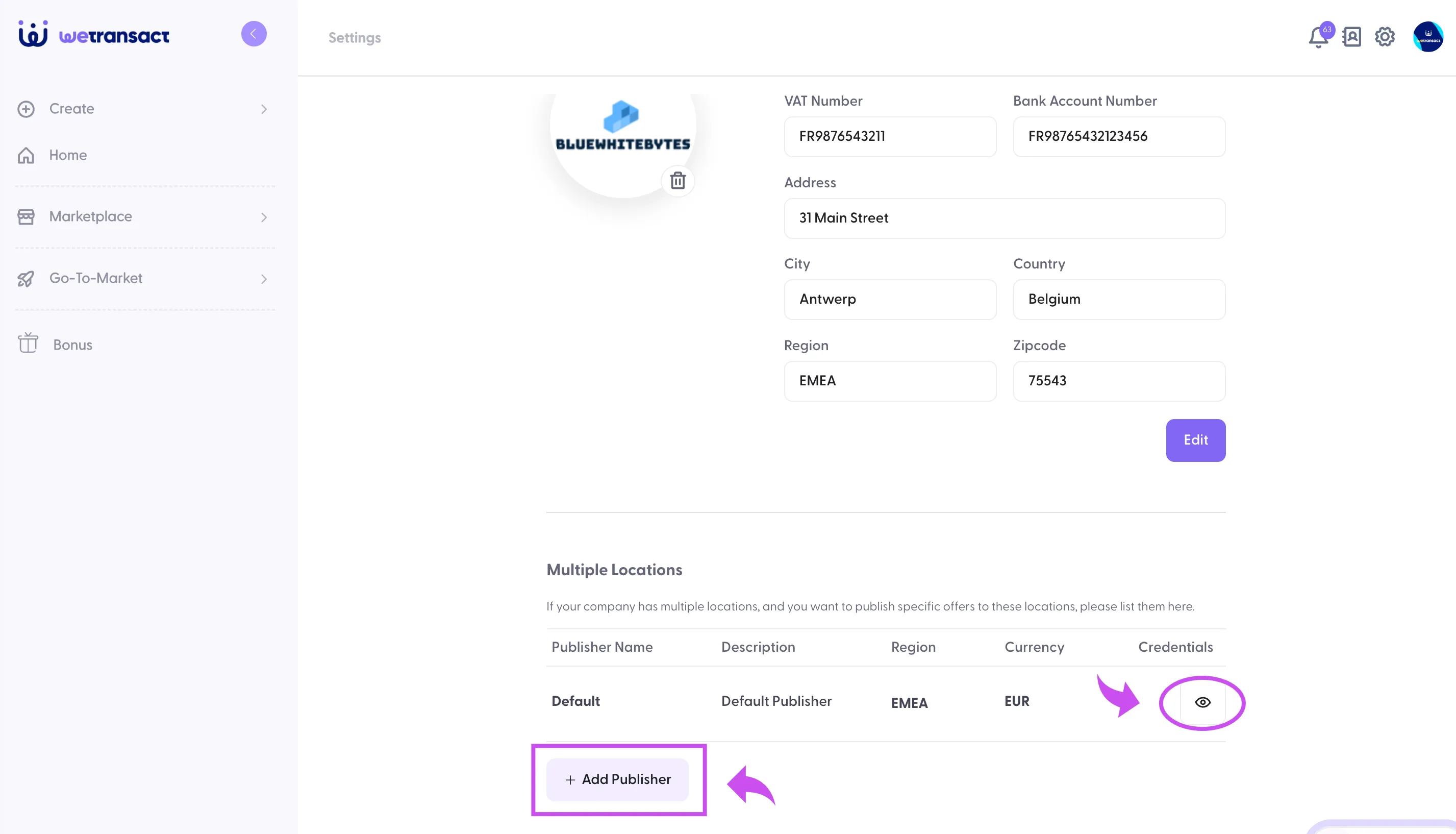
🟣 Name the Publisher ID and add credentials that you got from Partner center
- Publisher Name: like EMEA, Americas, APAC etc this is internal for you to recognise the location
- Description: You can add the same as the Publisher Name
- Region : Add region like Emea, Apac, US
- Currency: Add currency according to the location, like USD, Euro, GBP, INR
- Tenant ID: Please add tenant ID
- Client ID: You will get this from partner center
- Client Secret :You will get this from Partner Center
You will need to create separate credentials for each location.
- Seller ID: Please make sure to add the seller ID of each location.
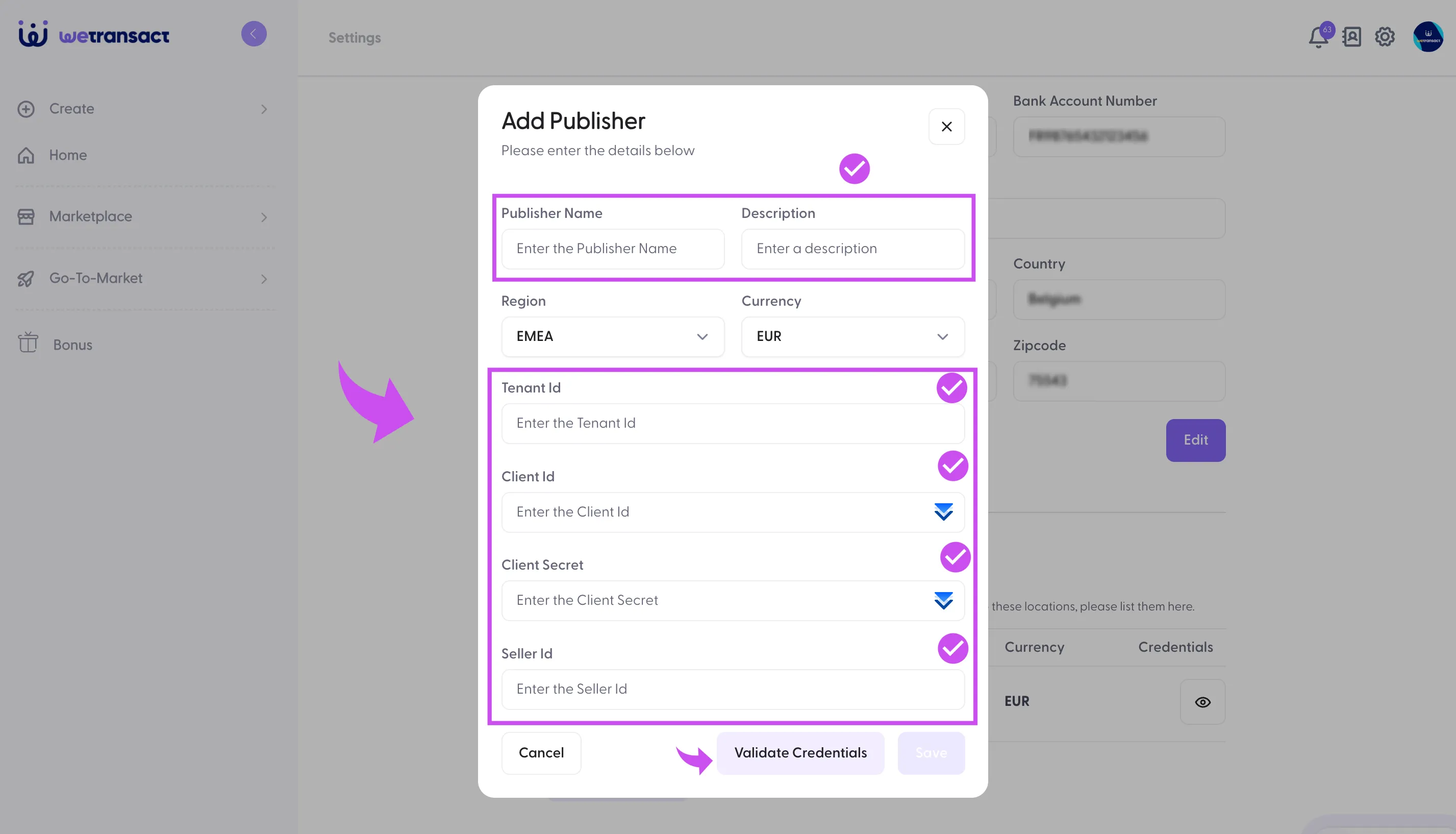
Validate credentials and save them.
💬 For more, contact us at : [email protected]