Raising a support ticket because my legal profile was not validated.
13 min
Raising a support ticket for an unvalidated legal profile allows you to get assistance from Microsoft in resolving verification issues so your account can meet compliance requirements and proceed with publishing offers. Please follow the steps below:
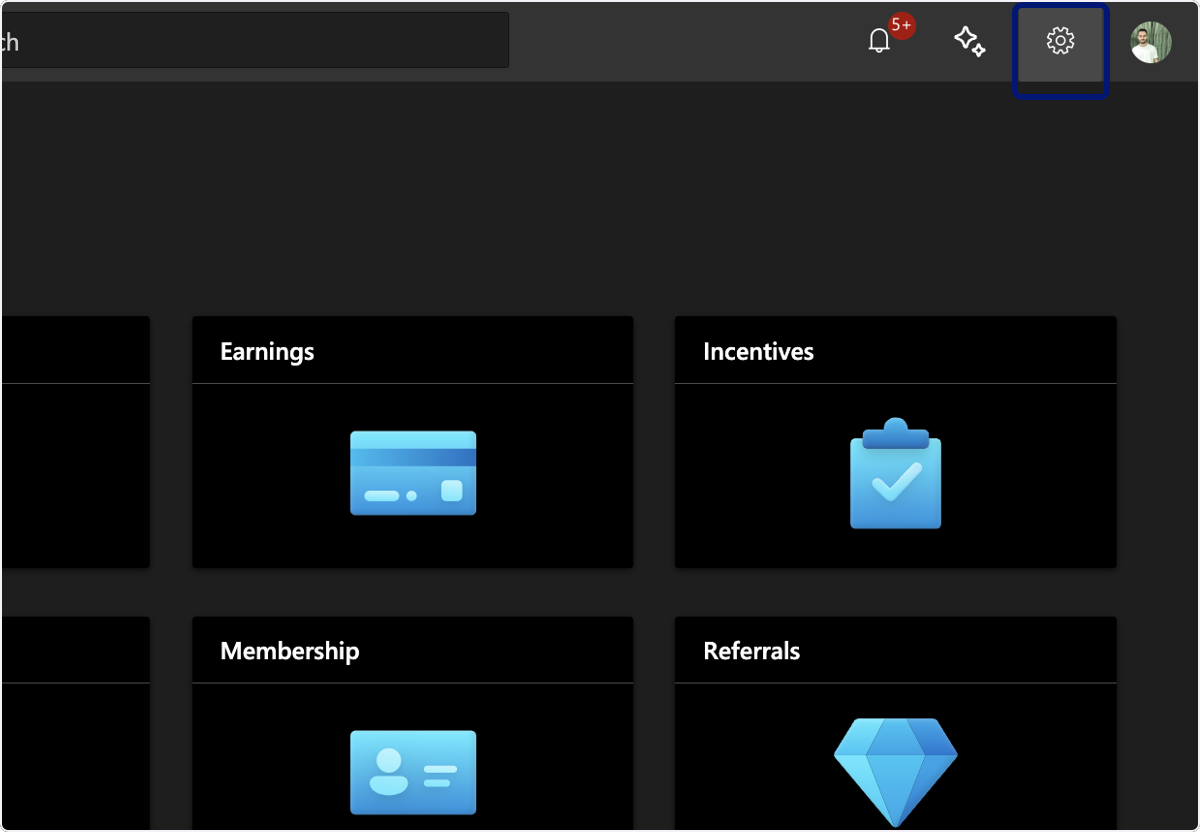
Click on Settings
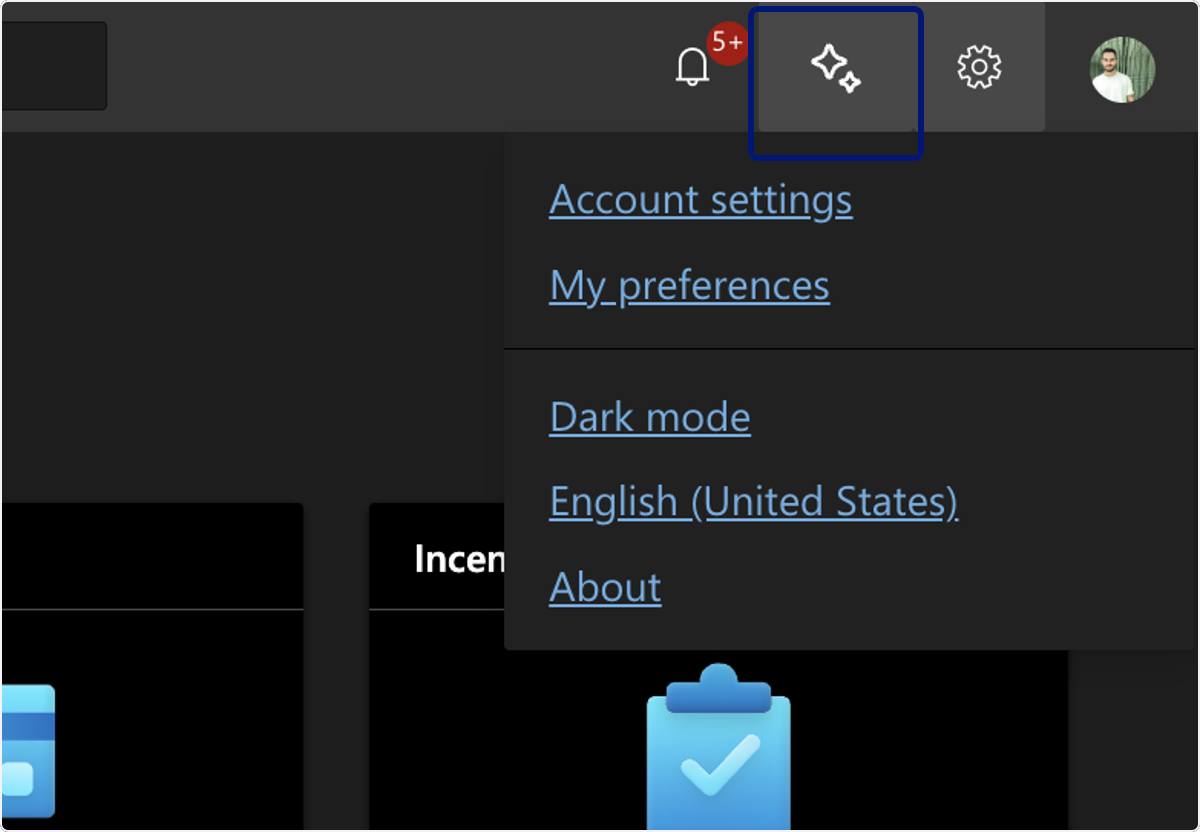
🟣 Click on AI assistant and Support
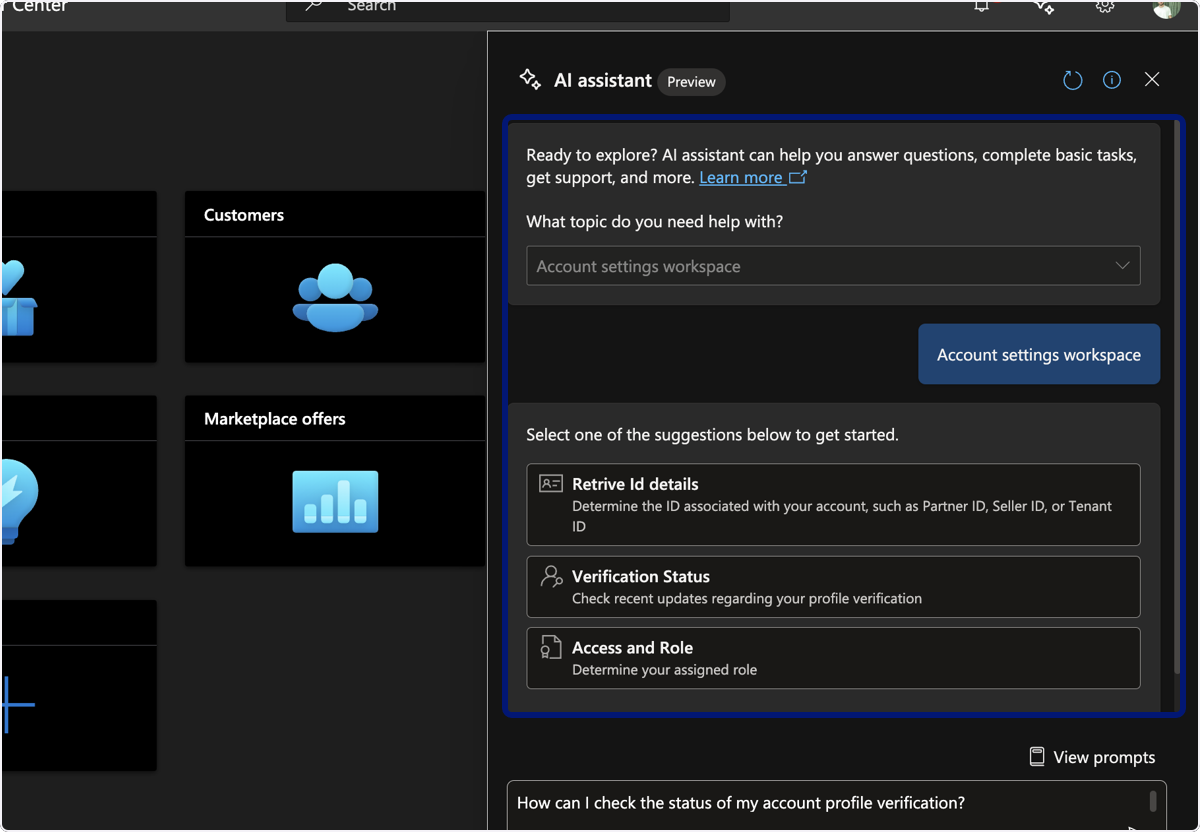
🟣 Select "Account Settings Workspace">"Verification Status"
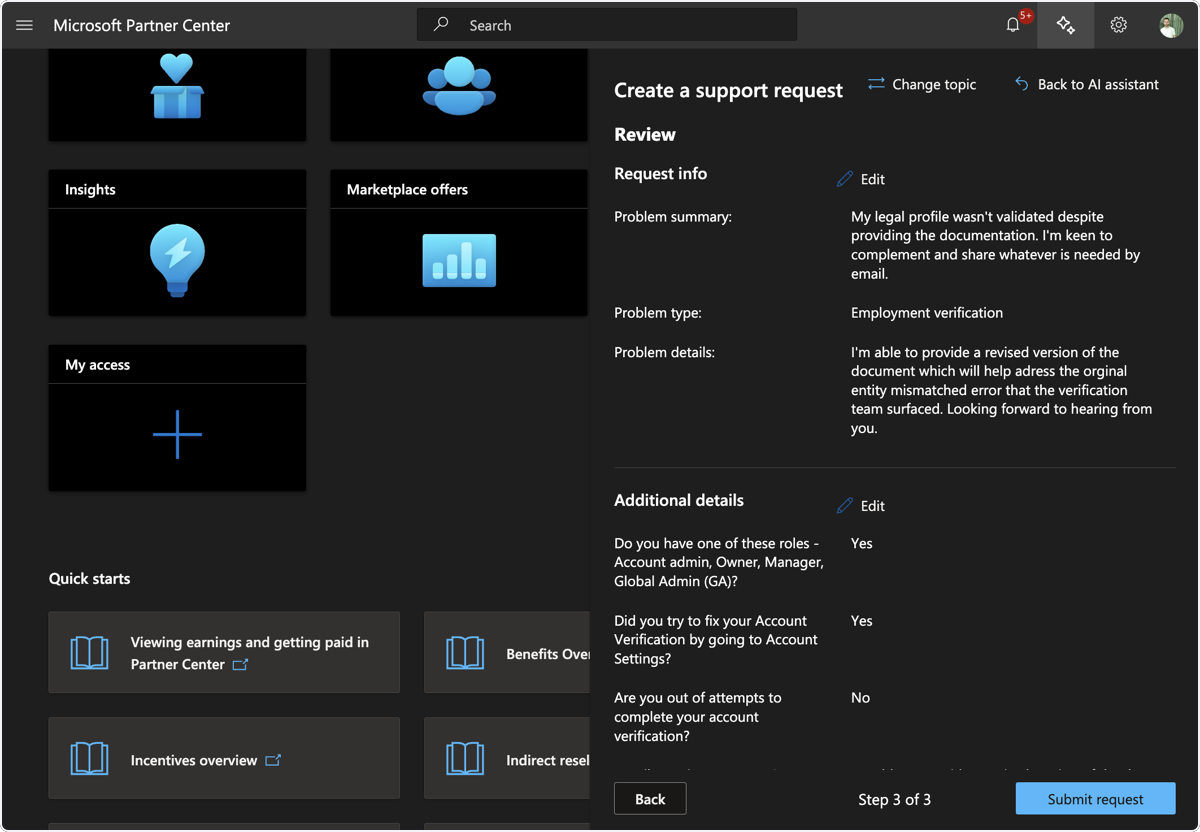
🟣 Write "My legal profile wasn't validated despite providing the documentation. I'm keen to complement and share whatever is needed by email"
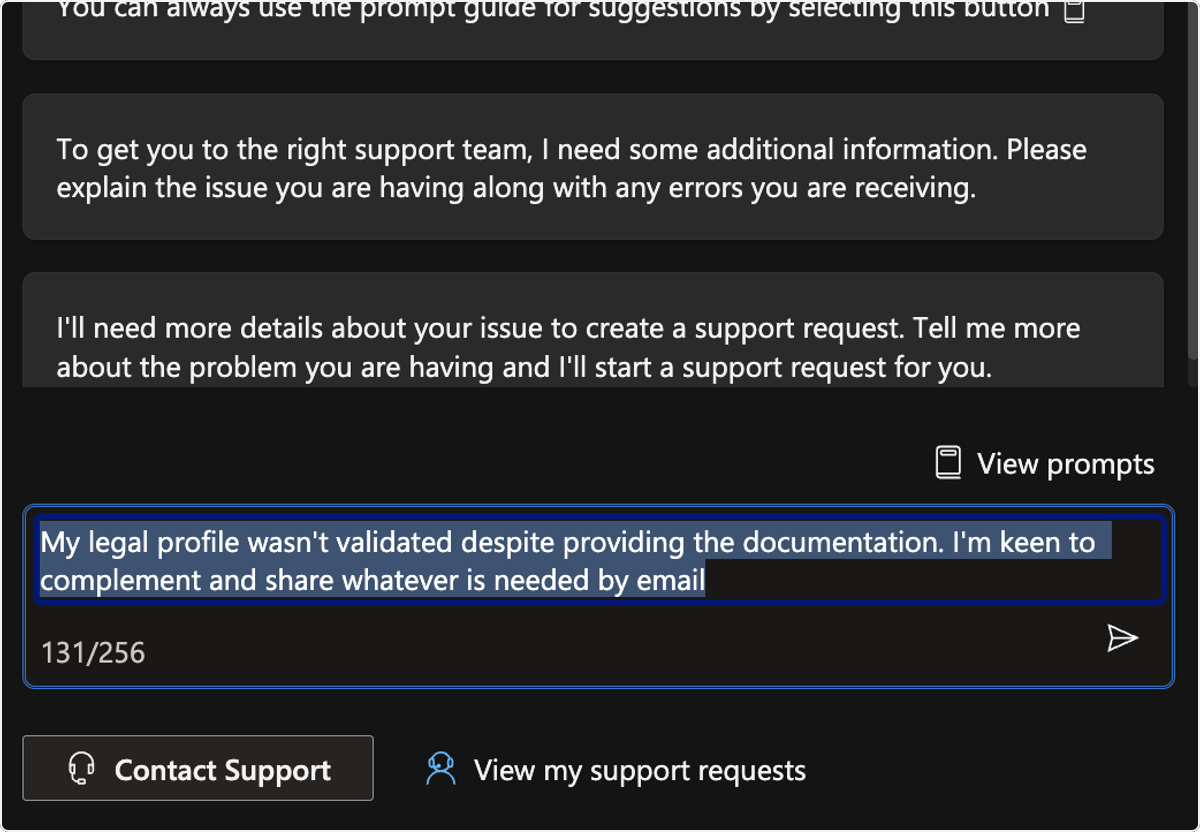
🟣 Send the Prompt
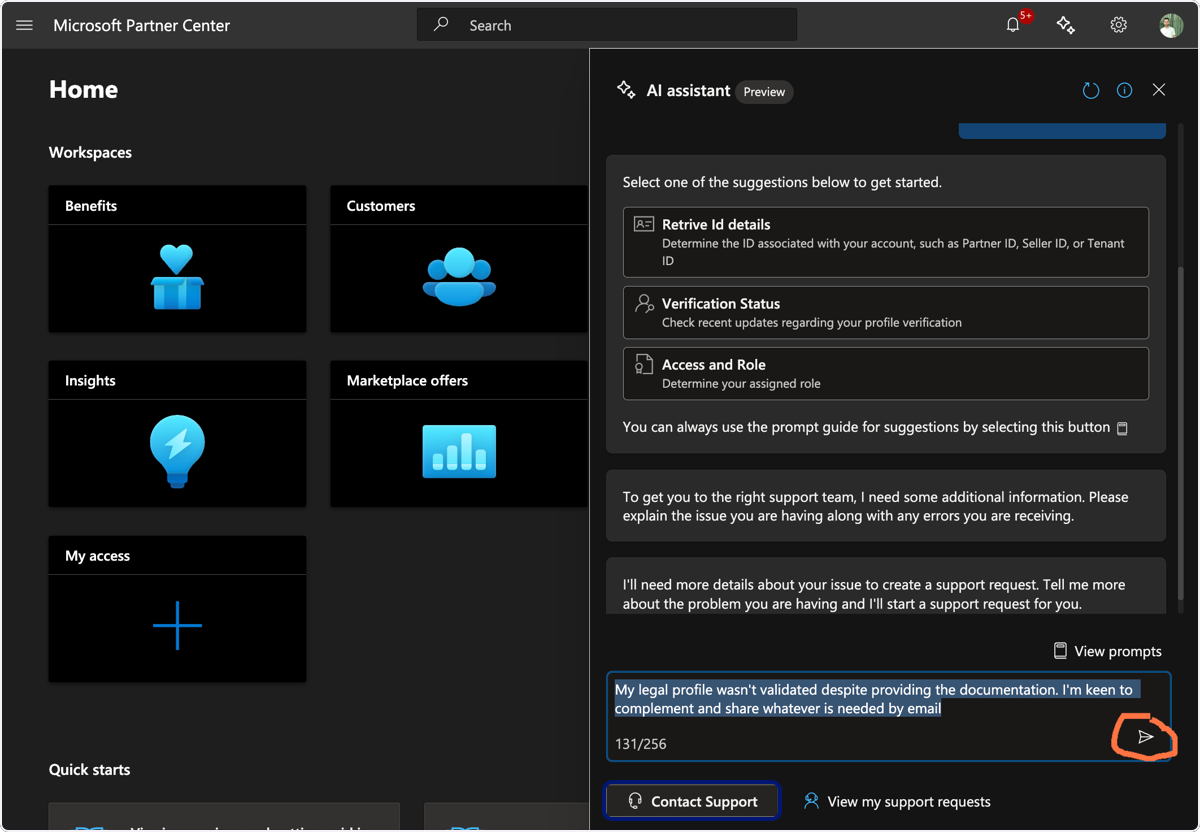
🟣 Now click on Contact Support
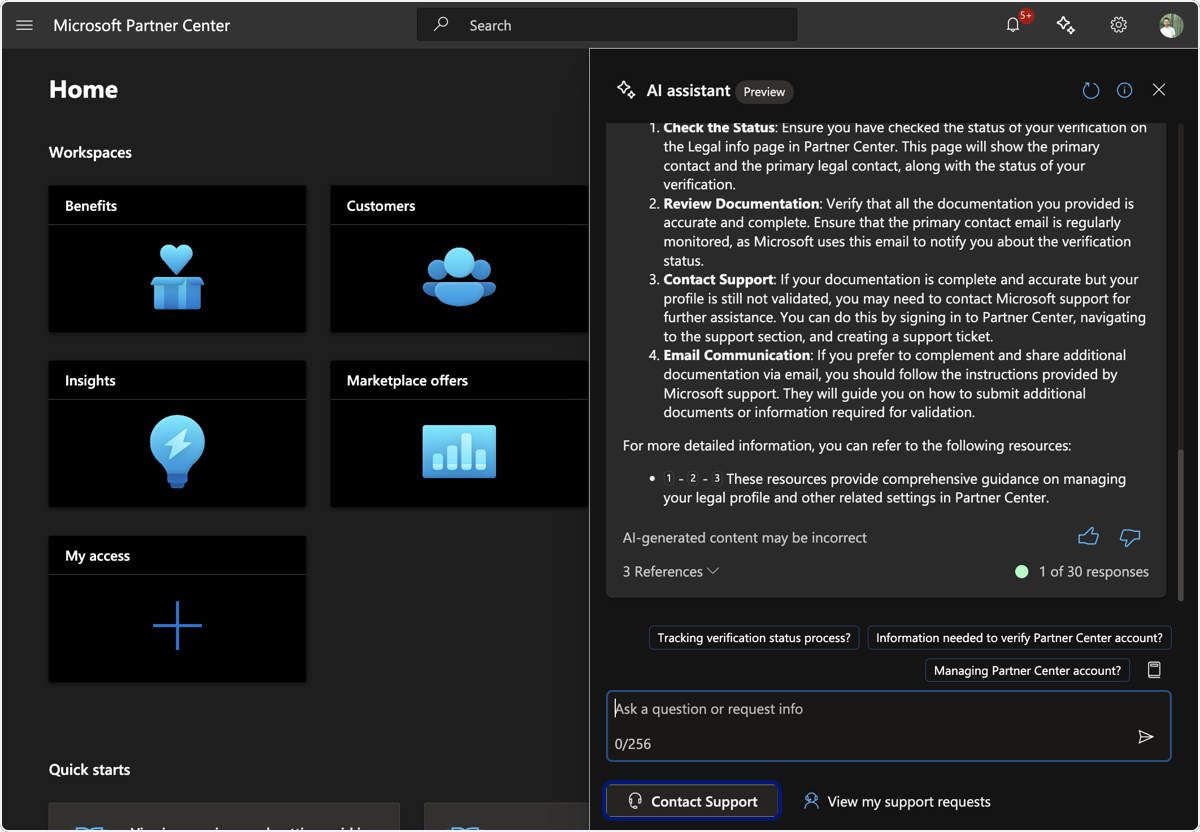
🟣 Click on All Account Settings Workspace
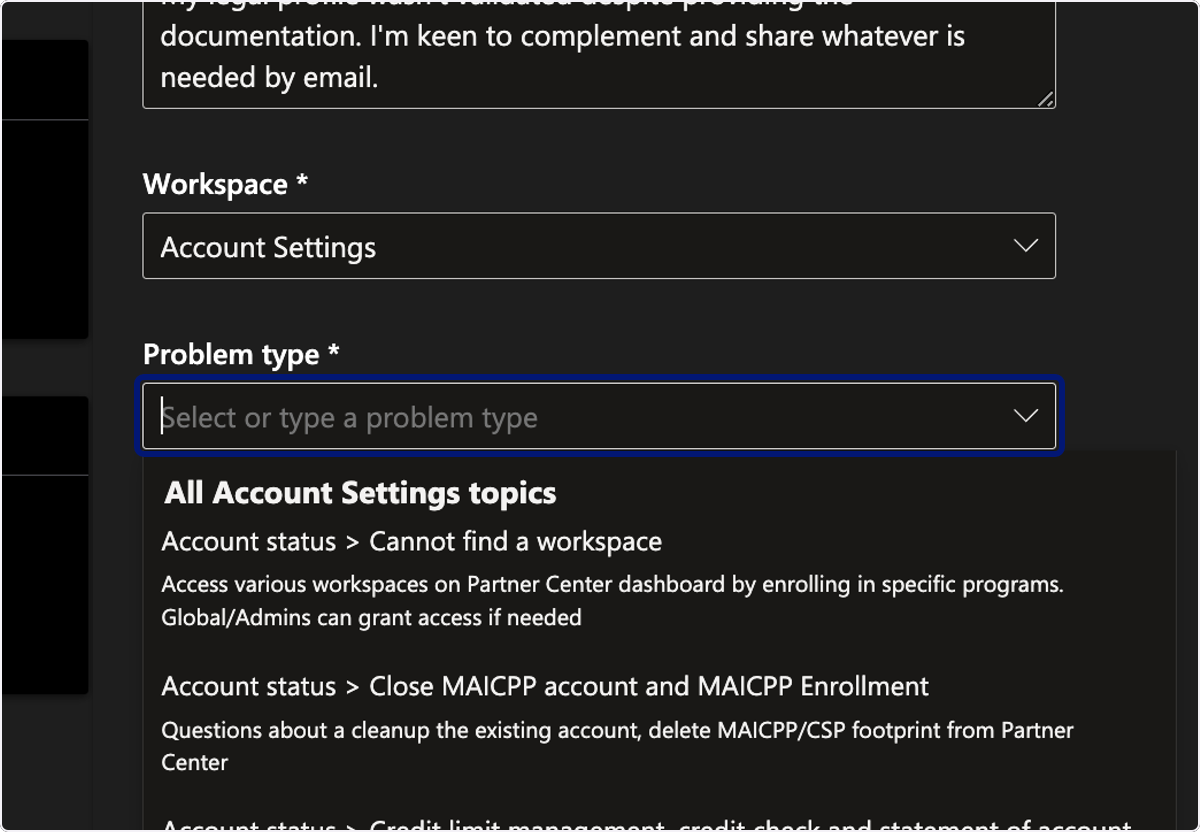
🟣 Click on dropdown trigger
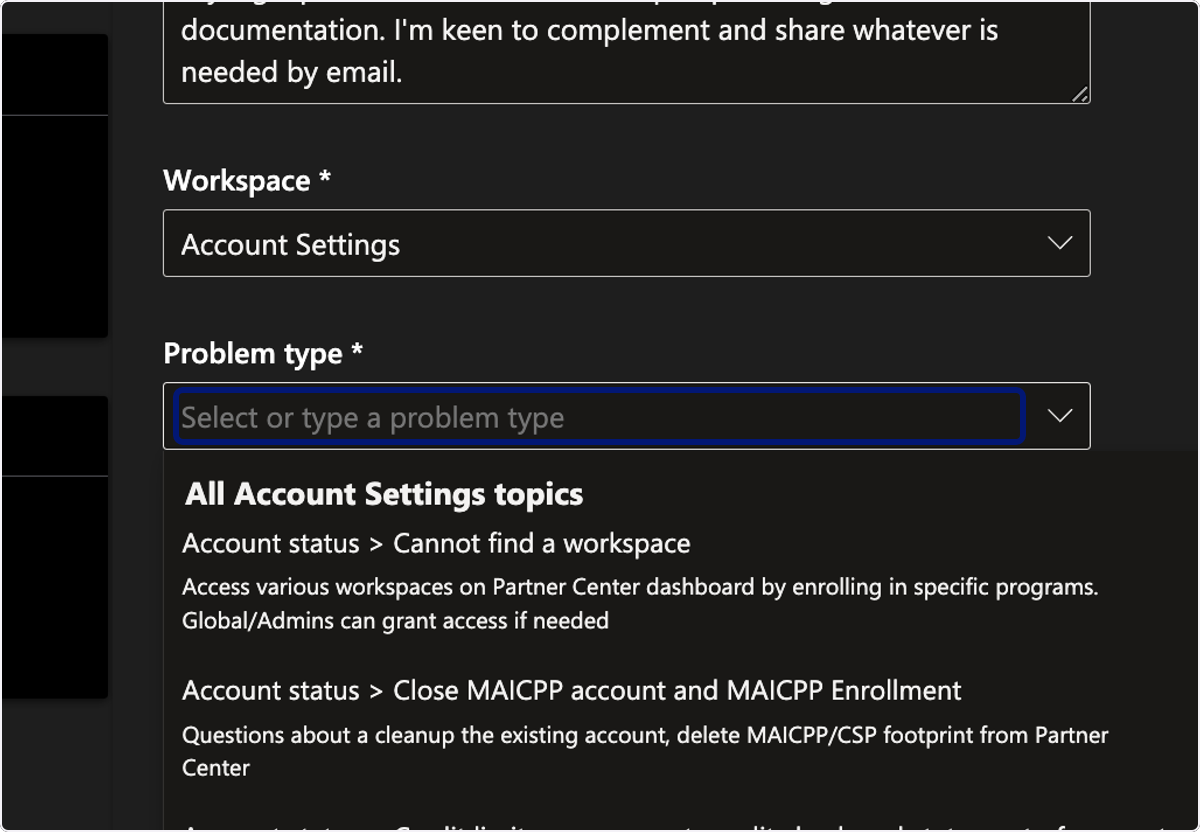
🟣 Click on Account verification > Employment verification…
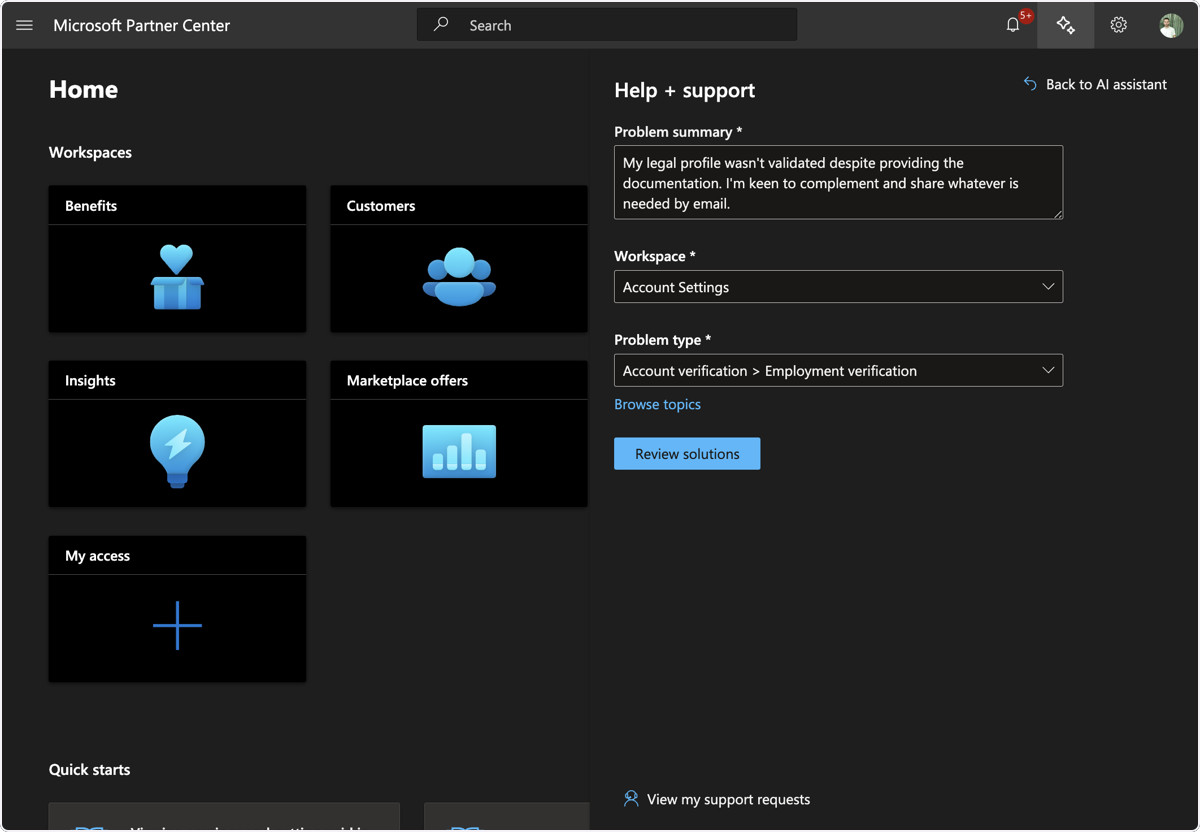
🟣 Click on Review Solutions
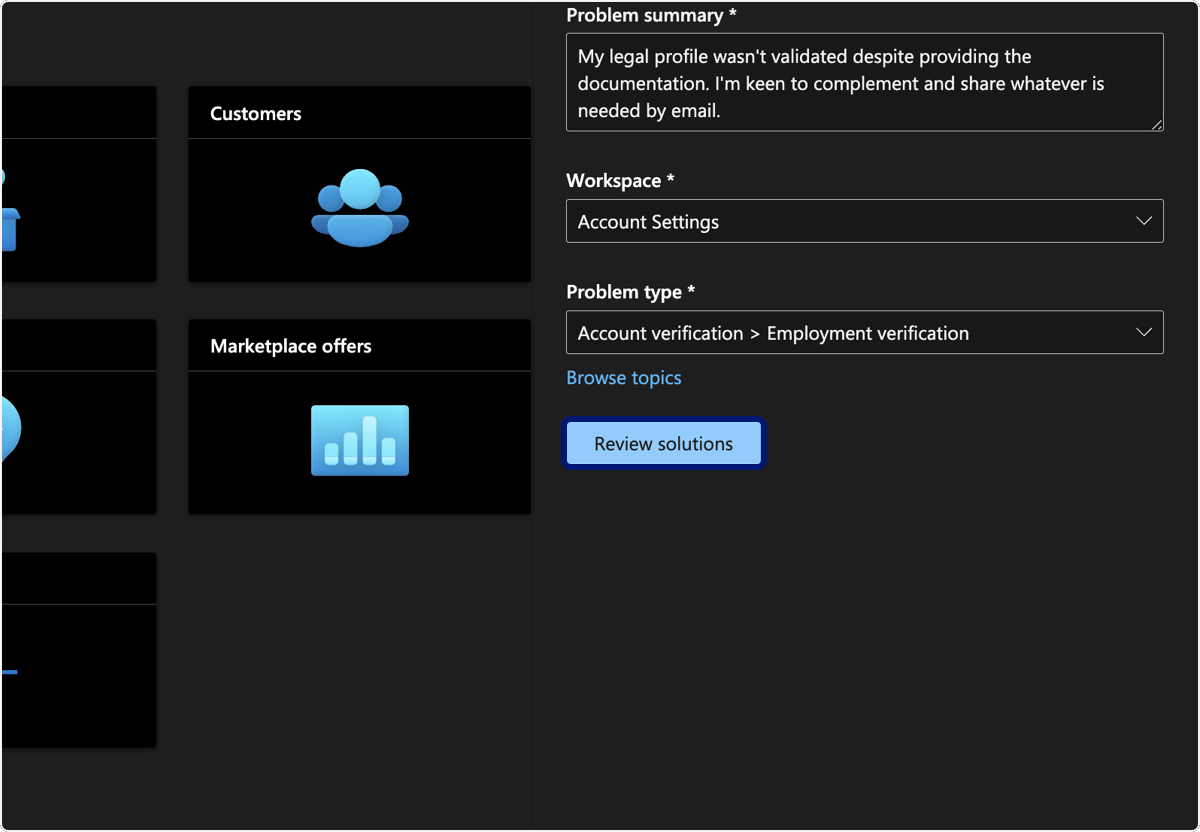
🟣 Click on highlight
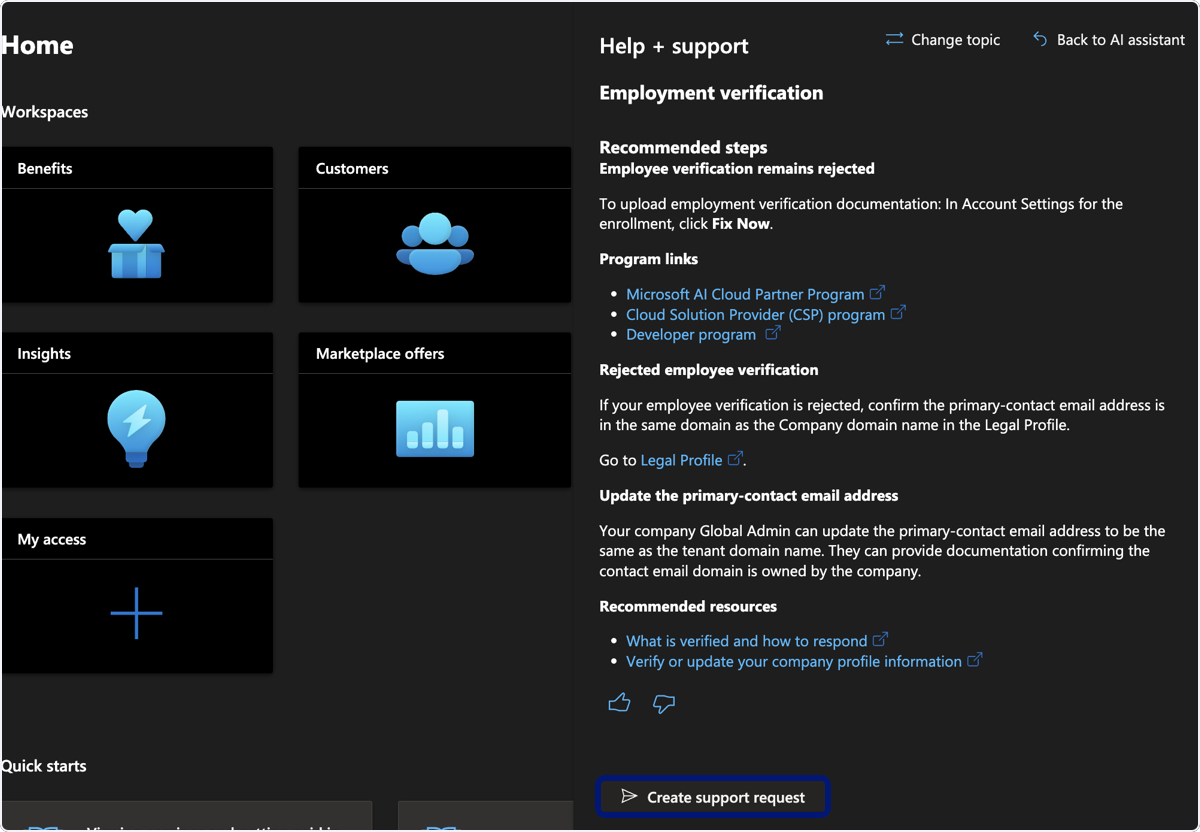
🟣 Click on Yes
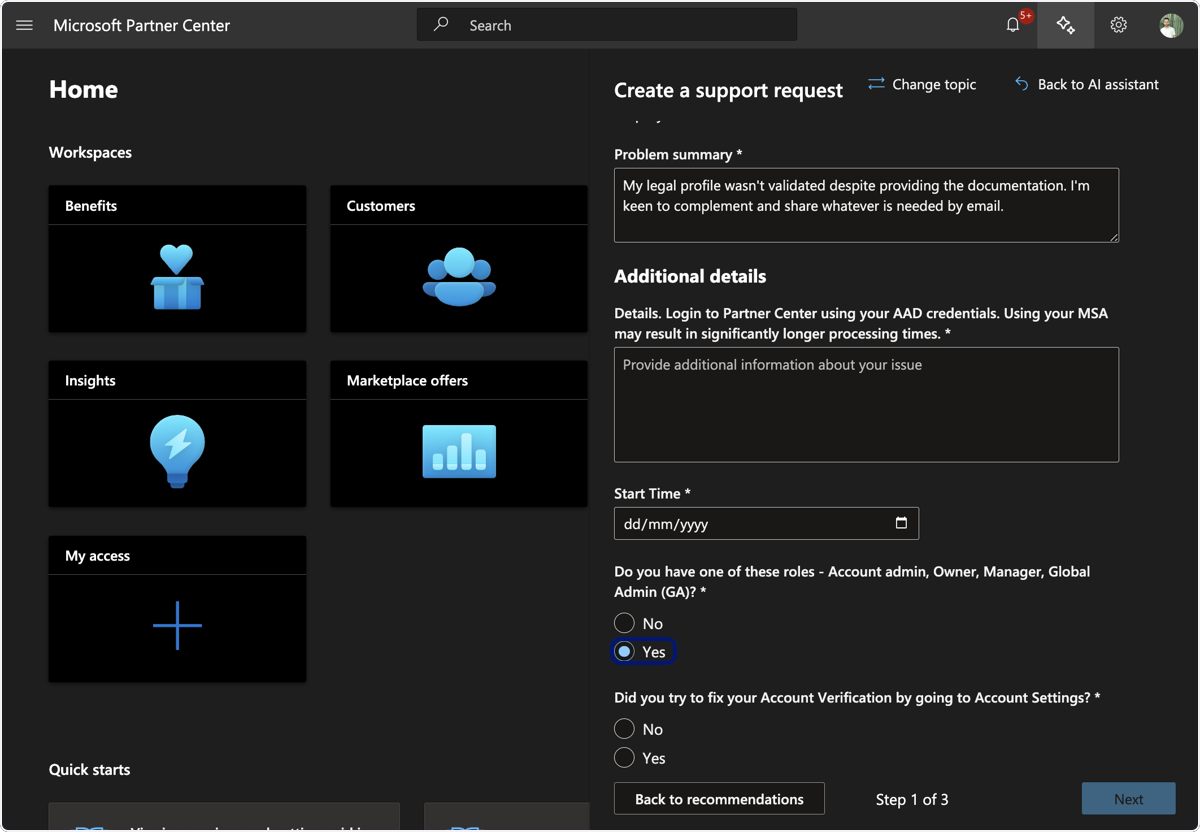
13. Click on Yes
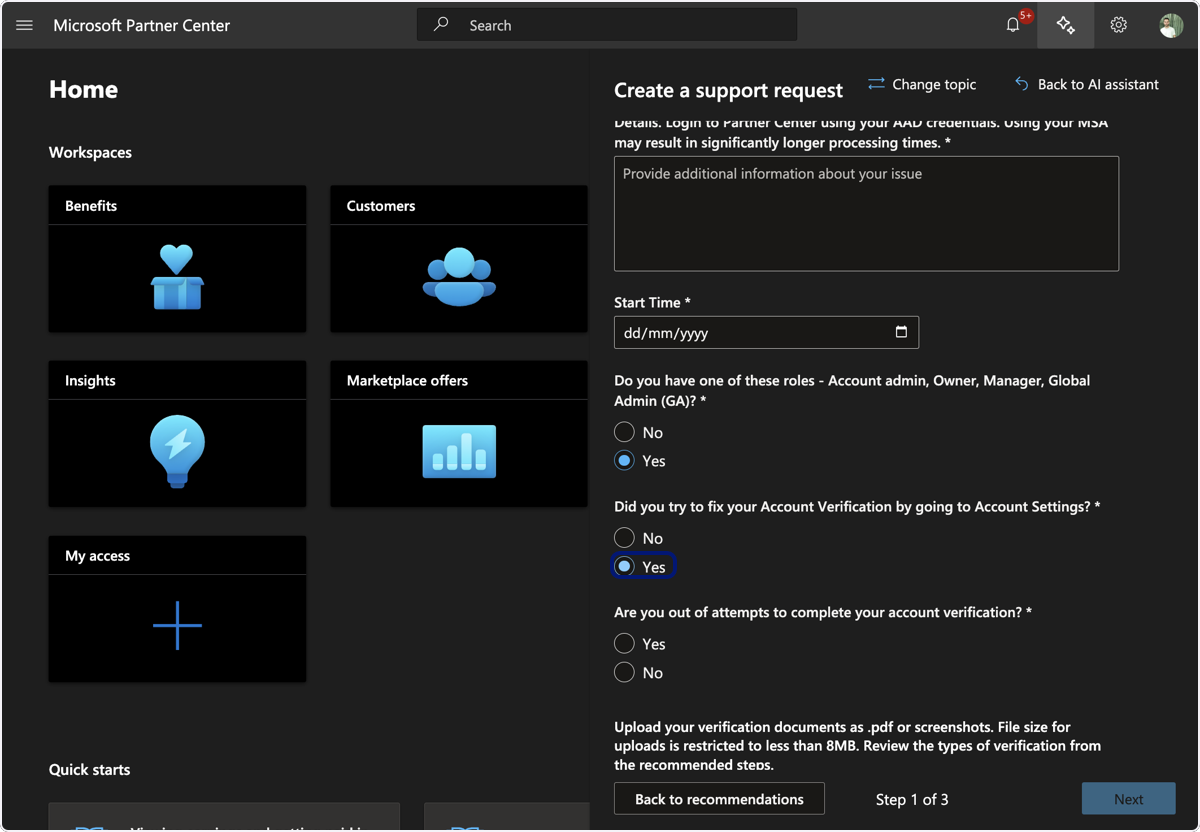
14. Click on No
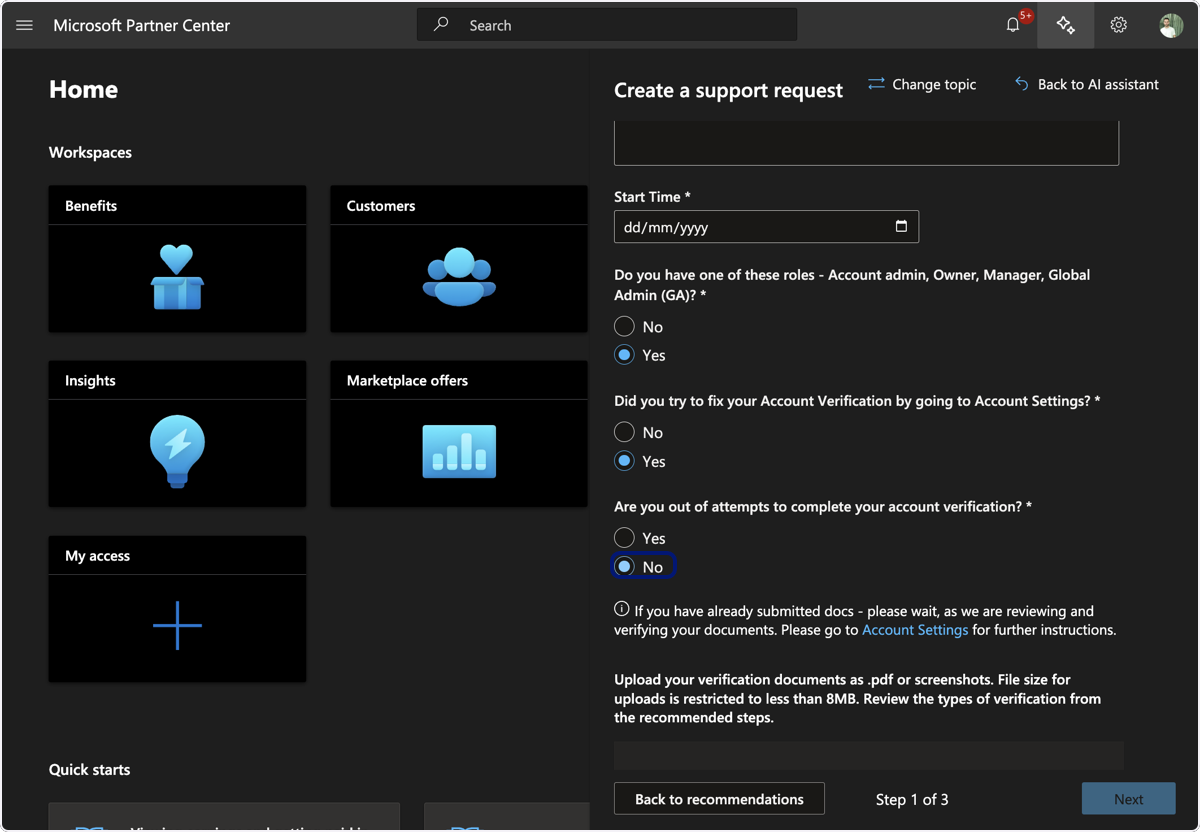
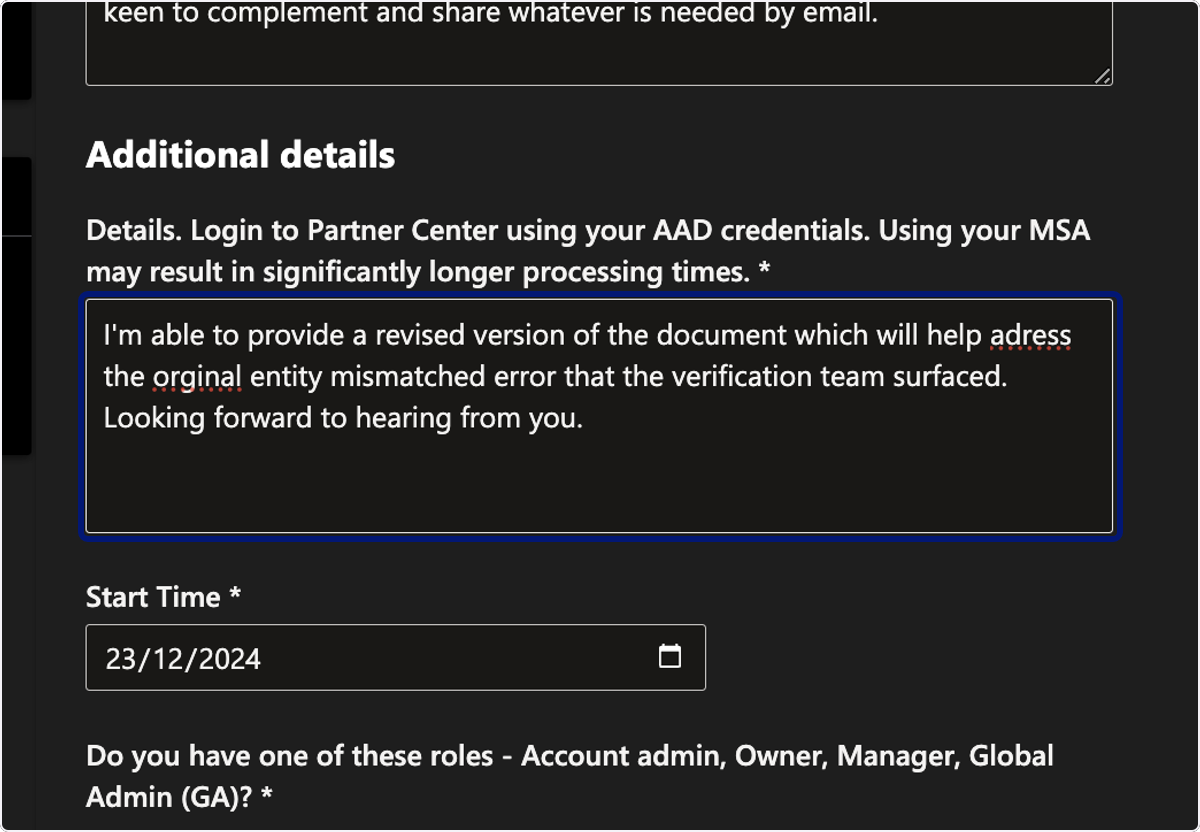
15. Provide additional details such as the below
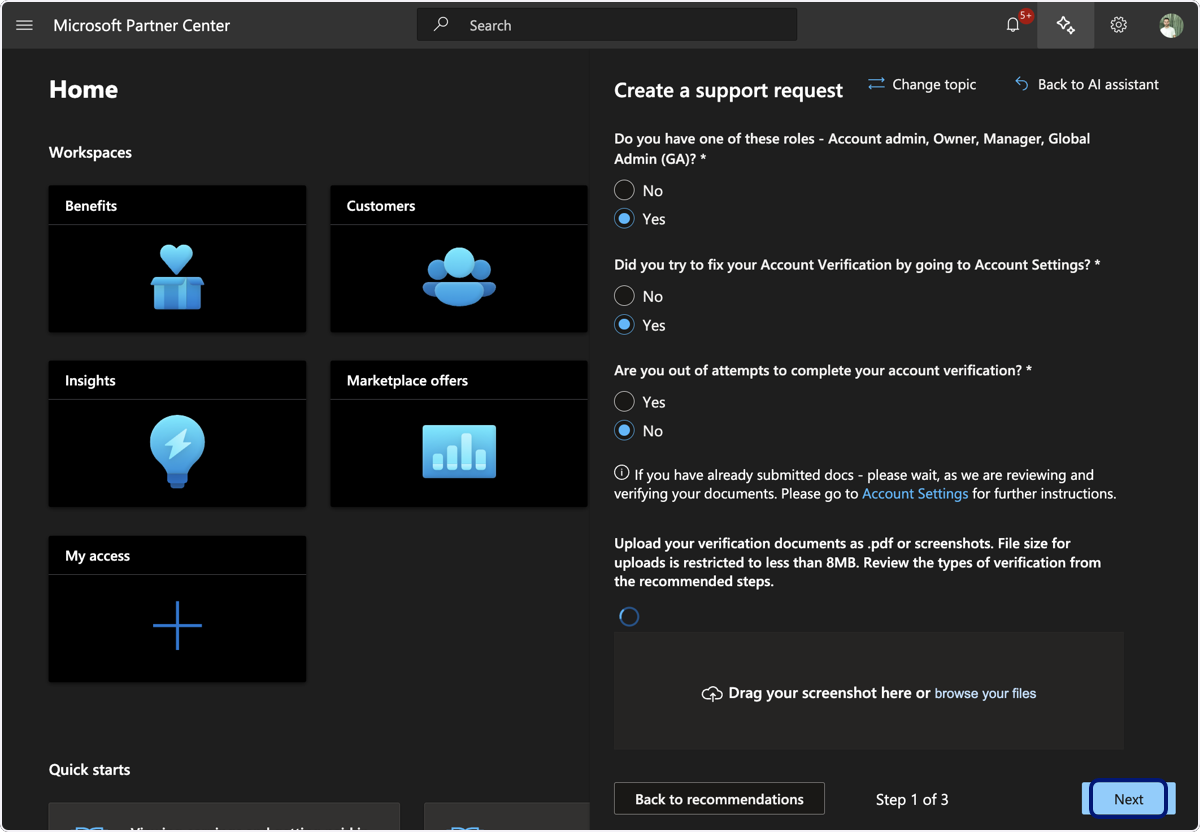
16. Provide a screenshot of your account verification feedbacks (the same you shared on the community) and click on Next
17. Fill your contact details and submit
💬 For more, contact us at : [email protected]