Step 2 — Become a Microsoft Partner & Access Partner Center
13 min
To become a Microsoft partner, an Independent Software Vendor (ISV) must create a Partner Center account and complete the registration process. Please follow these steps:
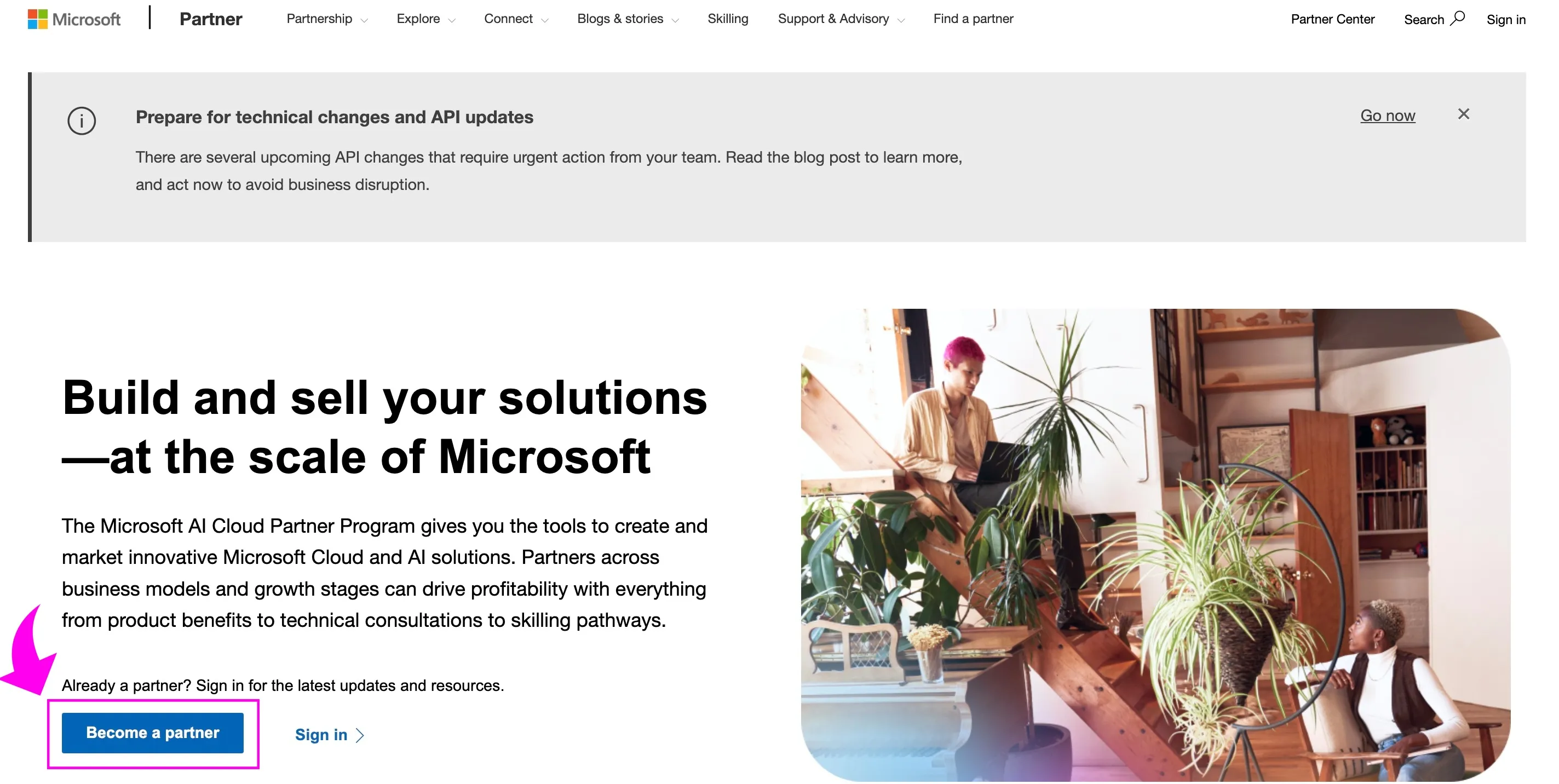
🟣1. Go to partner.microsoft.com
🟣 2. Click on 'Become a partner'
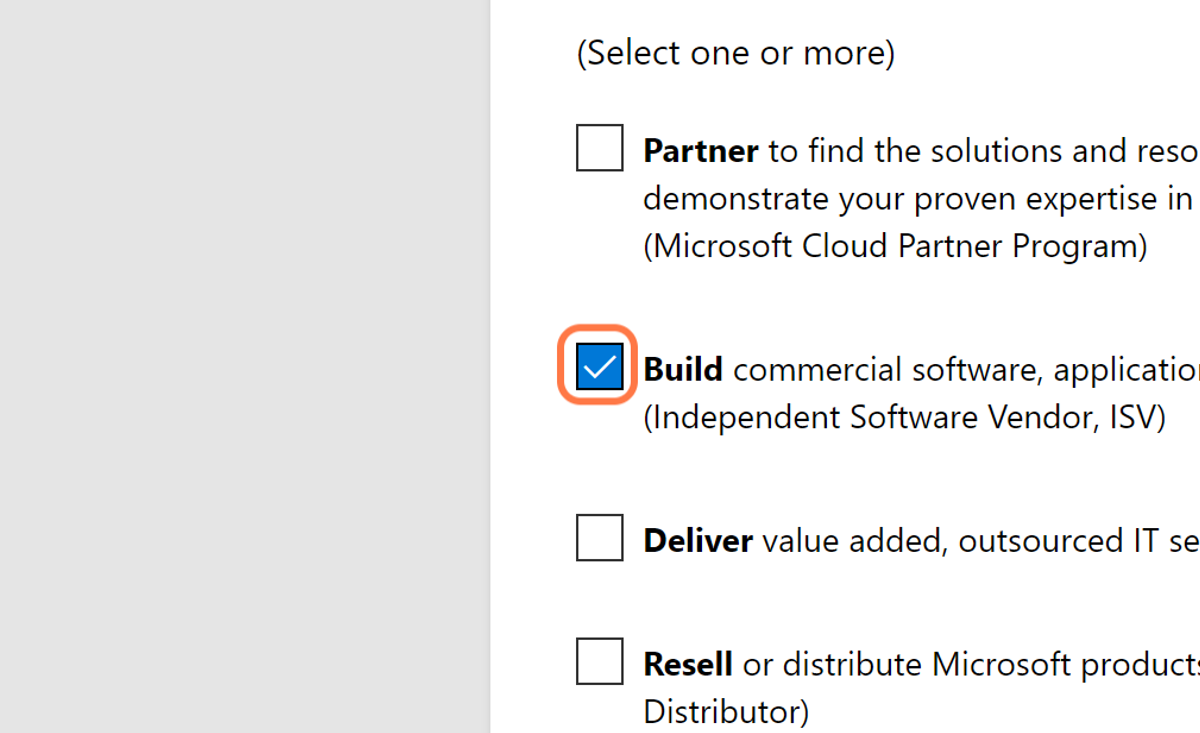
🟣3. Check Build commercial software, applications, and add-ins that run on Microsoft products. (Independent Software Vendor, ISV)
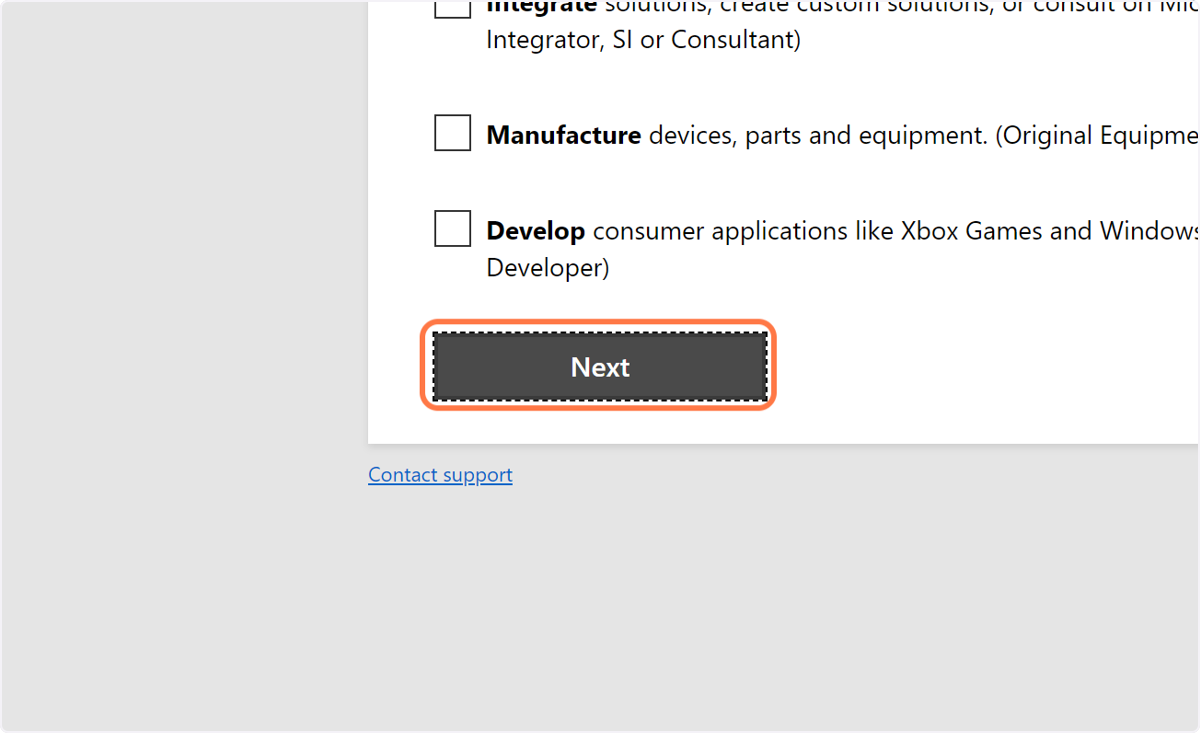
🟣4. Click on Next
🟣5. Type your email address
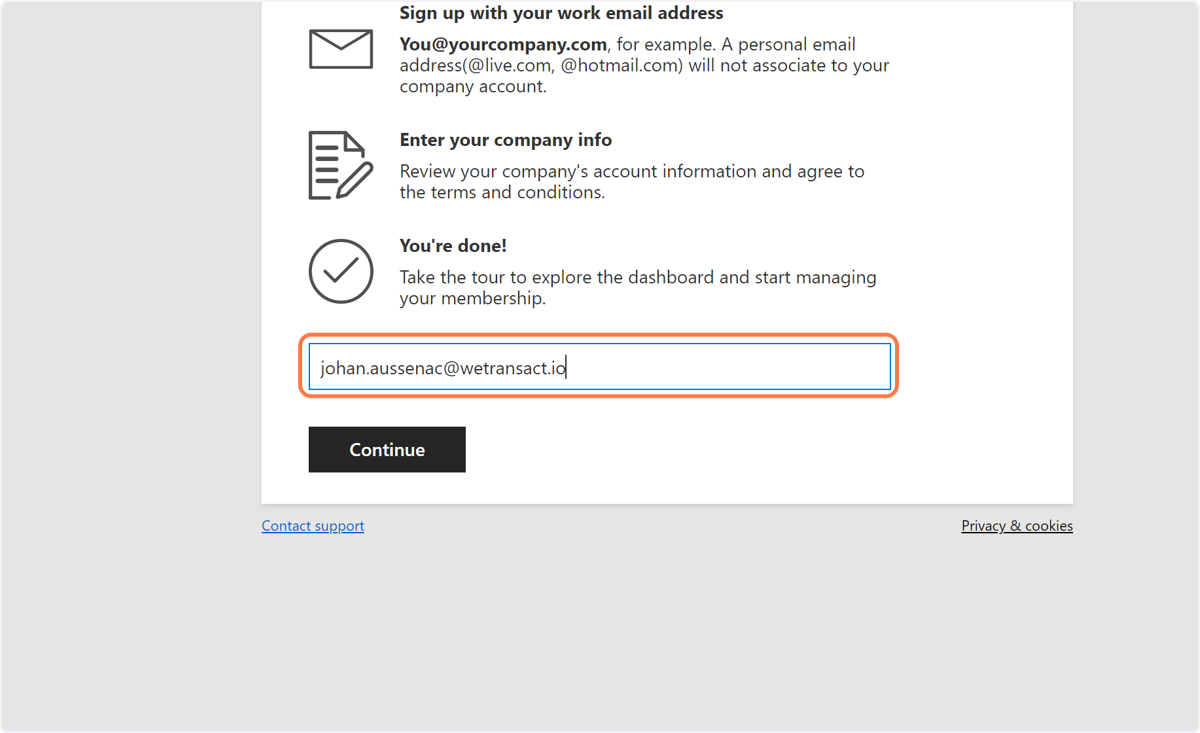
🟣6. Click on Continue
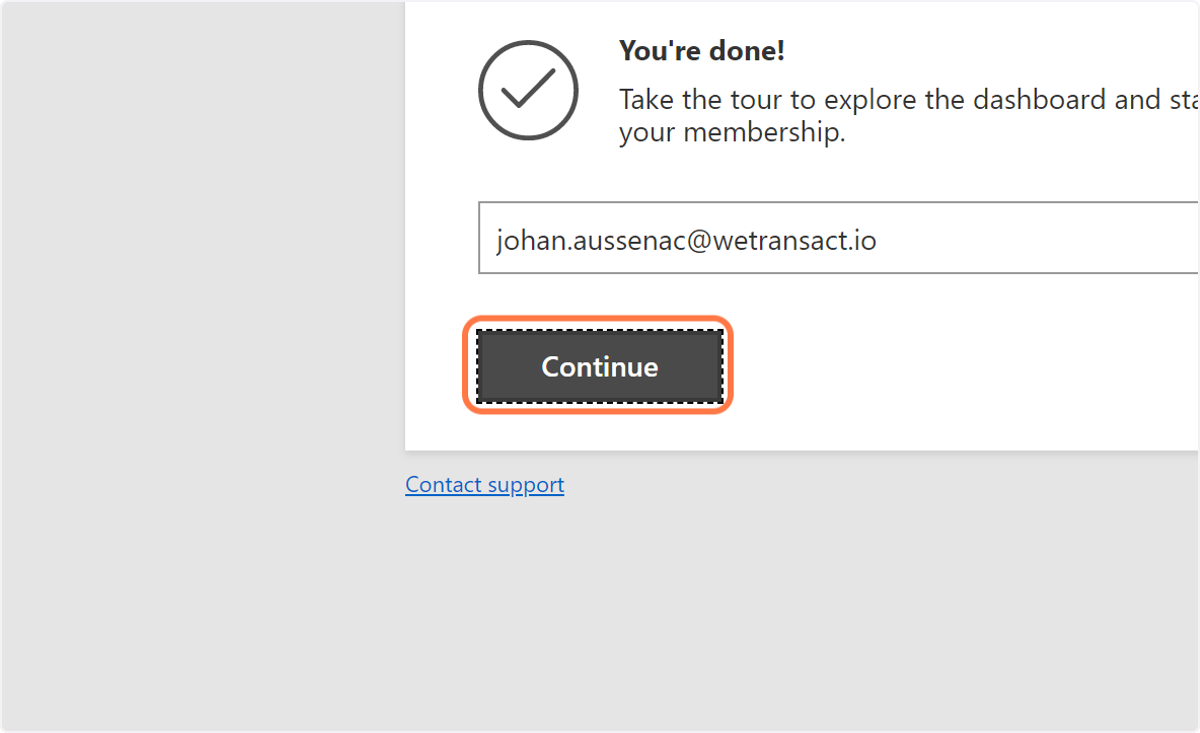
🟣7. Click on Sign in
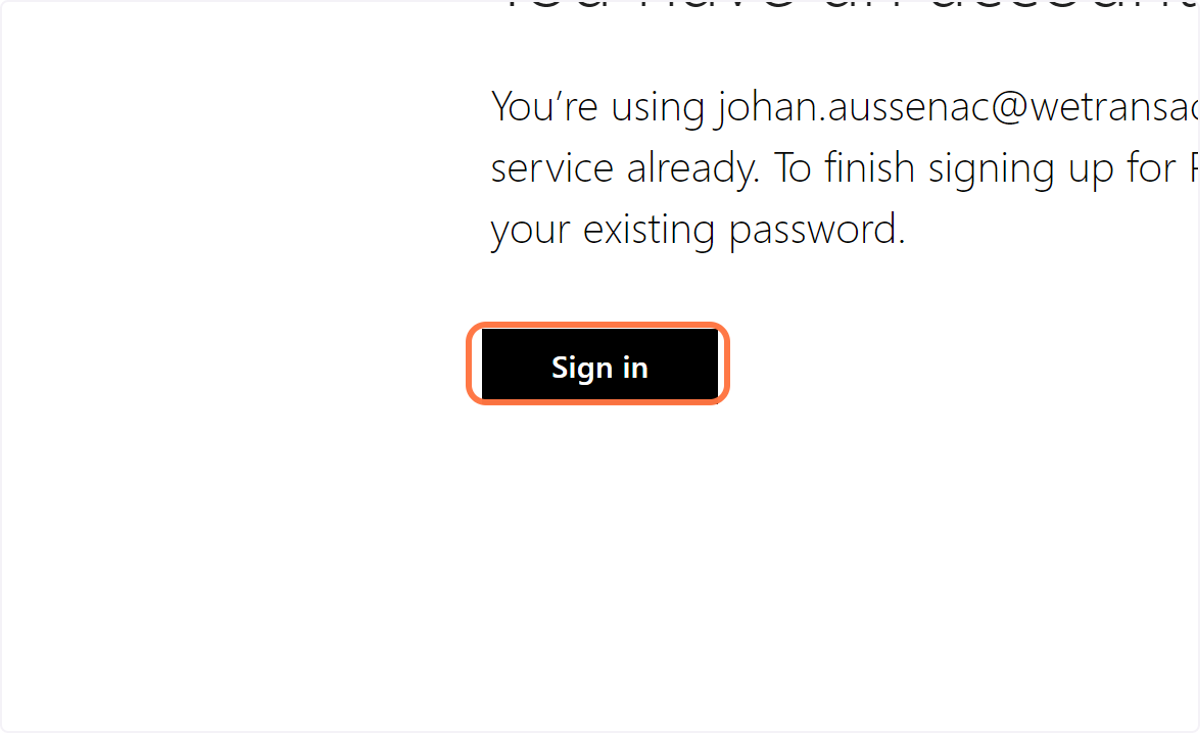
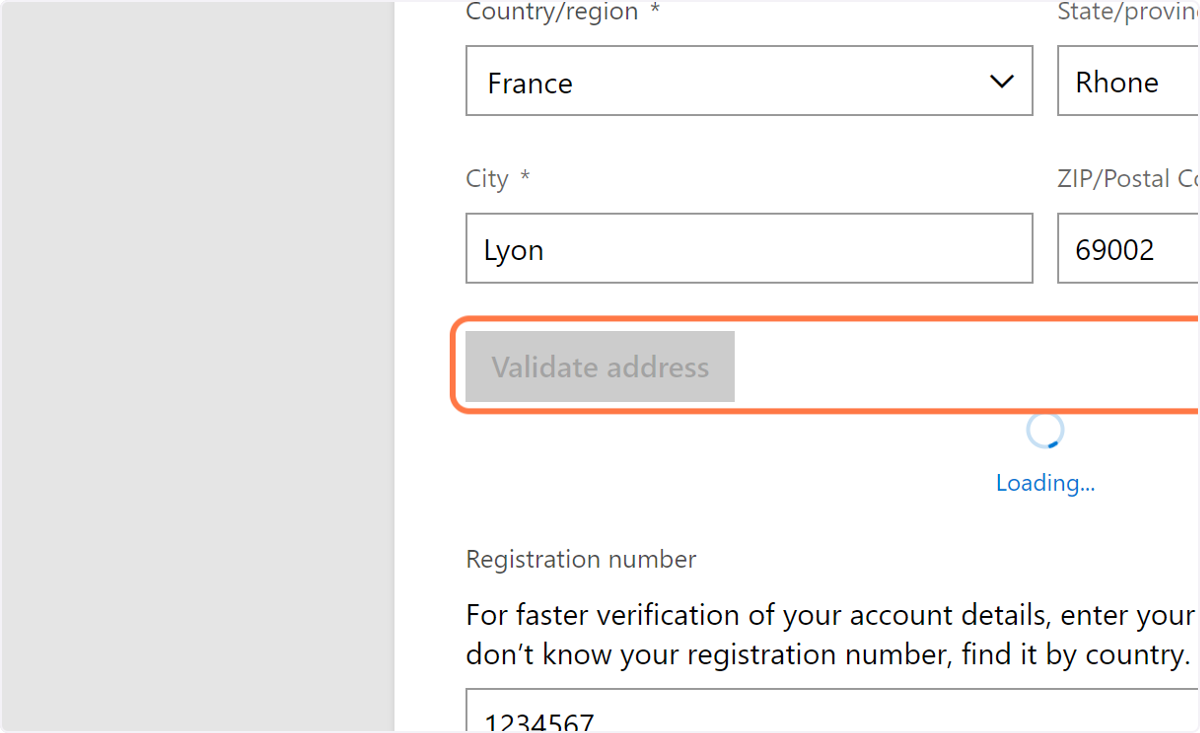
🟣8. Fill in your Company details
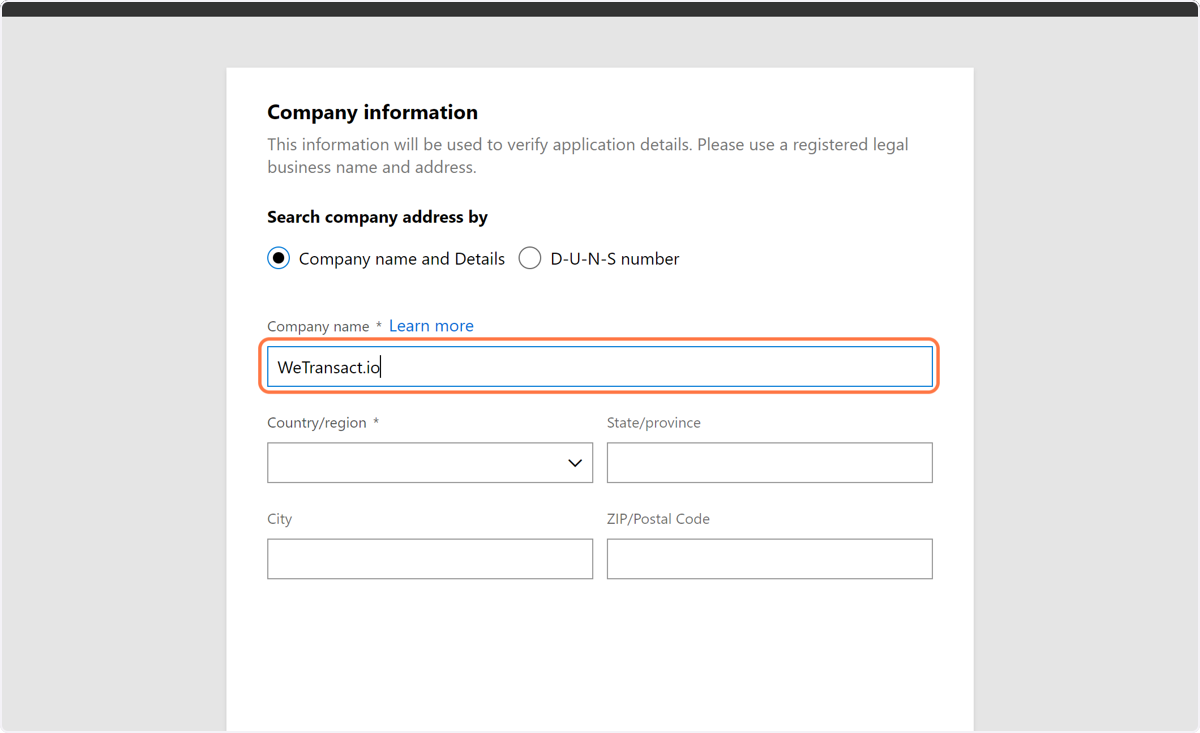
🟣9. Select the country you're incorporated in
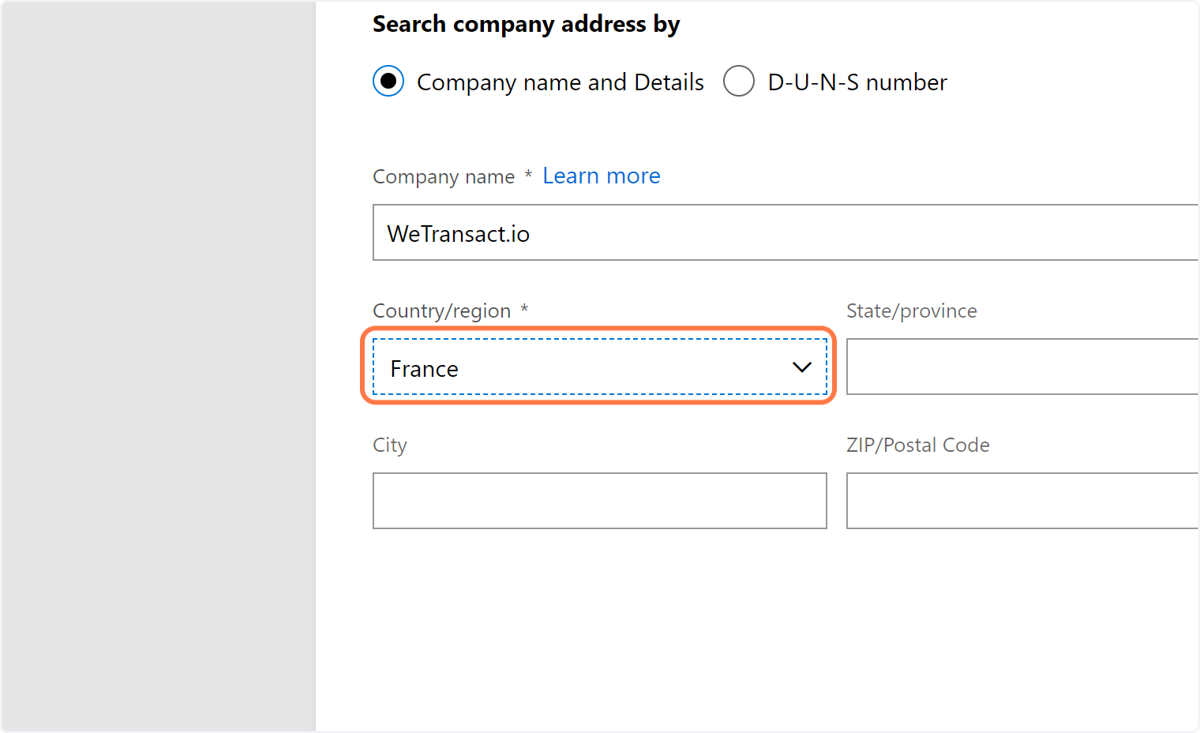
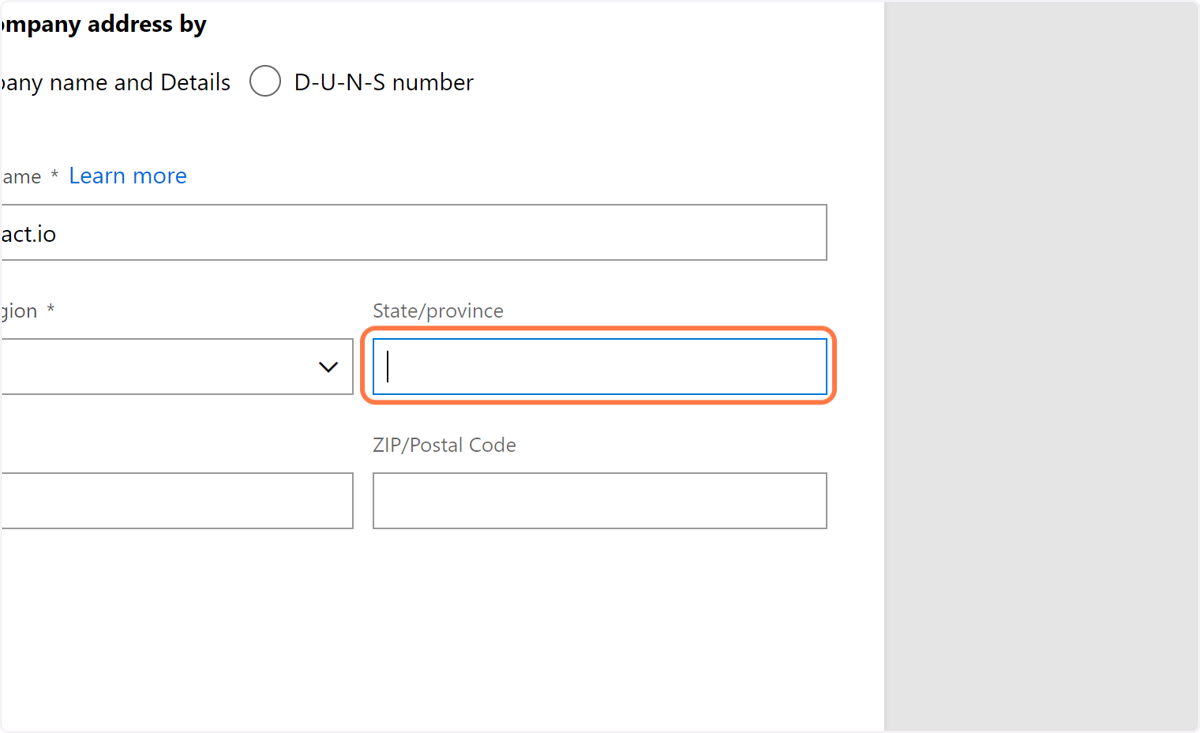
🟣10. Fill the state and province box
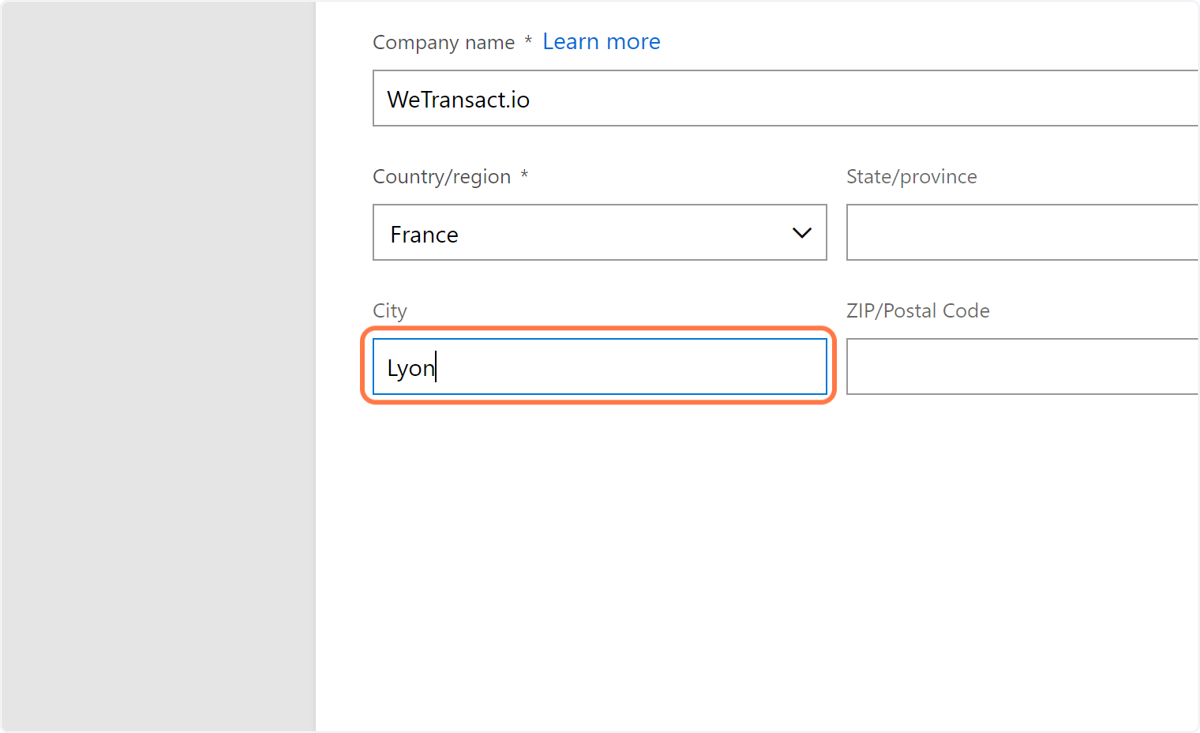
🟣11. Fill the City Name
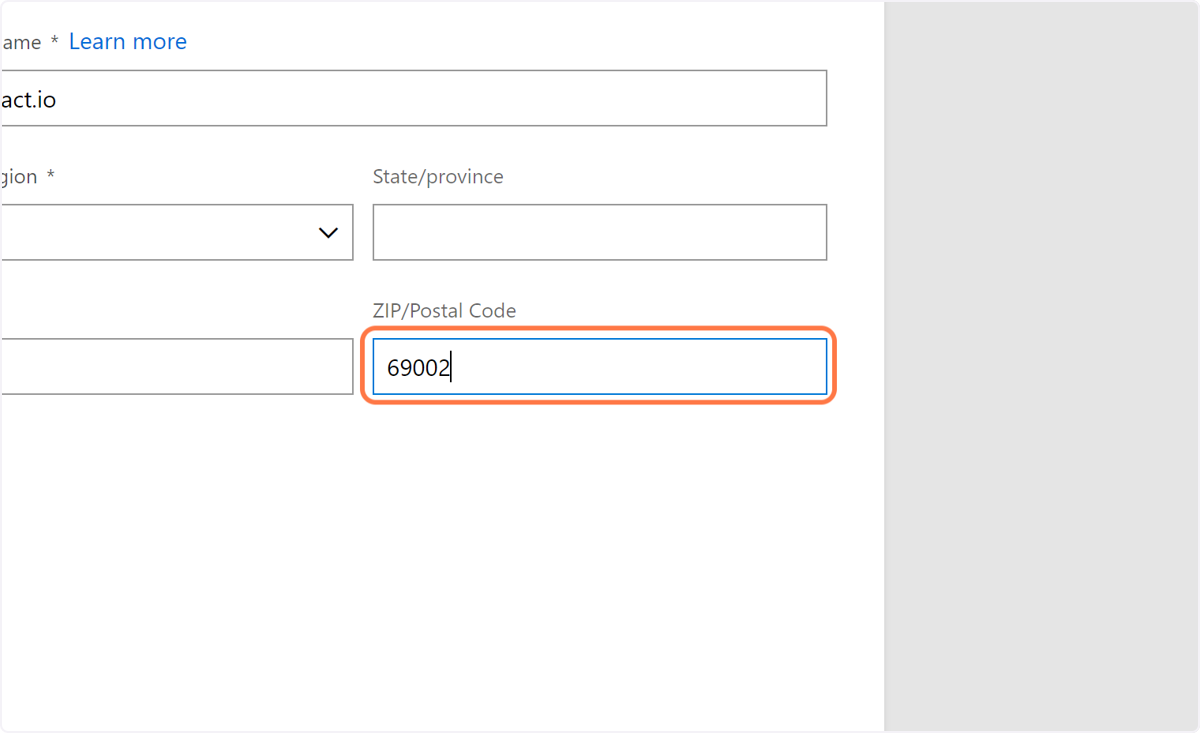
🟣12. Fill the Postal Code
🟣13. Fill in the Registration Number
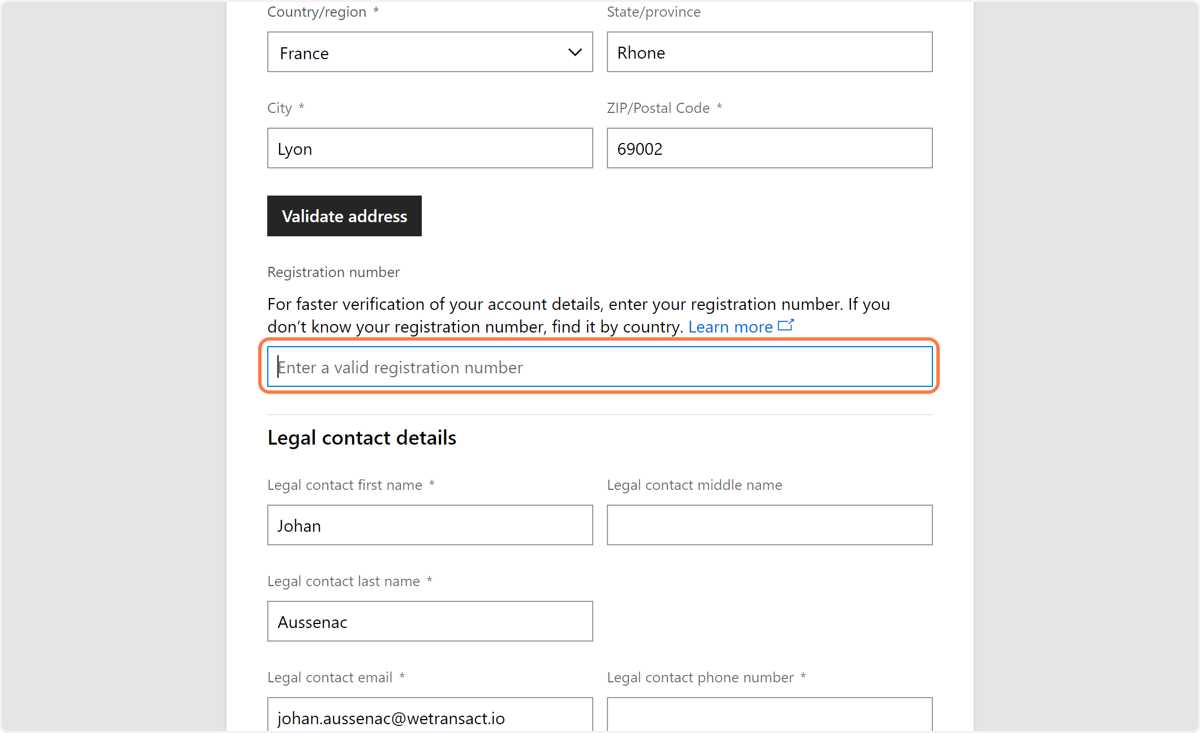
🟣14. Click on Validate Address
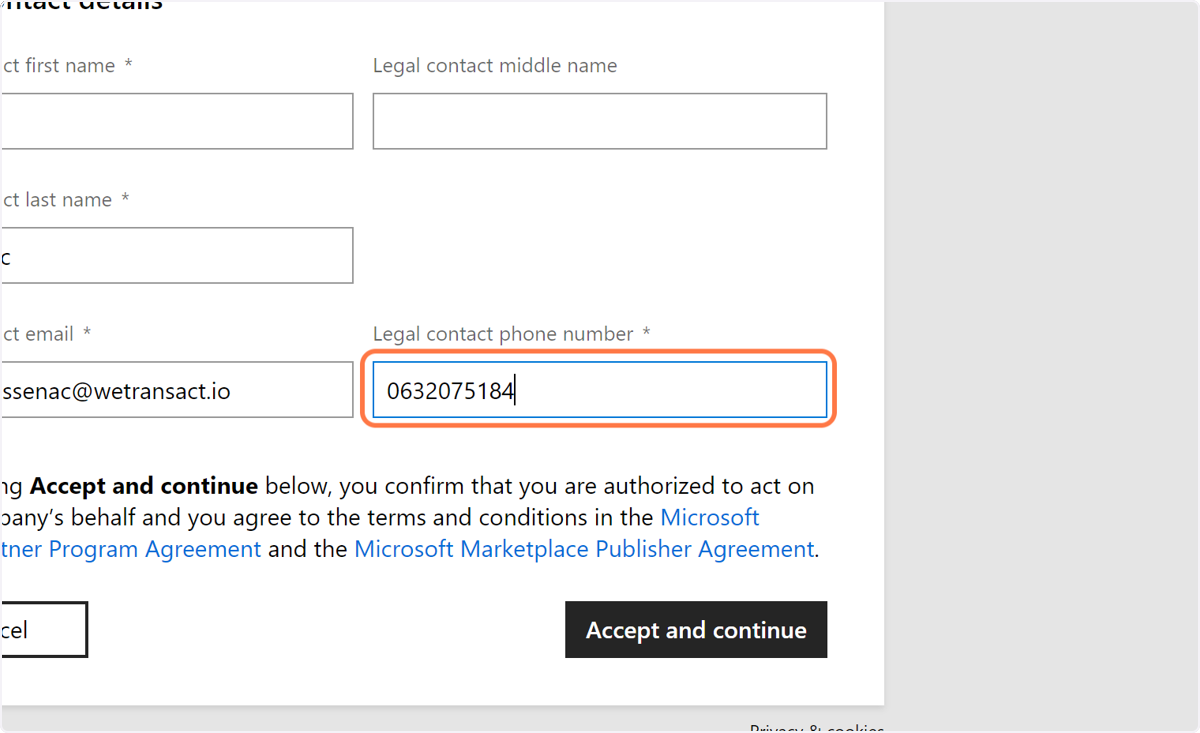
🟣15. Fill in your contact details
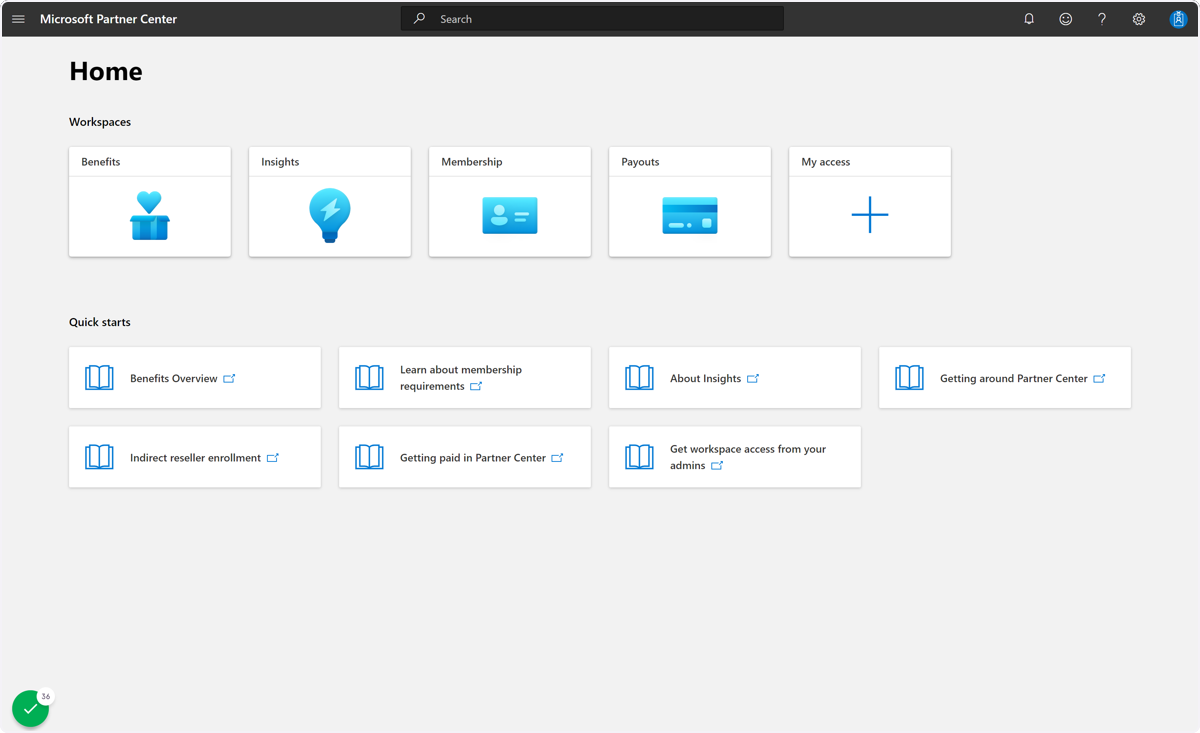
🟣16. Here you are, you now have access to partner center
💬 Need Help?
Contact: [email protected]