Or—Sync your product listings in one click, and Go Live
16 min
If you have existing live solutions in Partner Center, this will help you sync your product listing to WeTransact.
🟣 Sign in to Wetransact portal and Go to Settings
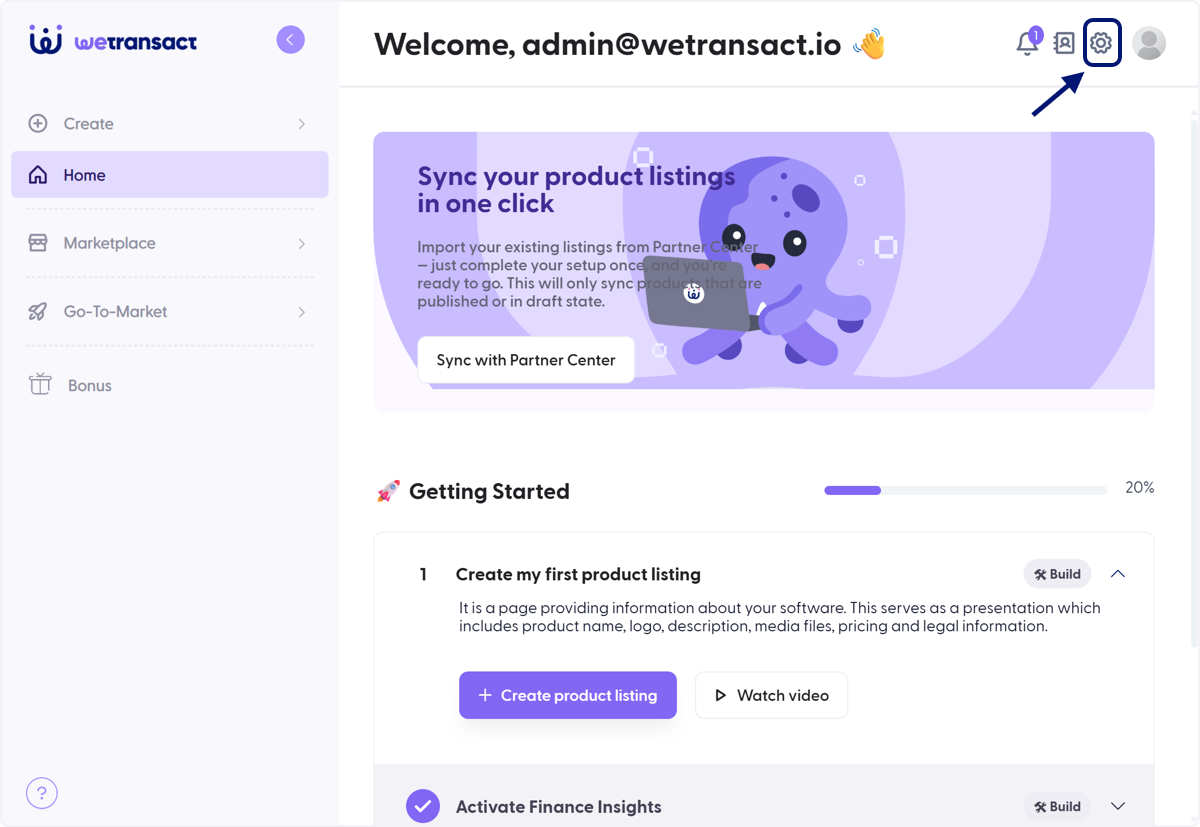
You will need to create credentials. Please follow this guide to create it.
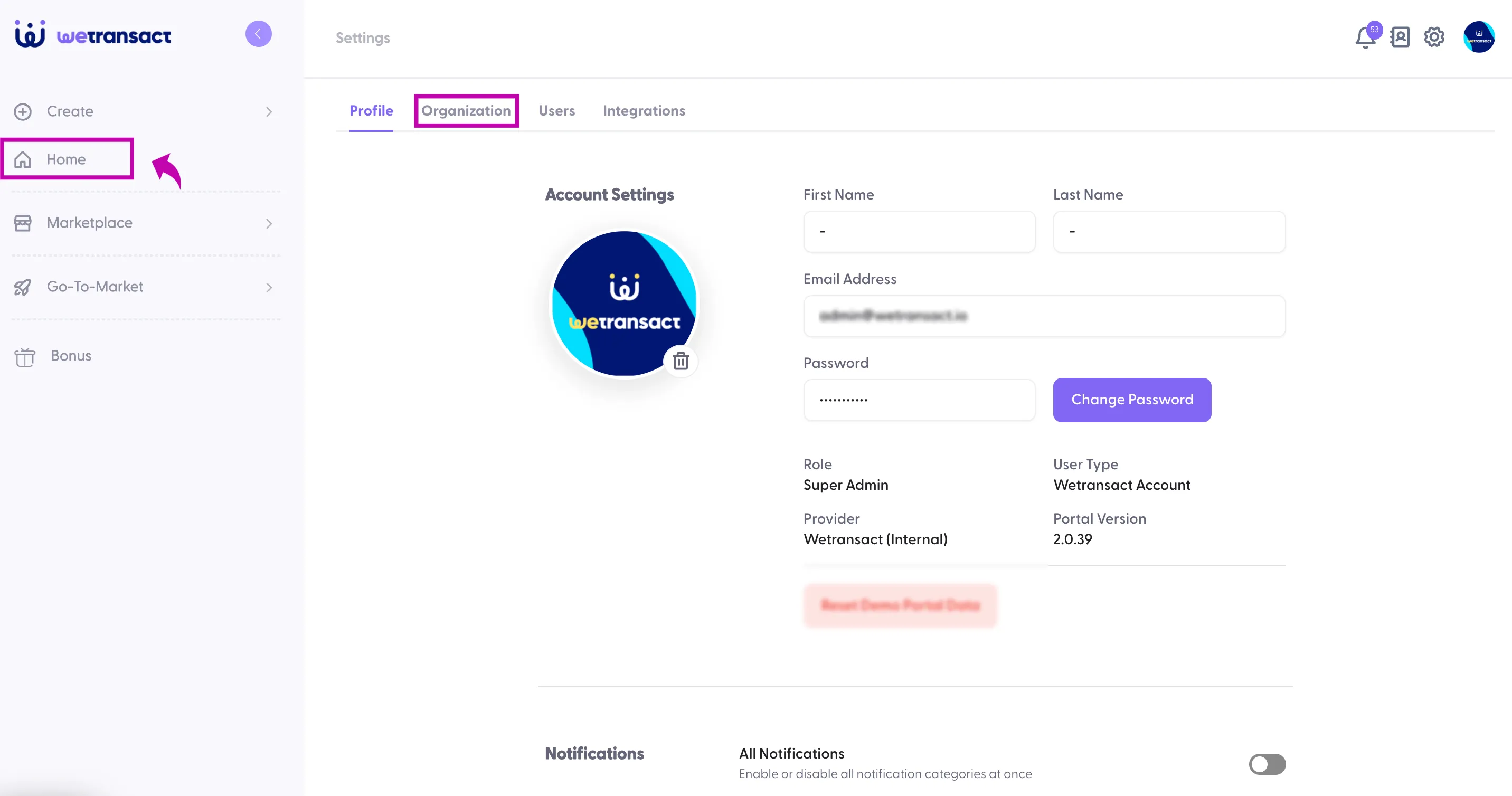
🟣 Click on Organisation
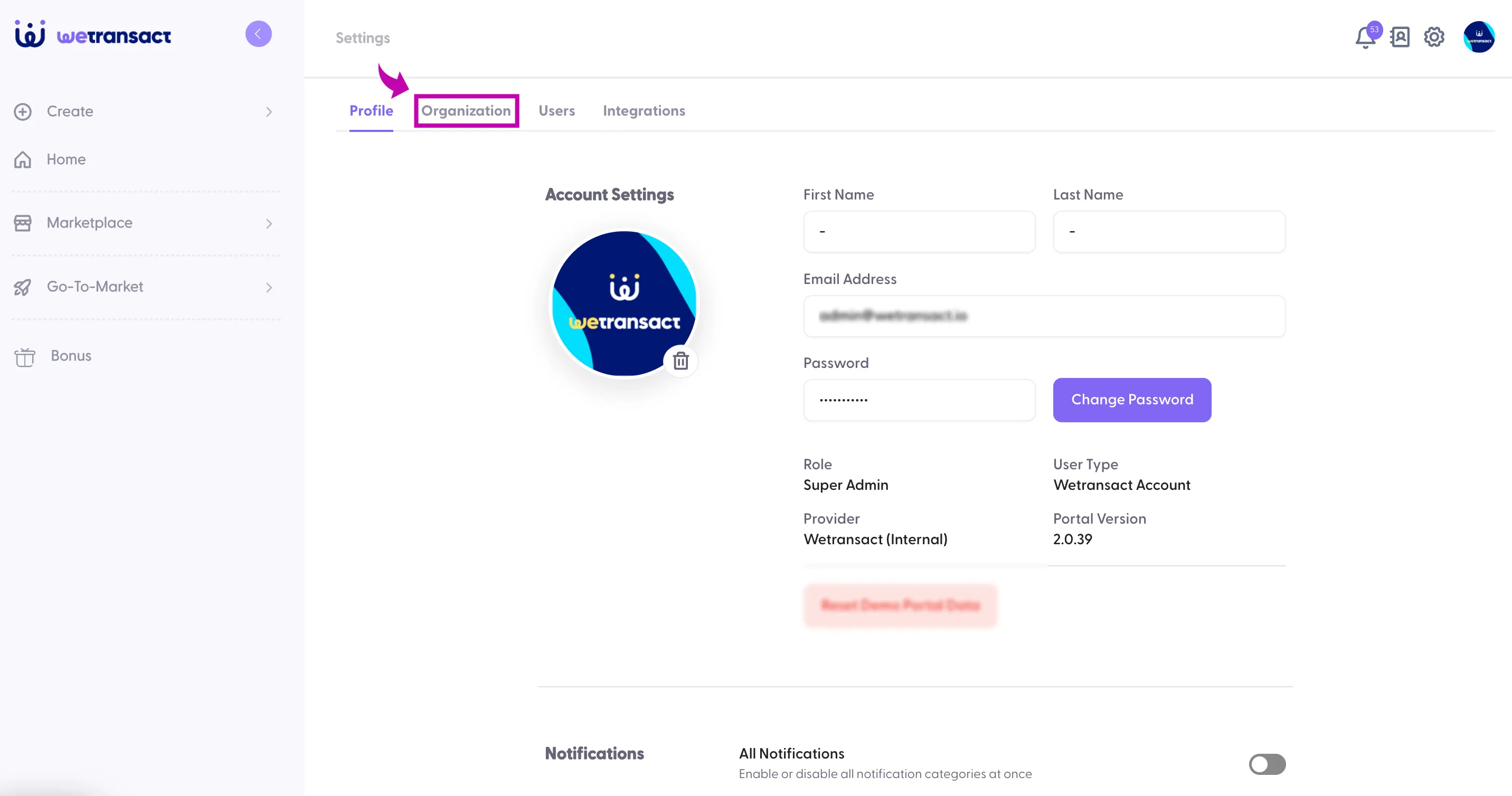
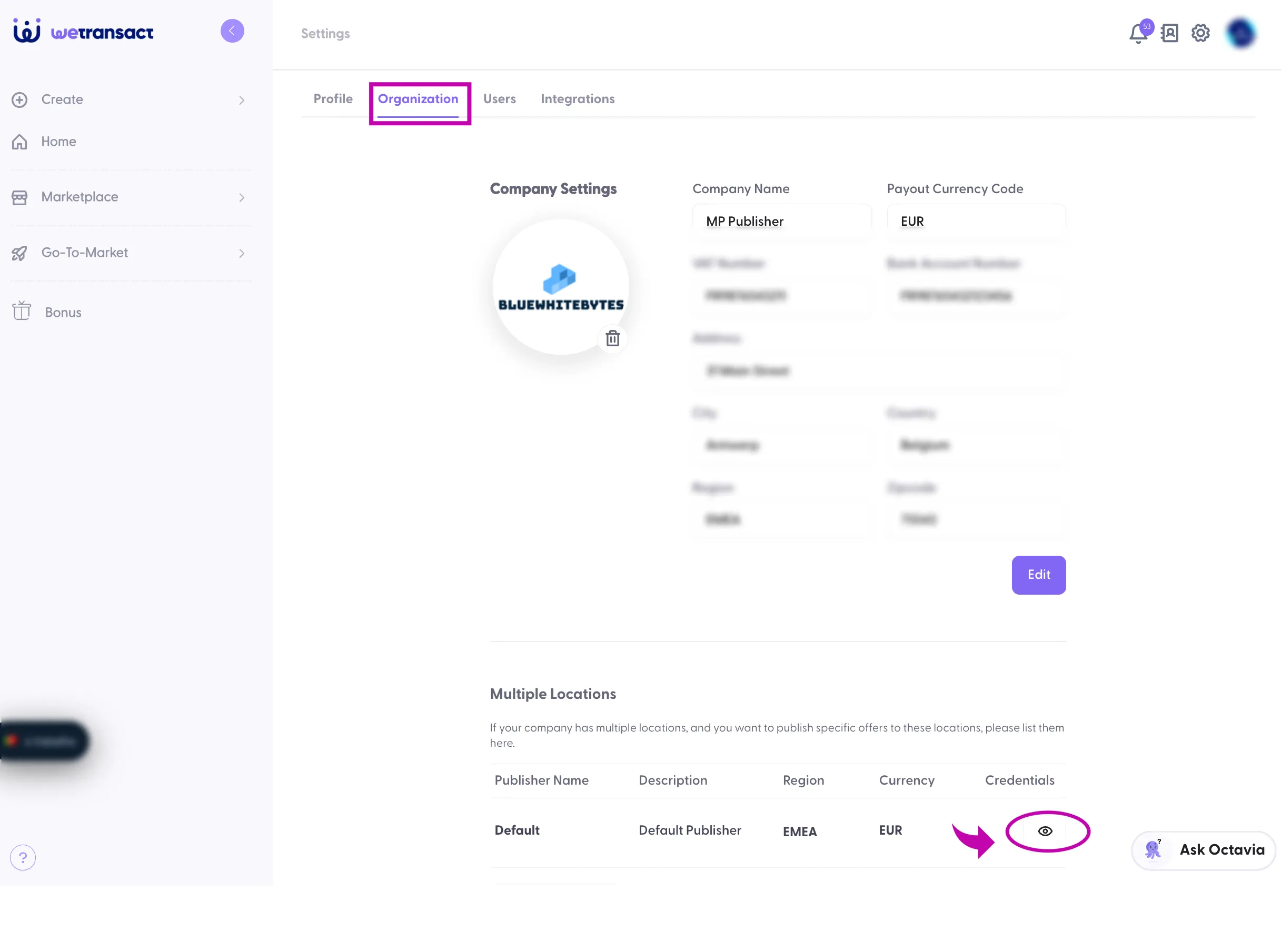
🟣 Under credentials, click on 👁️ symbol.
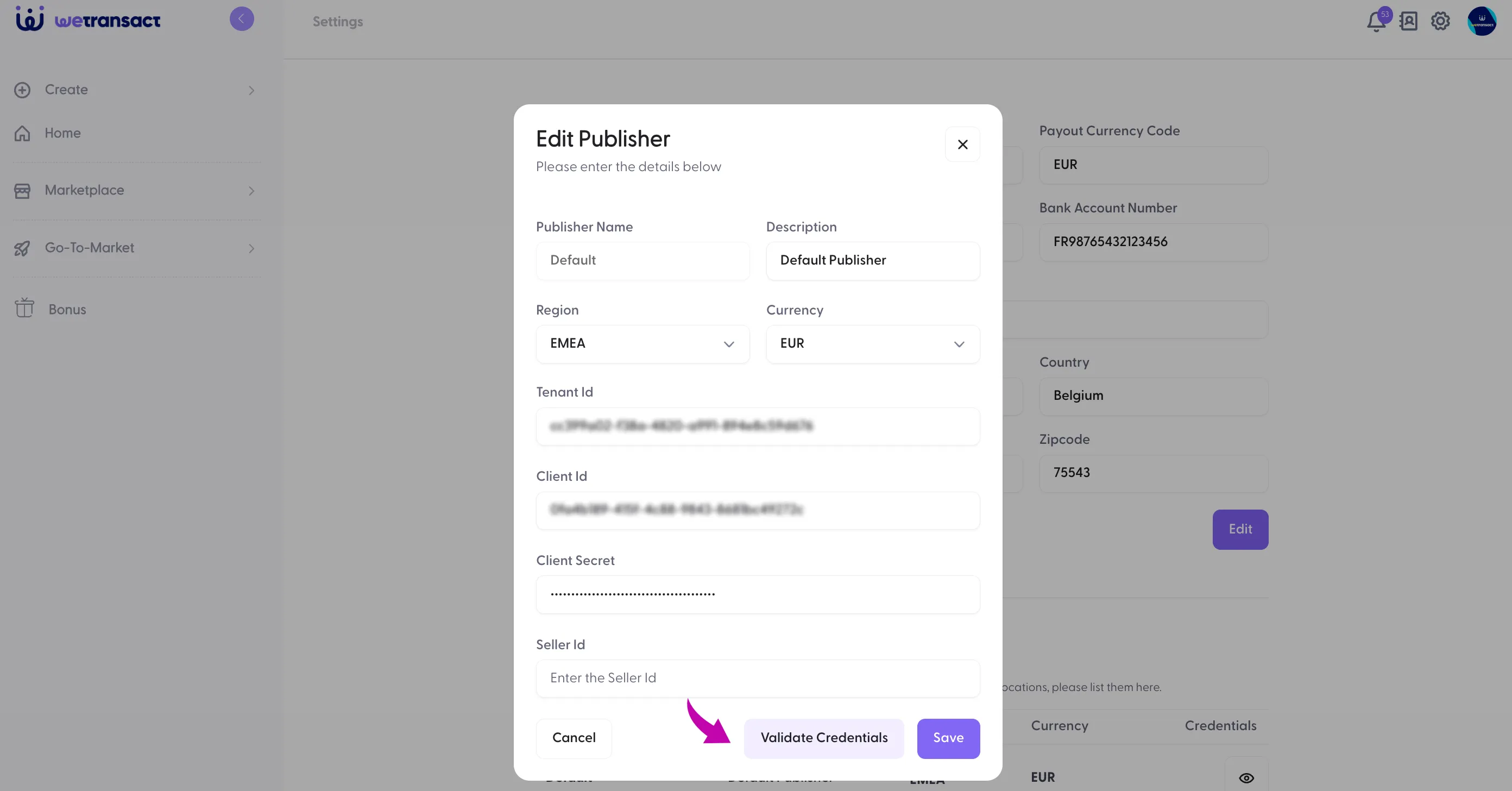
🟣 Enter tenant ID, Client ID and secret with Seller ID
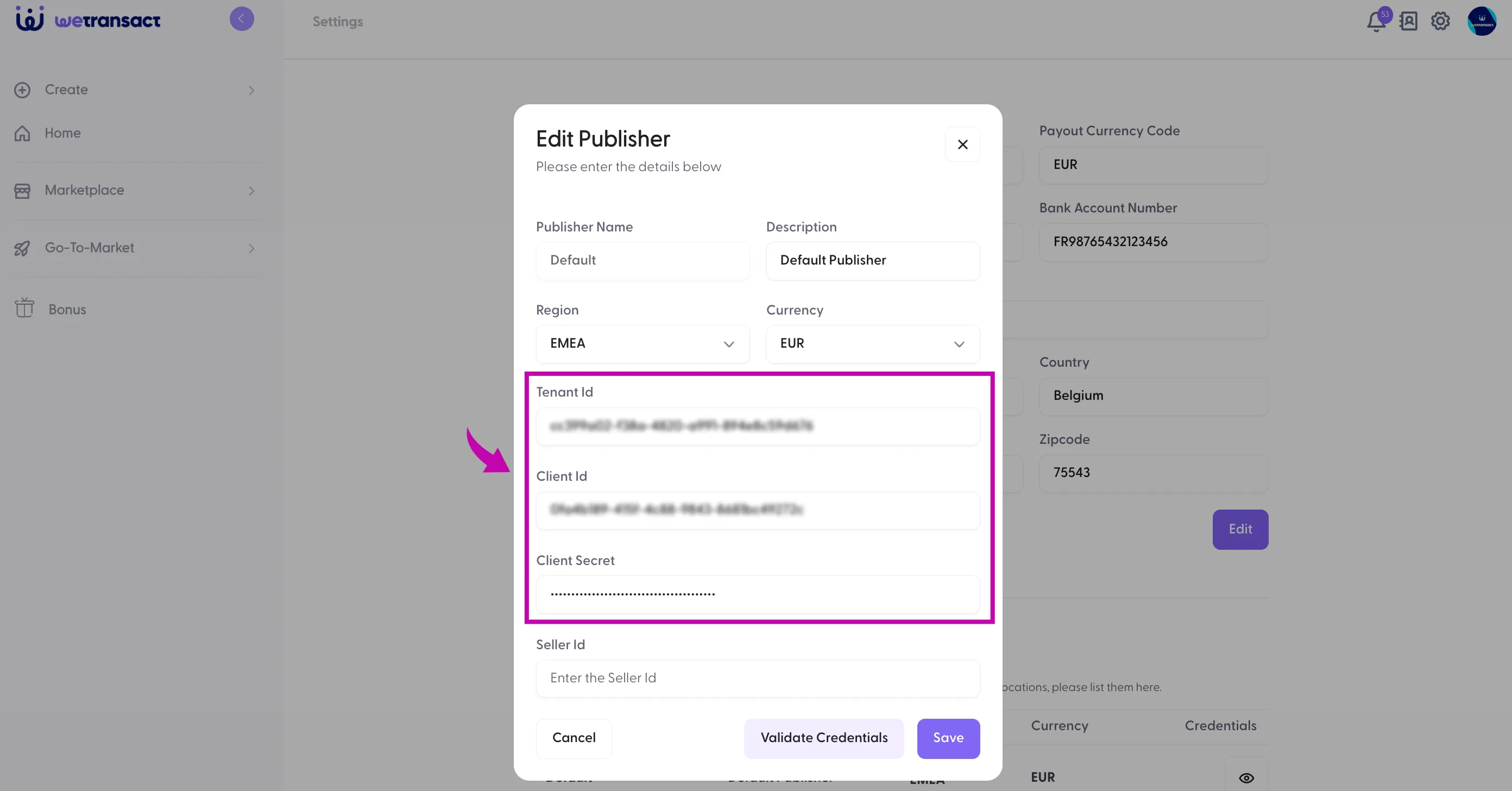
🟣 Click on Validate Credentials and Save
🟣 Click on Home
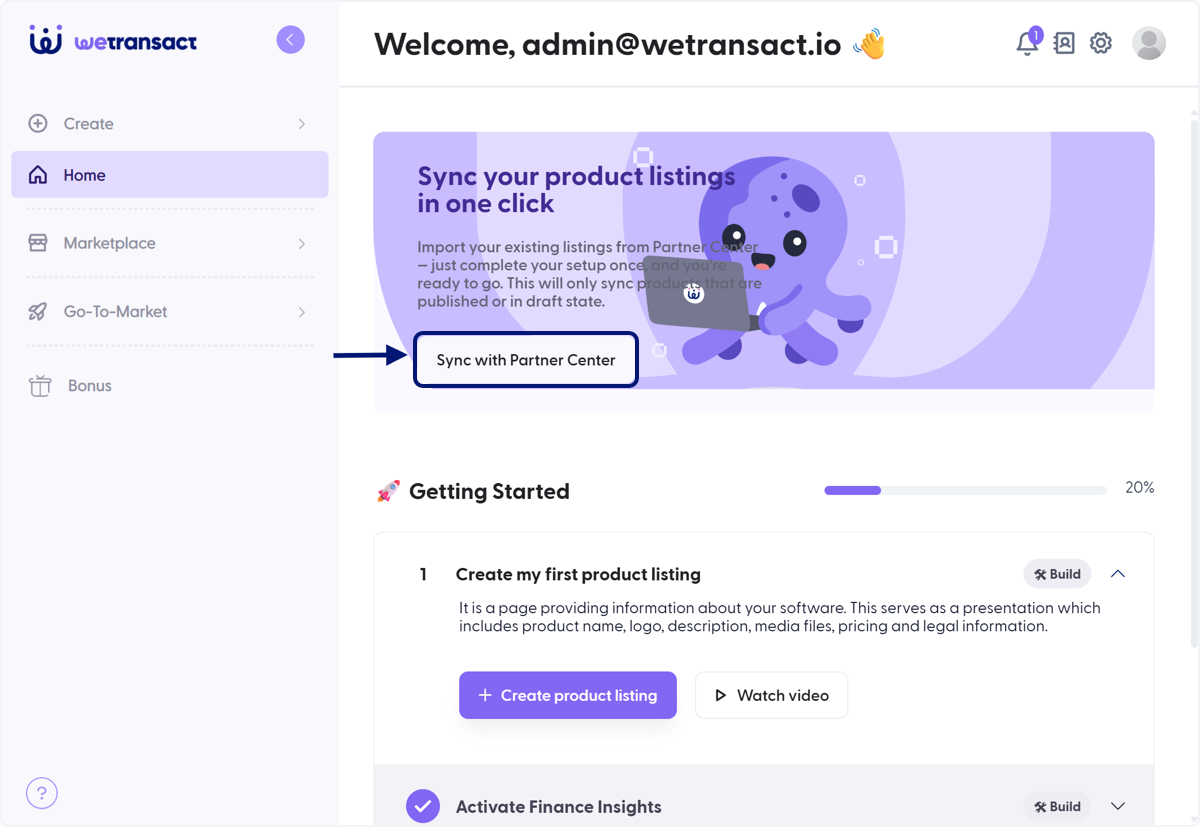
🟣 Click on Sync with Partner Center
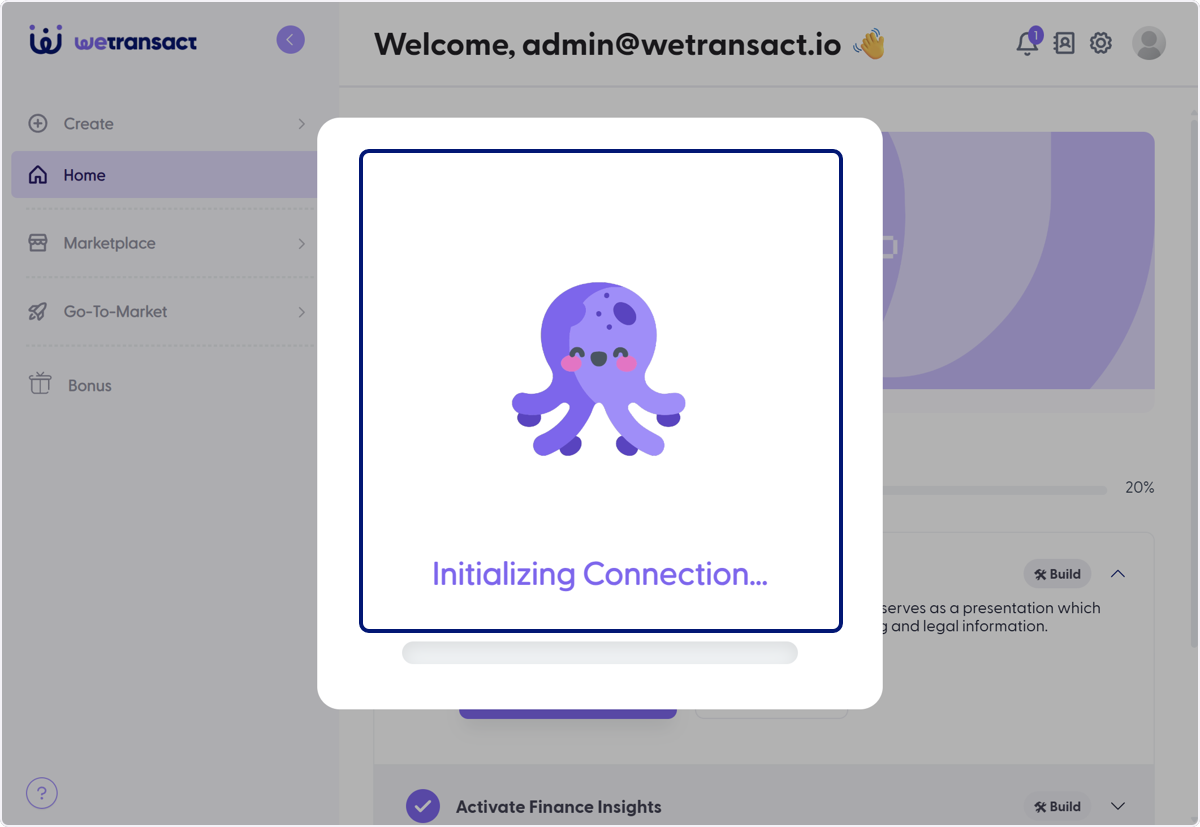
🟣 Wait to Establish Connection
🟣 Select Listings you want to Sync to WeTransact
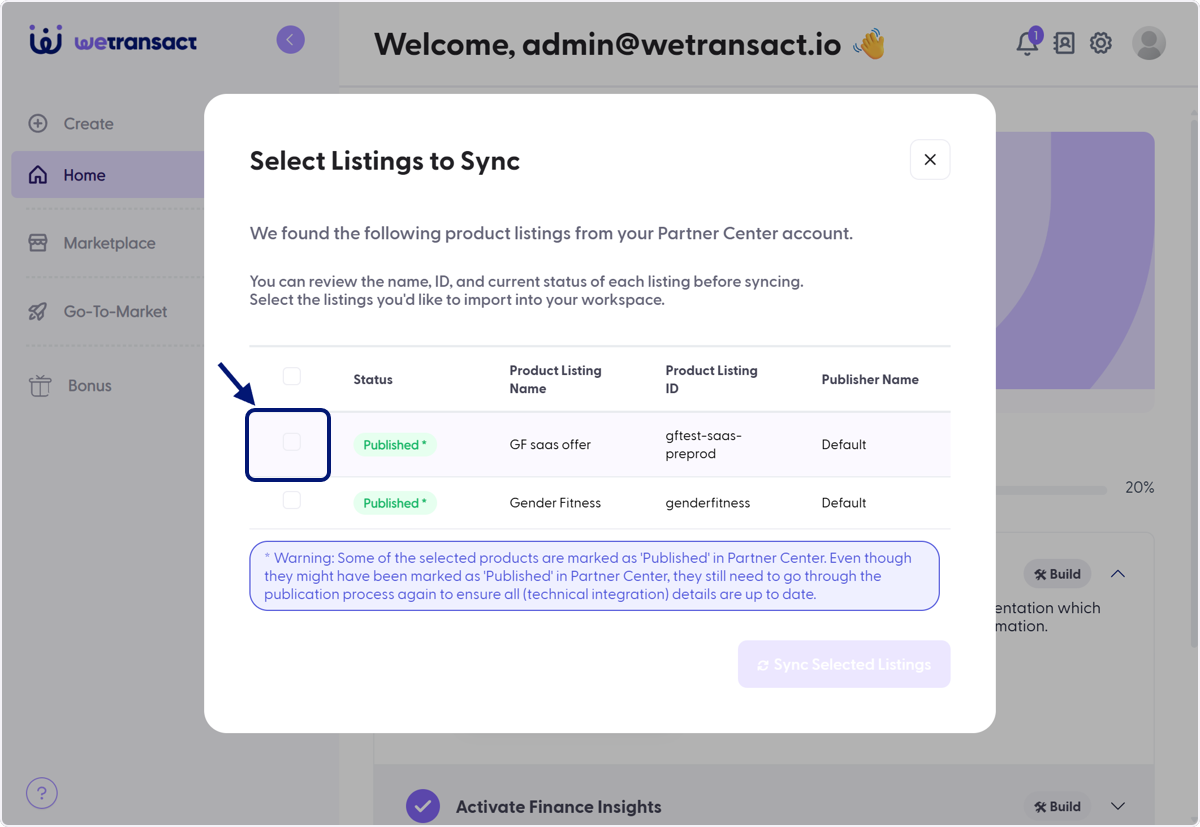
🟣 Check genderfitness
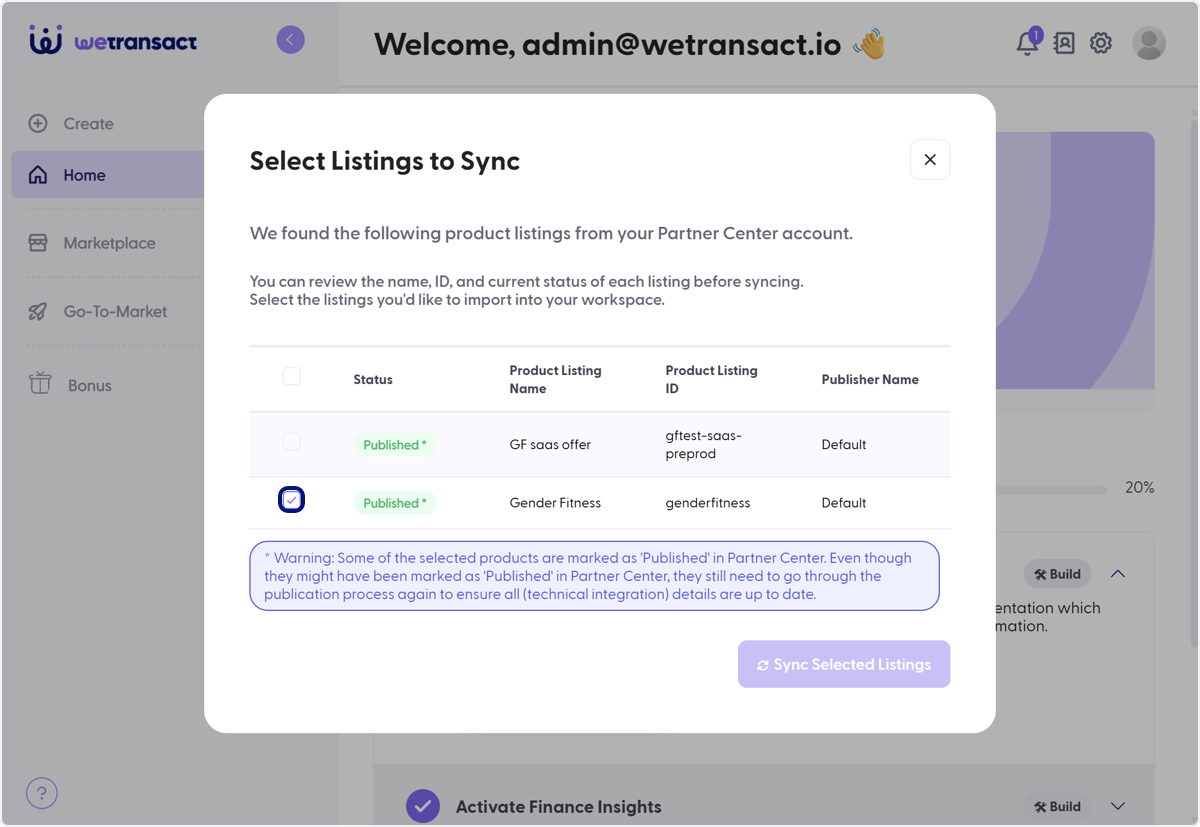
🟣 Check gftest-saas-preprod
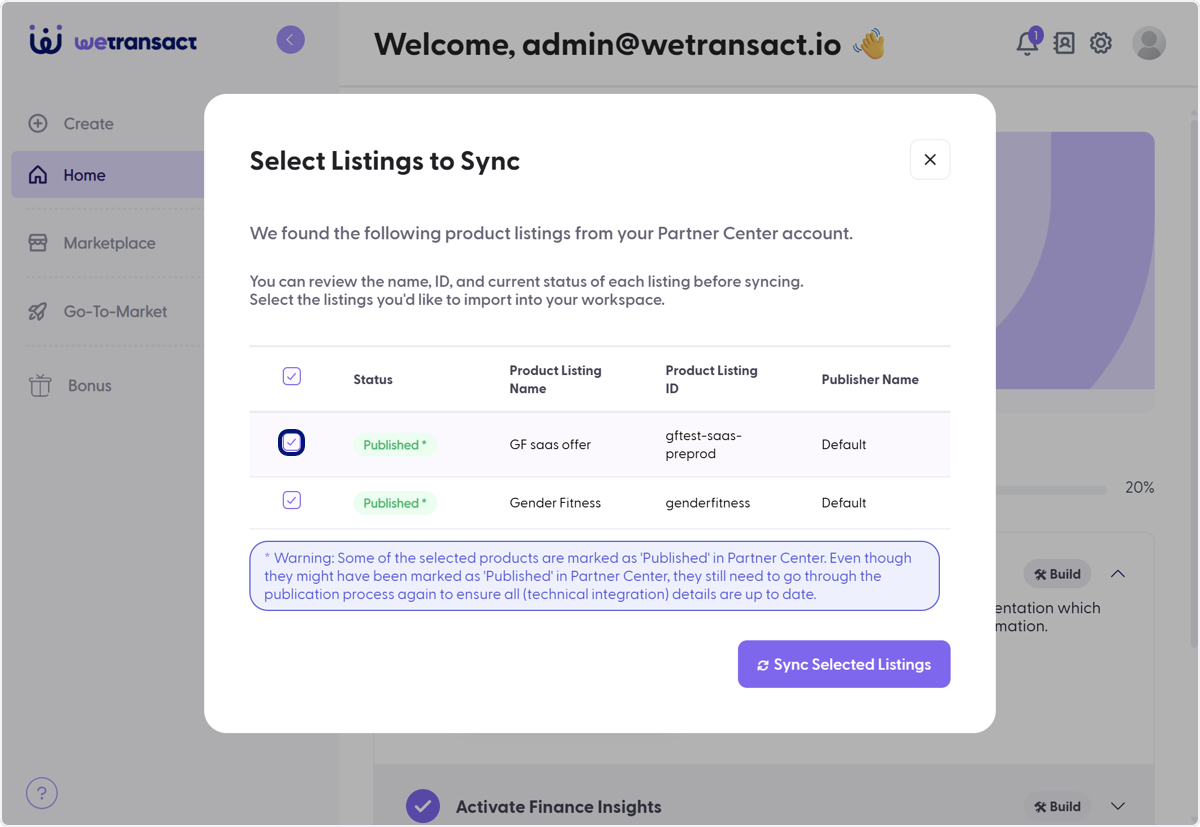
🟣 Click on Sync Selected Listings
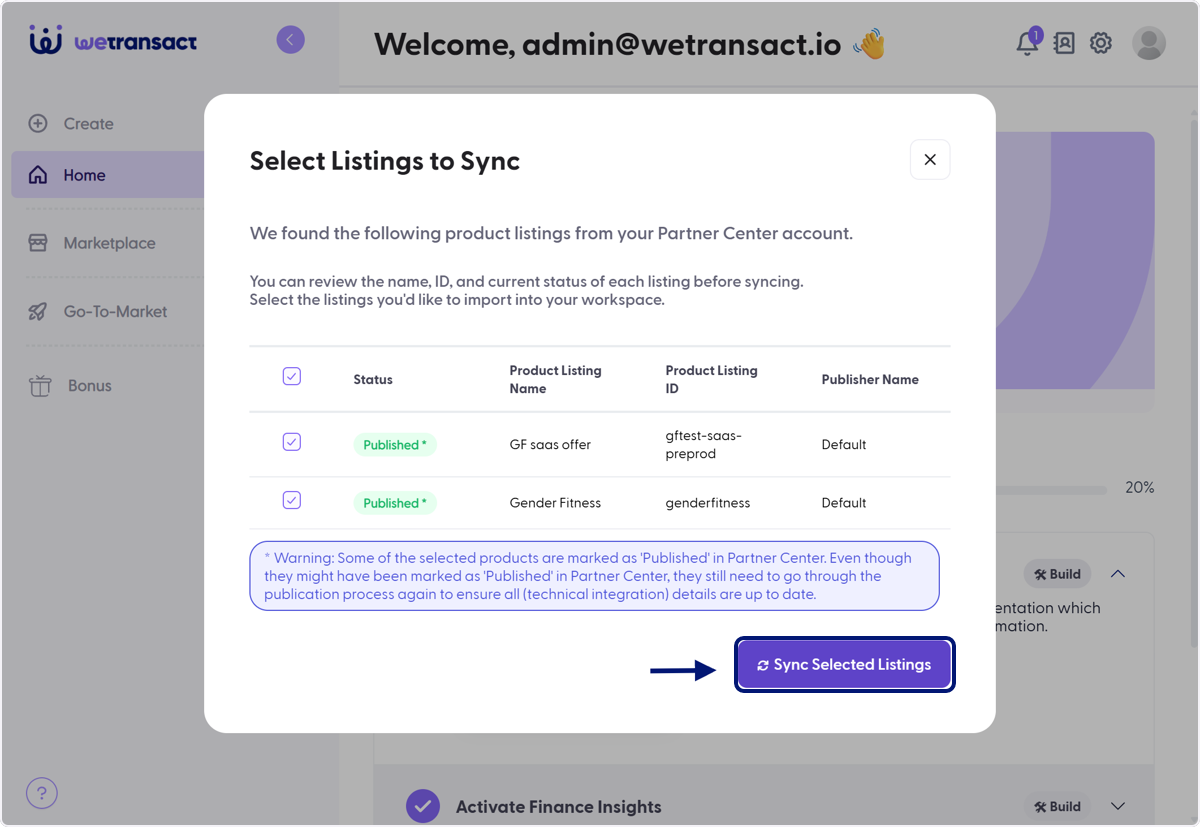
🟣 Successful Notification
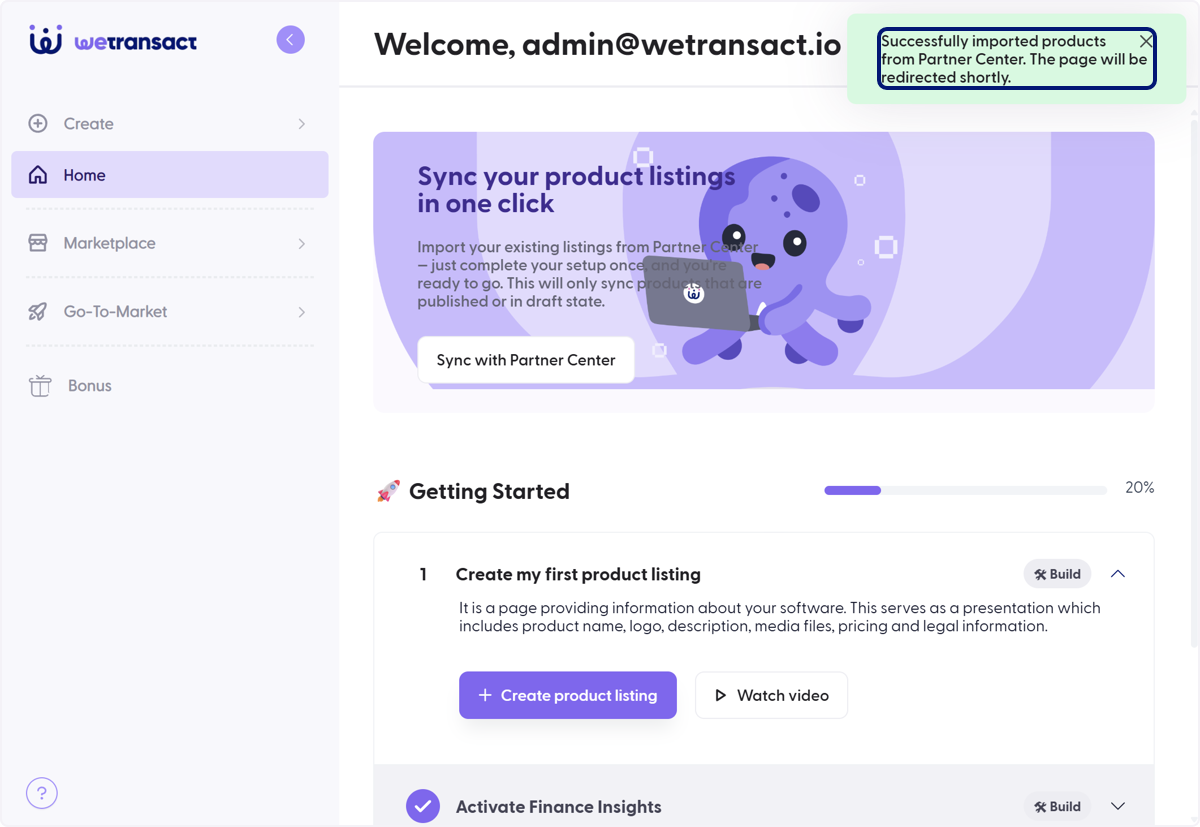
🟣 Listings are Now Synced
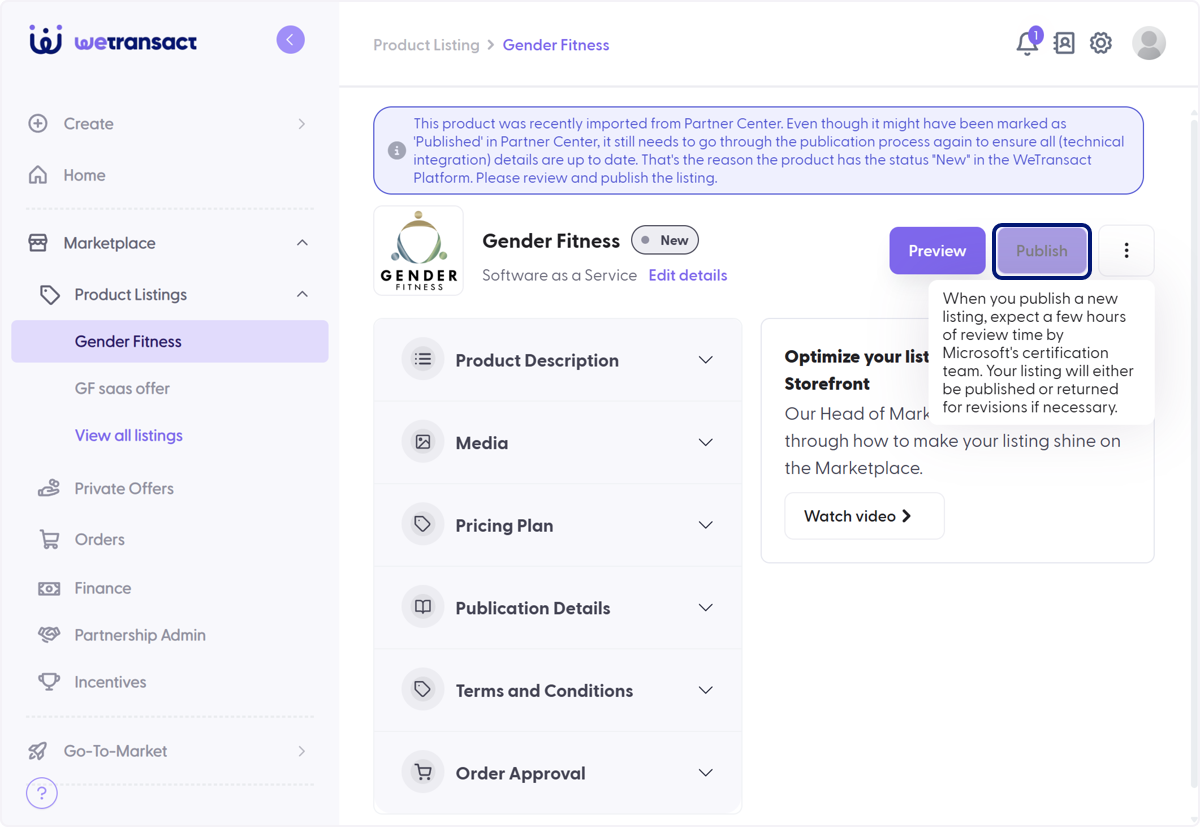
After syncing, you will need to publish each of the solutions (if you have multiple)
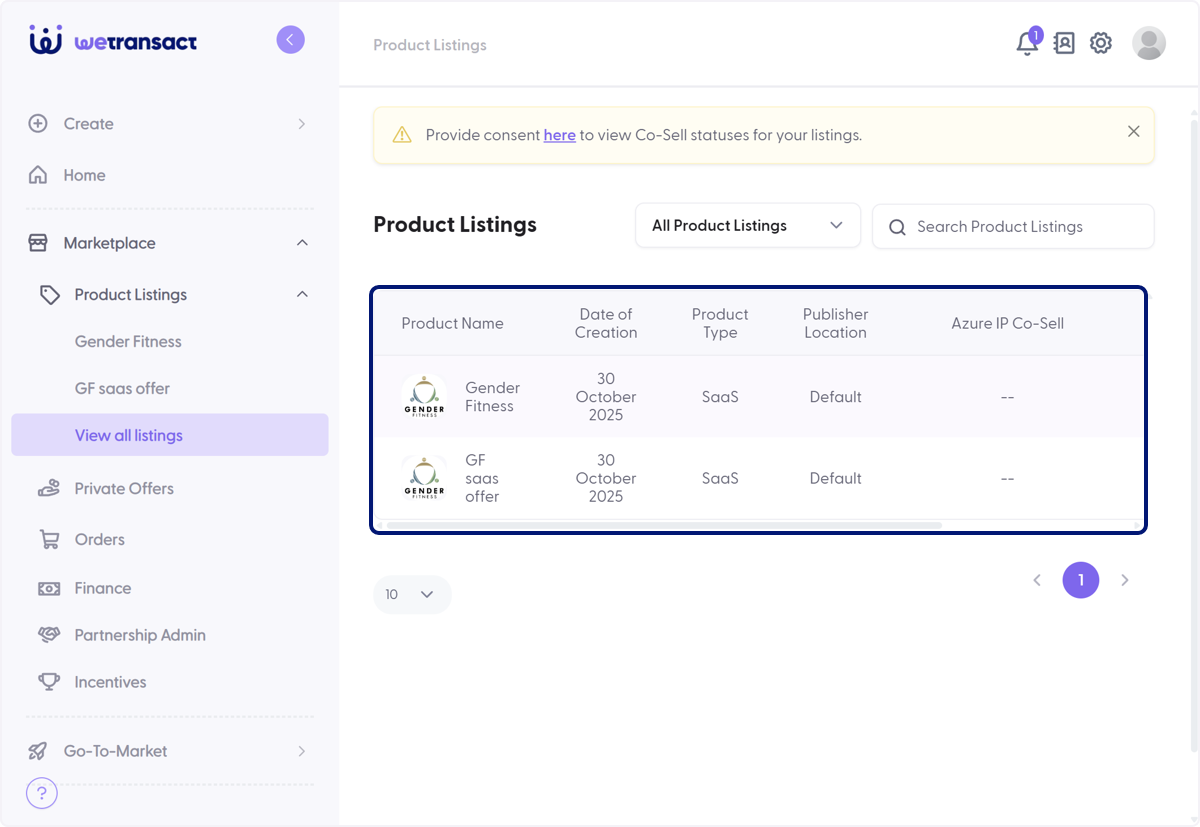
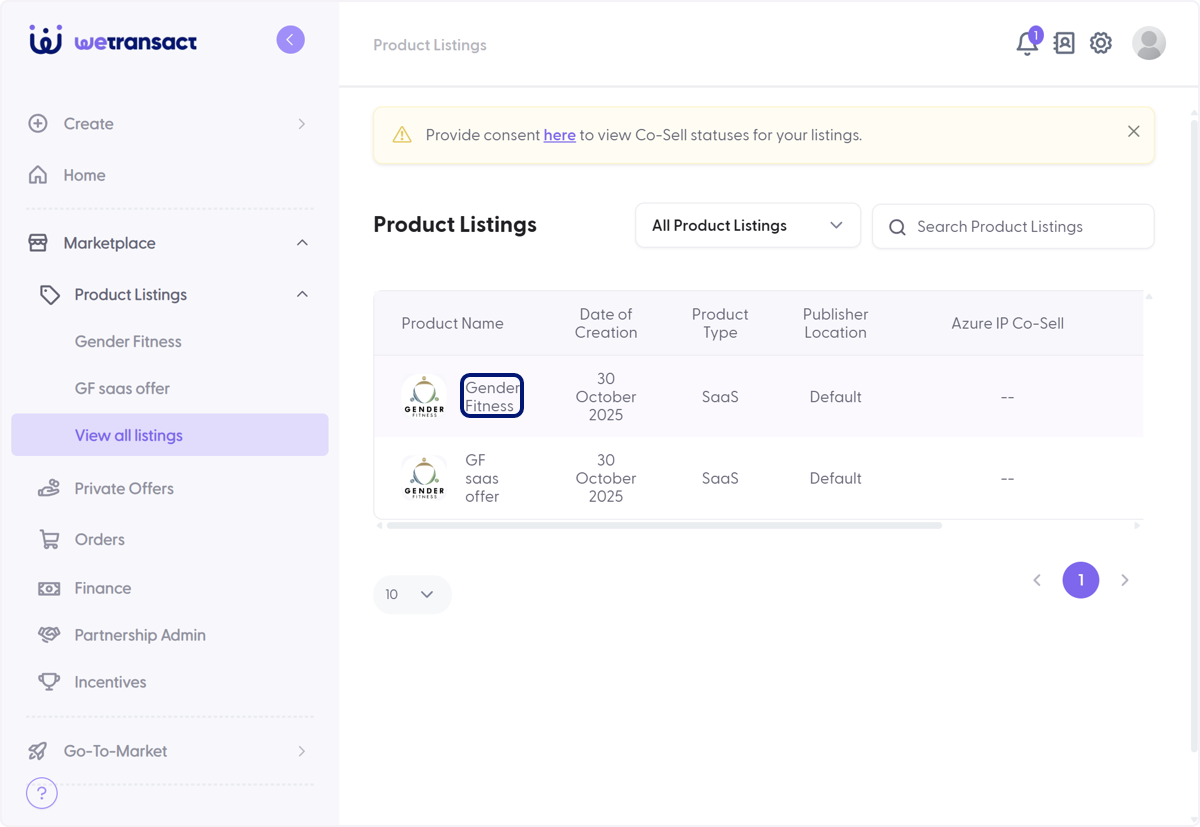
🟣 Click on Product Name
🟣 Click on Publish
🟣 Check on
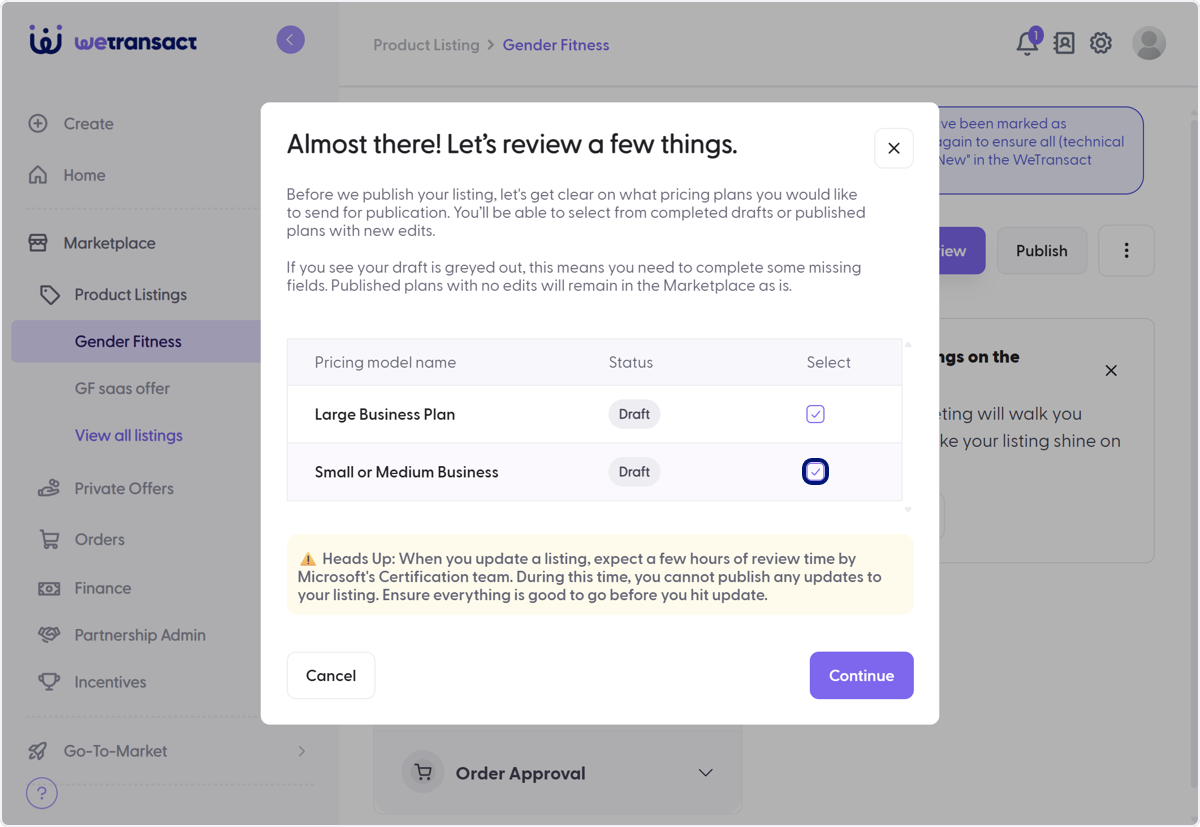
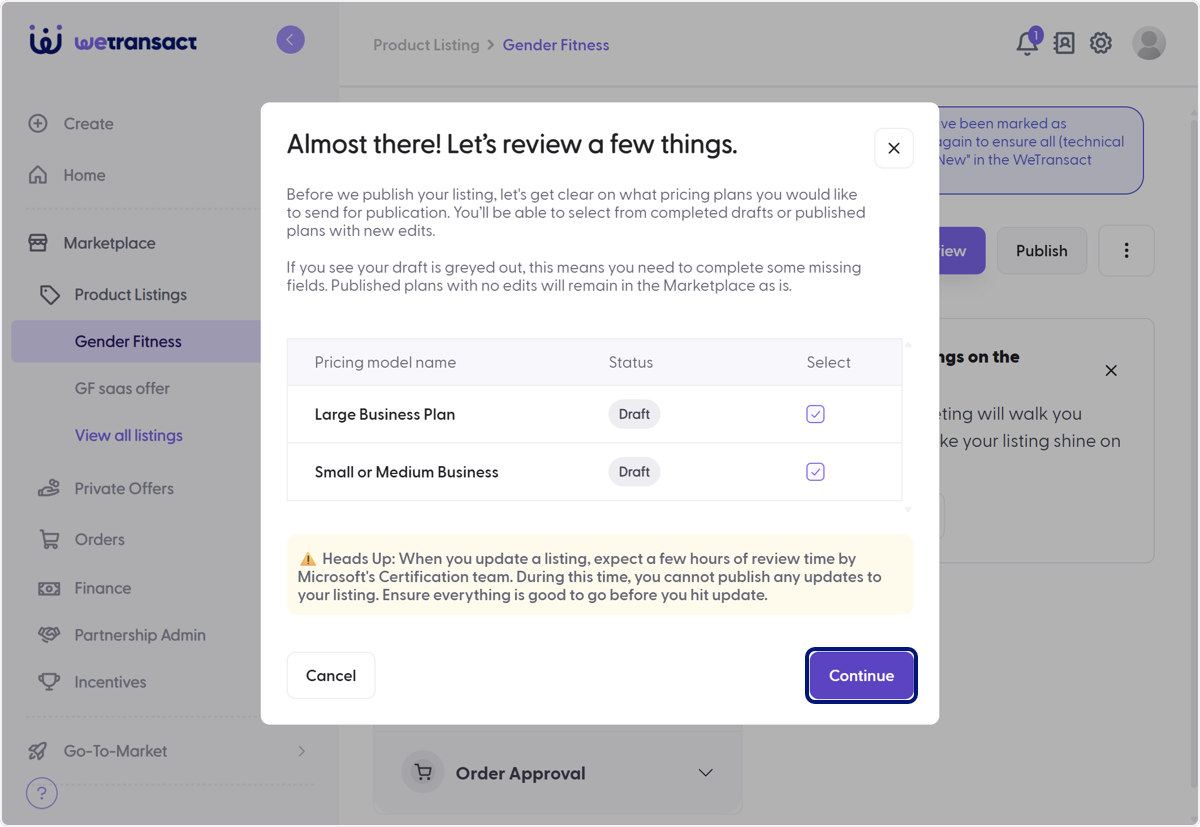
🟣 Click on Continue
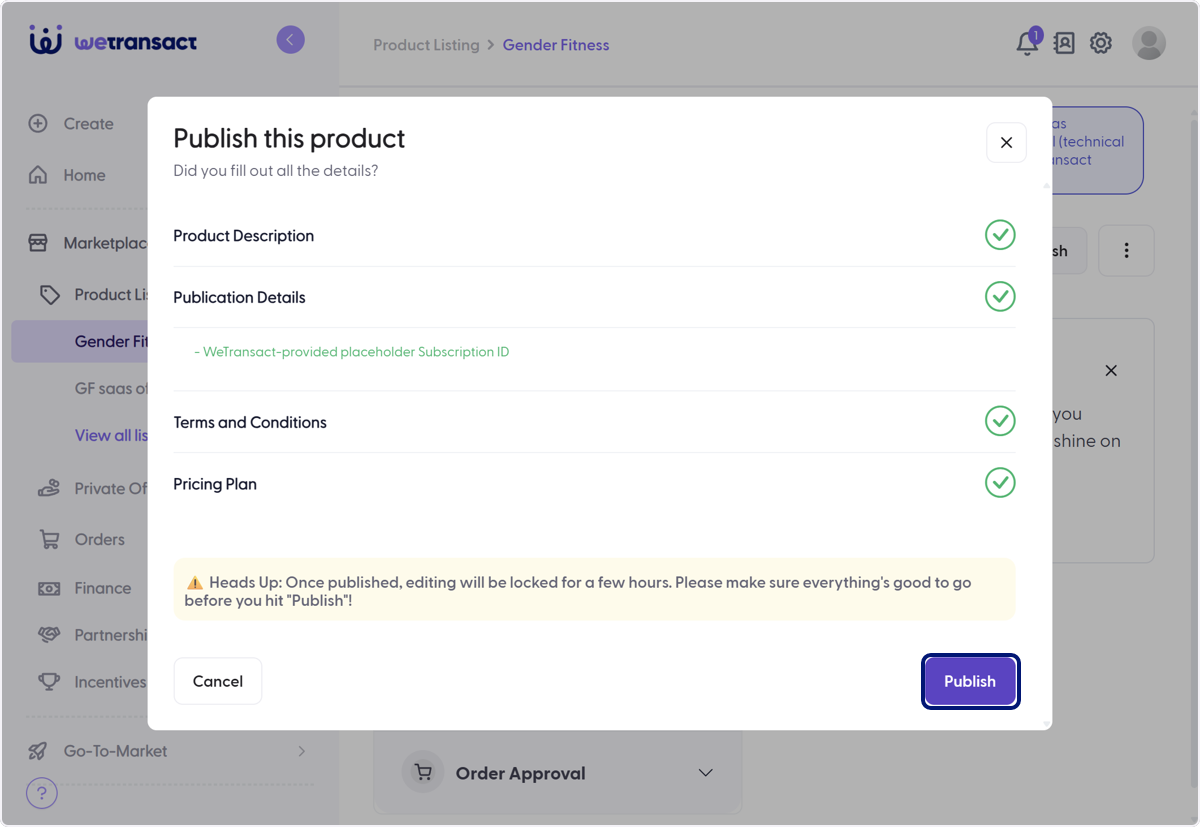
🟣 Click on Publish
🟣 Click on Yes, please!
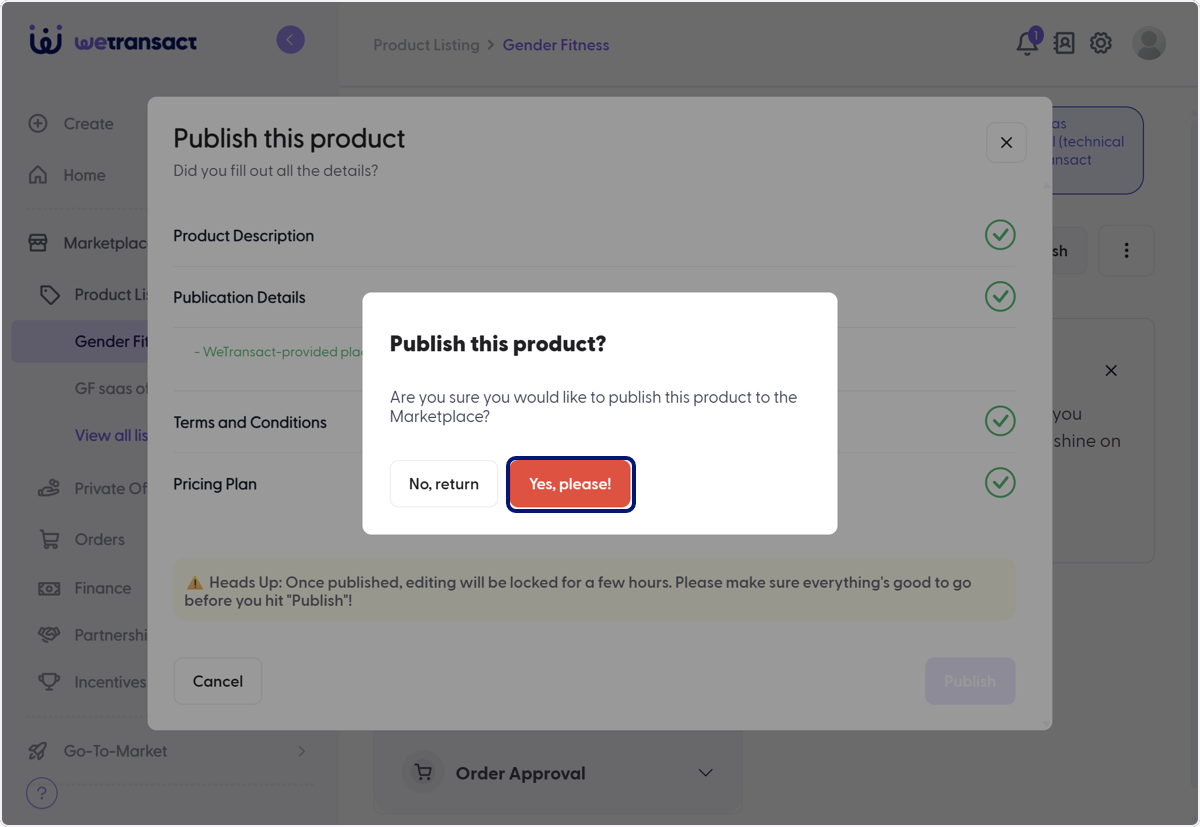
ℹ️ For multiple solutions/listing, you will have to go to each listing and Publish.
💬 For more, contact us at : [email protected]