How to check Microsoft Entra application roles?
6 min
Checking Entra app roles ensures the correct permissions are assigned, allowing it to access and sync data between your Partner Center account and the WeTransact portal without issues.
🟣 Go to Settings
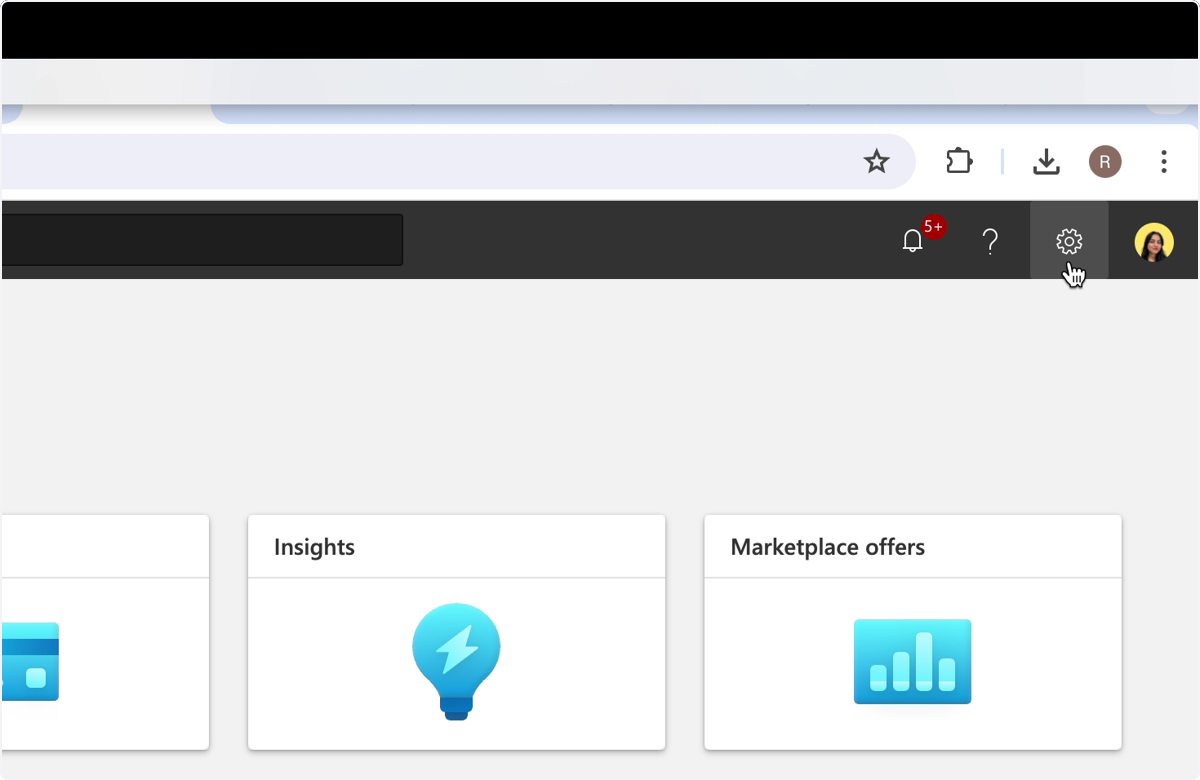
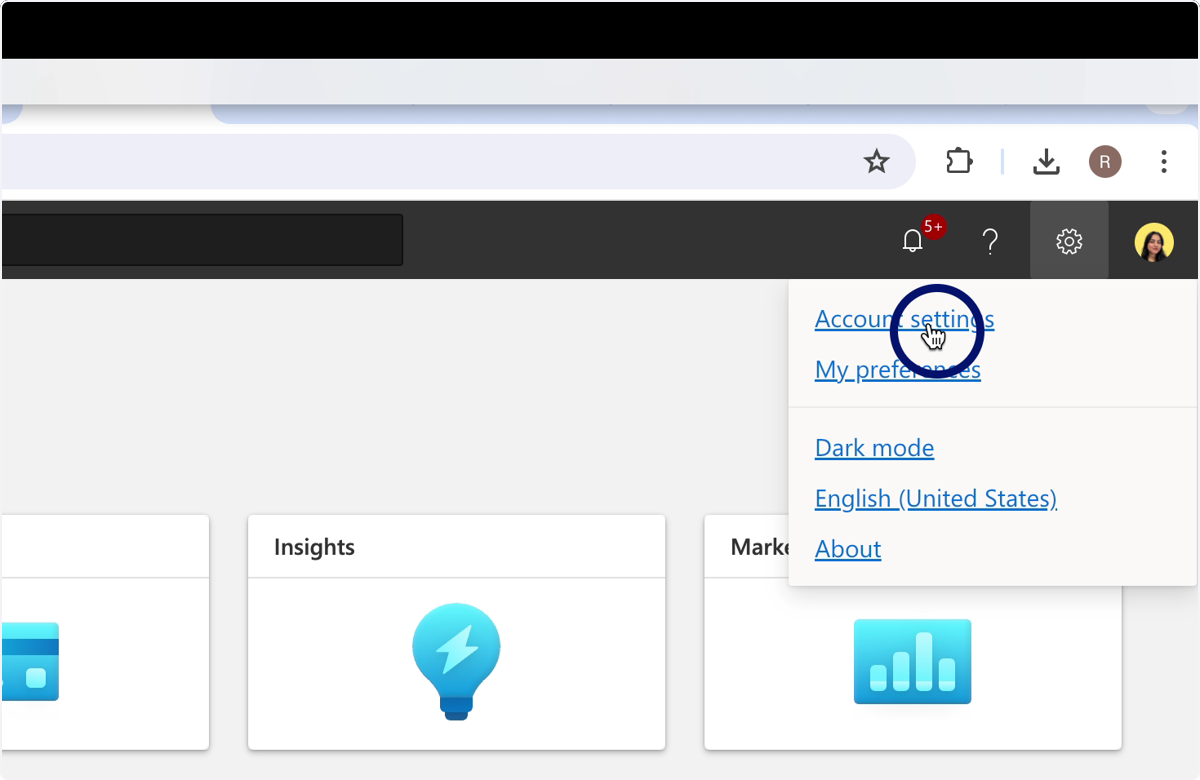
🟣 Click on Account Settings
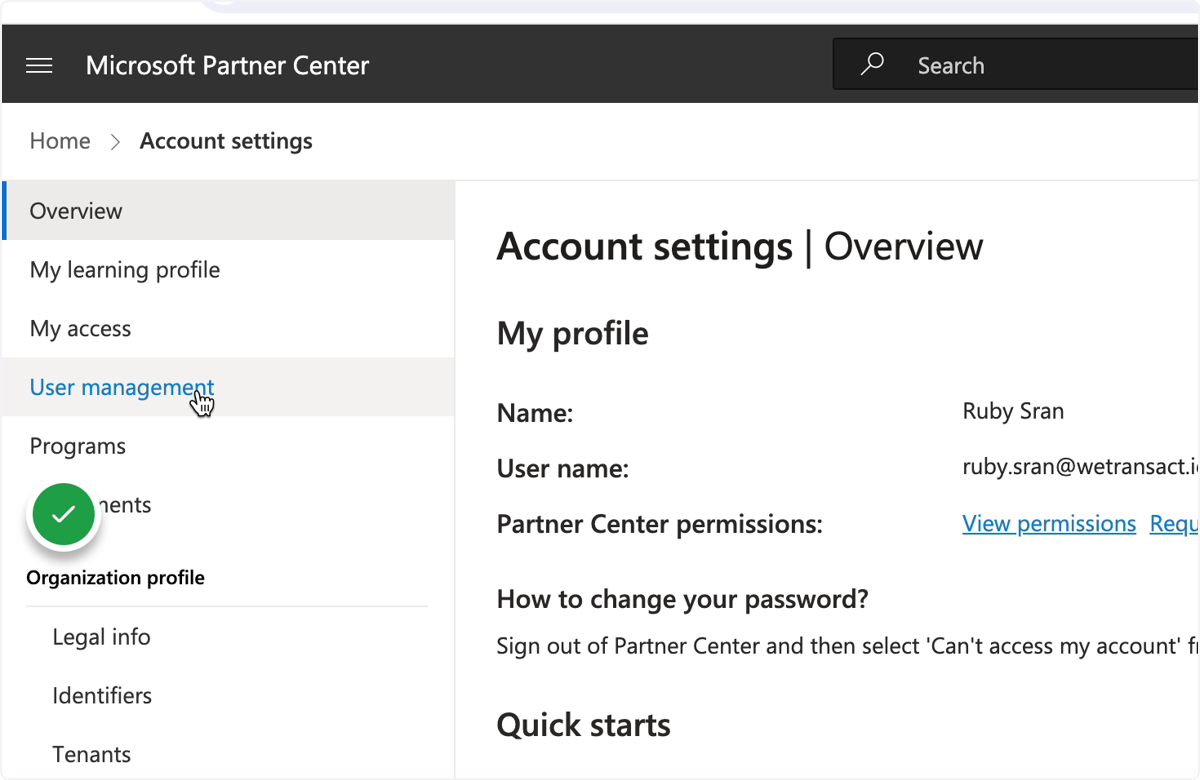
🟣 Click on User Management
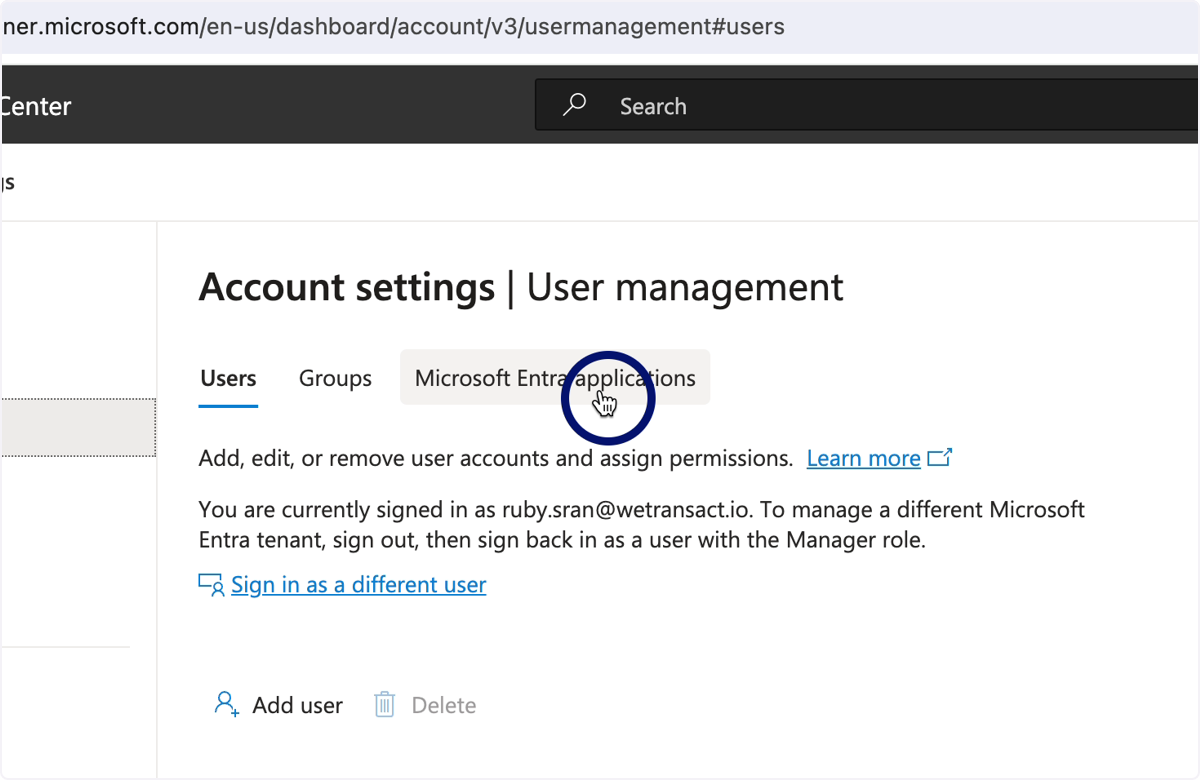
🟣 Select Microsoft Entraapplications
🟣 Search for api-wetransact
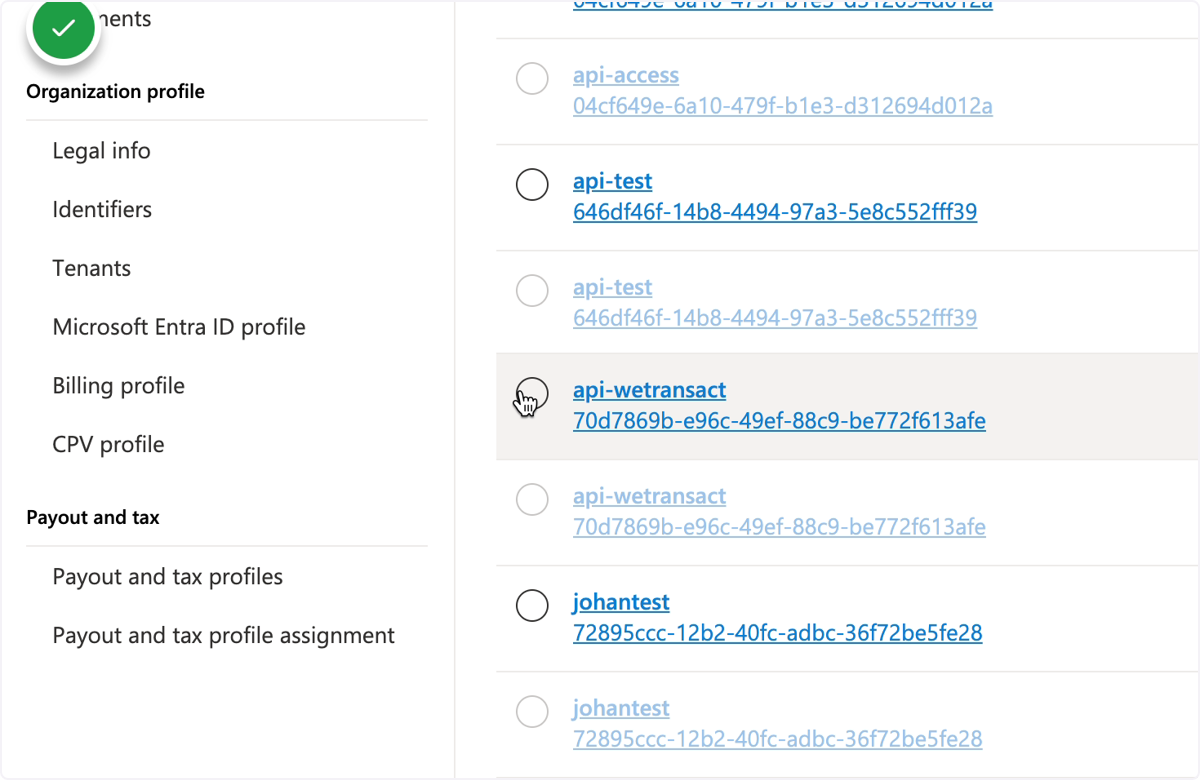
🟣 Check the roles
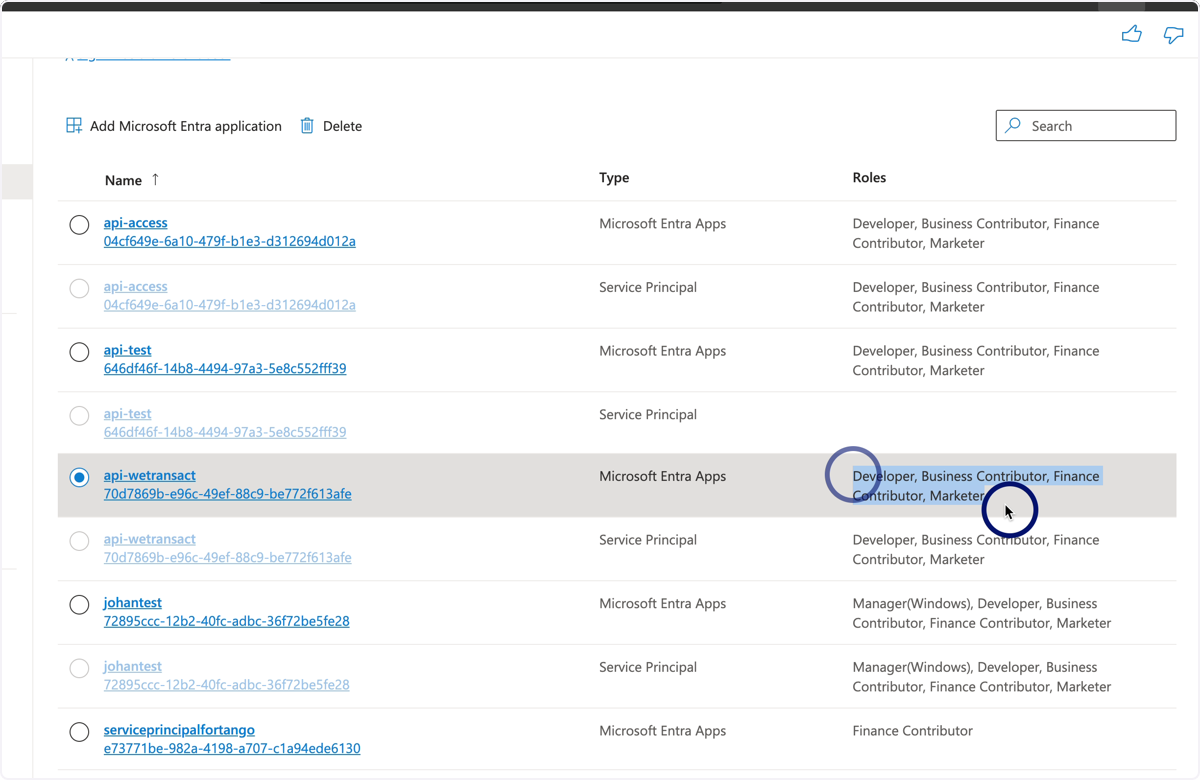
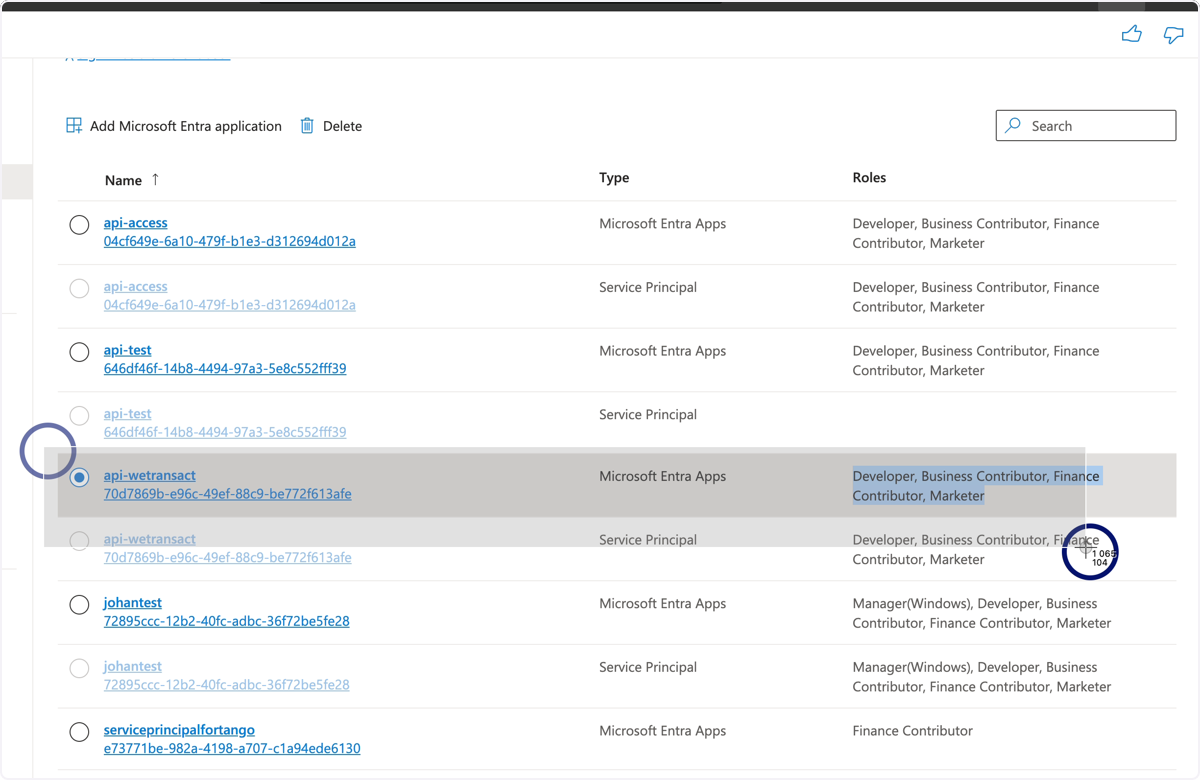
🟣 Take a screenshot of the roles
💬 Need Help?
Contact: [email protected]