How to update payment methods in Microsoft Azure Portal?
3 min
Updating payment methods in the Microsoft Azure Portal ensures your subscriptions and services remain active without interruption. Follow the steps below:
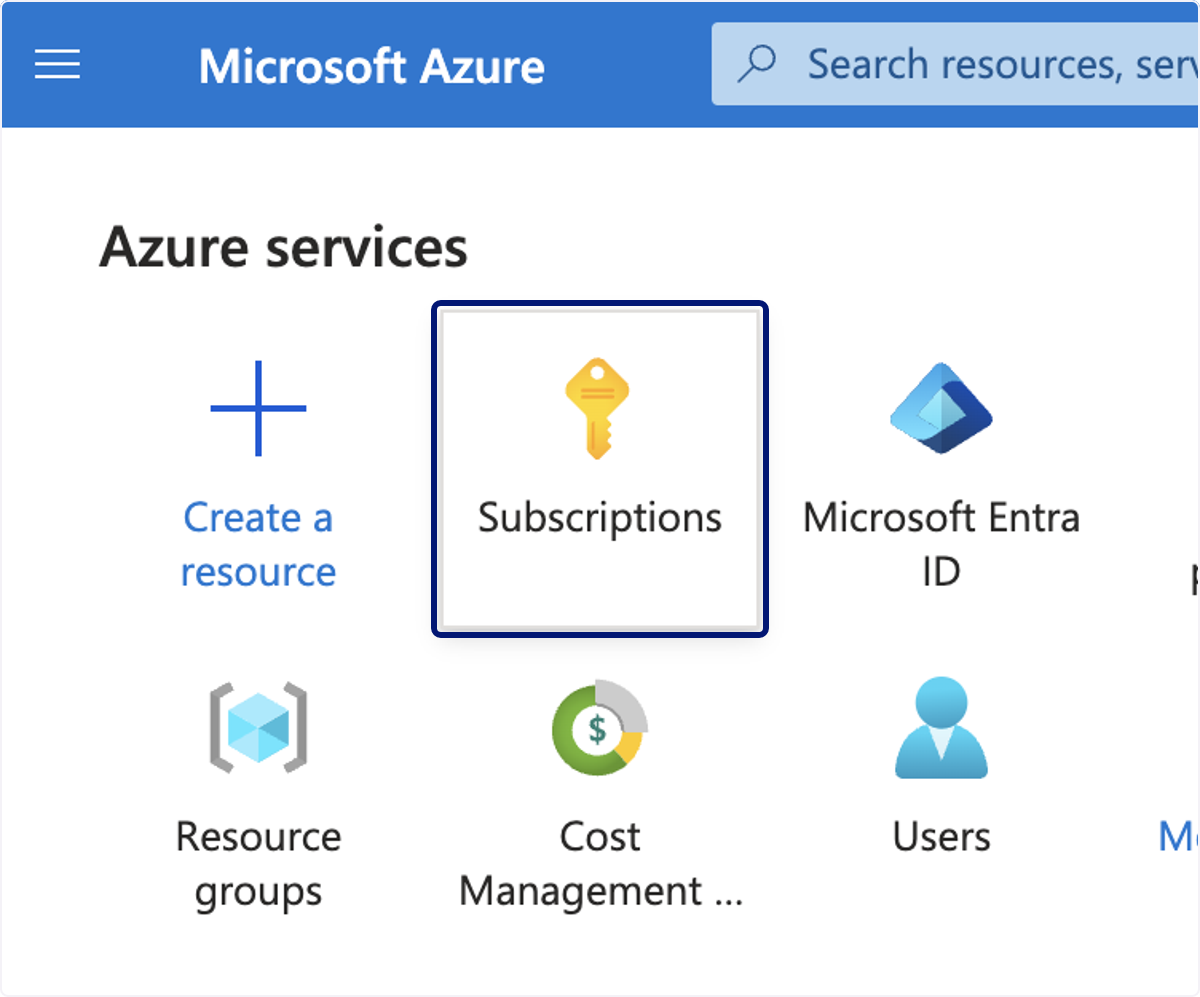
🟣 Click on Subscriptions
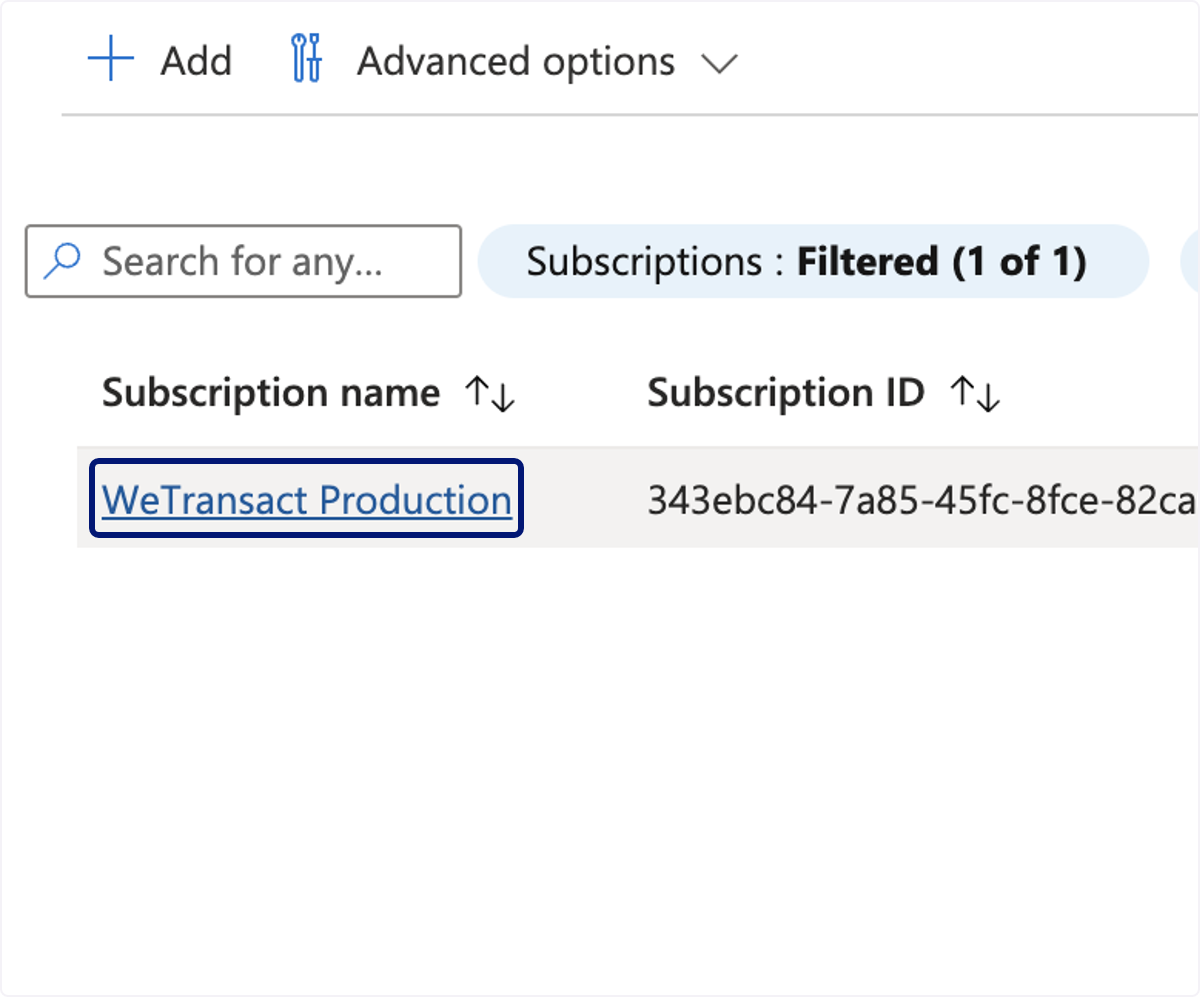
🟣 Click on the relevant subscription.
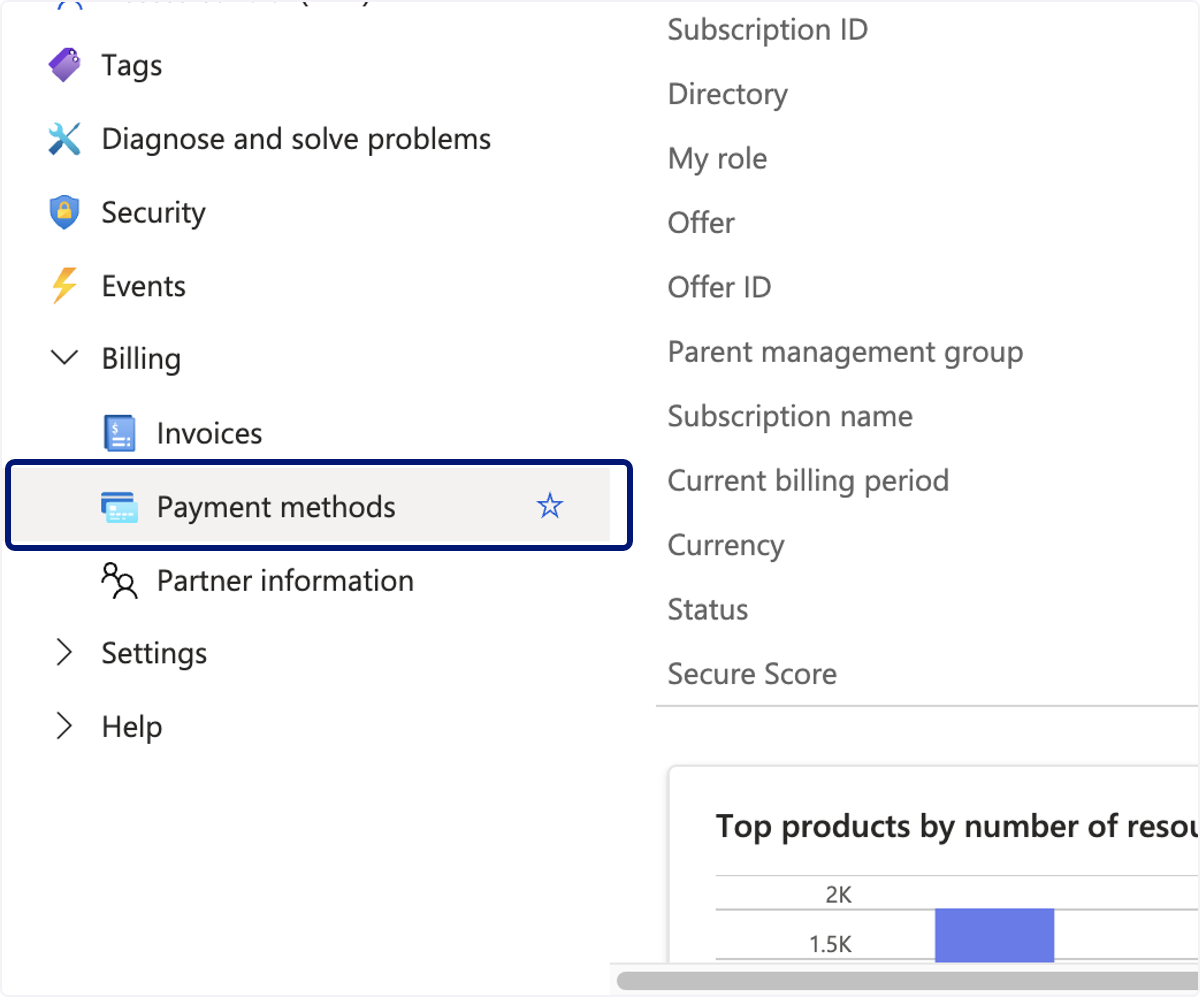
🟣 Click on Billing, then Payment Methods.
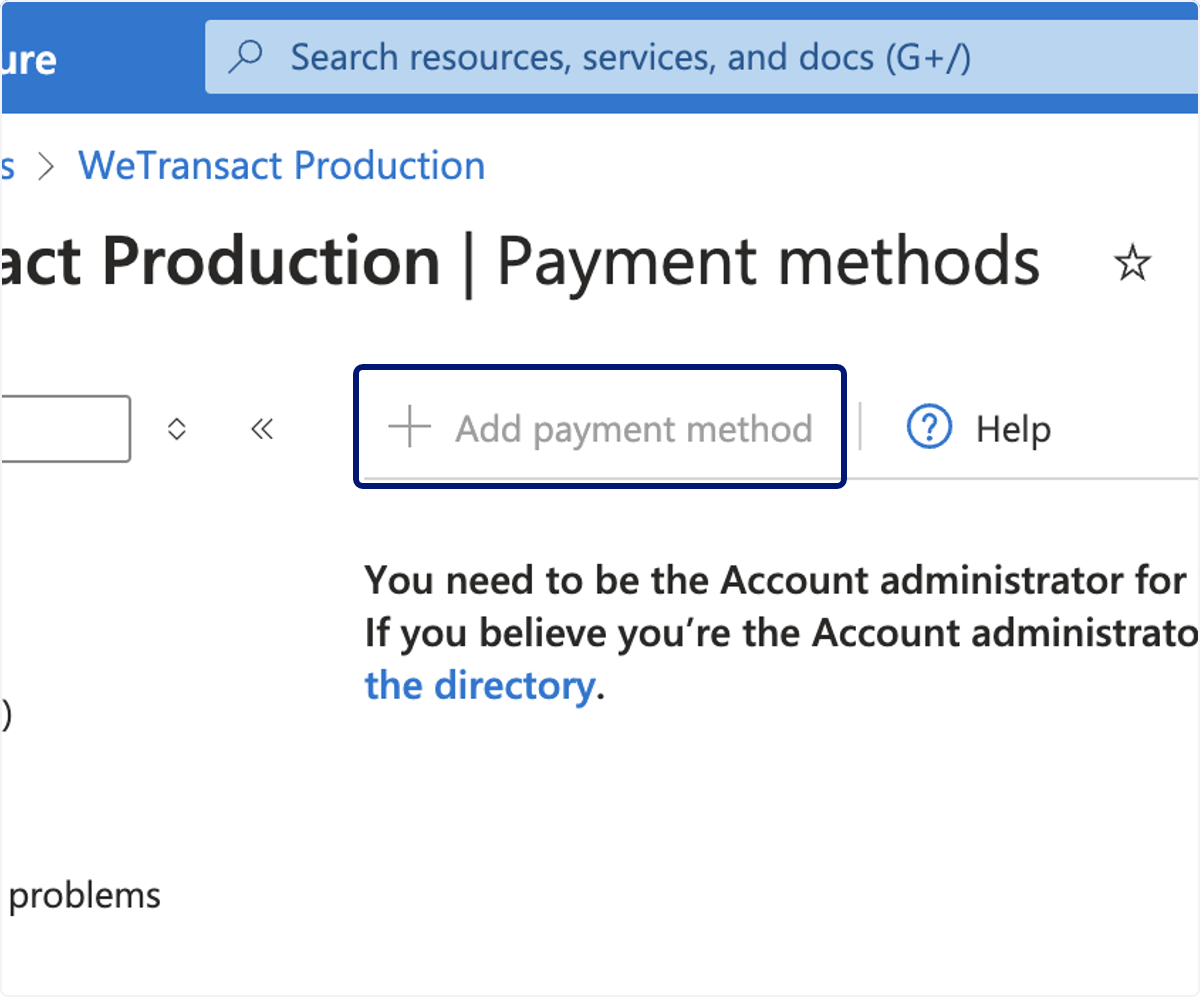
🟣 Click on Add payment method.
You'll need to ensure you have sufficient rights to add the new method.
💬 For more, contact us at : [email protected]