How to change the publisher ID name?
5 min
Changing your Publisher ID name updates how your organization is identified in the Marketplace, ensuring your branding and business details are accurately reflected to customers. Please follow the steps below:
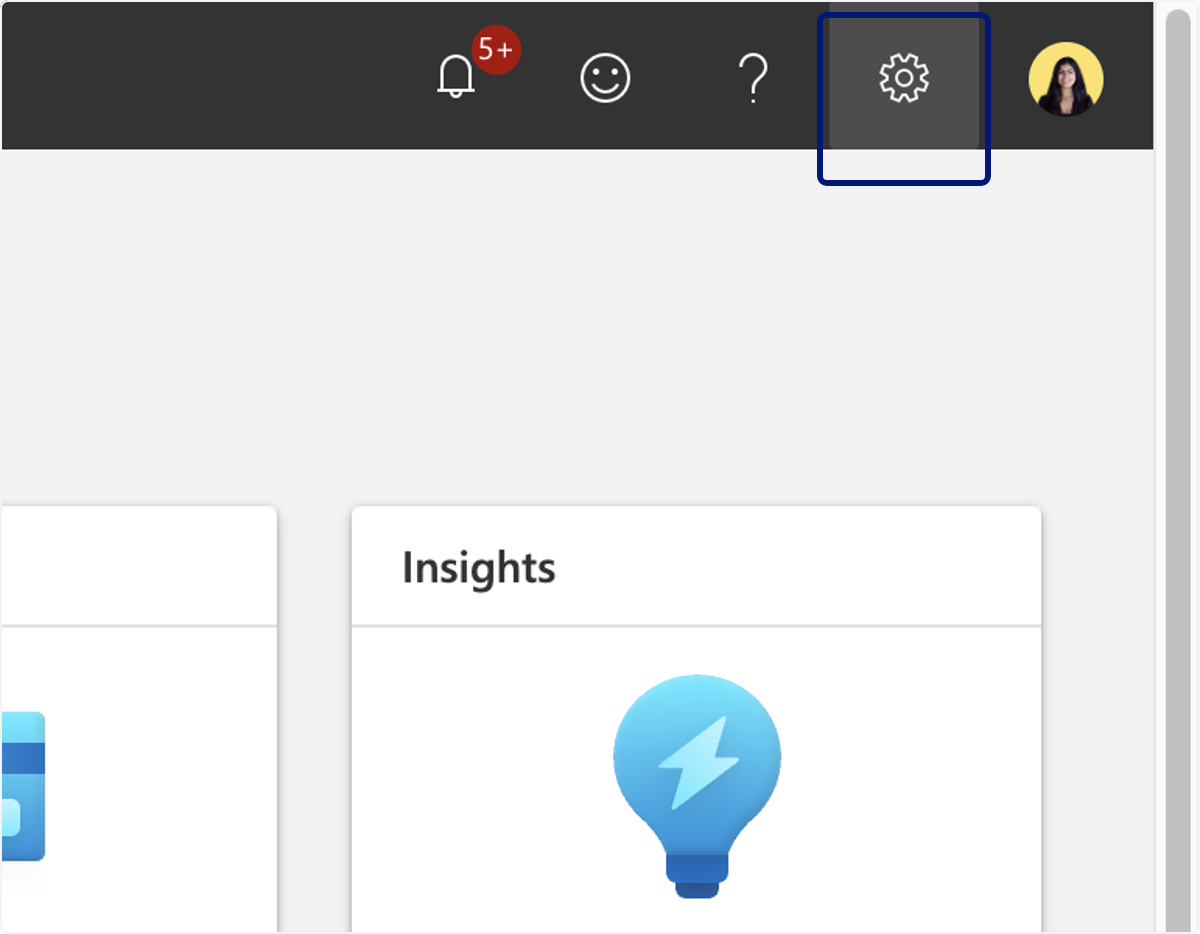
🟣 Click on Settings
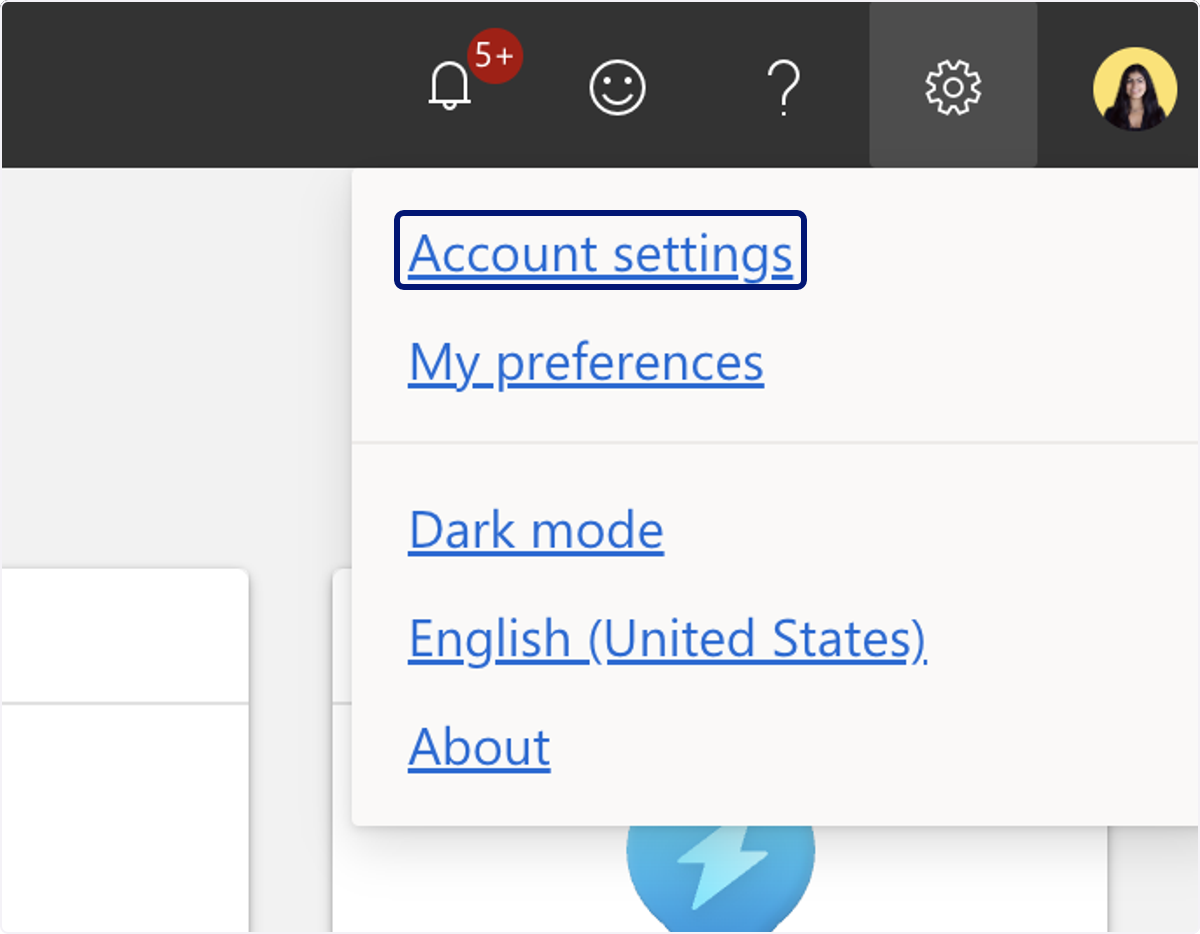
🟣 Click on Account settings
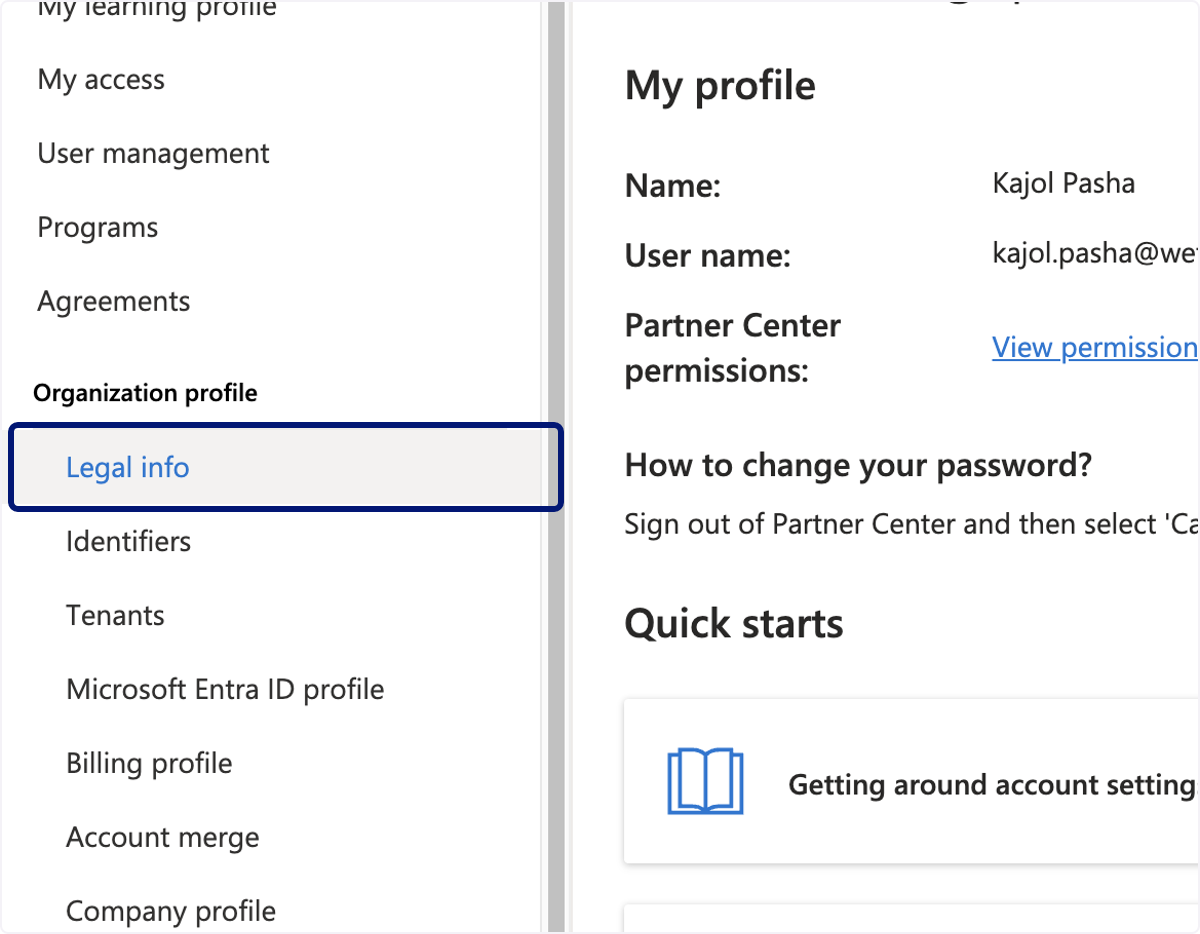
🟣 Click on Legal info
🟣 Click on Developer tab
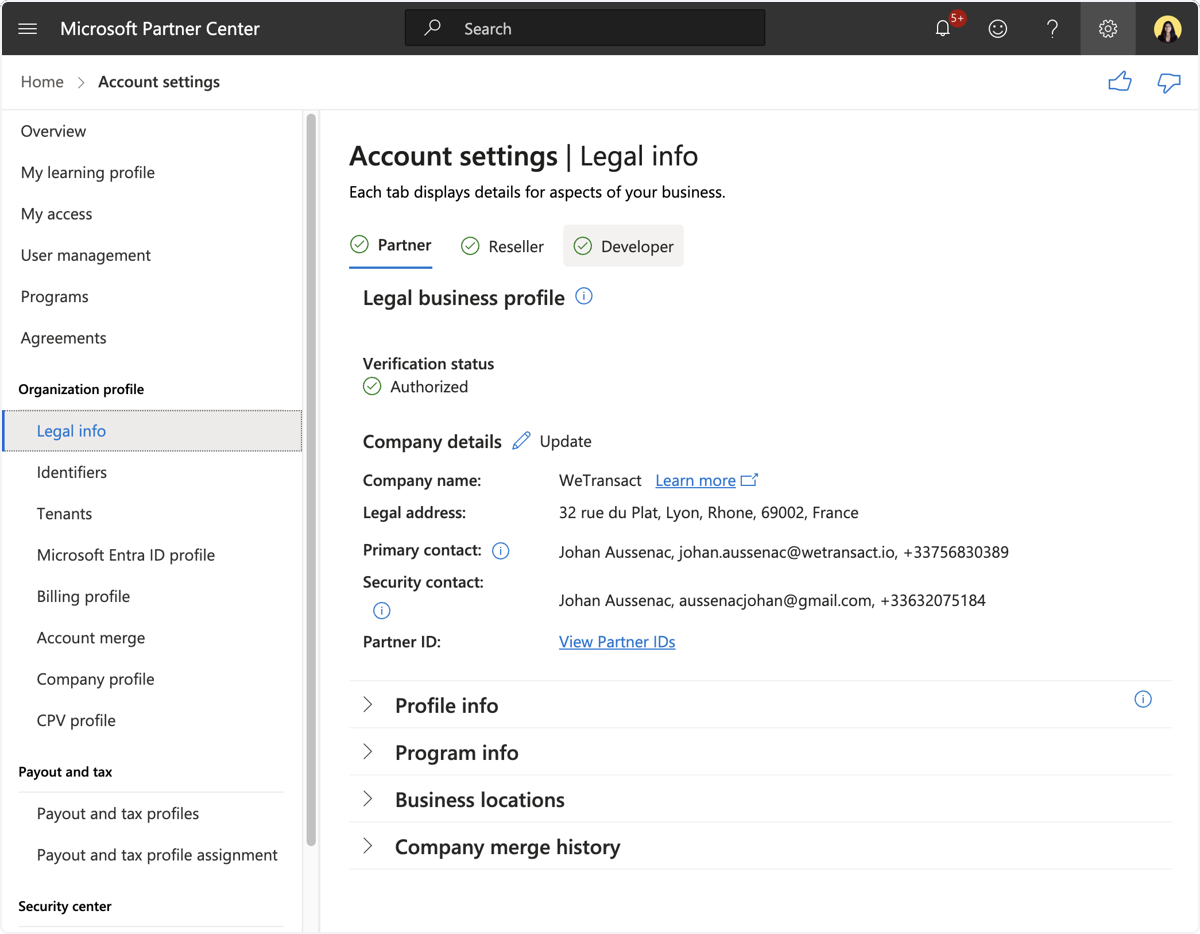
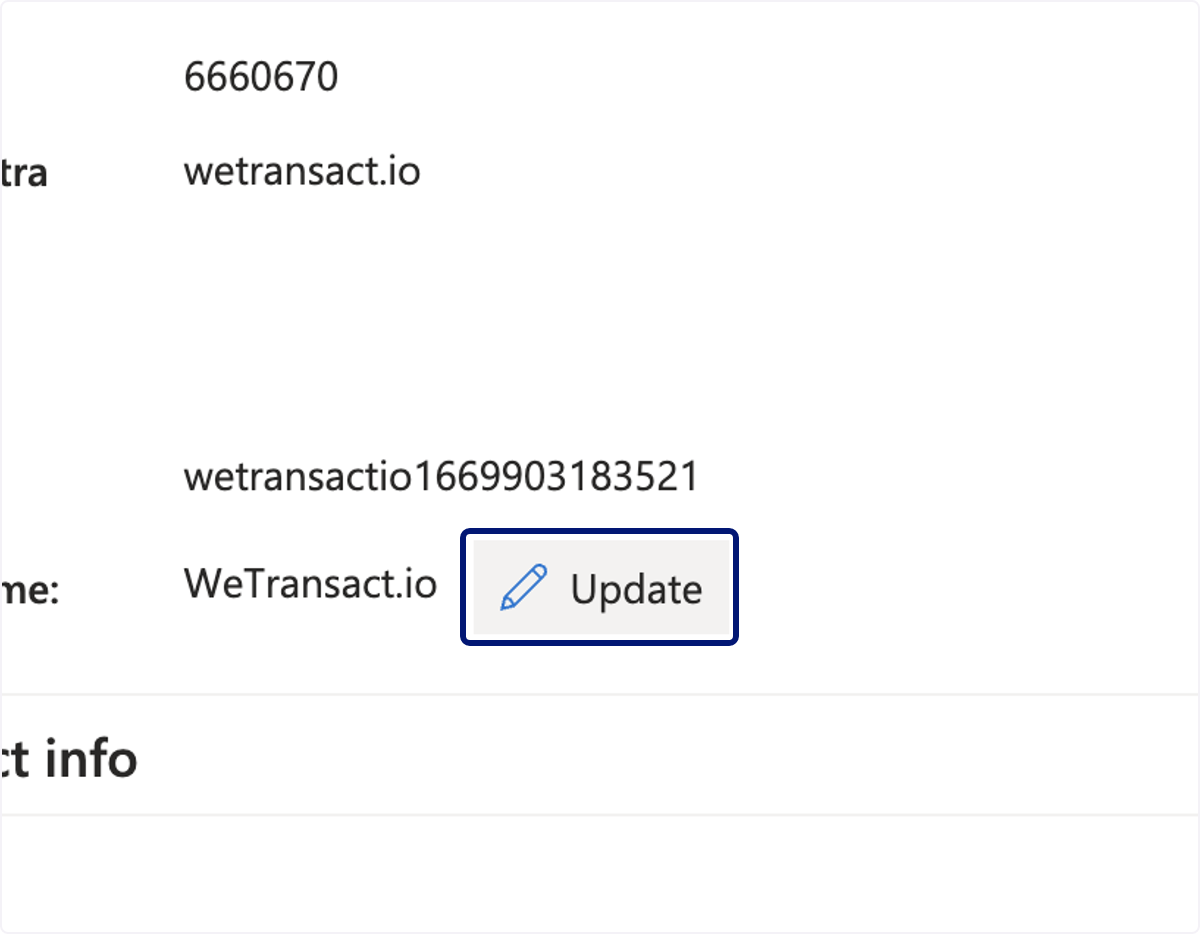
🟣 scroll down to Publisher Name and click Update
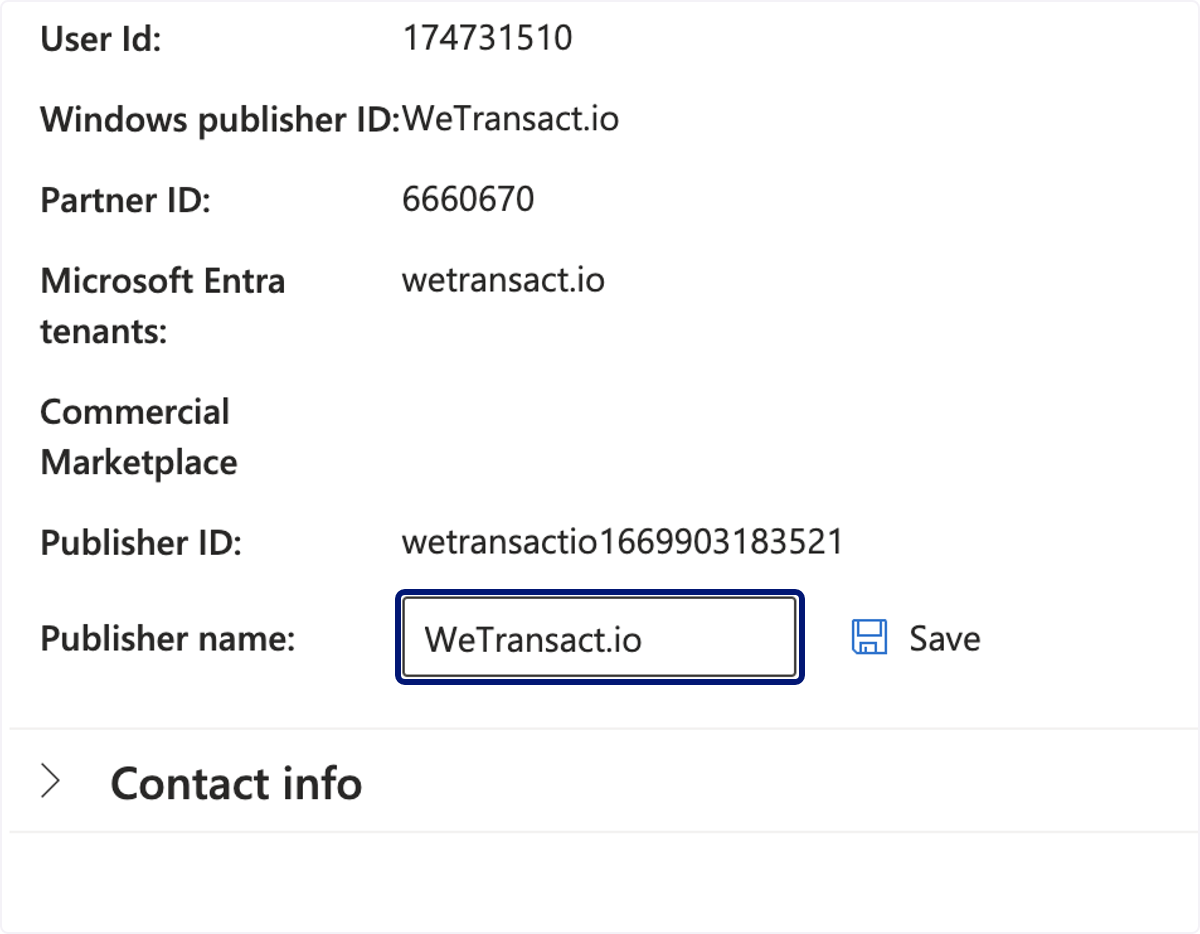
🟣 Edit Publisher ID
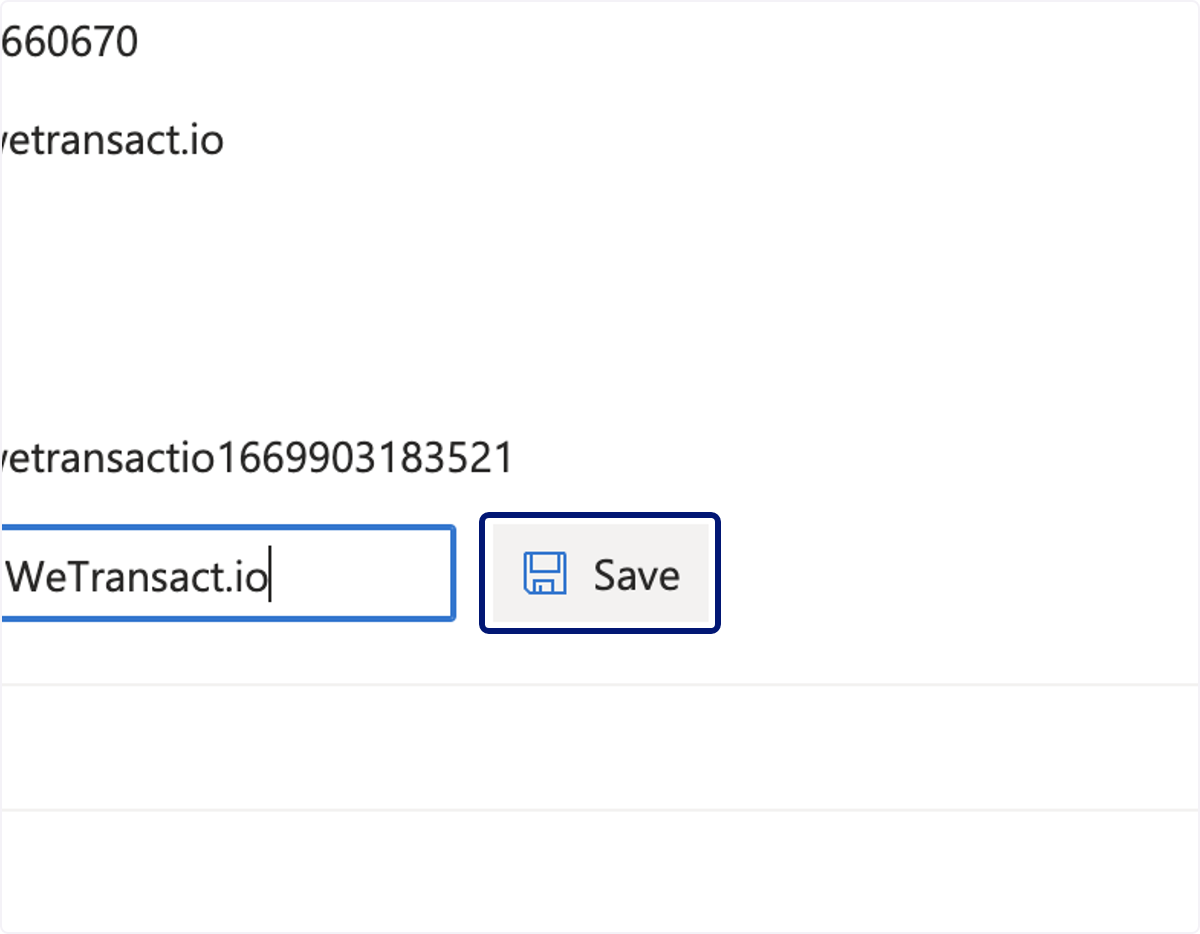
🟣 Click on Save
💬 For more, contact us at : [email protected]