How to Create a Billing Support Request in Microsoft Azure Portal?
23 min
Creating a billing support request in the Microsoft Azure Portal allows you to get help from Microsoft for payment, invoicing, or subscription charge issues, ensuring they are addressed quickly through official support channels. Please follow the steps below:
🟣 Sign in to Azure Portal
🟣 Click on More portal tools
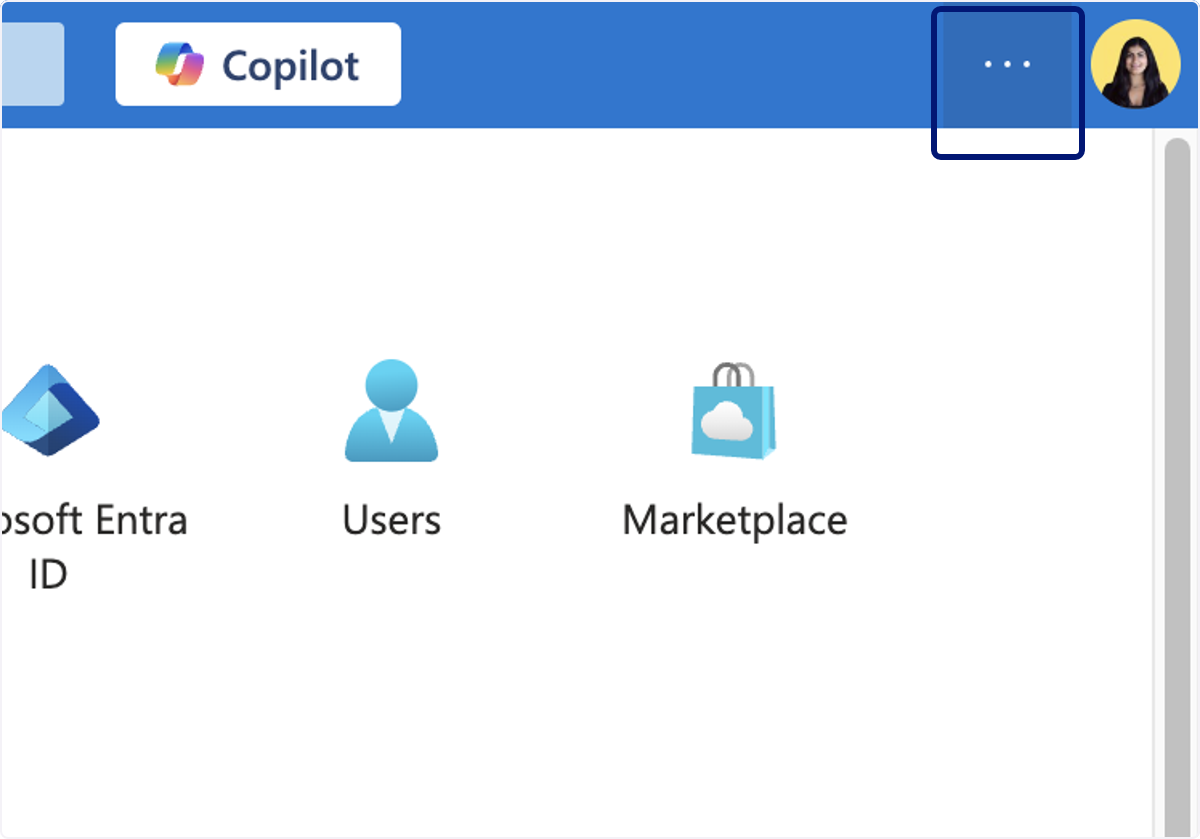
🟣 Click on Support + Troubleshooting
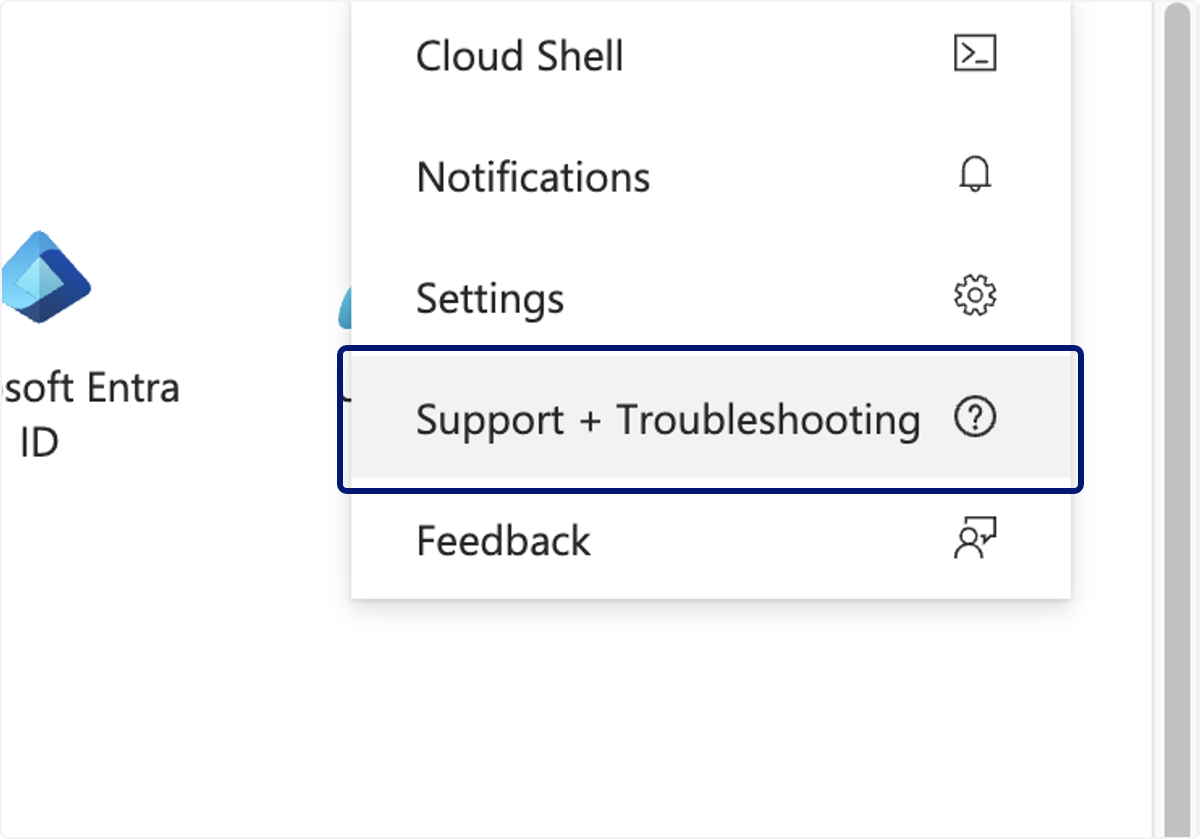
🟣 Type "billing"
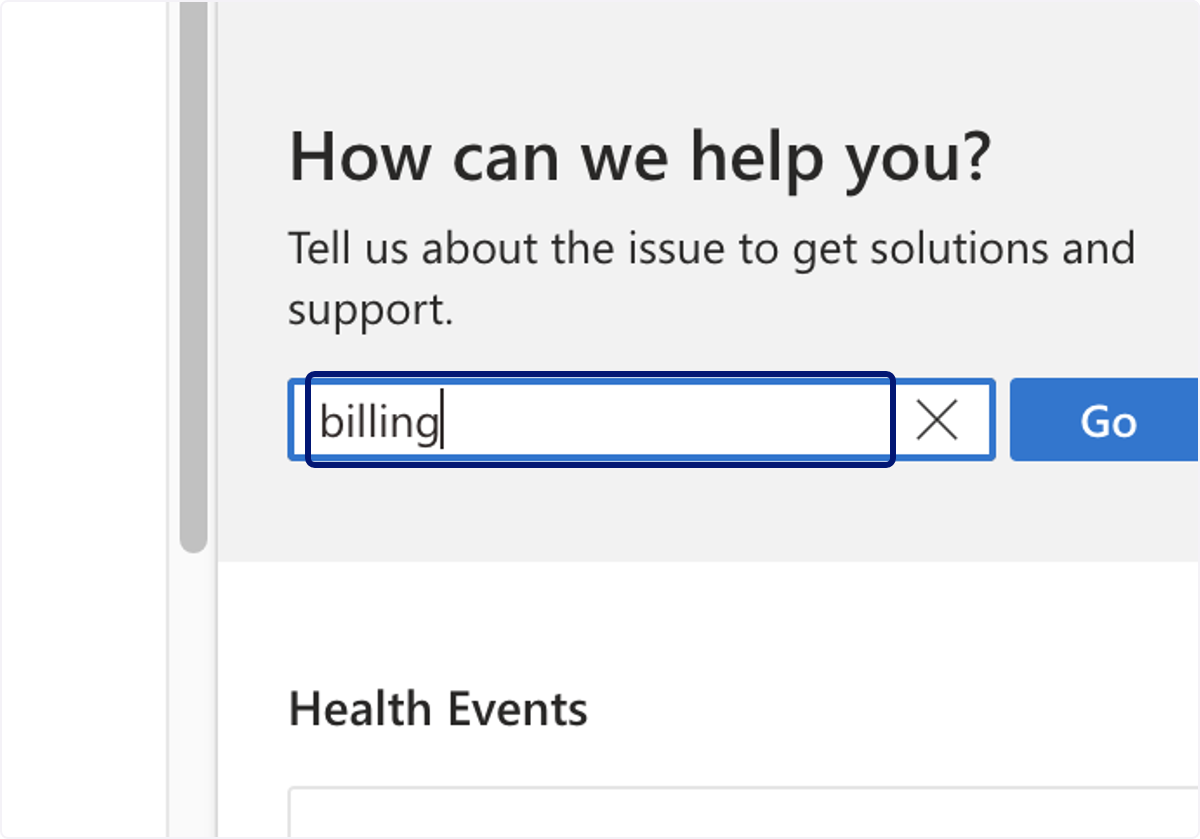
🟣 Click on Go
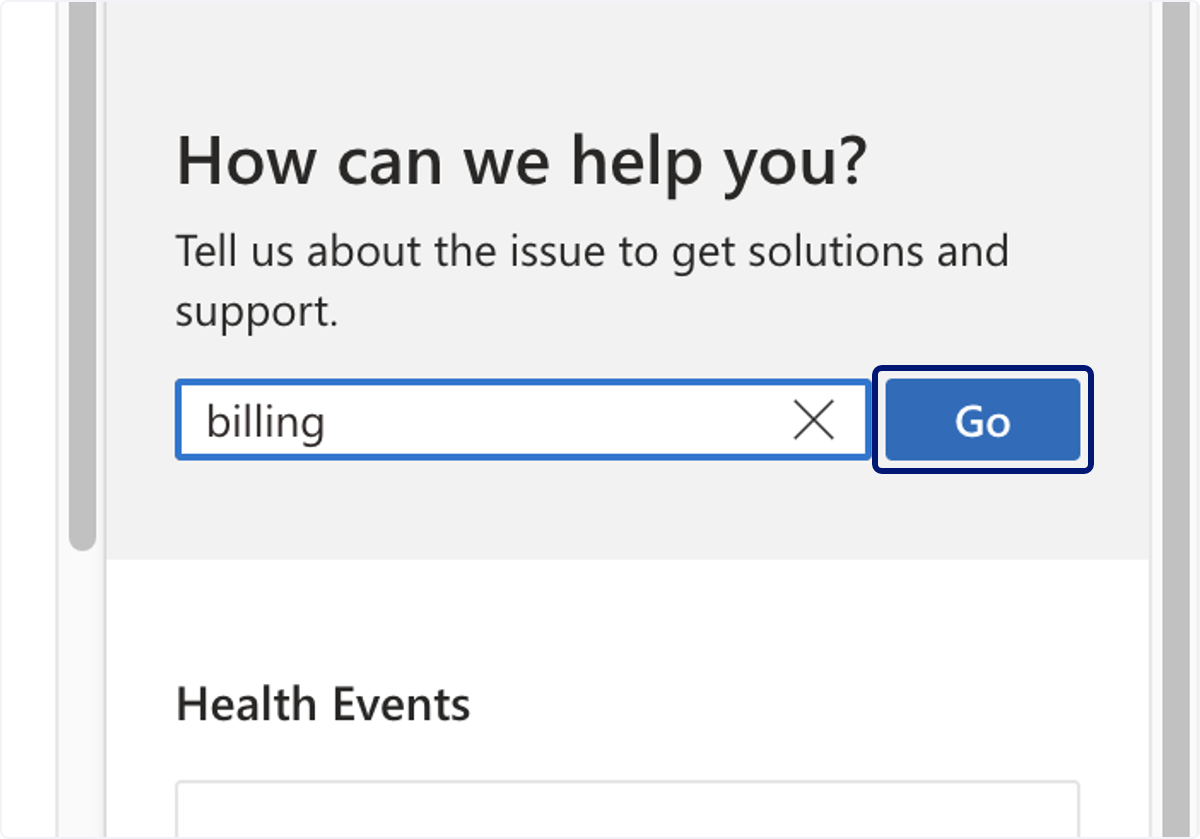
🟣 Select Billing
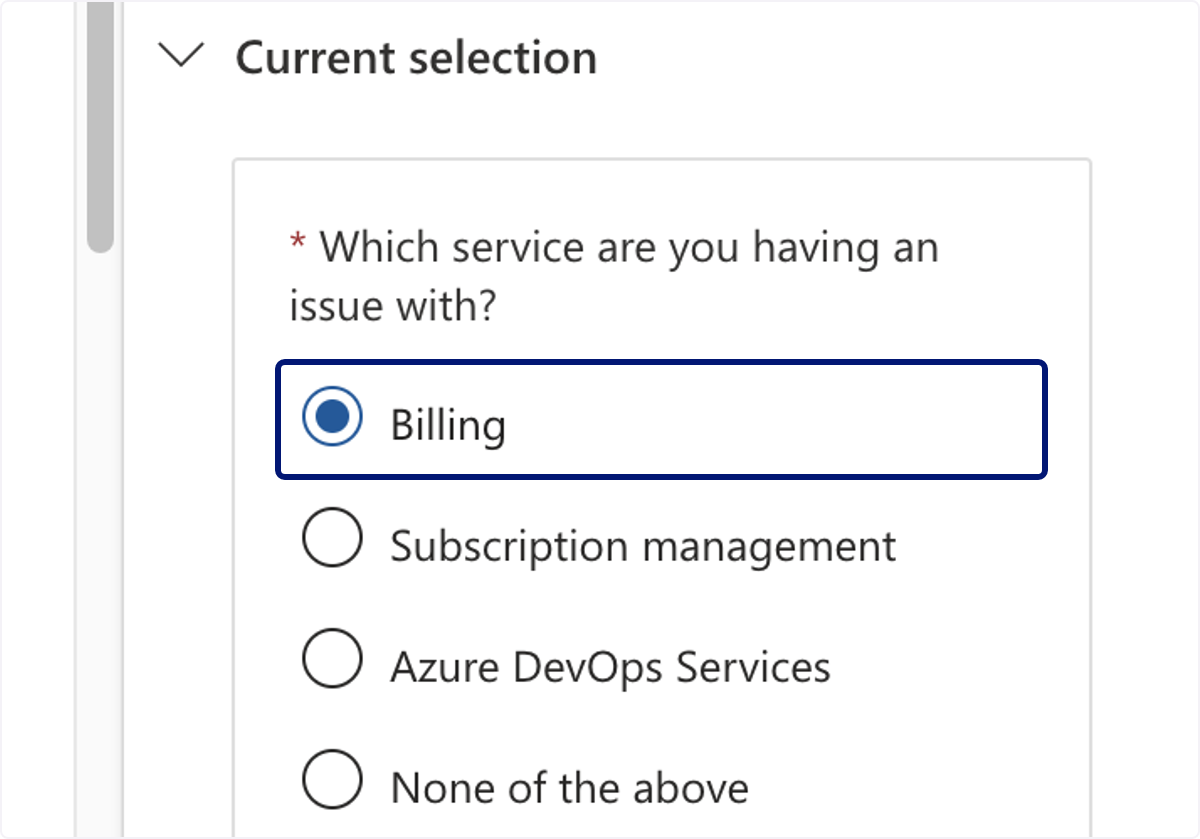
🟣 Click on Next
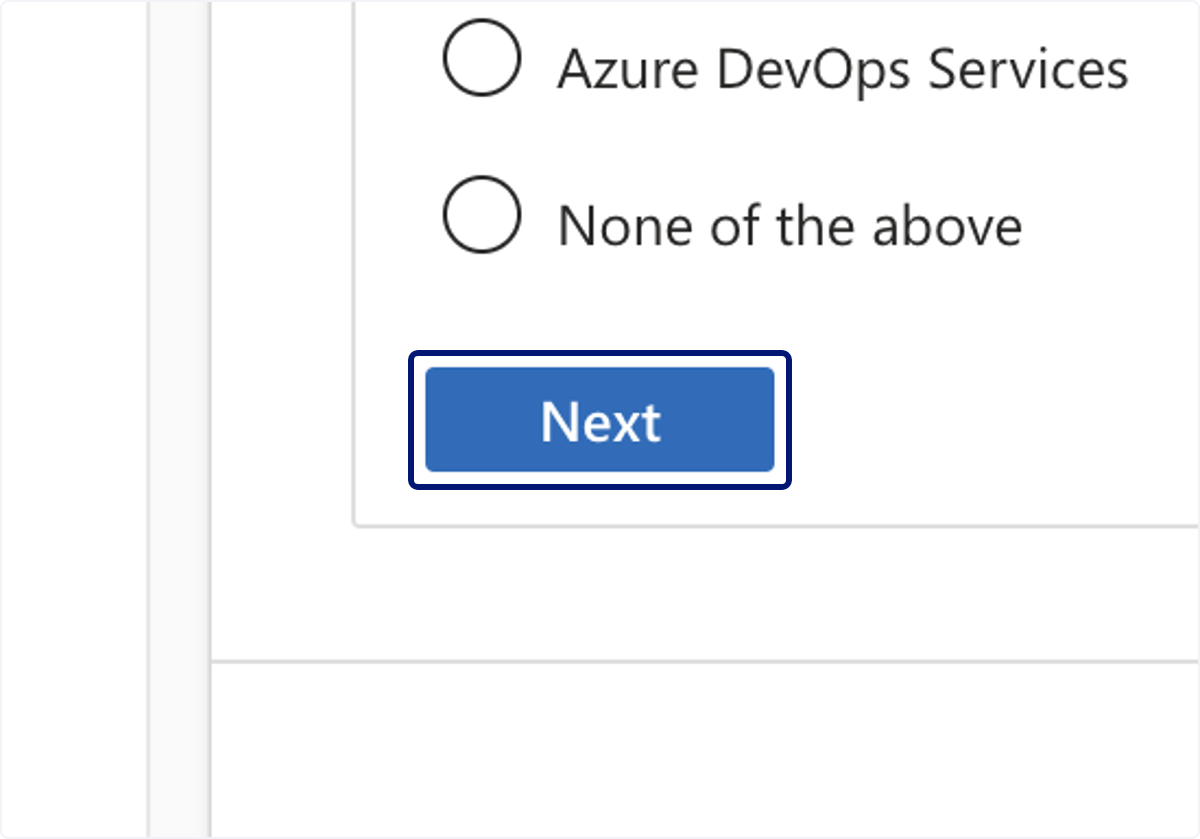
🟣 Click on Next
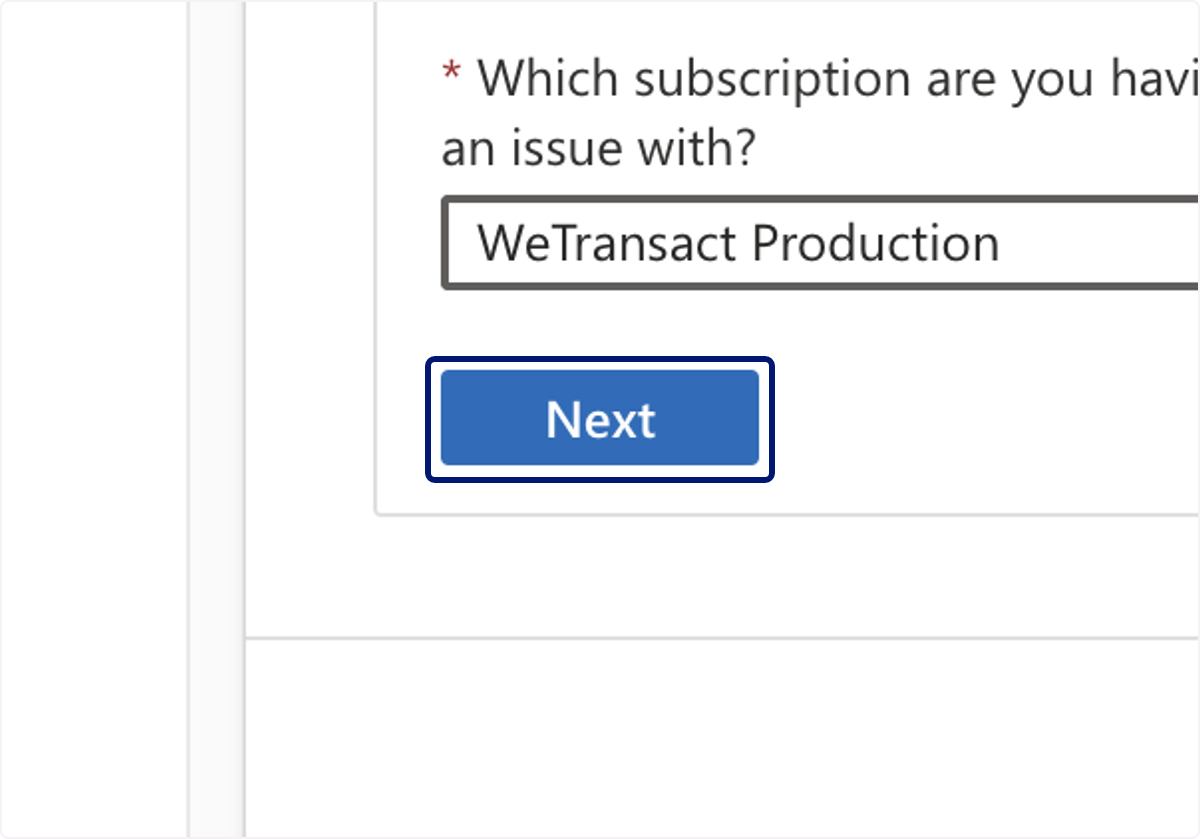
🟣 Click on Contact support
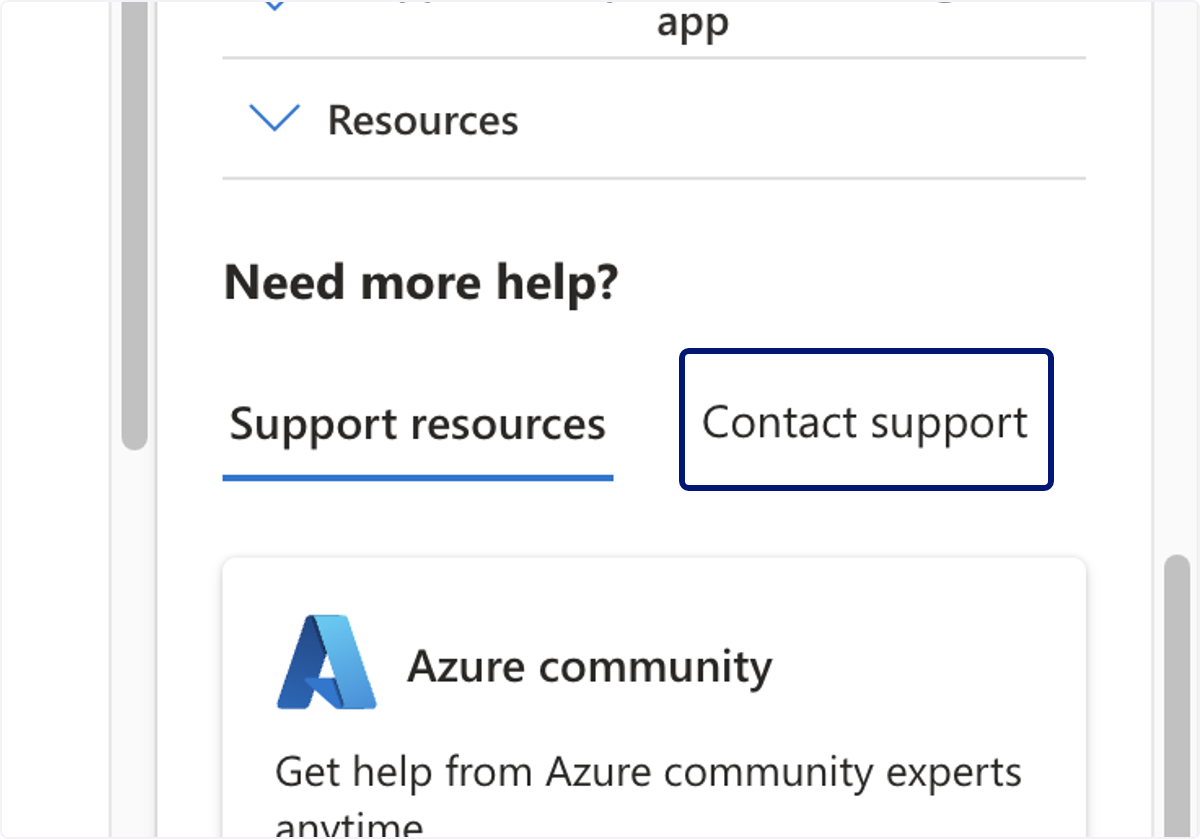
🟣 Click on Create a support request
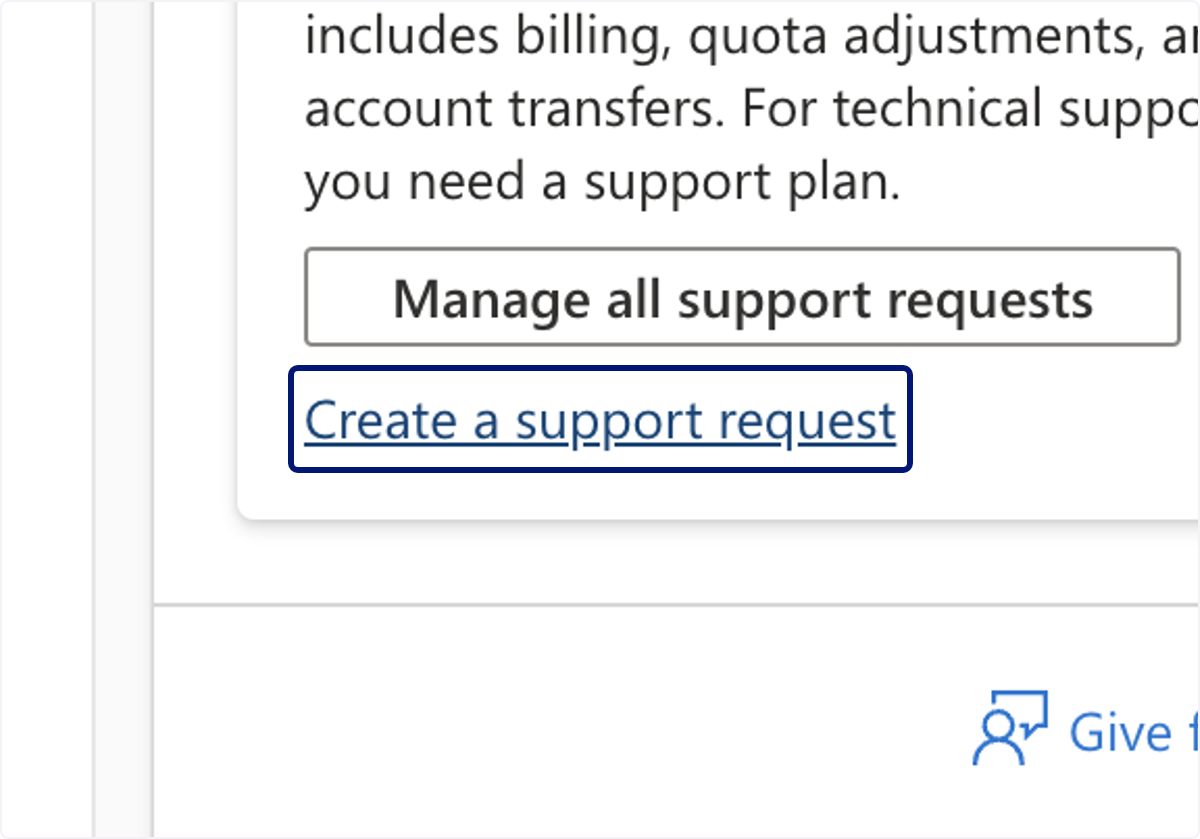
🟣 Click on 1. Problem description…
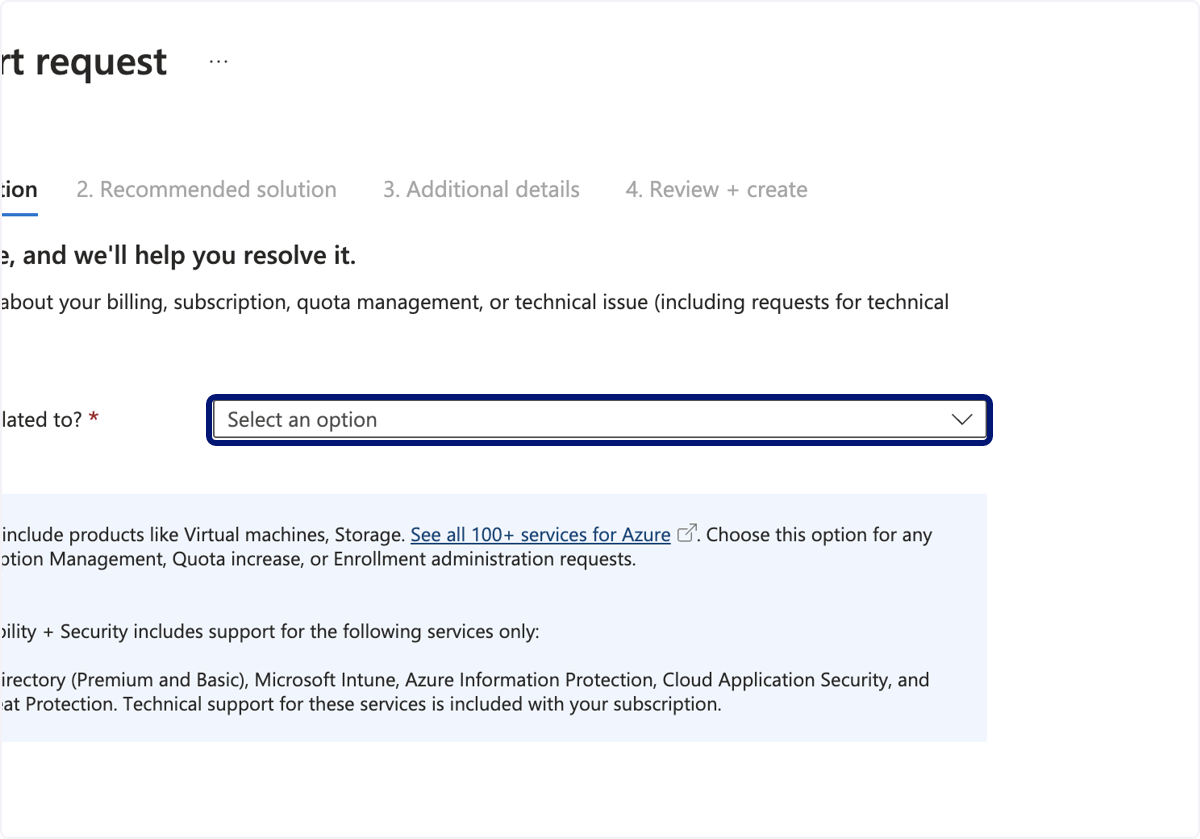
🟣 Click on Azure services
🟣 Click on Toggle
🟣 Click on Credit request
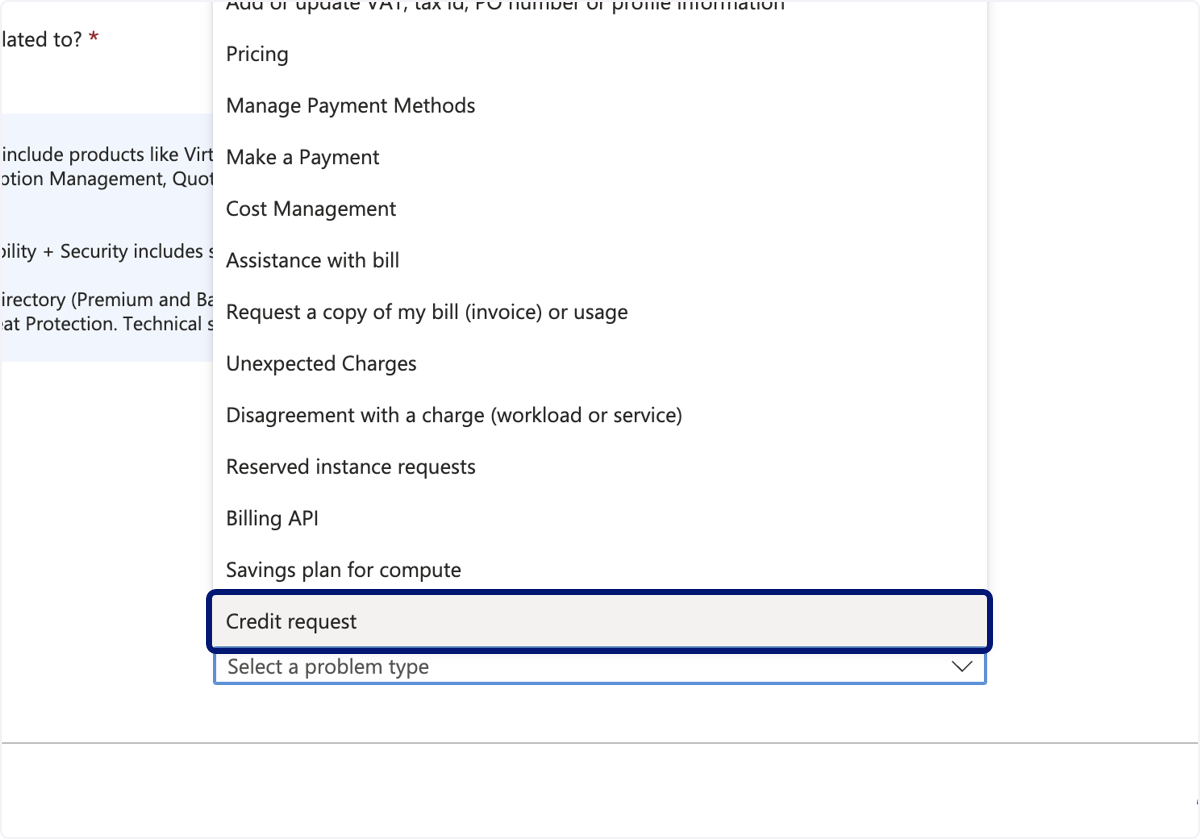
🟣 Click on Problem description…
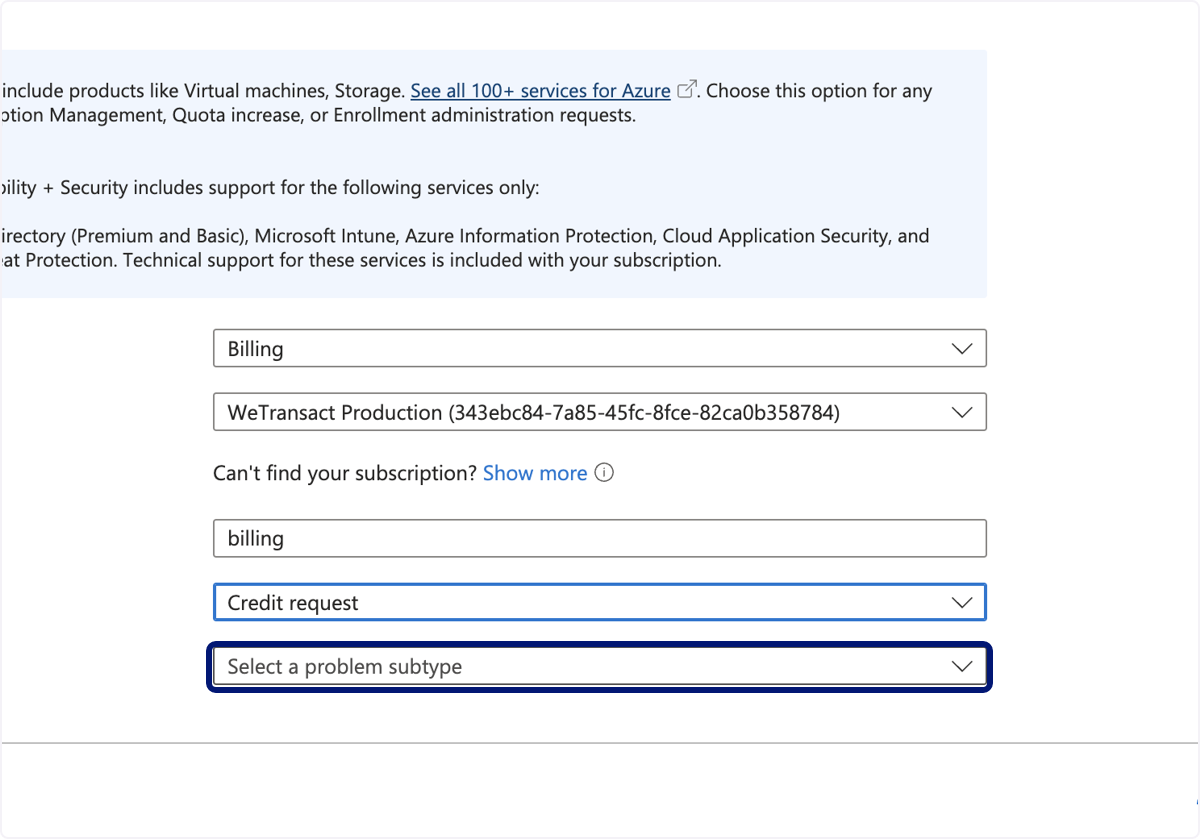
🟣 Click on Help with credit request for an Azure Marketplace purchase
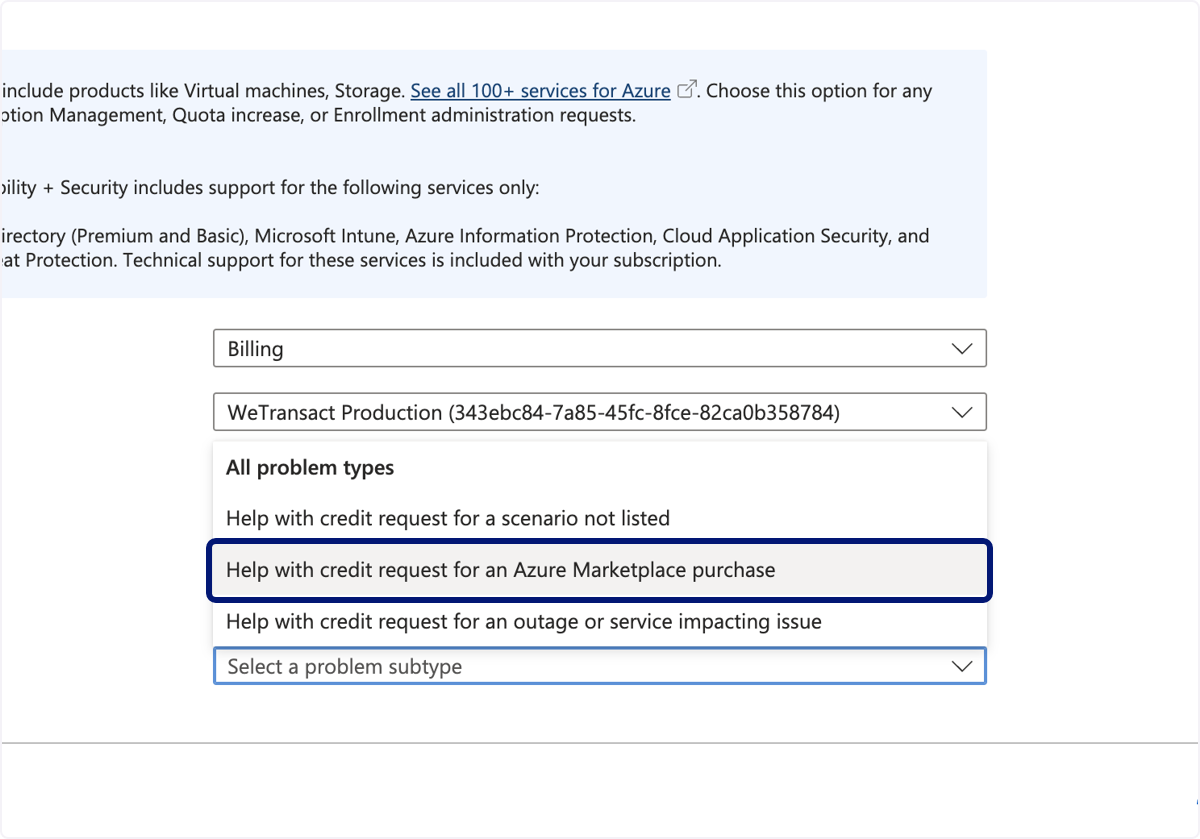
🟣 Click on Next
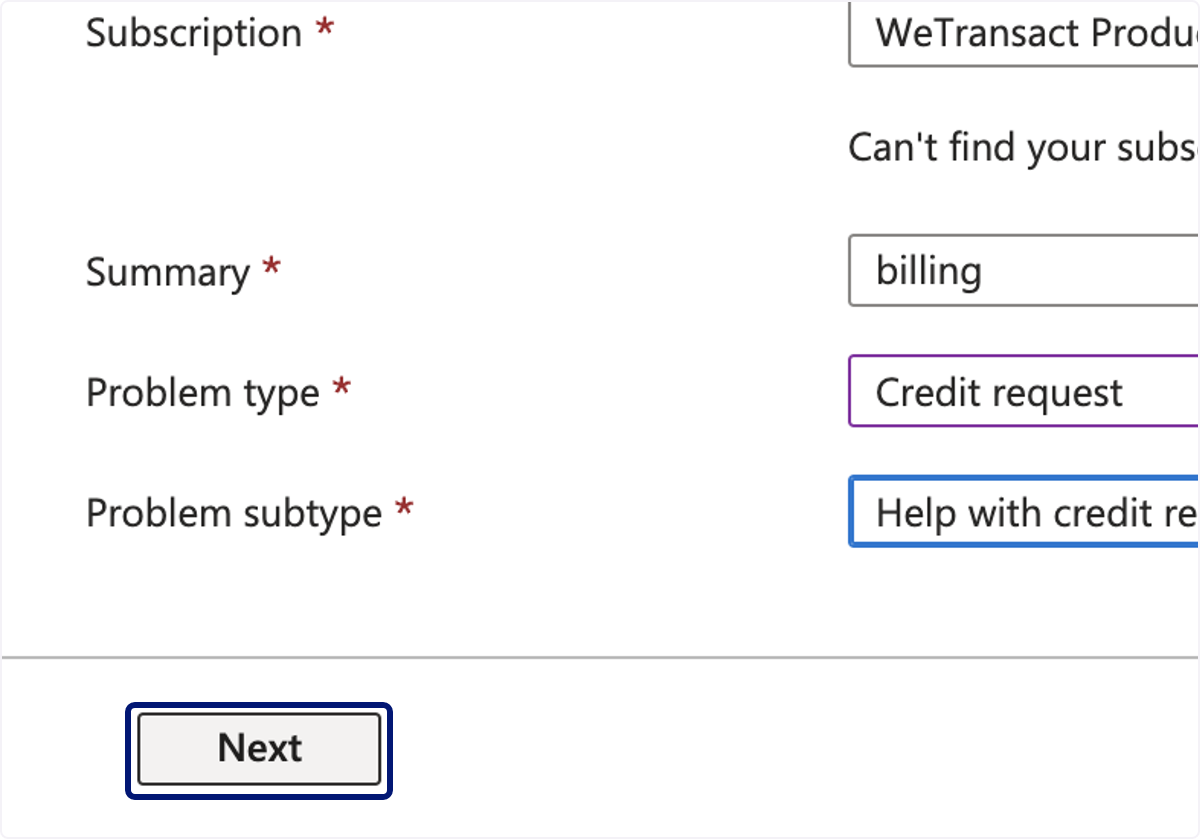
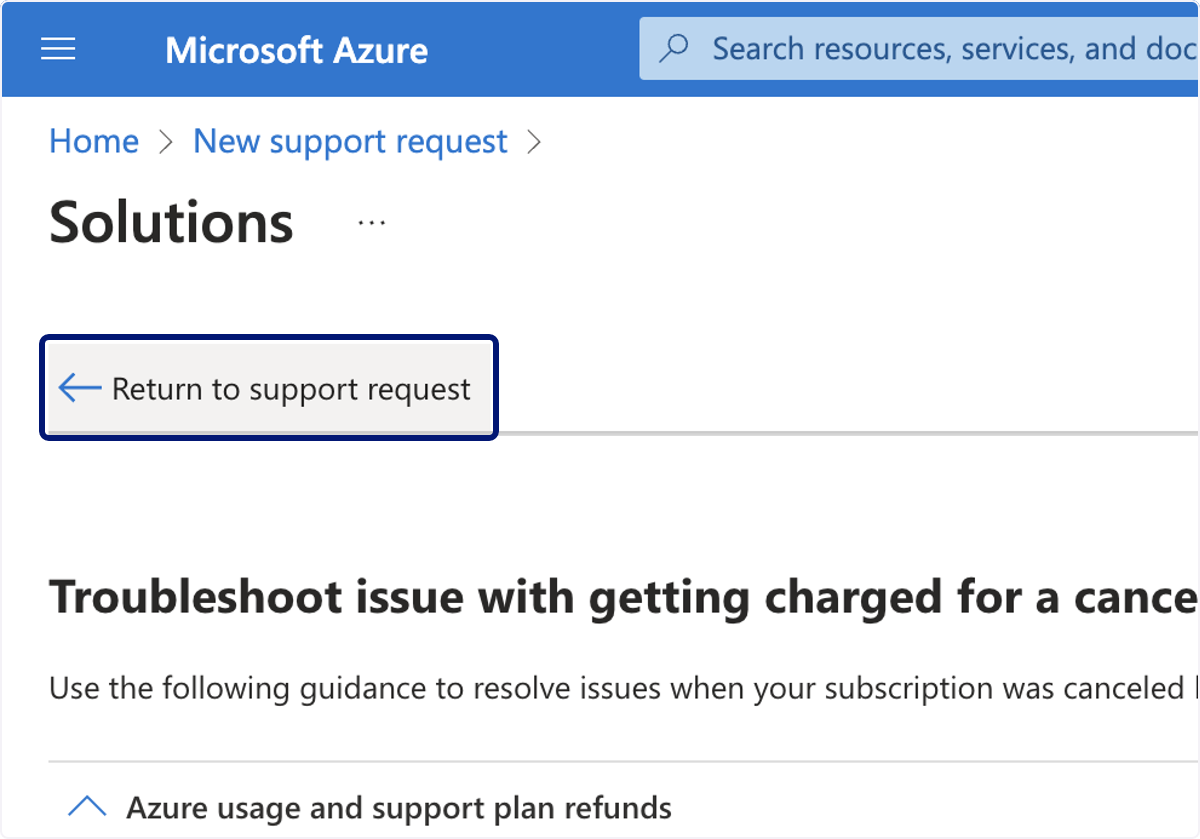
🟣 Click on Return to support request
🟣 Click on Next
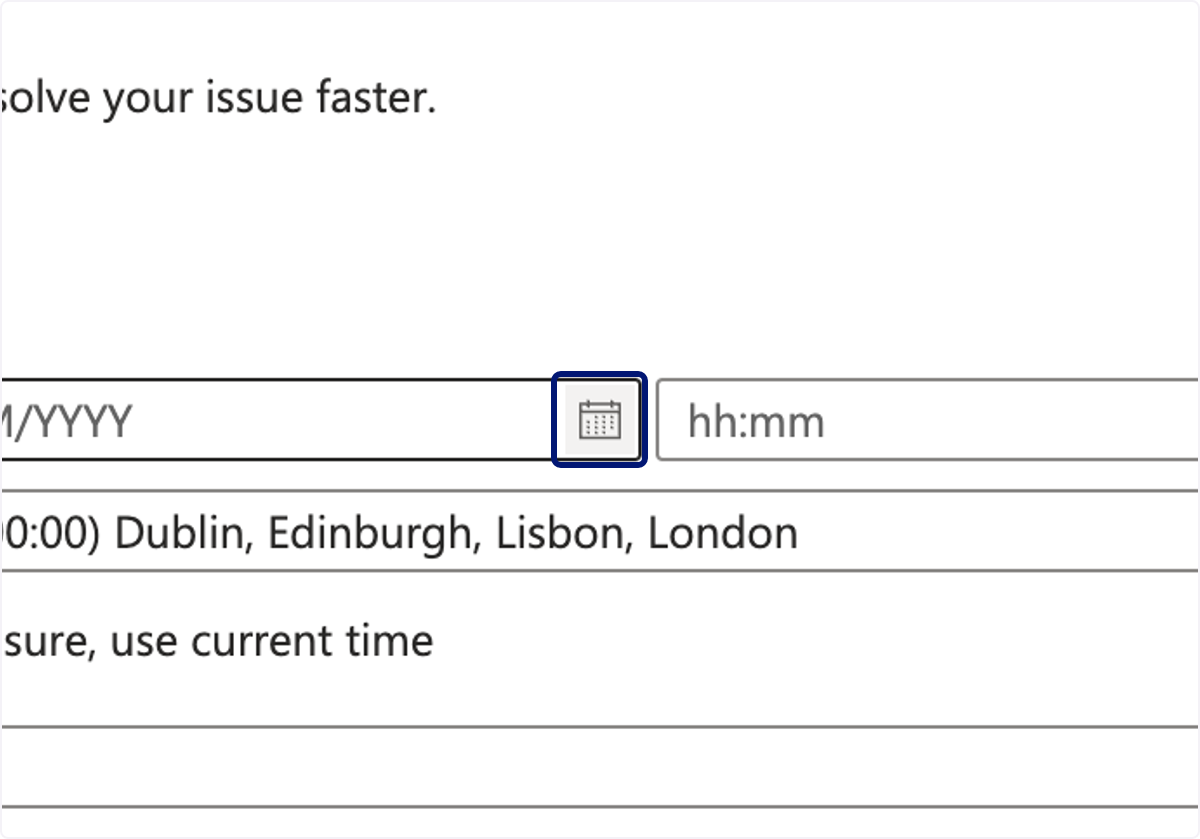
🟣 Click on Select Date
🟣 Complete required fields.
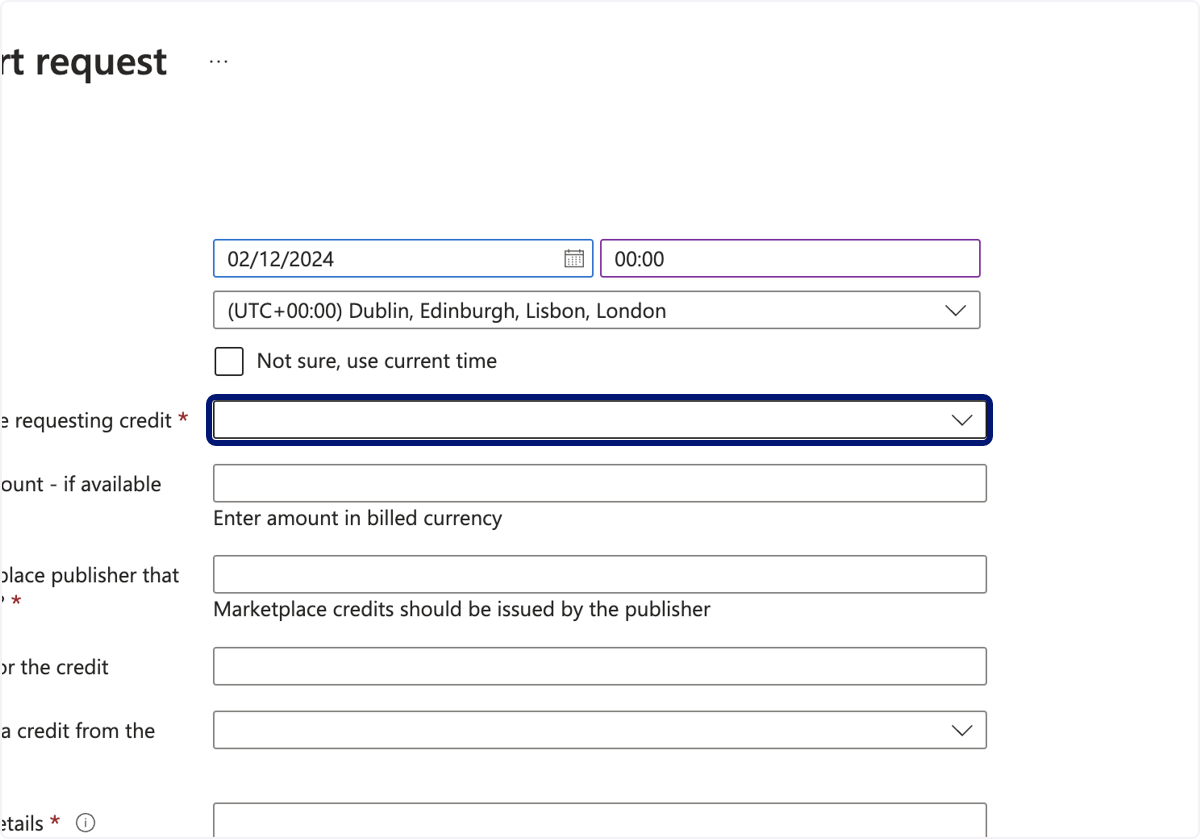
🟣 Complete required fields.
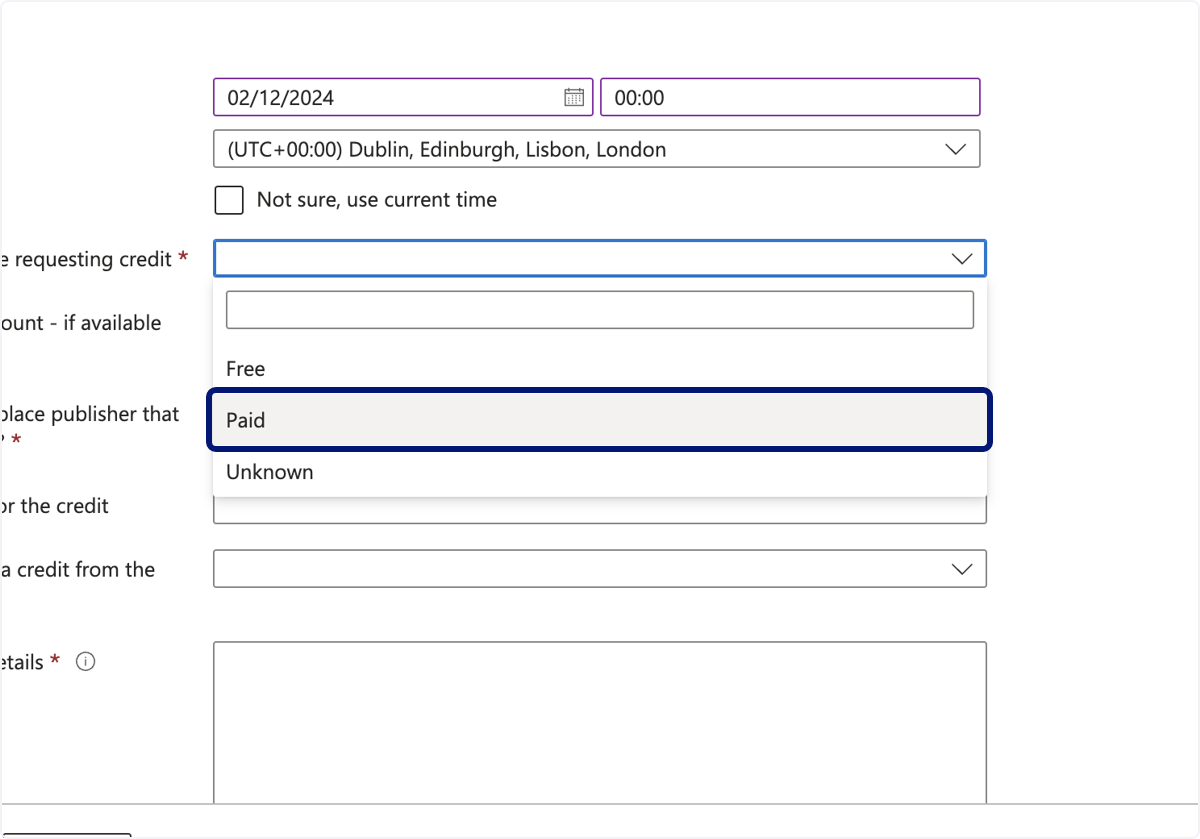
🟣 Complete required fields.
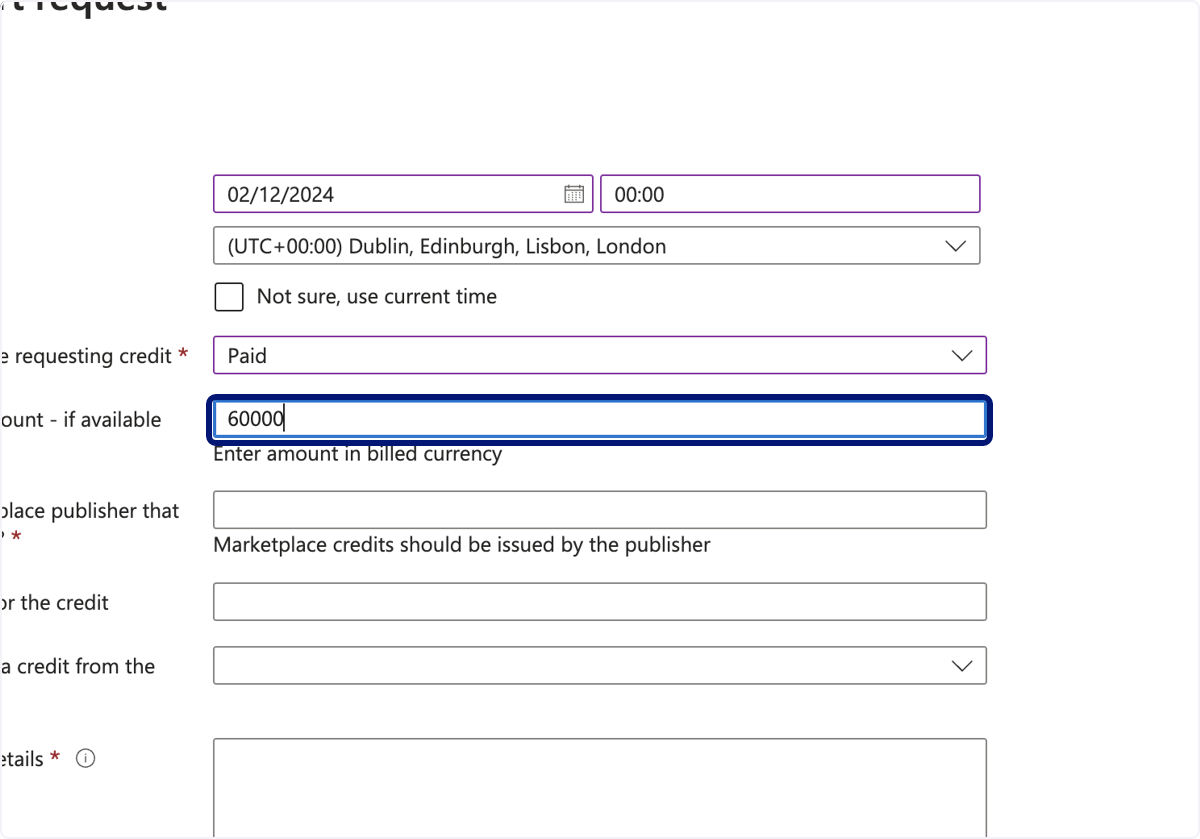
🟣 Complete required fields.
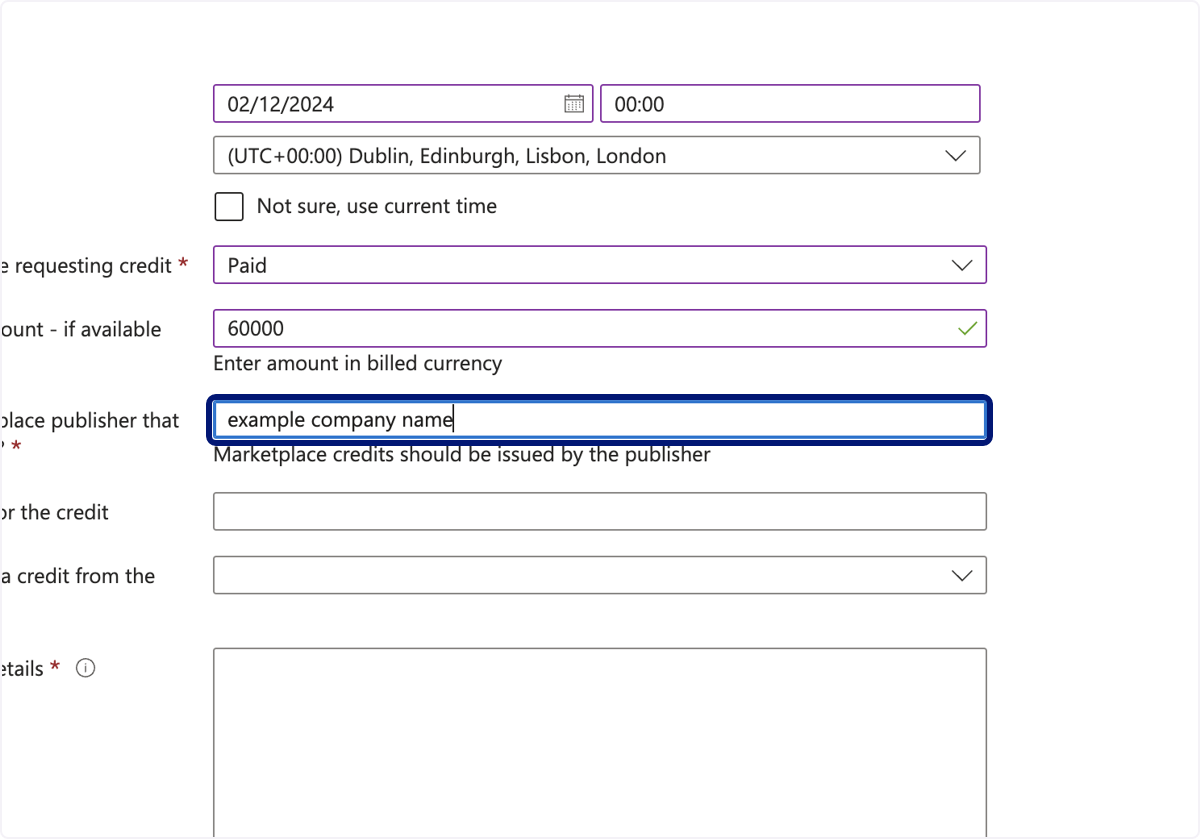
🟣 Complete required fields.
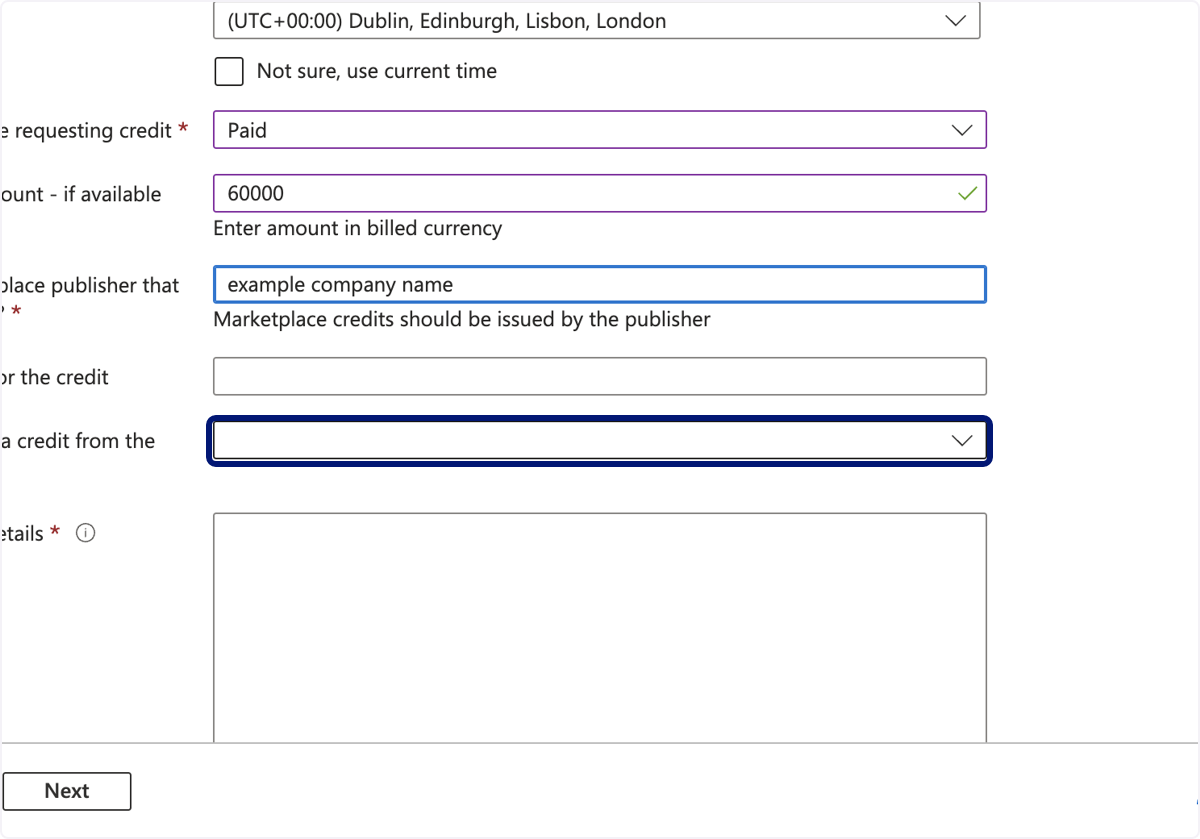
🟣 Complete required fields.
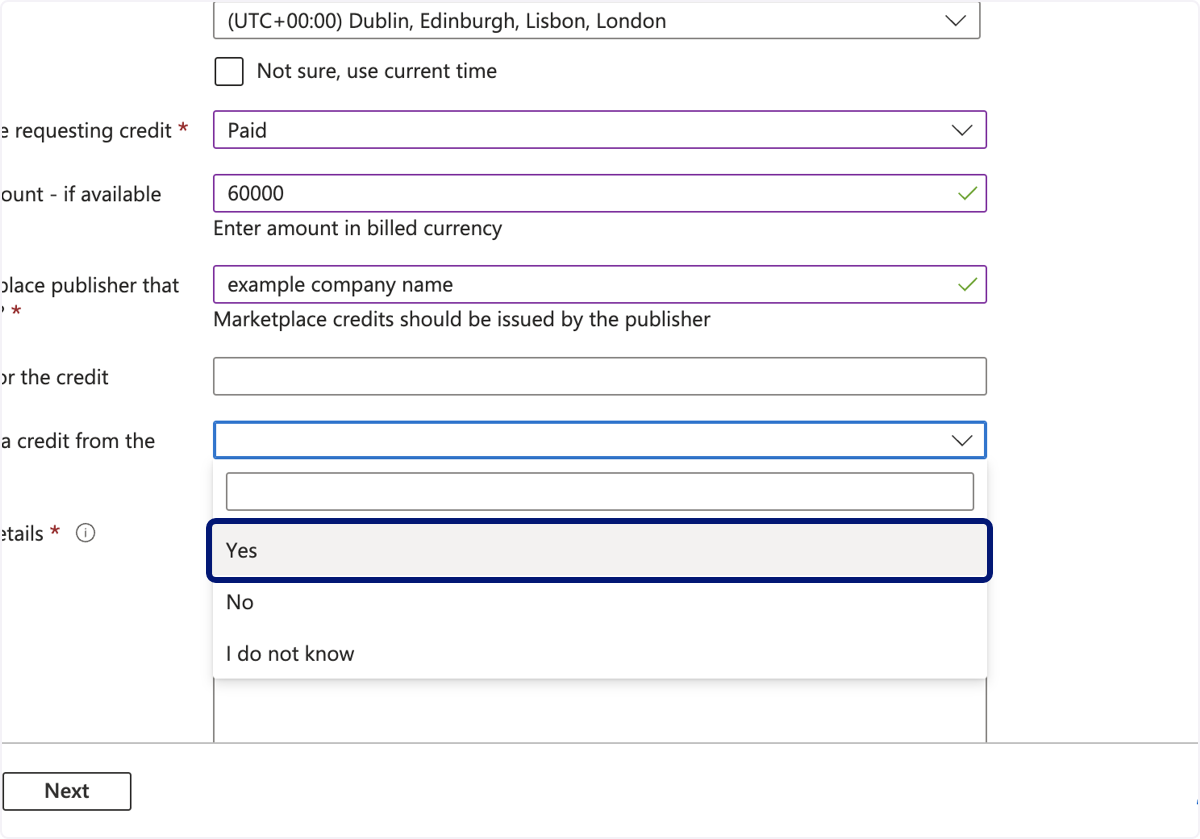
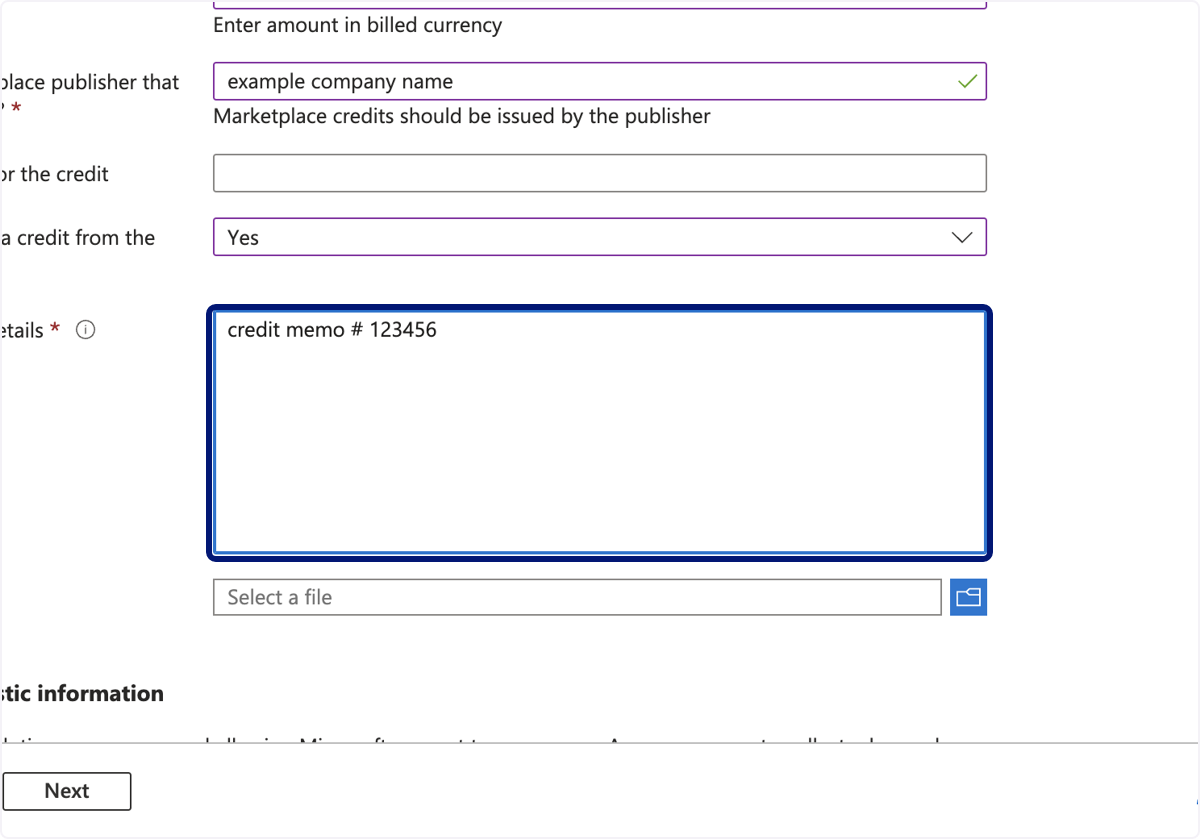
🟣 Type "credit memo # 123456"
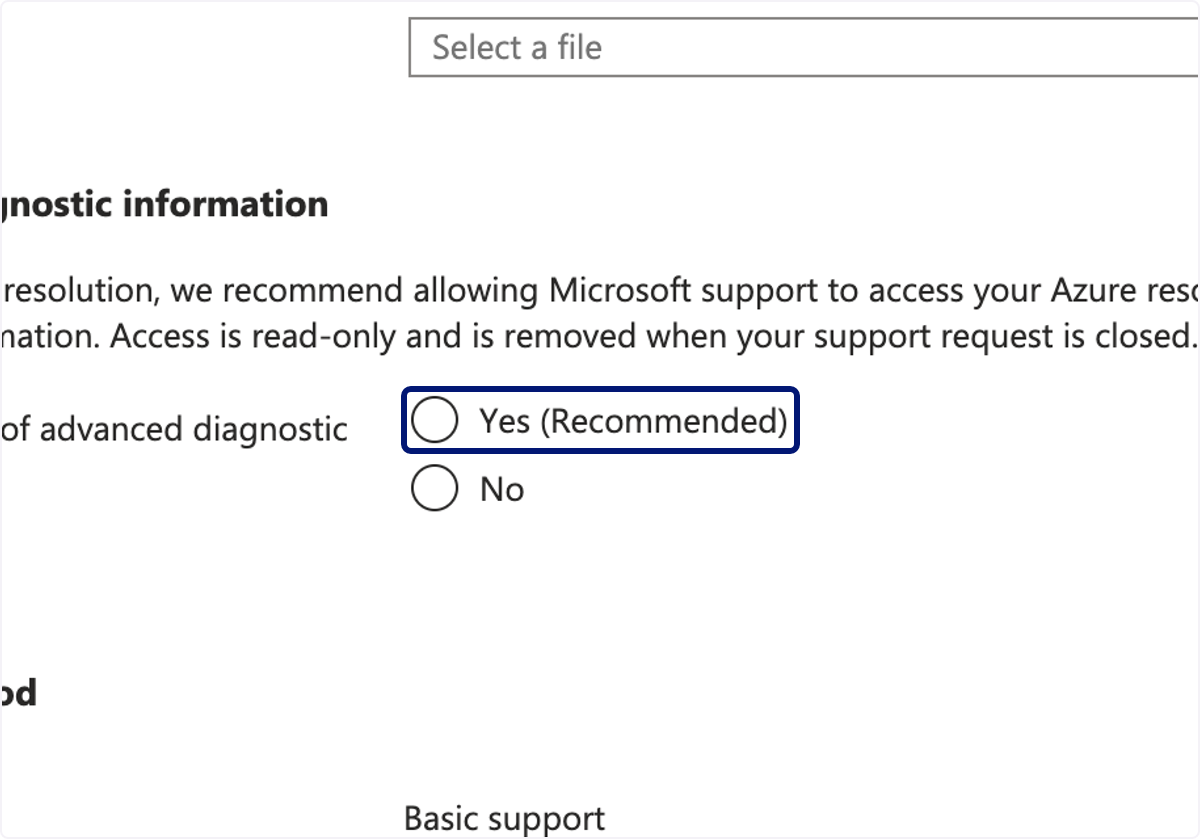
🟣 Click on Allow collection of advanced diagnostic information?
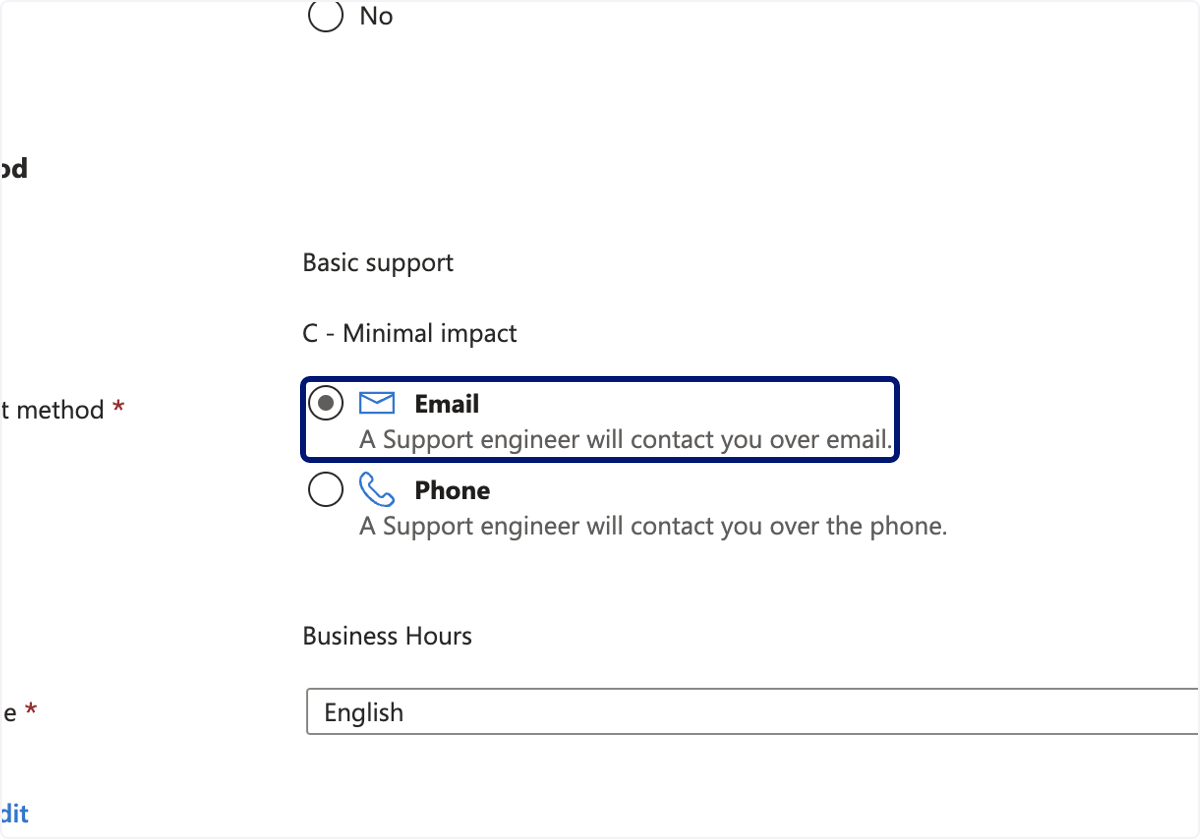
🟣 Click on preferred contact method.
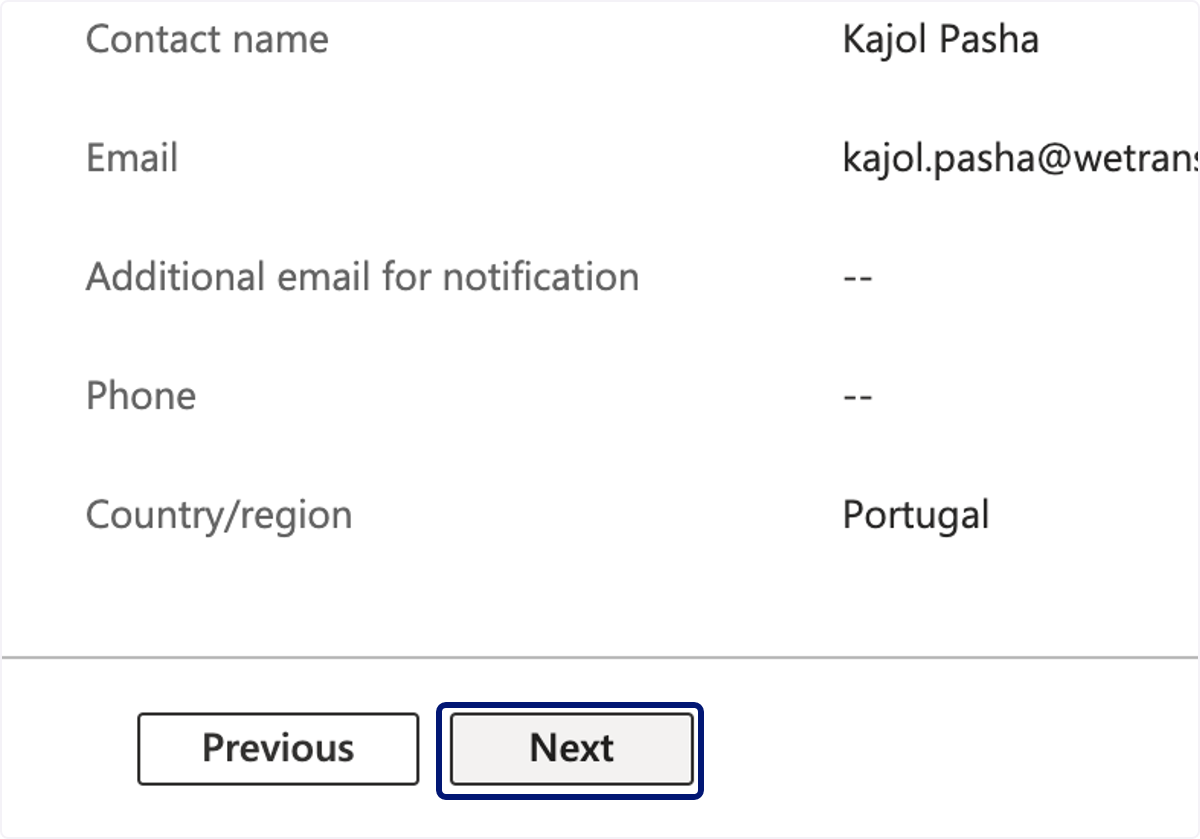
🟣 Click on Next
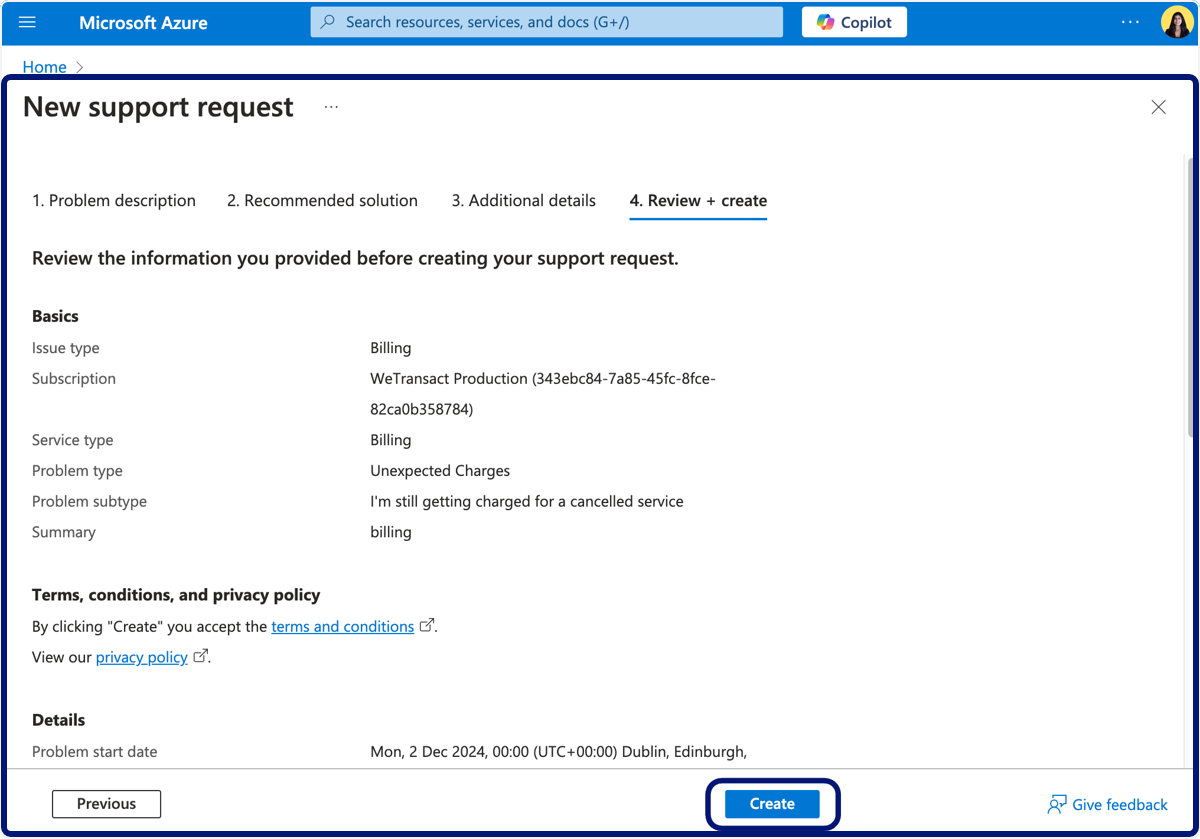
🟣 Click on Create.
💬 For more, contact us at : [email protected]