The steps to be followed by your global admin to give you the necessary level of rights.
6 min
Your Global Admin can assign you the required roles and permissions in Partner Center, ensuring you have the access needed to manage offers, enroll in programs, and perform Marketplace transactions. Follow the steps below:
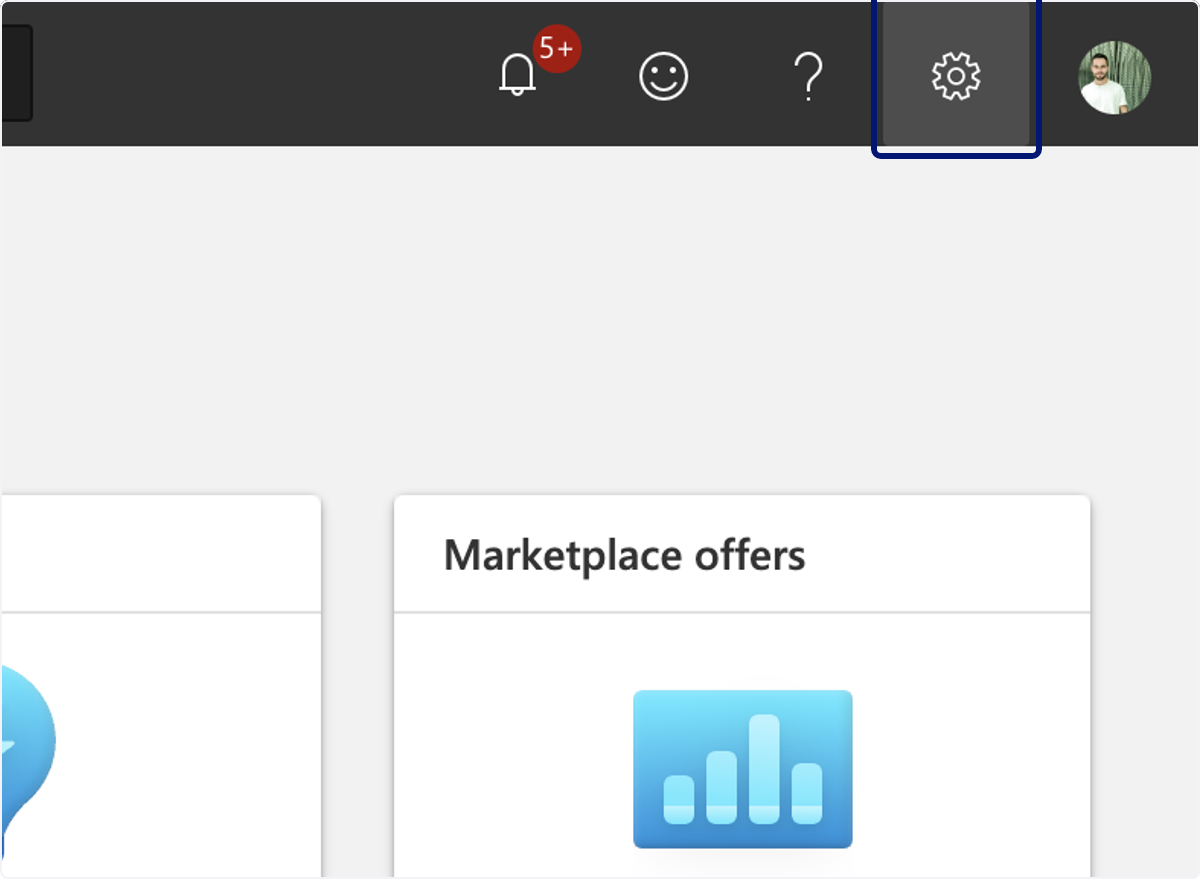
🟣 2. Click on Settings
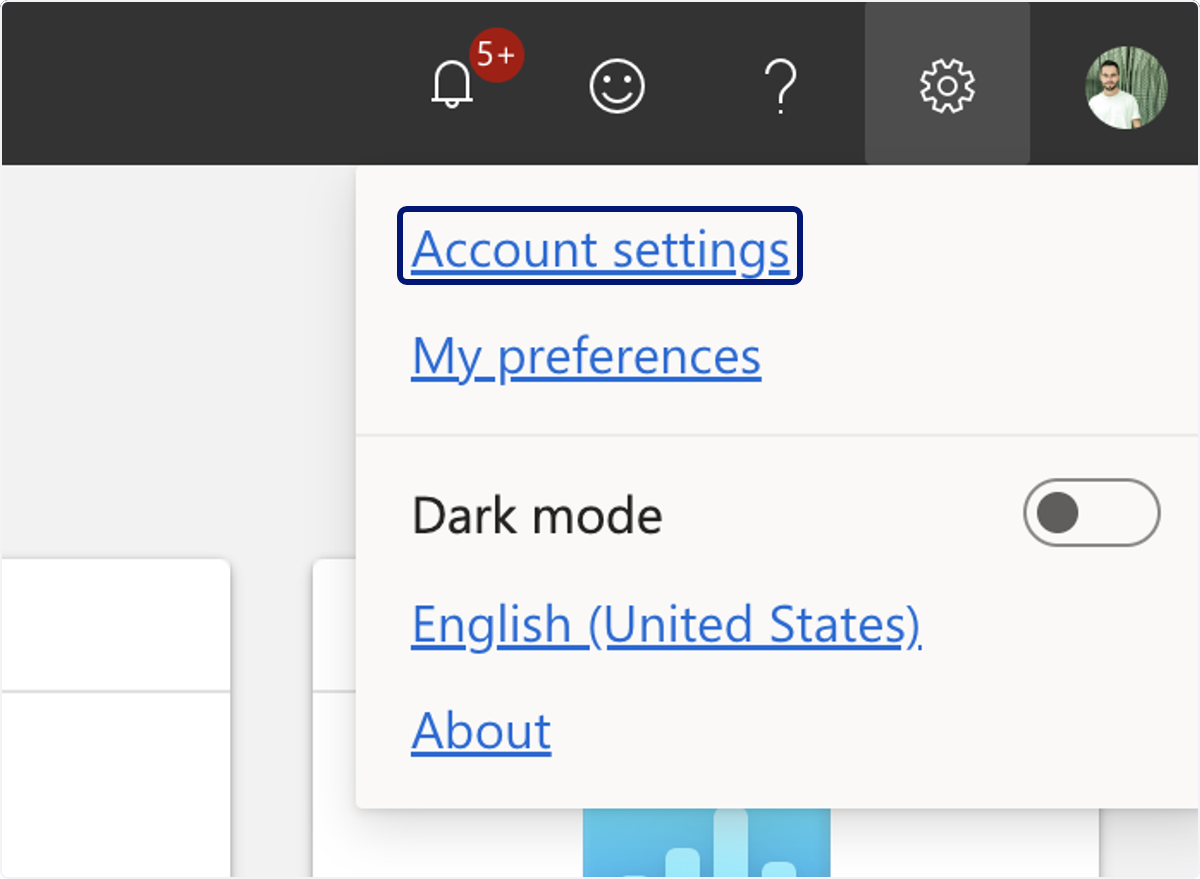
🟣 3. Click on Account settings
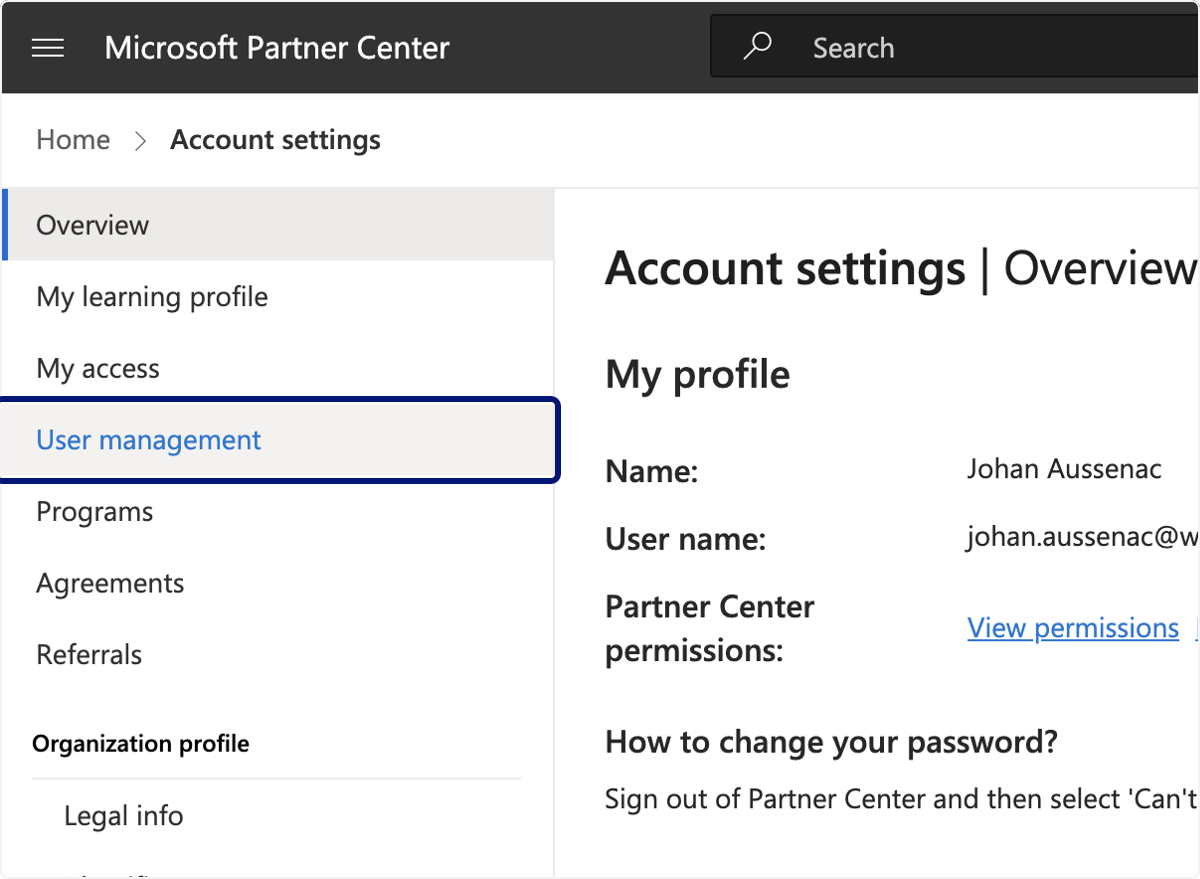
🟣 4. Click on User management
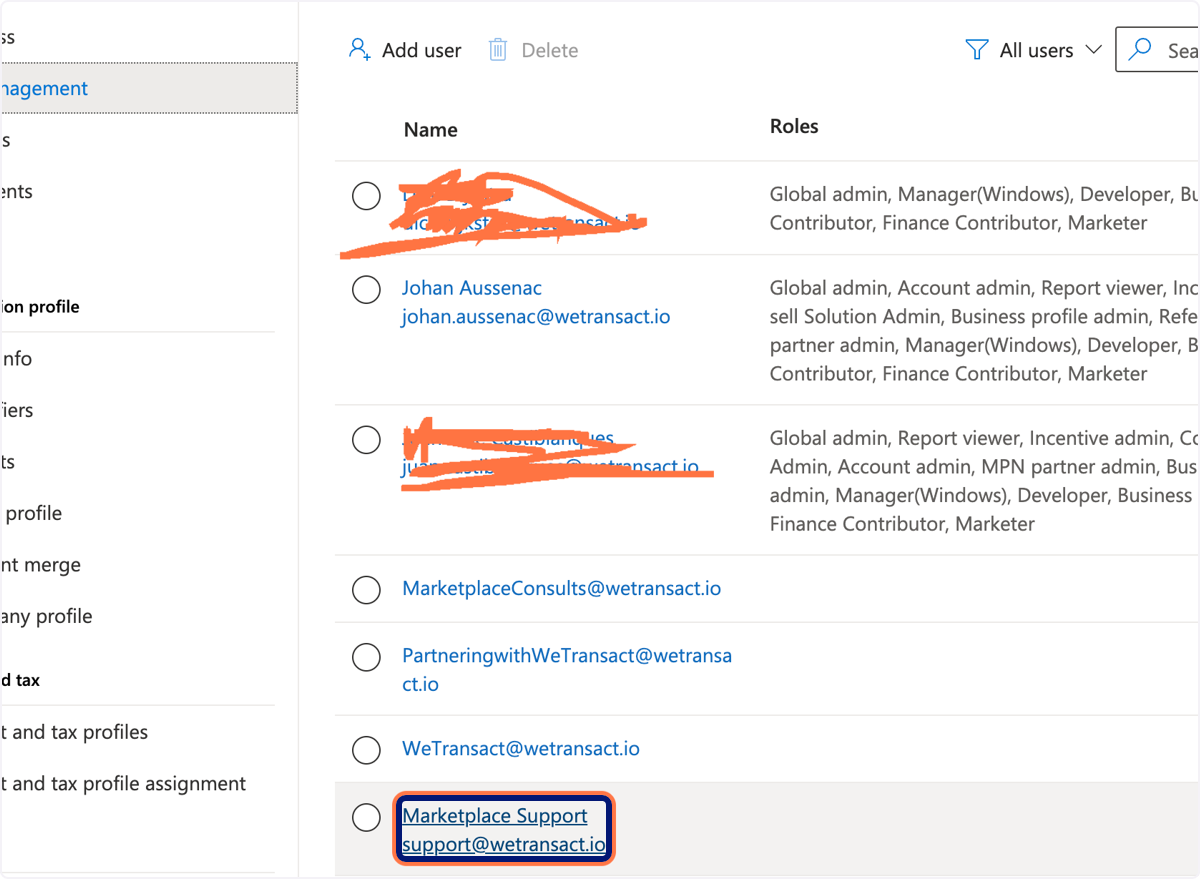
🟣 5. Click on the User you need to elevate rights
🟣 6. There are two levels of rights one regarding to general partner programs and one related to Marketplace Program.
Working with us - you should be able to know which right is asked.
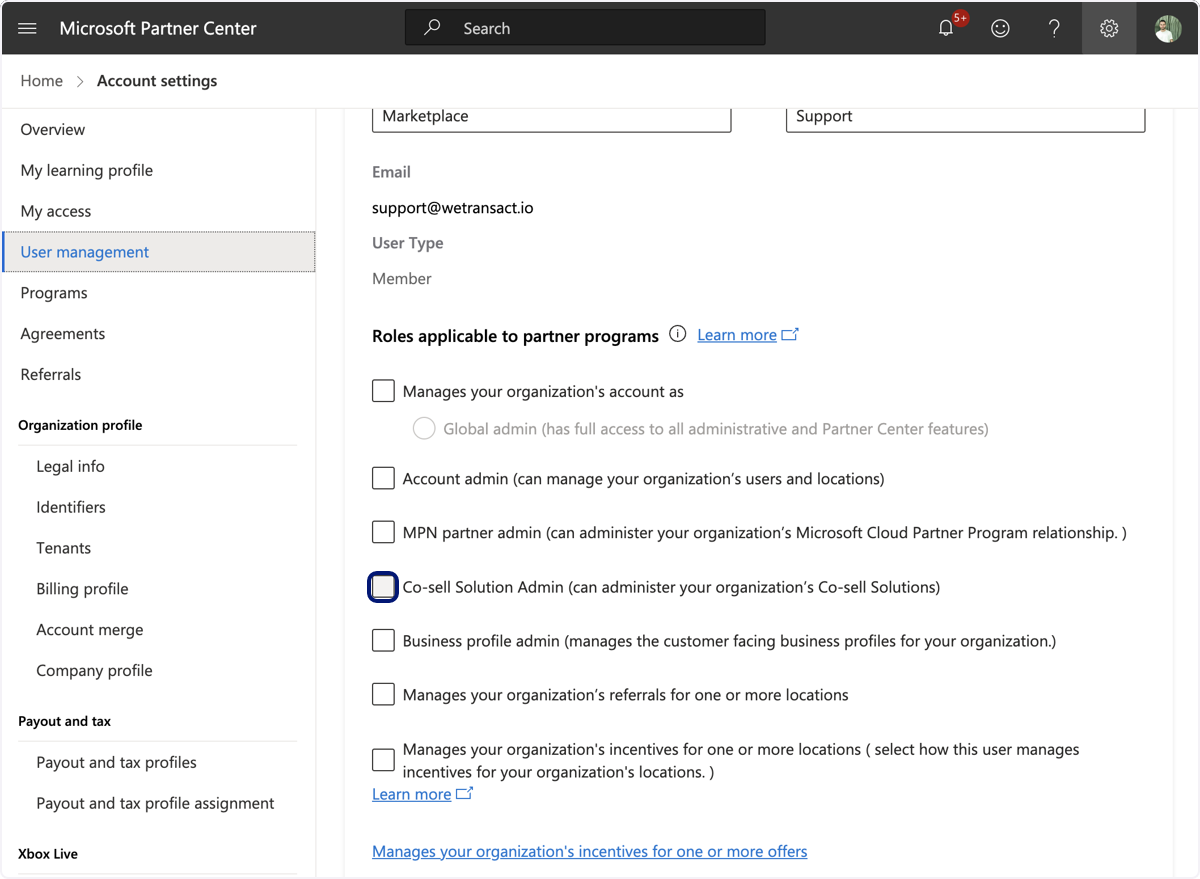
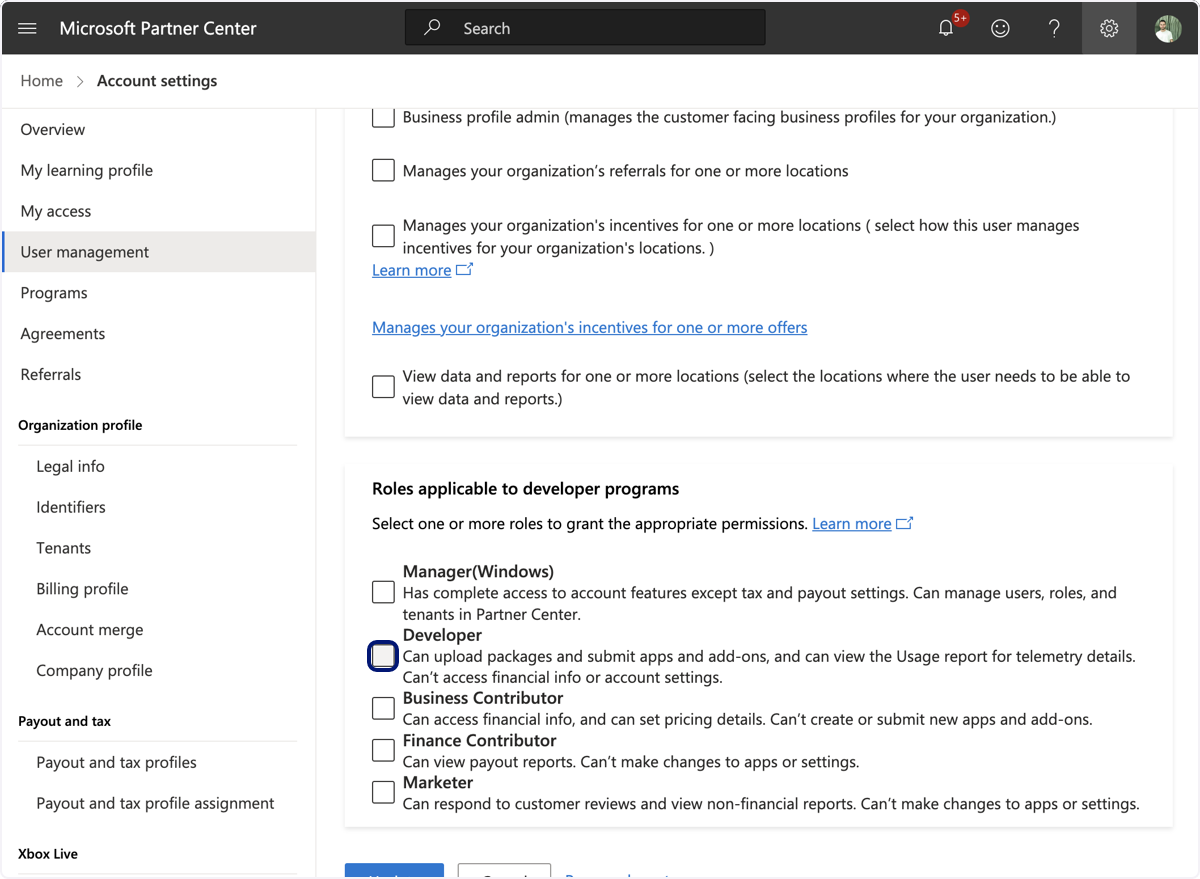
🟣7. If this is related to the Marketplace program please check the boxes associated to "Roles applicable to developer programs"
💬 Need Help?
Contact: [email protected]