Step 4 — Submit Your Legal Profile (24-hour Microsoft validation)
5 min
Verifying your legal profile ensures Microsoft can confirm your organization’s identity, comply with tax and regulatory requirements, and enable you to transact securely in the Marketplace.
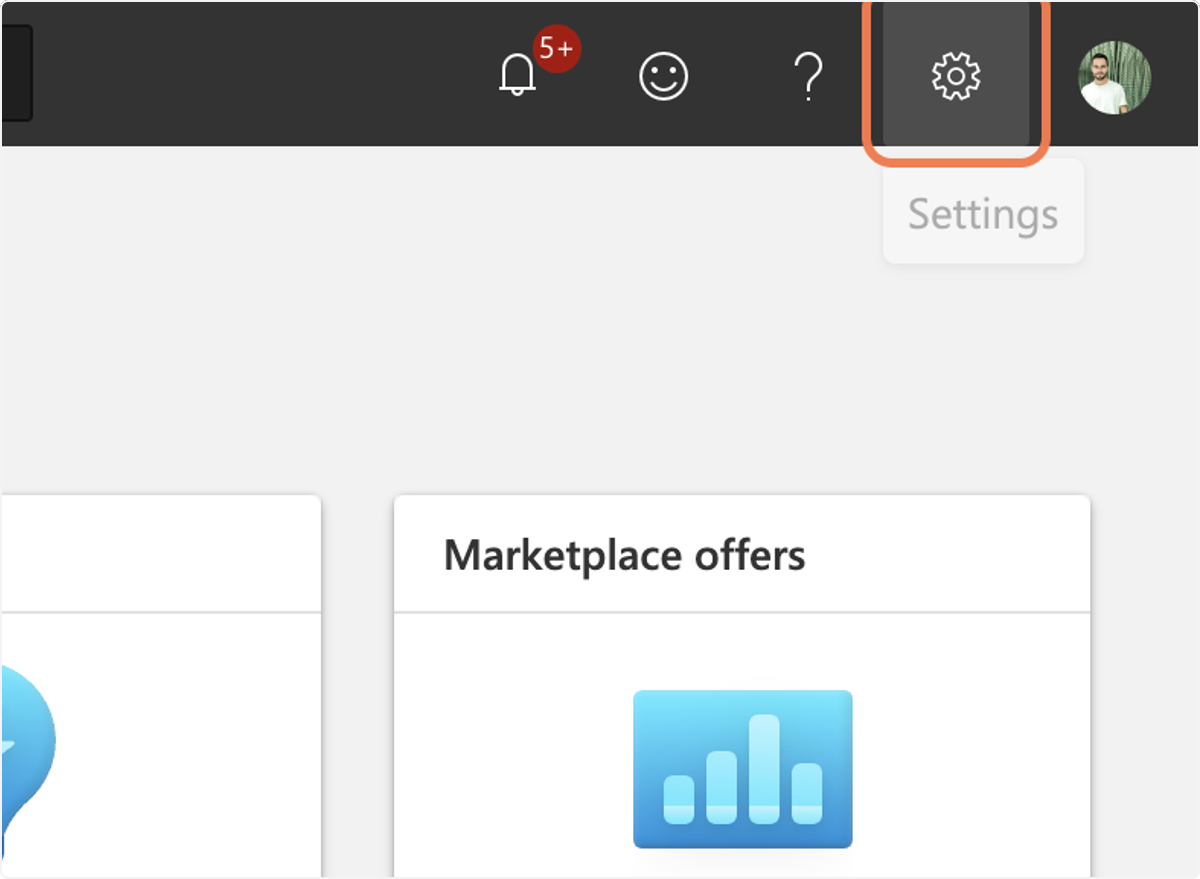
🟣2. Click on Settings
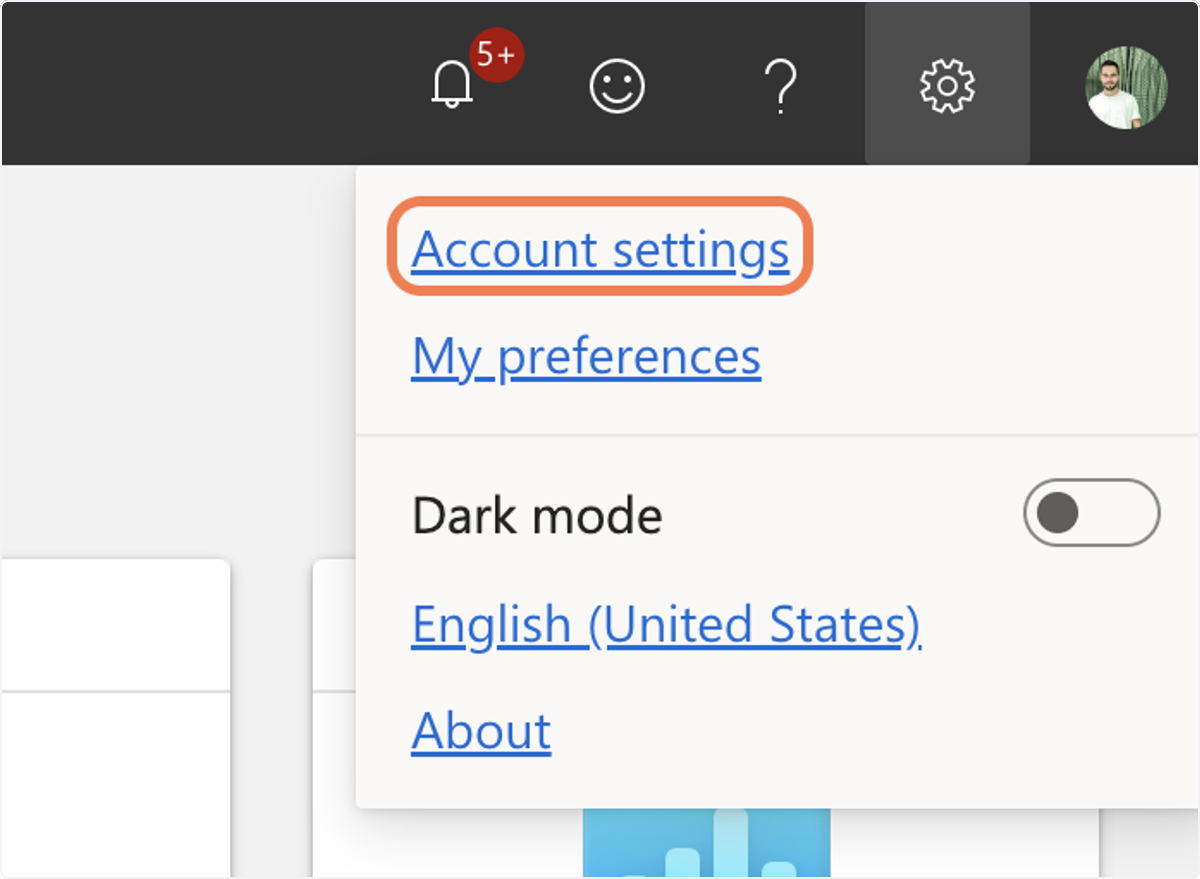
🟣3. Click on Account settings
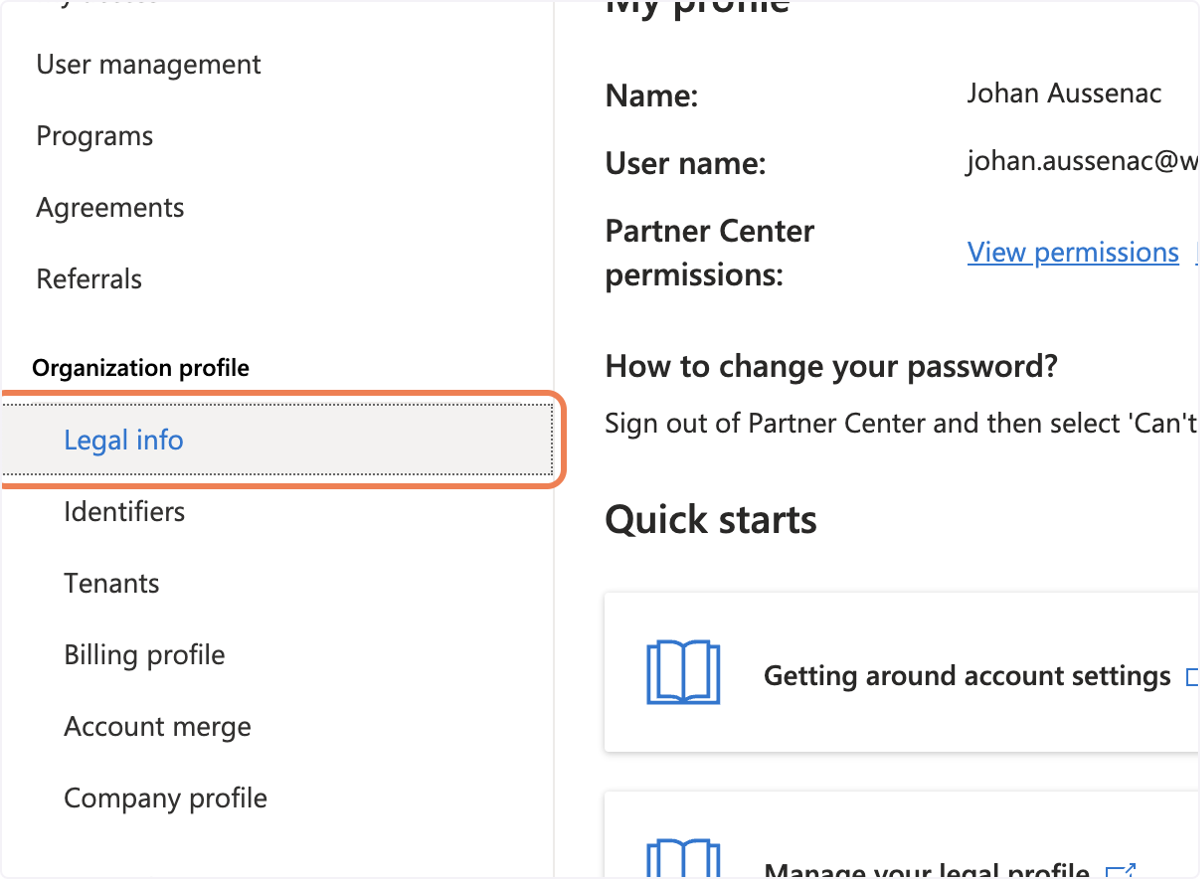
🟣4. Click on Legal info
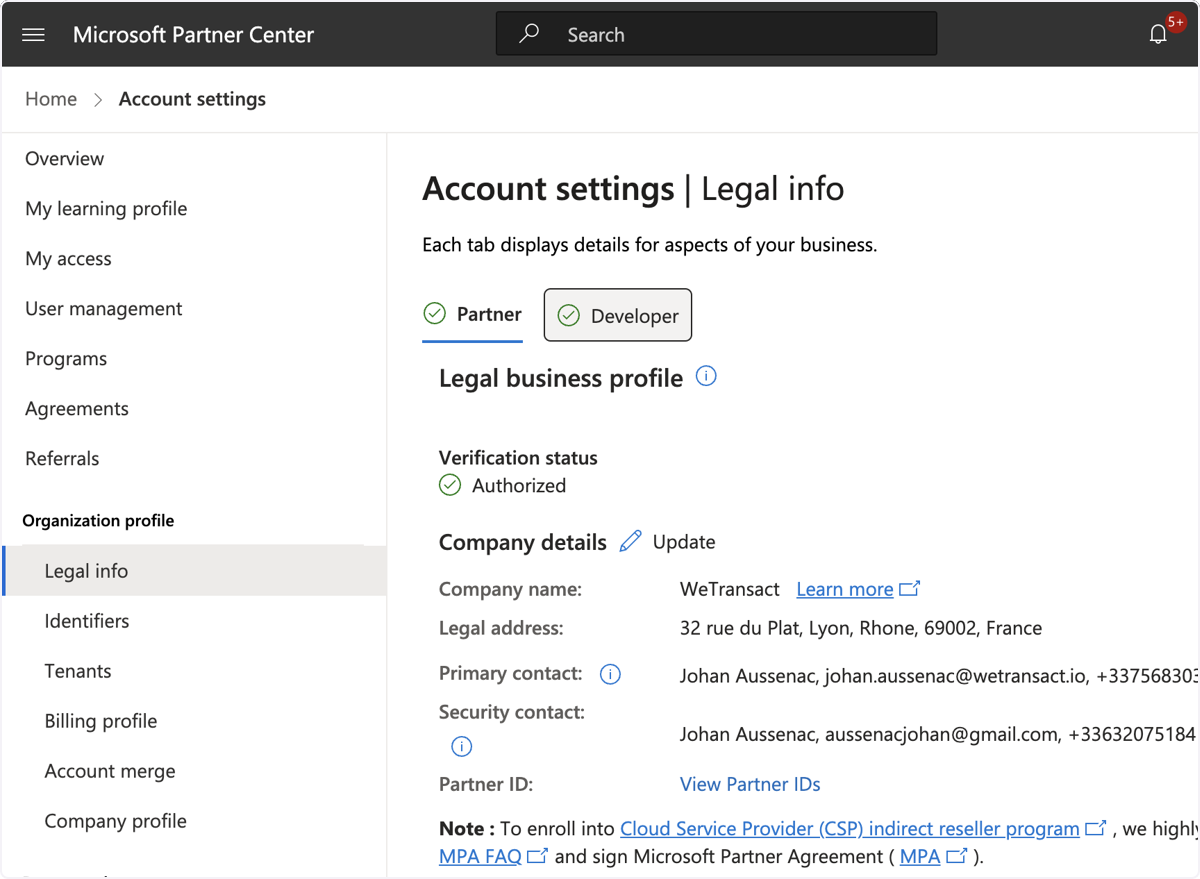
🟣5. Verify that the "Partner" & "Developer" tabs are ticked with the green symbol.
If the tabs are not ticked, Microsoft will display either a cross or a "pending validation" status.
If something goes wrong, Microsoft will ask you for some documentation. Just give it to them, and everything should be fine.
You do that by clicking on "Resolve".
💬 Need Help?
Contact: [email protected]