How to set up a new Subscription (Azure)?
8 min
Setting up a new Azure subscription provides a dedicated billing and resource management container for your services, enabling you to deploy, manage, and track usage for solutions purchased or provisioned through the Marketplace. Please follow the steps below:
🟣 Type "subscription"
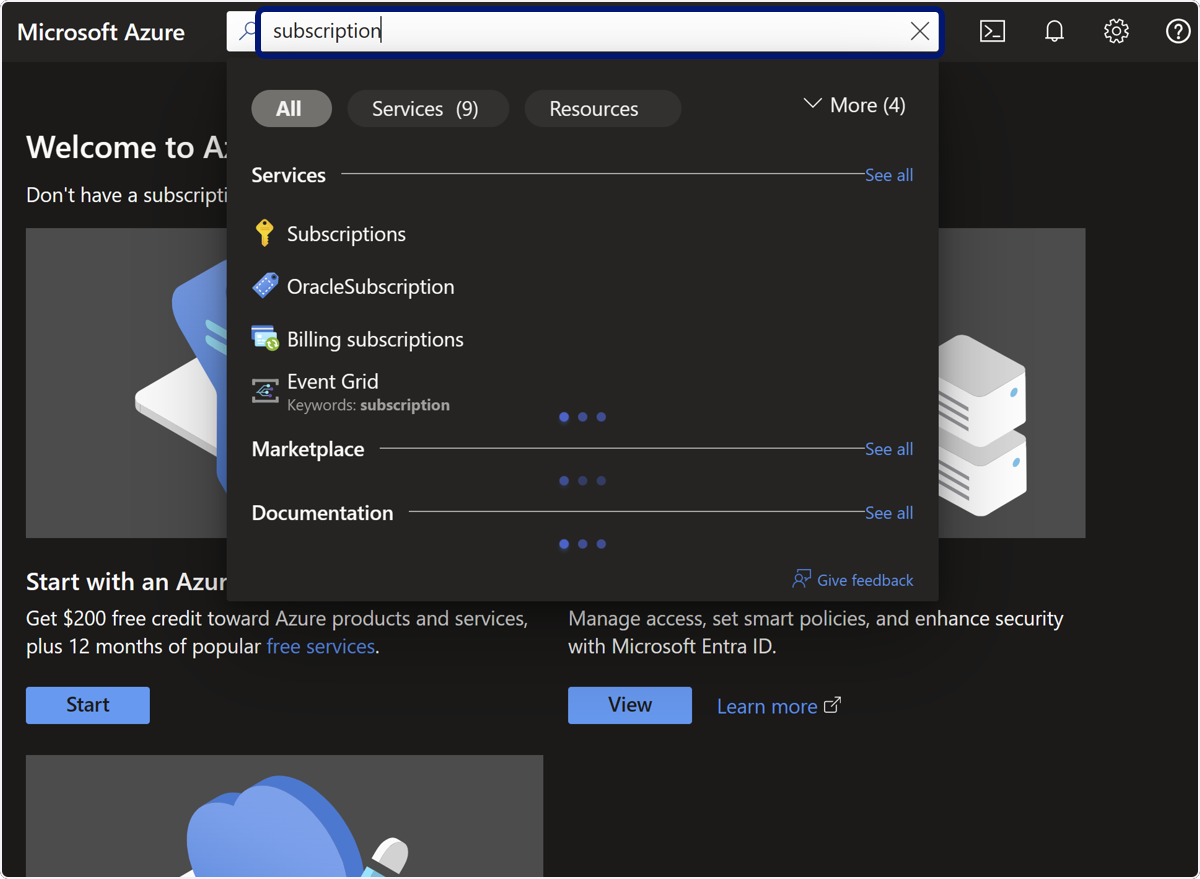
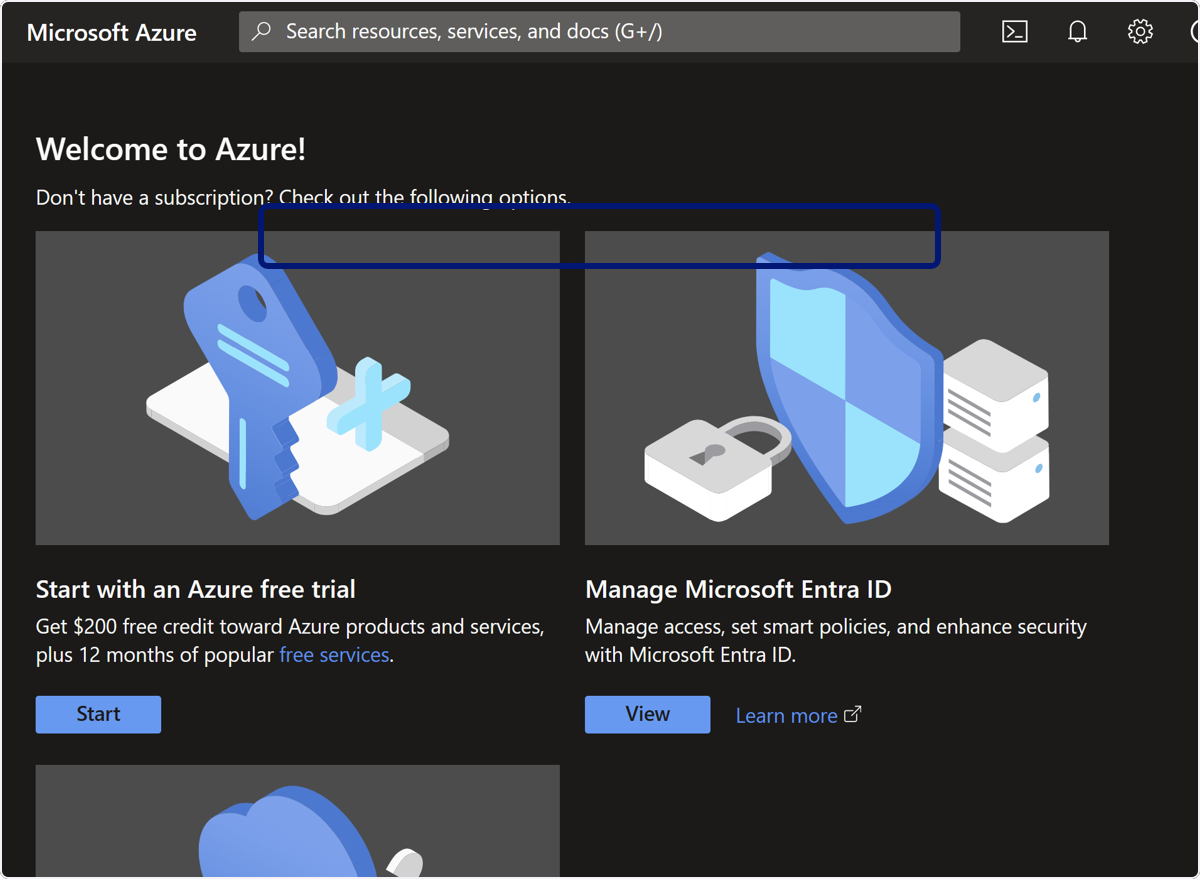
🟣 Click on Subscriptions
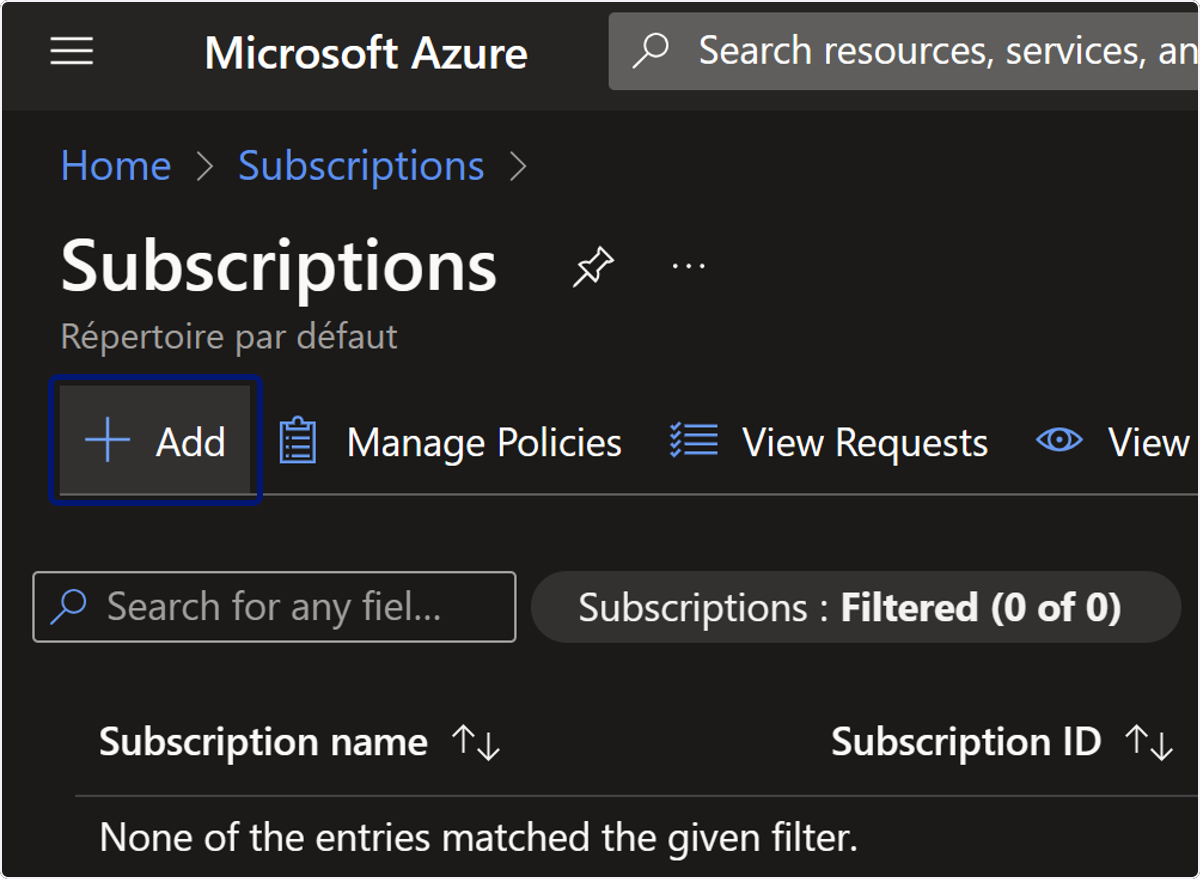
🟣 Click on Add
🟣 Click on Select offer
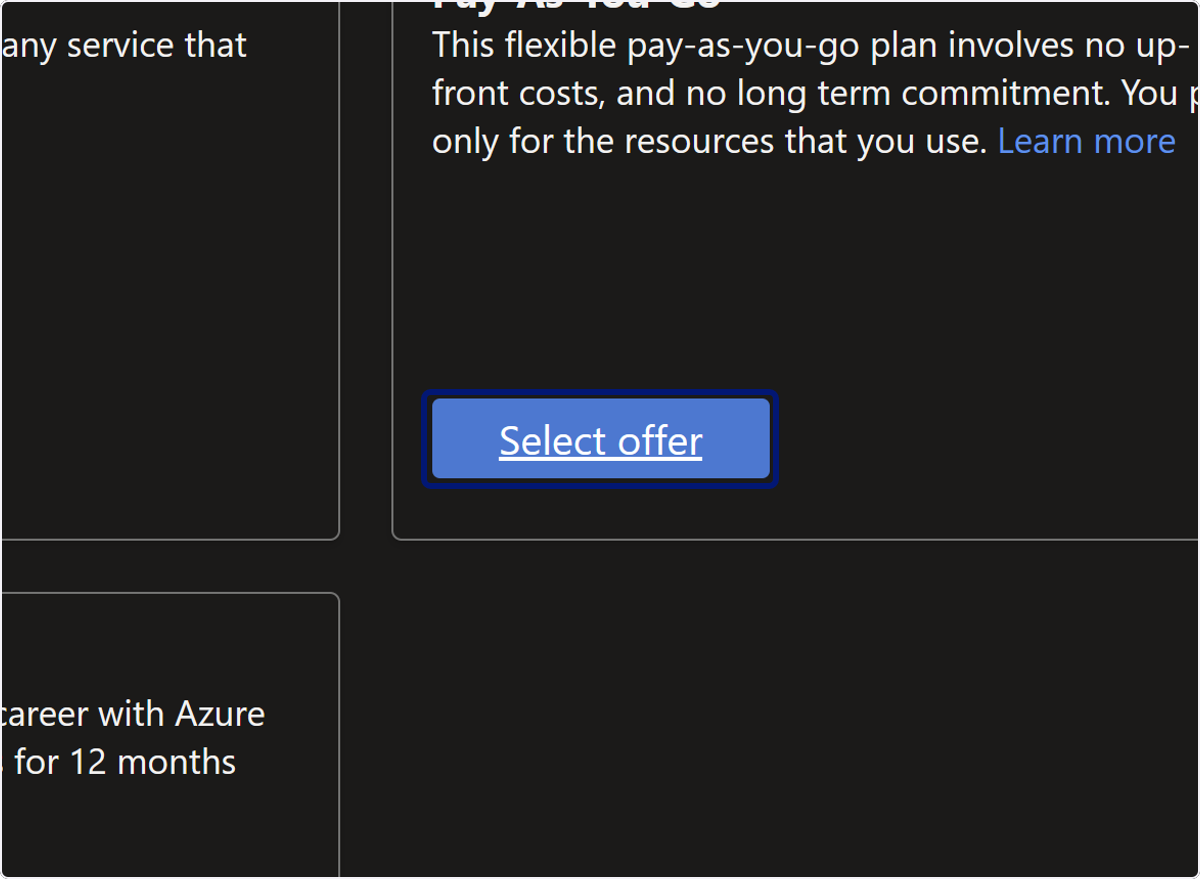
🟣 Click on your account
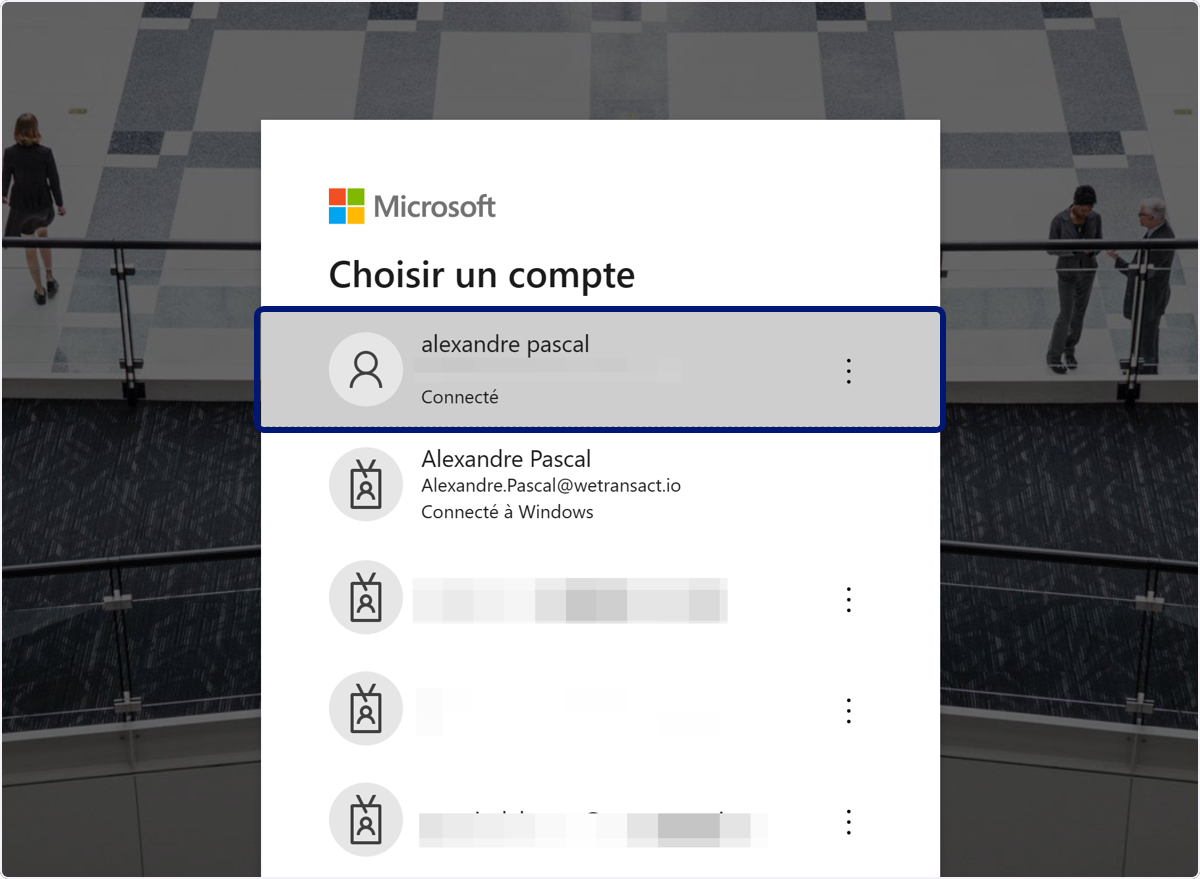
🟣 Check Agree subscription contract
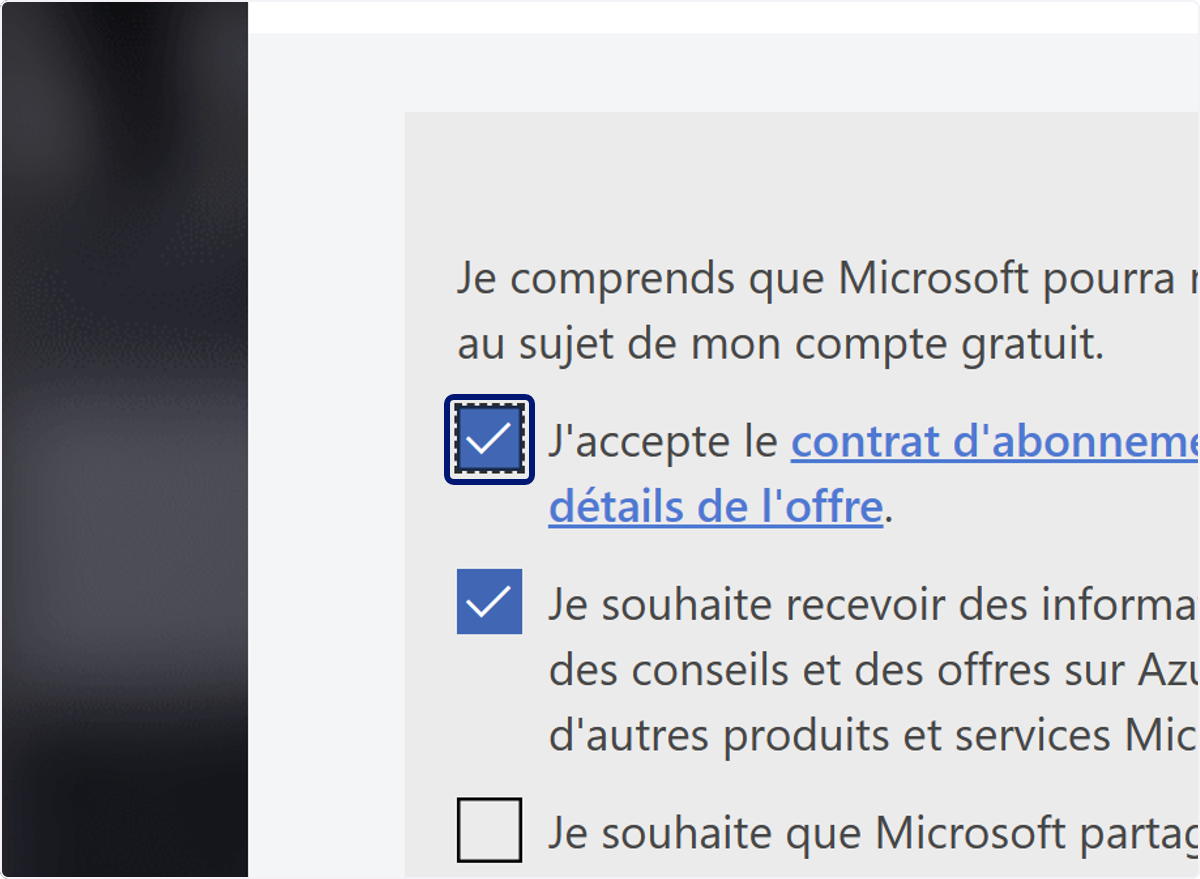
🟣 Click on Next
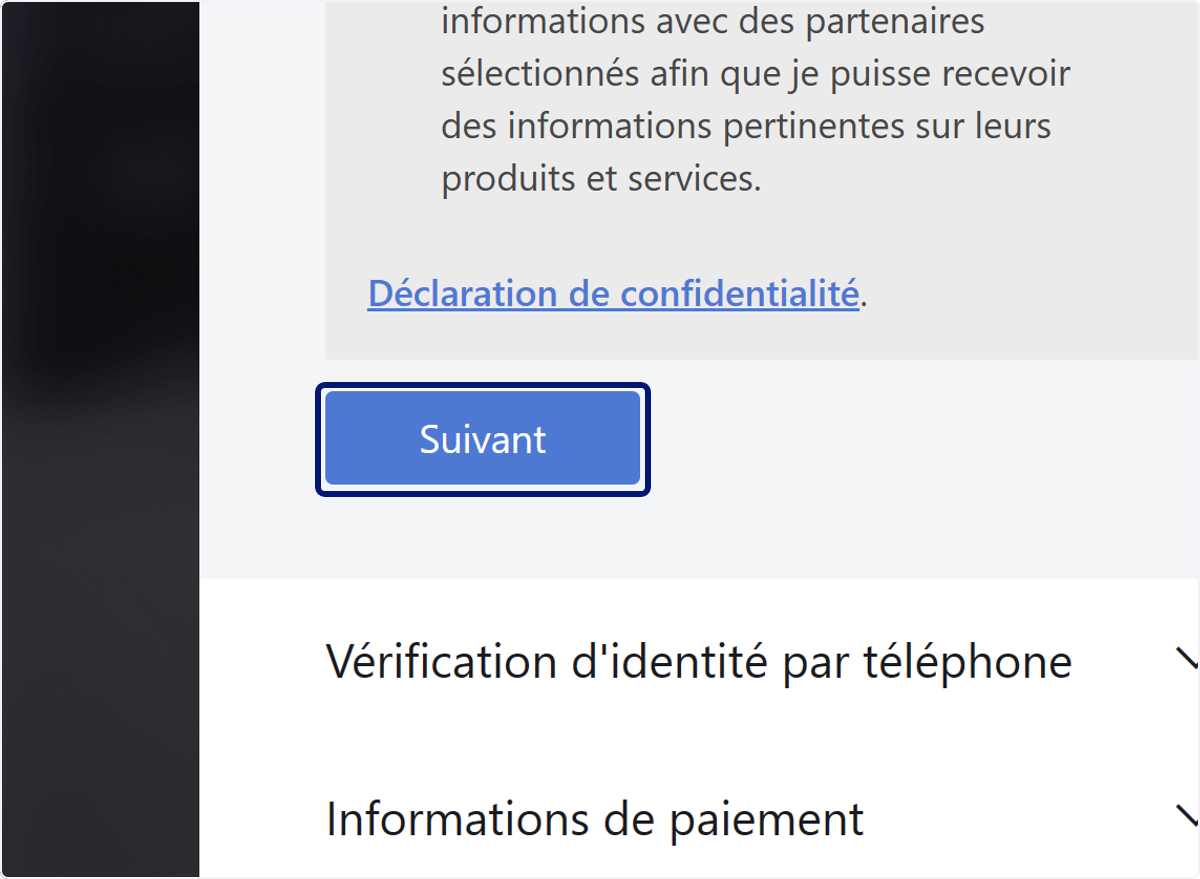
🟣 Verify your account
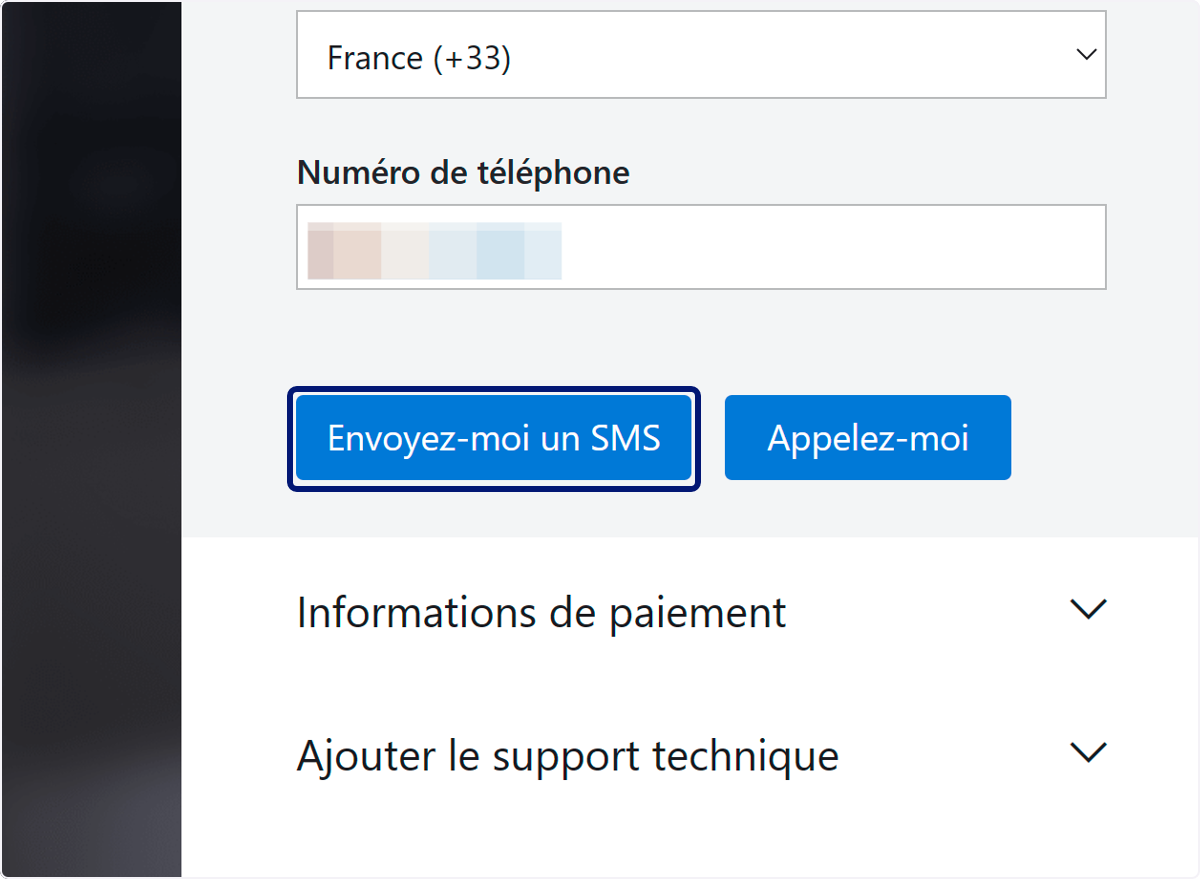
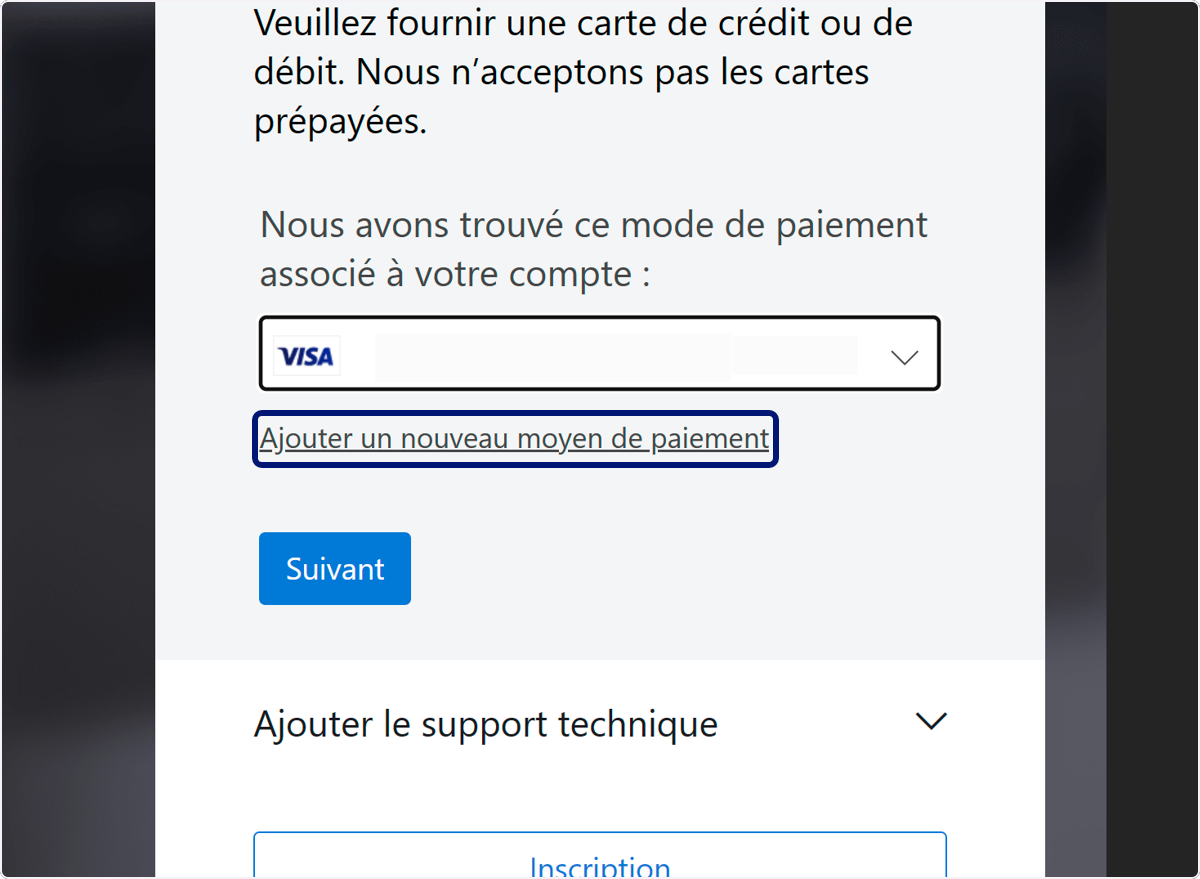
🟣 Click on Add a payment method
💬 For more, contact us at : [email protected]