Create Warmify Email Rule in Outlook
9 min
Easily keep your Warmify emails organised by creating a custom rule in Outlook. This ensures all Warmify messages are filtered and never missed.
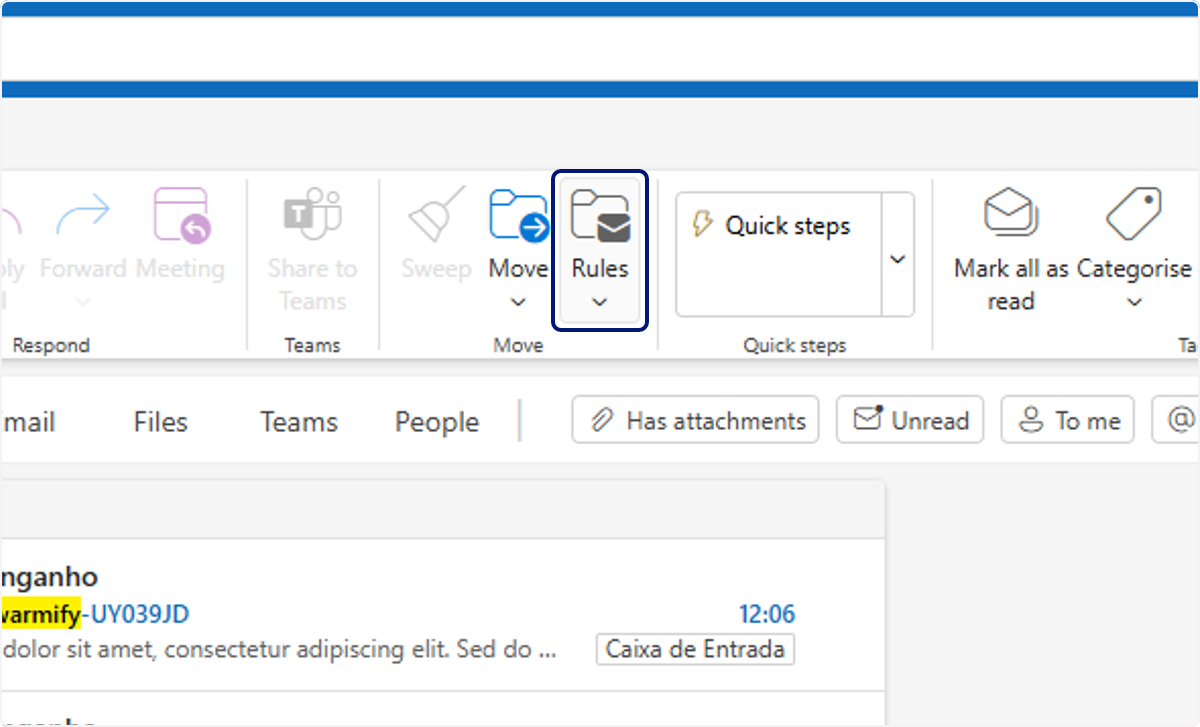
🟣 Click on Rules
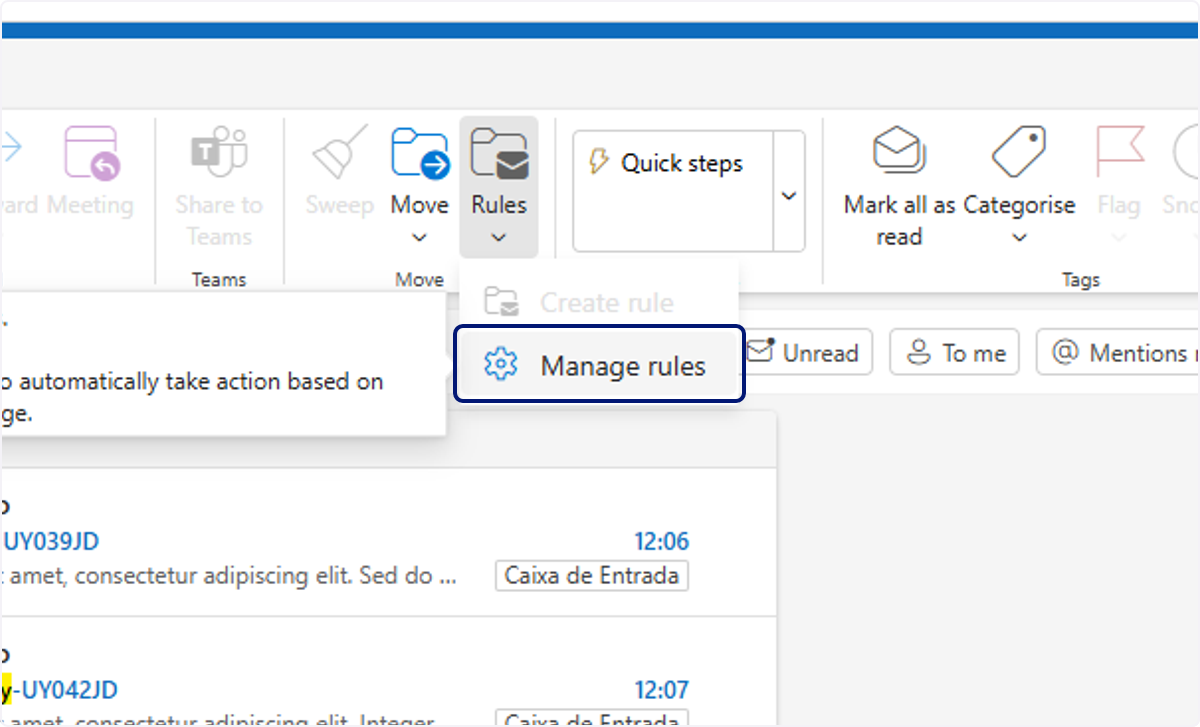
🟣 Click on Manage rules
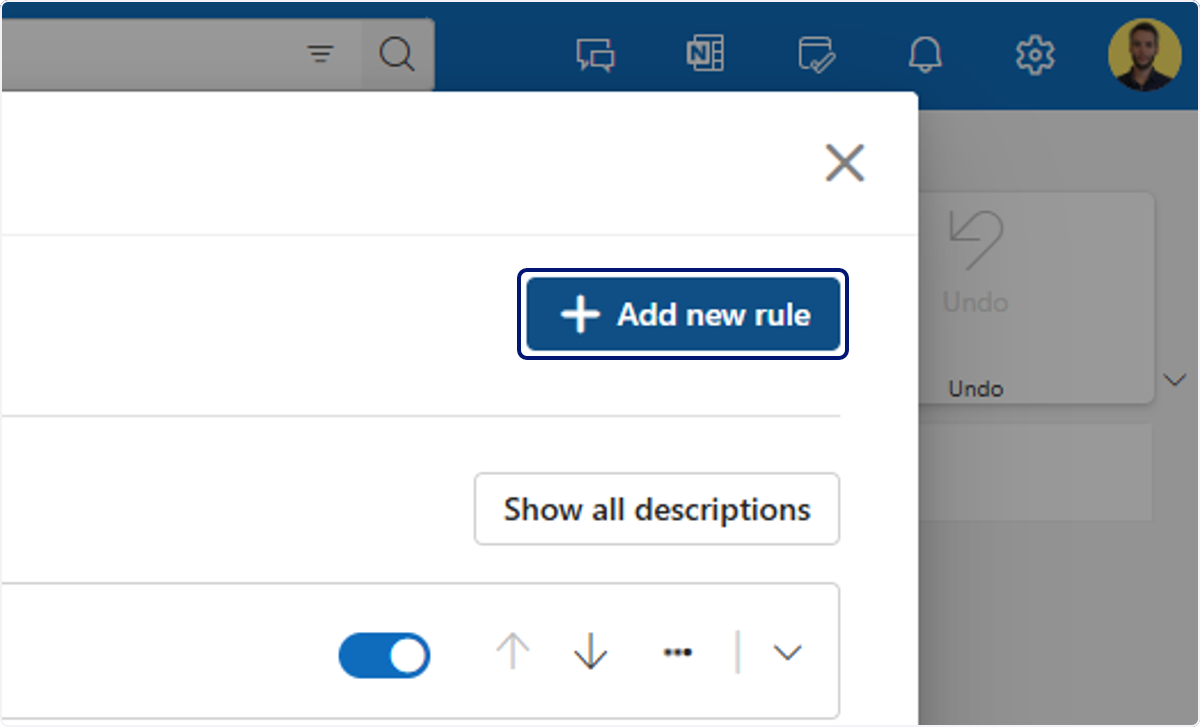
🟣 Click on "Add new rule"
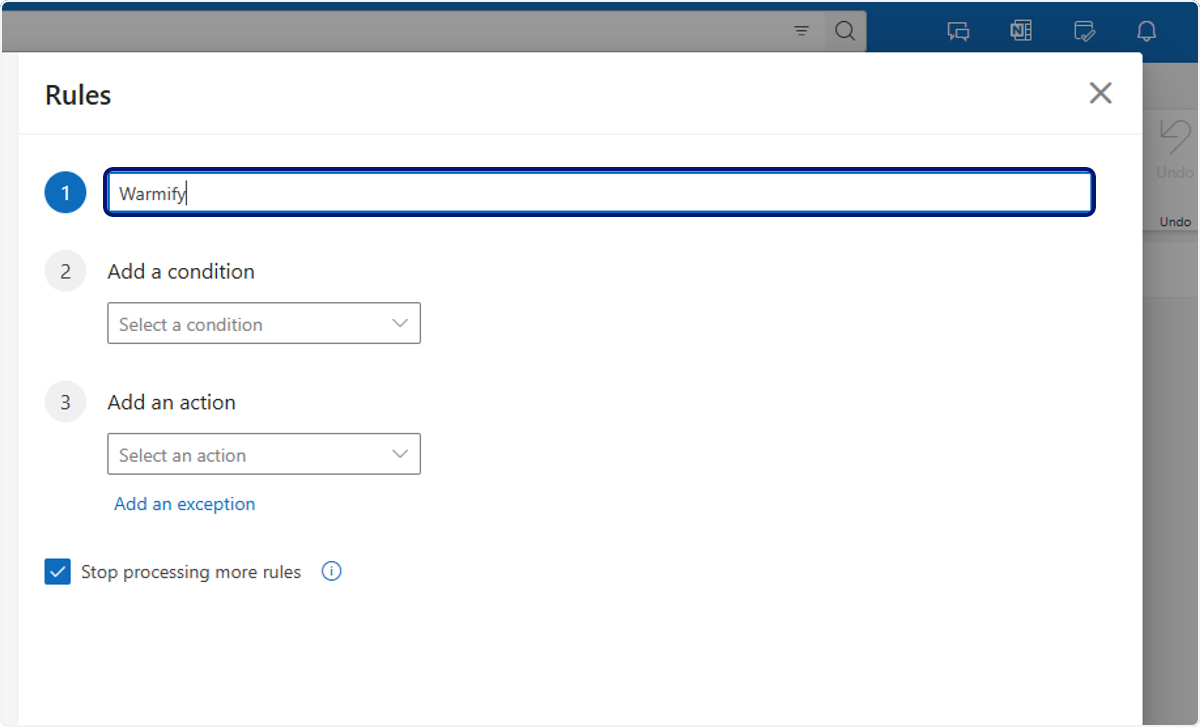
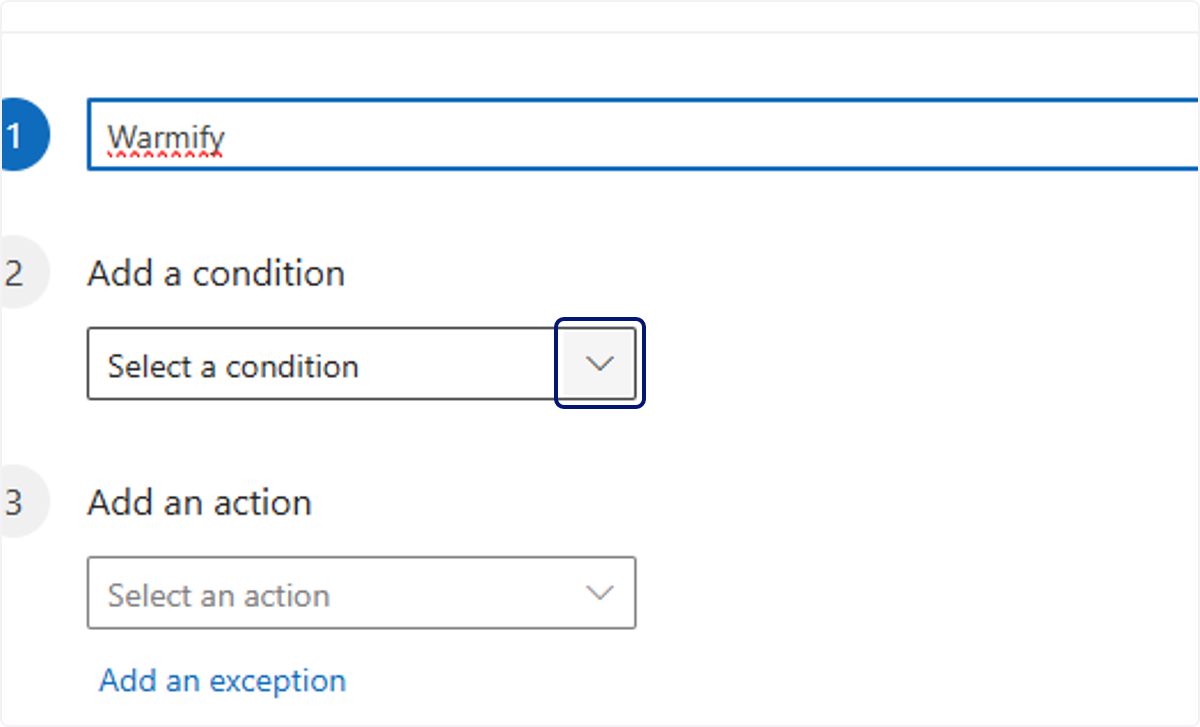
🟣 Set the name of the rule to"Warmify"
🟣 Select "Subject includes" condition
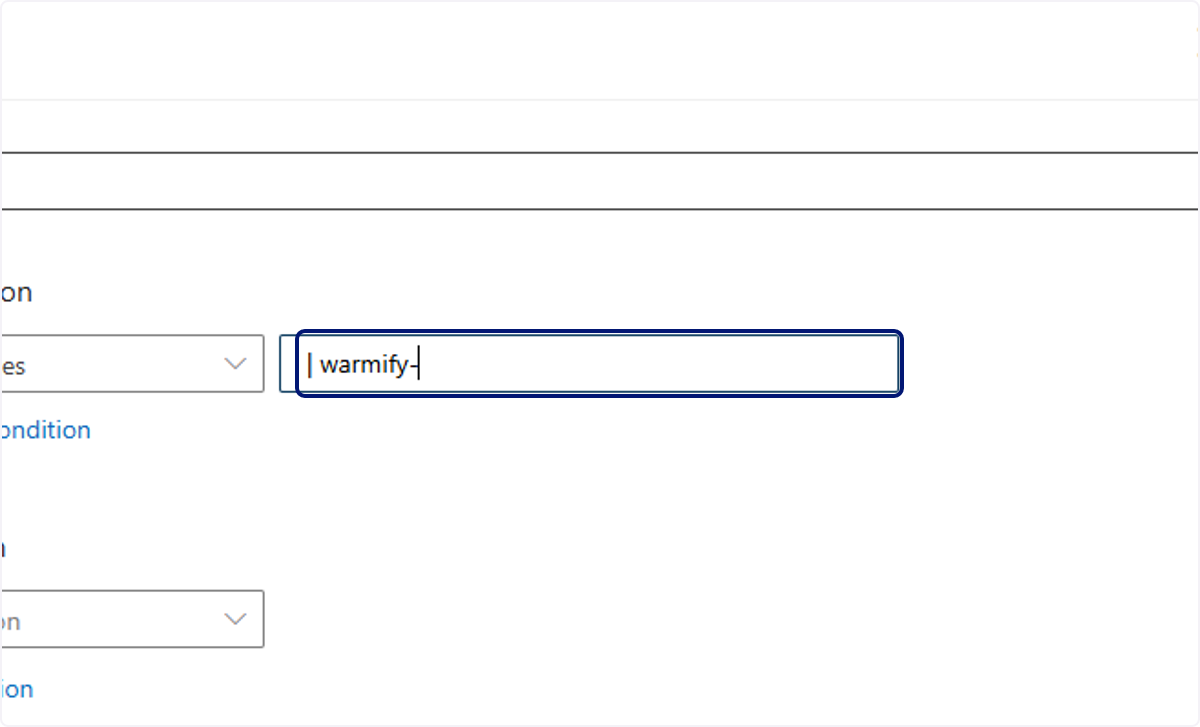
🟣 Type "| warmify-"
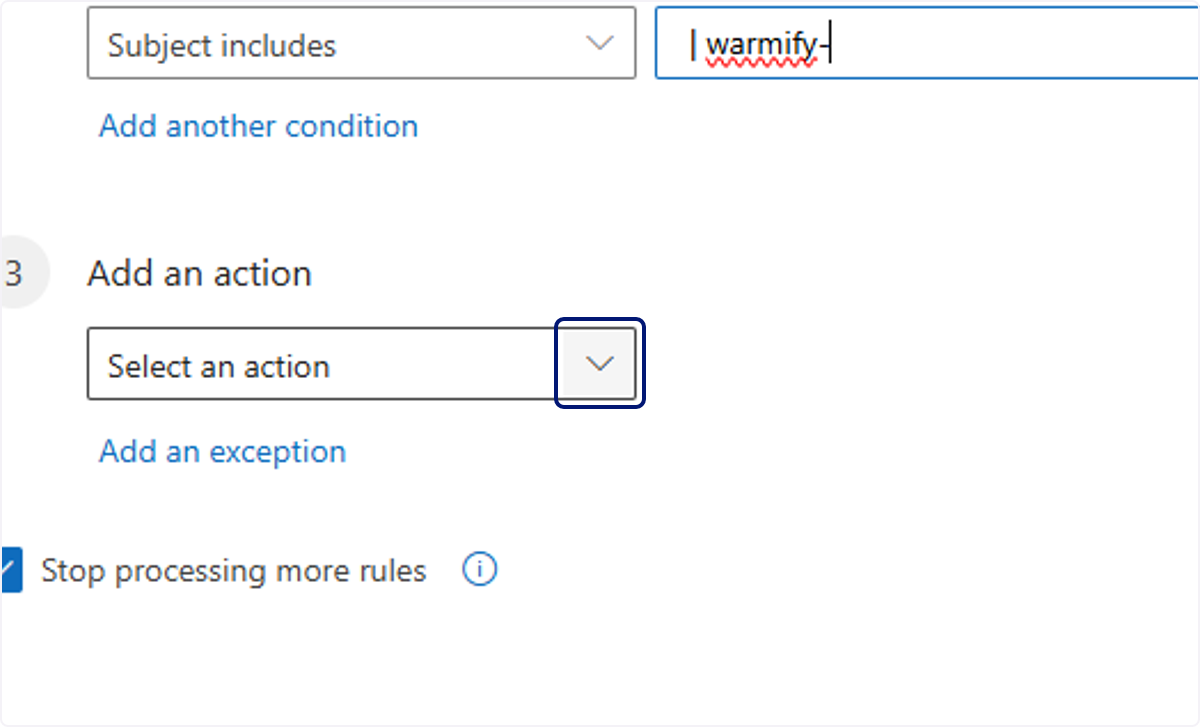
🟣 Add action "Move to"
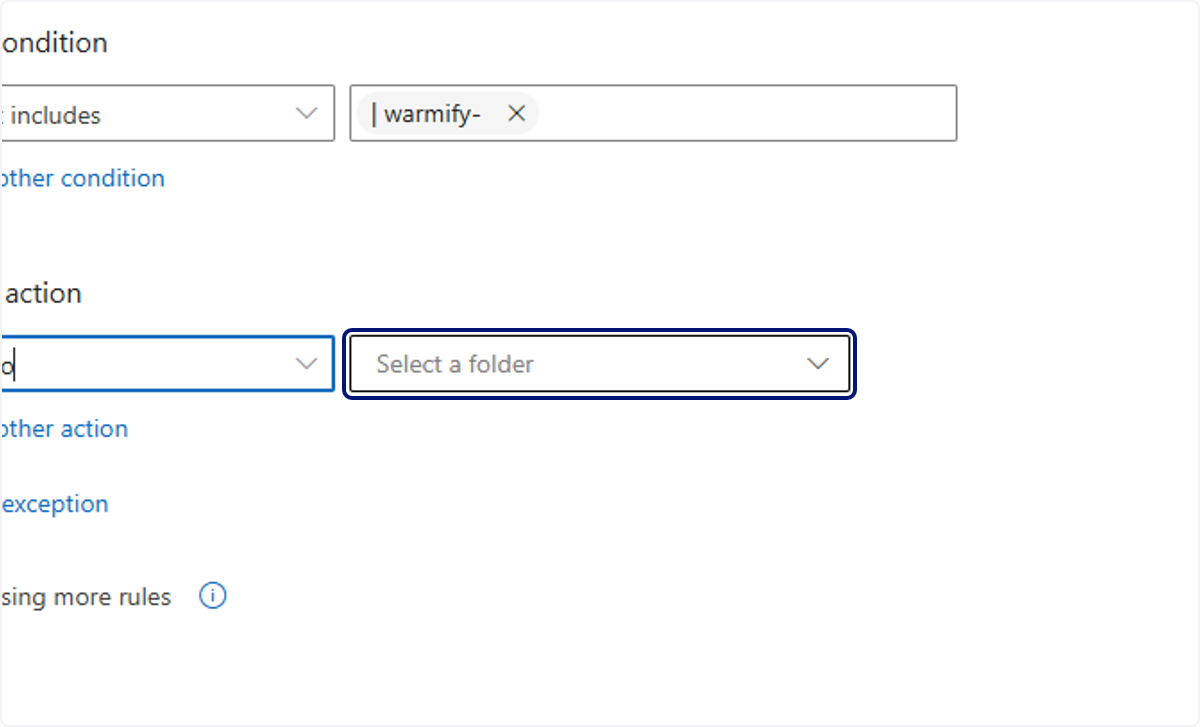
🟣 Click on Select a folder
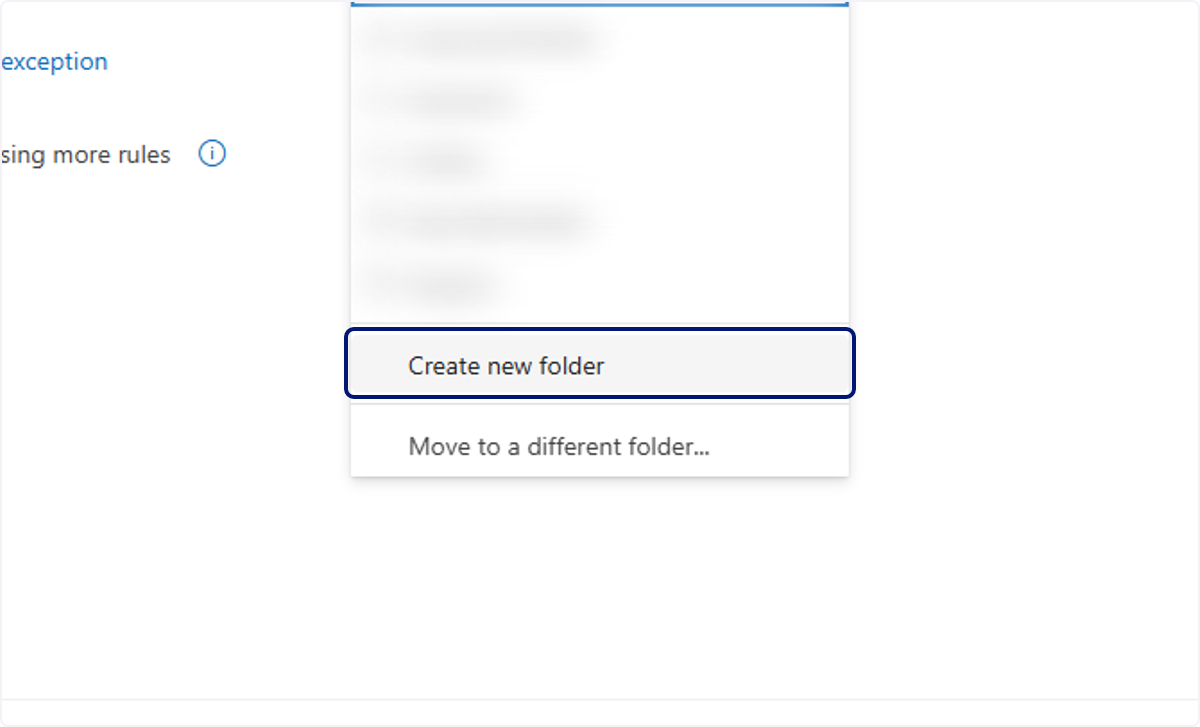
🟣 Click on Create new folder
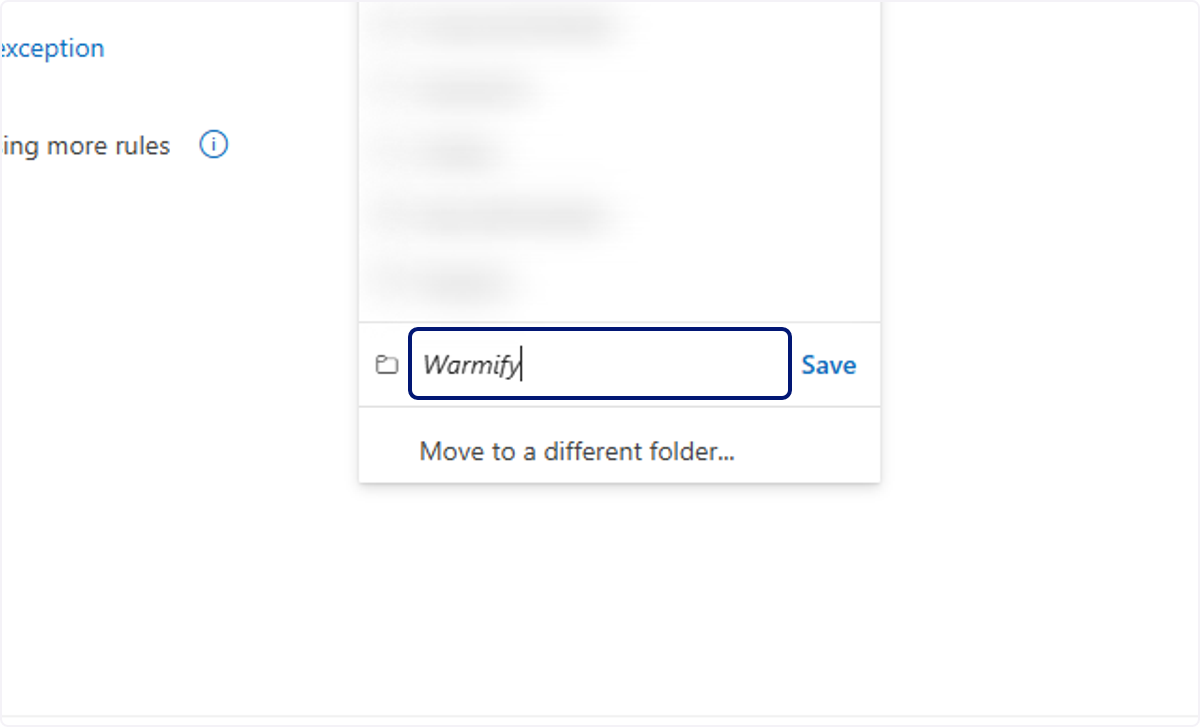
🟣 Type "Warmify"
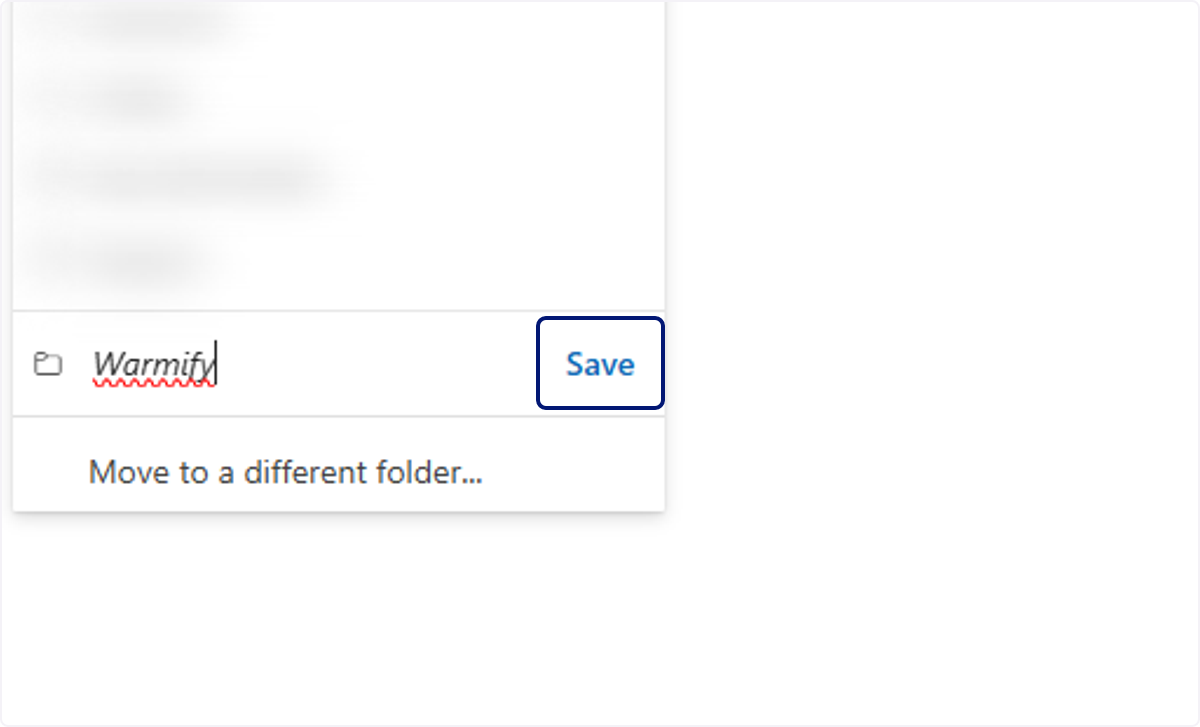
🟣 Click on Save
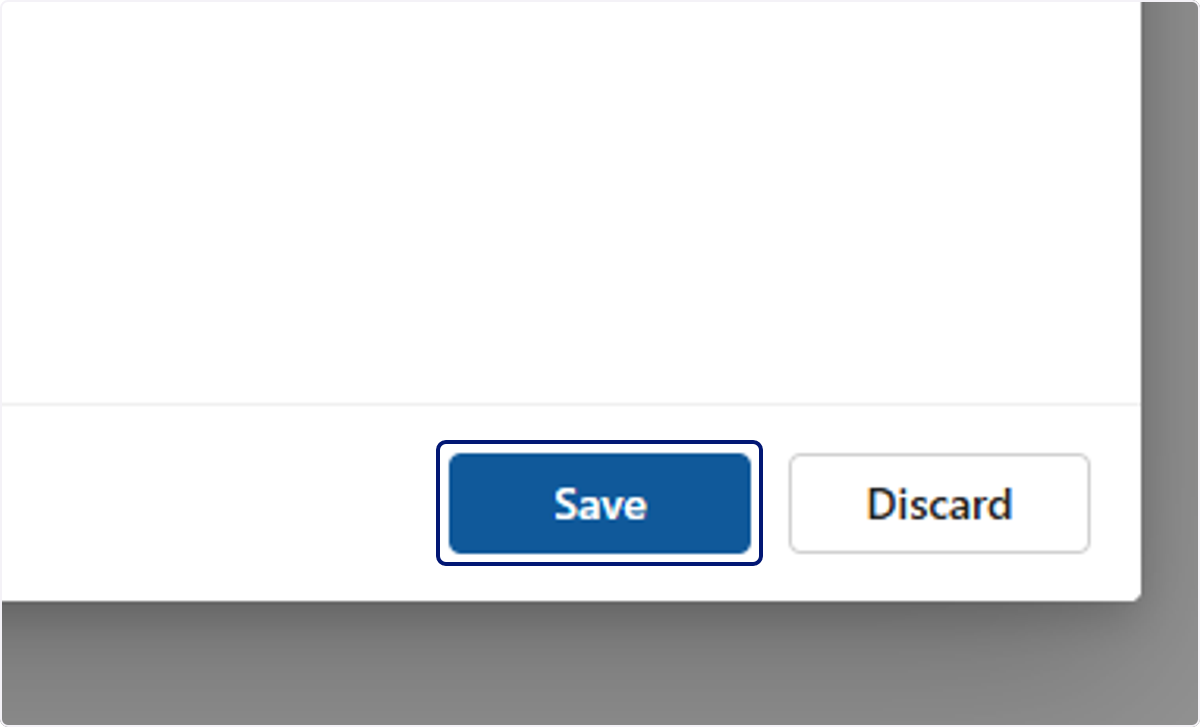
Click on Save
💬 For more, contact us at : [email protected]