How to know which customers includes a Microsoft Payment
4 min
How to check your Microsoft Marketplace payments in Partner Center
This guide shows you how to find out when Microsoft is paying you and which customers and offers each payment covers. Everything is done directly in Partner Center, no extra tools needed.
Step 1: Open Partner Center
Go to partner.microsoft.com/en-us/dashboard/home and sign in with your Partner Center account.
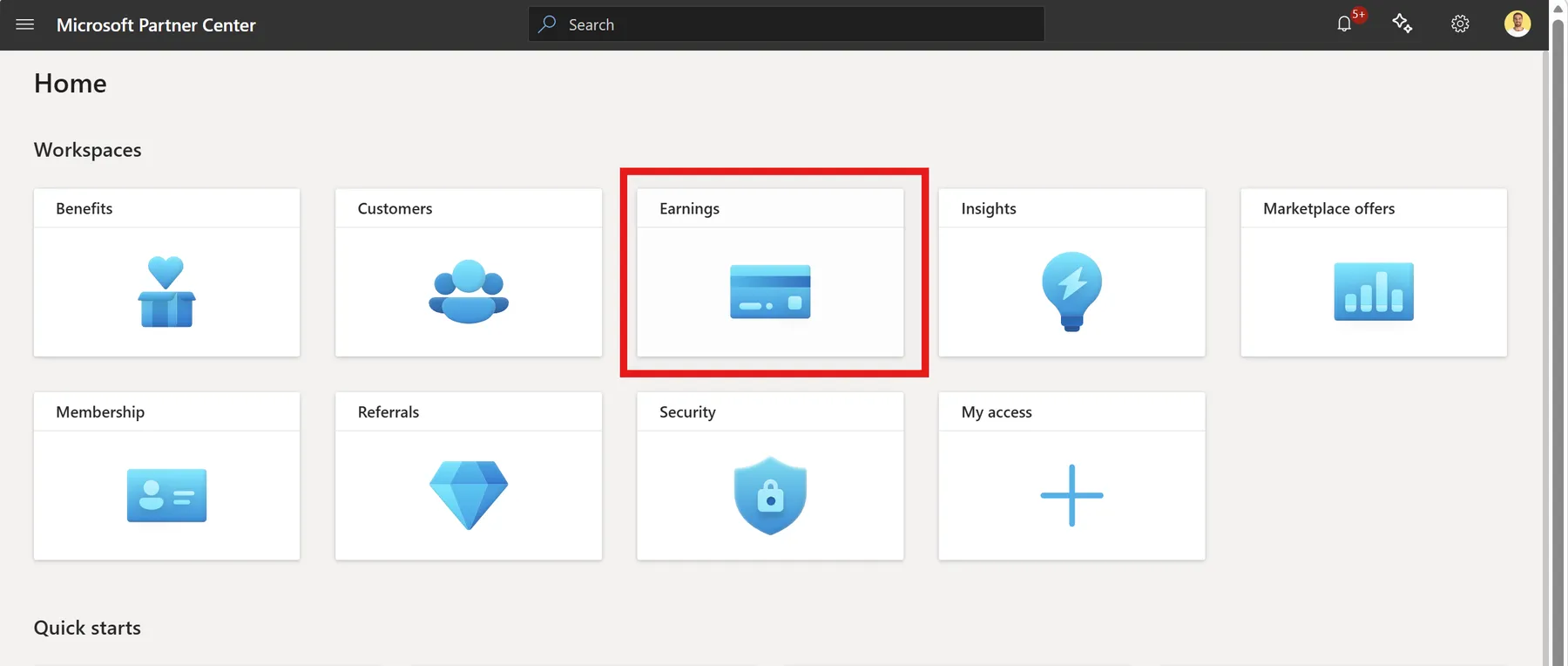
Step 2: Go to Earnings
From the left navigation, open Earnings.
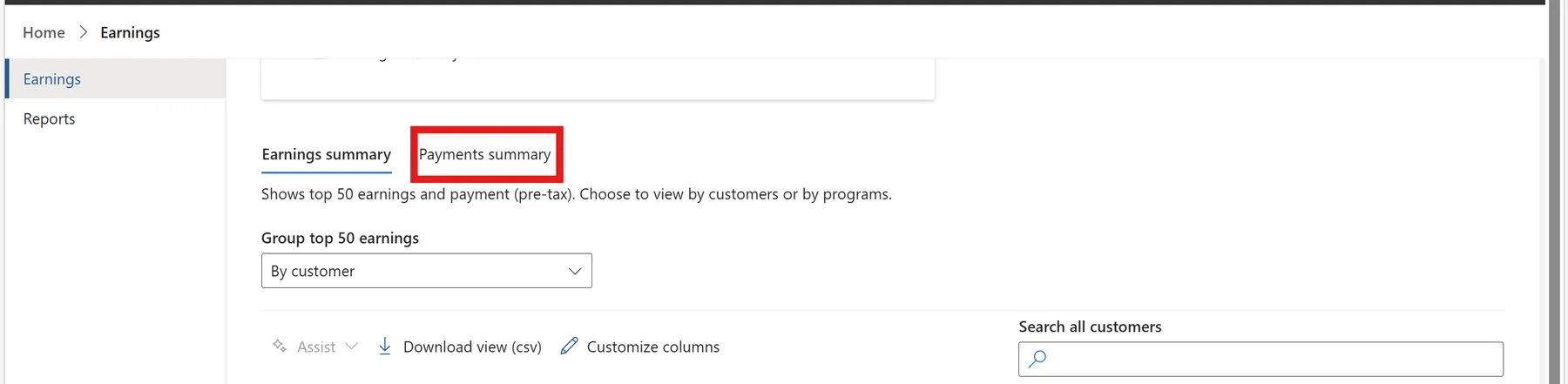
Step 3: Open the Payment Summary
Scroll down to Payment Summary section.
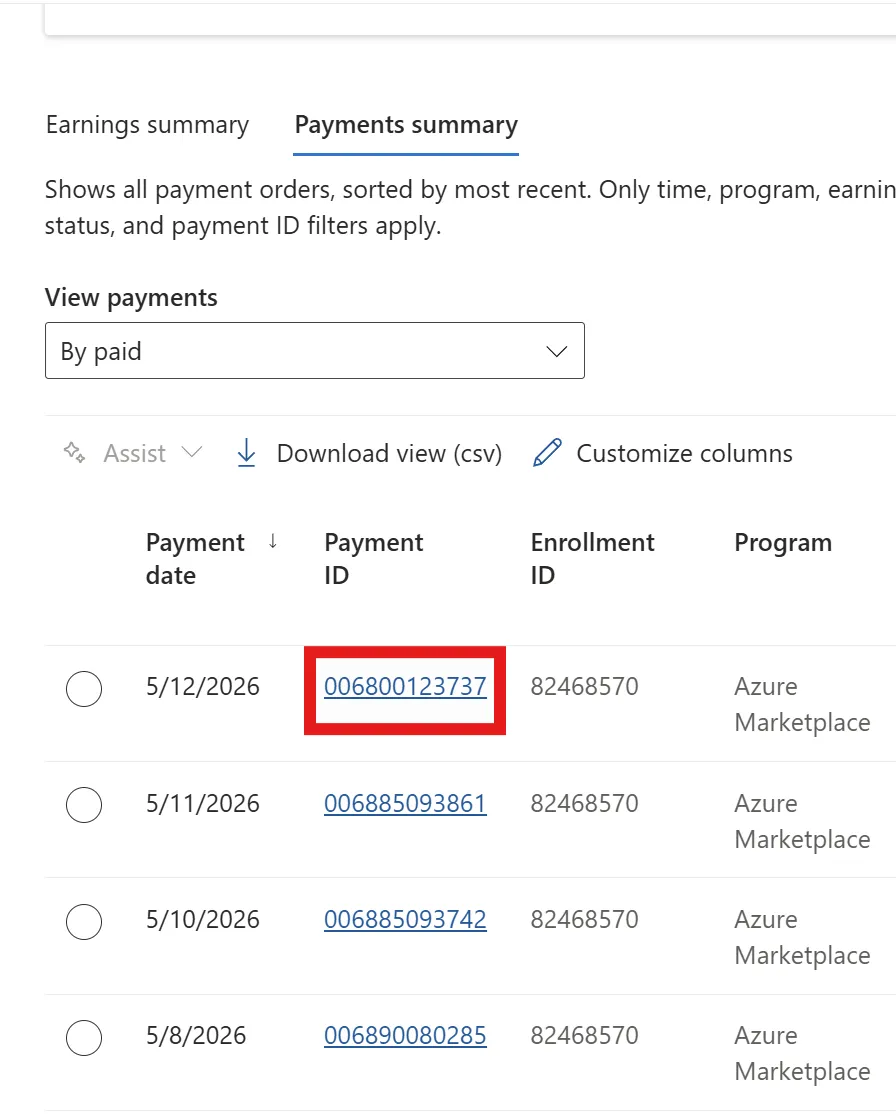
Click on any payment to expand the details. You will see the customers and ammounts included in that specific payout, so you can confirm exactly which deals contributed to that transfer.