Create an IP-cosell support ticket (ACR)
Please note the process to solve this issue has changed (16th January 2026), now you should follow Plan A first.
PLAN A: If you have a Microsoft PDM:
Please request to them to request a remapping of the TPID and the Partner ID, this request should come from them. Explain that the ACR is not showing in Partner Center, and hence not able to apply for IP cosell.
Here is a template you can use: Hi {PDM Name},
I’m currently unable to apply for IP Co-sell because our ACR/Azure consumption is not showing in Partner Center (it appears as 0 in Insights → Azure usage).
To resolve this, could you please submit an internal request to remap the TPID and the Partner ID (TPID ↔ Partner ID mapping) so ACR becomes visible in Partner Center and we can proceed with IP Co-sell?
Partner ID (for the remapping request): {paste Partner ID here} {You can find it in Partner Center: Settings → Identifiers → Partner ID.}
thank you!
{your name}
PLAN B: If you do not have a Microsoft PDM:
you should open a support ticket please see below.
Prerequisites:
TPID number: this number is Microsoft internal number and only your PDM or AE in Microsoft will be able to give it to you
Partner ID: Go to: Settings in Partner Center => Identifiers => Partner ID
Tenant ID: Go to: Settings in Partner Center => Tenants
Make sure you have the right view permisions in: Settings => User management
Take a screenshot of your Azure consumption not showing in: Partner Center => Insights => Azure usage
Download a couple of invoices proving your consumption is above 0
WE START
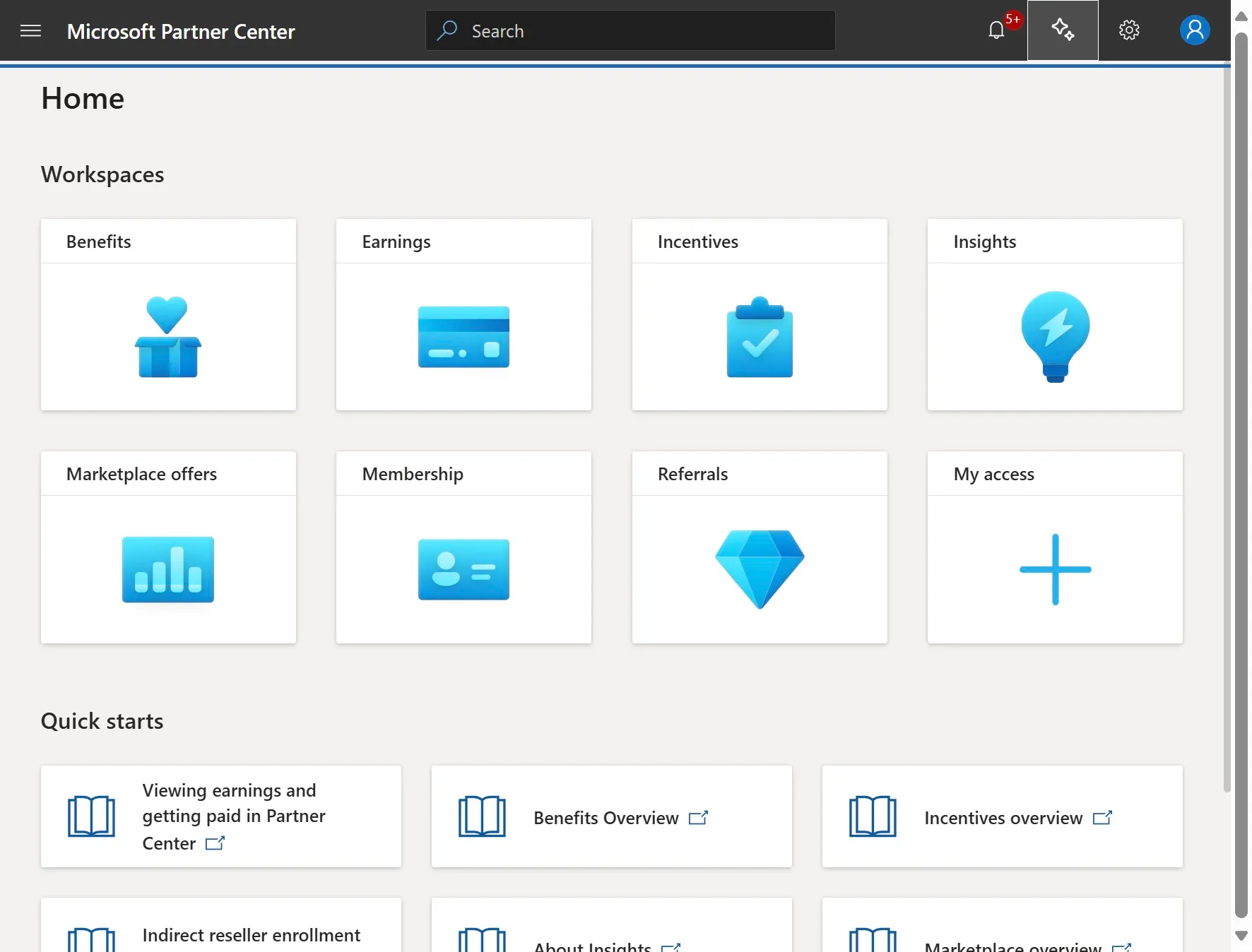
Click on the Stars Icon next to the settings icon
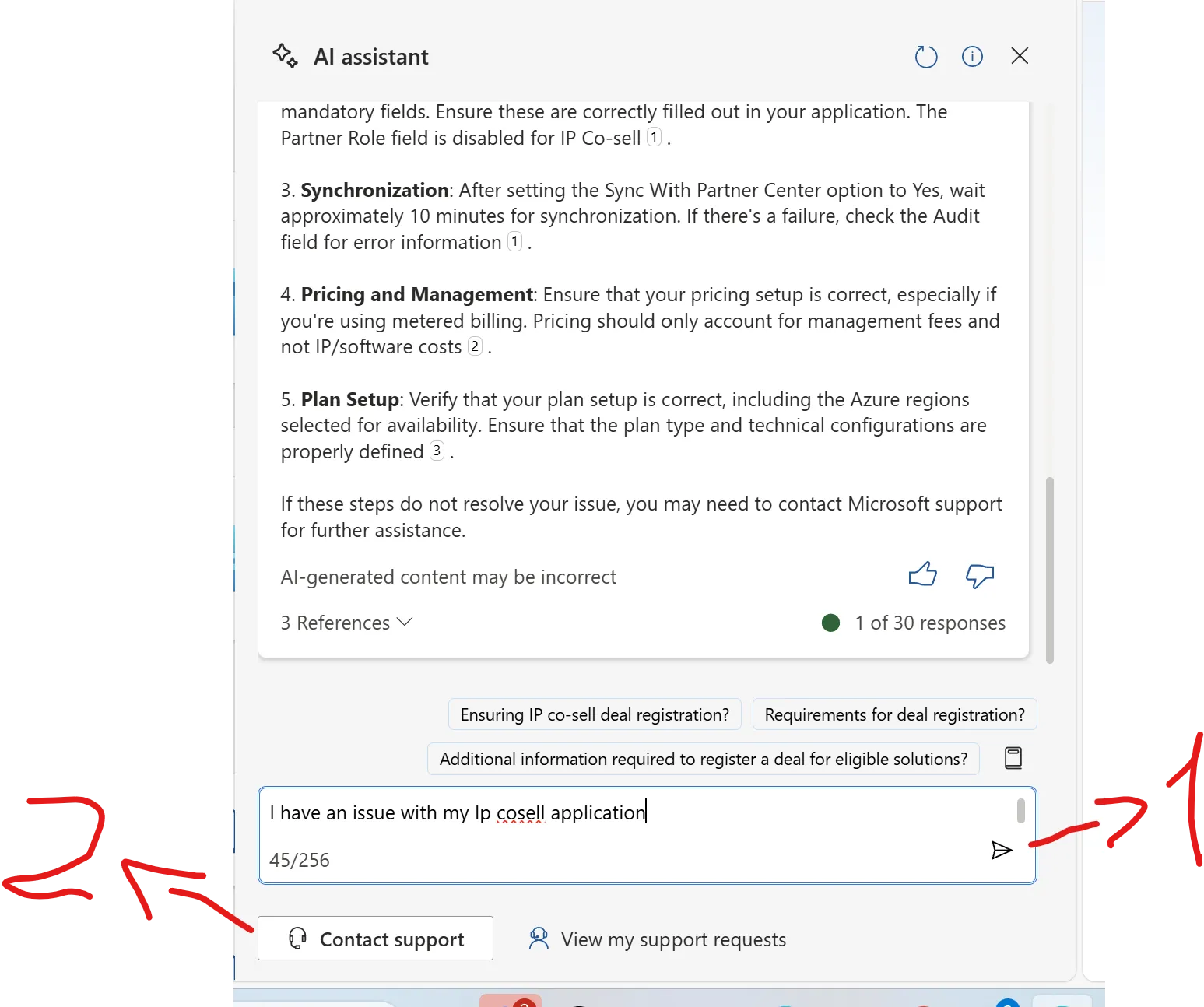
Send a message in the bot chat, and click "Contact support"
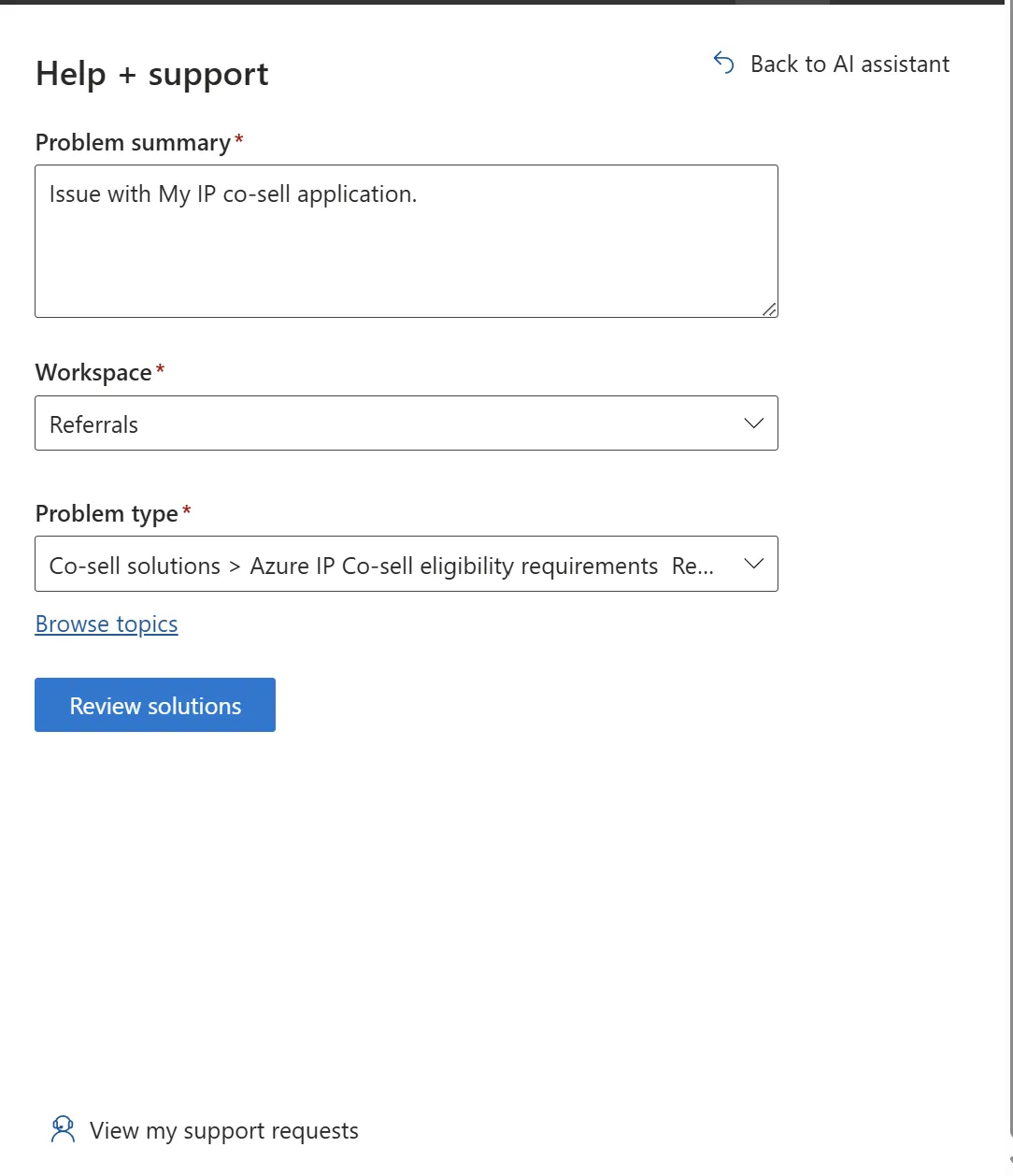
Select:
- Workspace: Referrals
- Problem type: Azure Ip co-sell eligibility requirements
- Click on: Review solutions
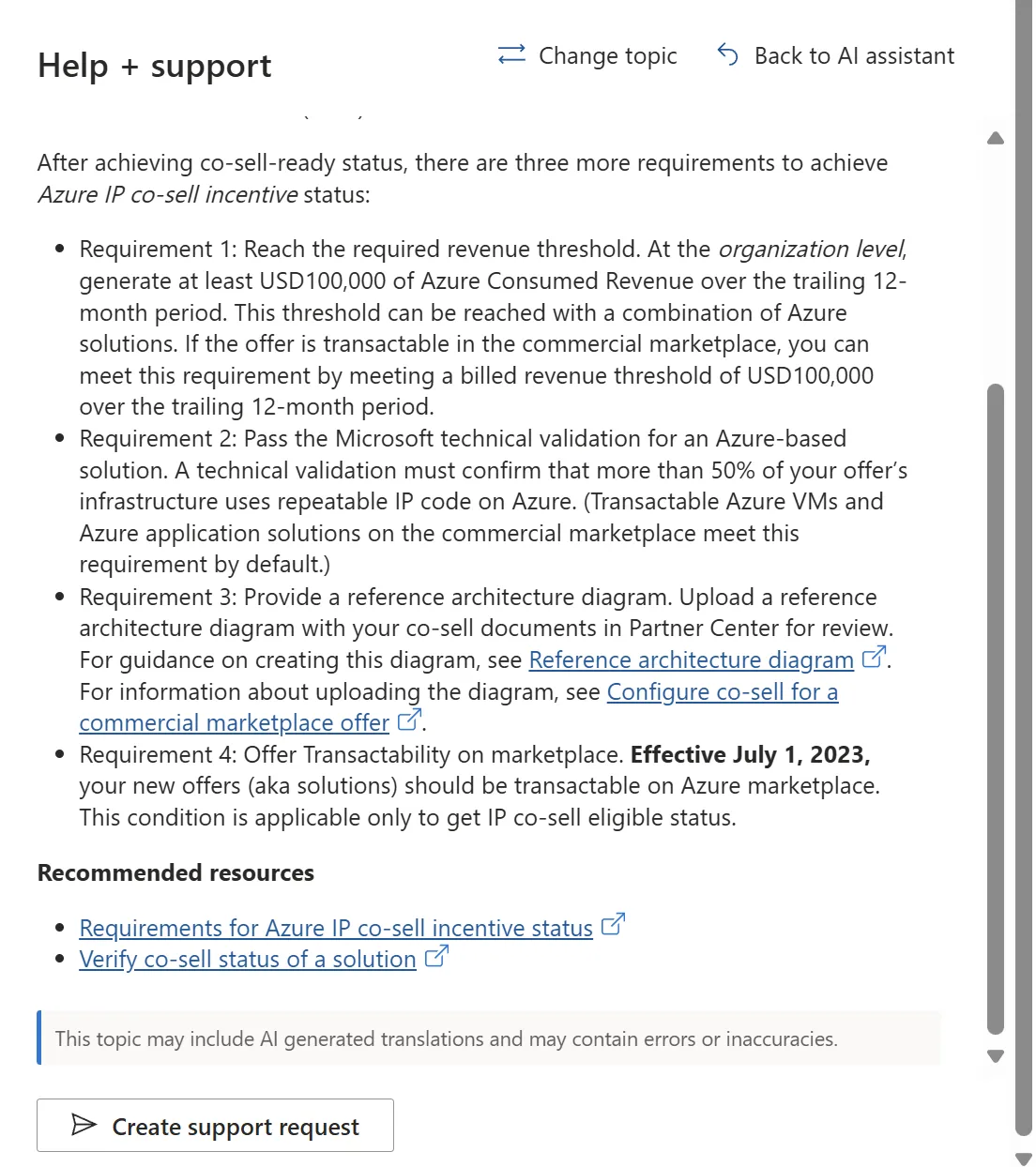
Click on "create a support request"
Add problem summary and description using these templates:
Problem summary: {Name of the company} is unable to view Azure Consumption in the Microsoft Partner Center, where the usage appears as 0 despite confirmed revenue generation. This issue typically occurs when the TPID and the Partner ID are not correctly mapped within Microsoft systems. Hence the IP cosell eligibility does not get approved. We request escalation to ensure the correct mapping between the Organisation ID / TPID and Partner ID. Please find the information that needs to be linked: TPID: (needs to be provided by PDM or AE from Microsoft) Partner ID: (identifiers) Tenant ID : (tenants) Please find a similar support case which was resolved which will help you find the right path to perform this connection: 2506130040009522 Description: Please escalate this issue to have the correct TPID ↔ Partner ID mapping applied, enabling IP Co-sell approval and visibility of Azure Consumption in Partner Center. Similar case for your reference and find the right path of escalation, this ticket was solved: 2506130040009522
Fill the rest of the information and attach: - the screenshot of the Azure consumption not showing - Azure invoices proving you have consumption
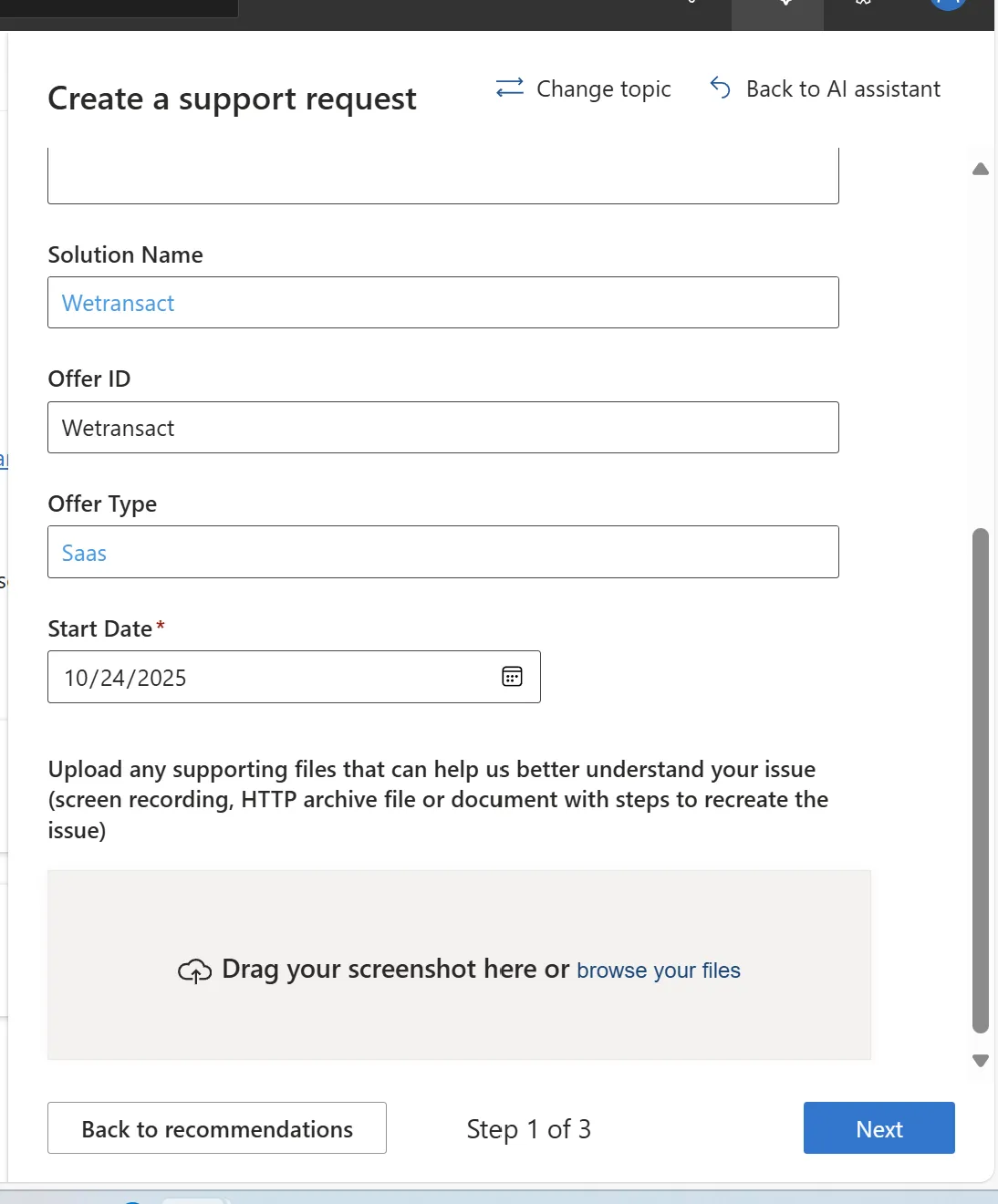
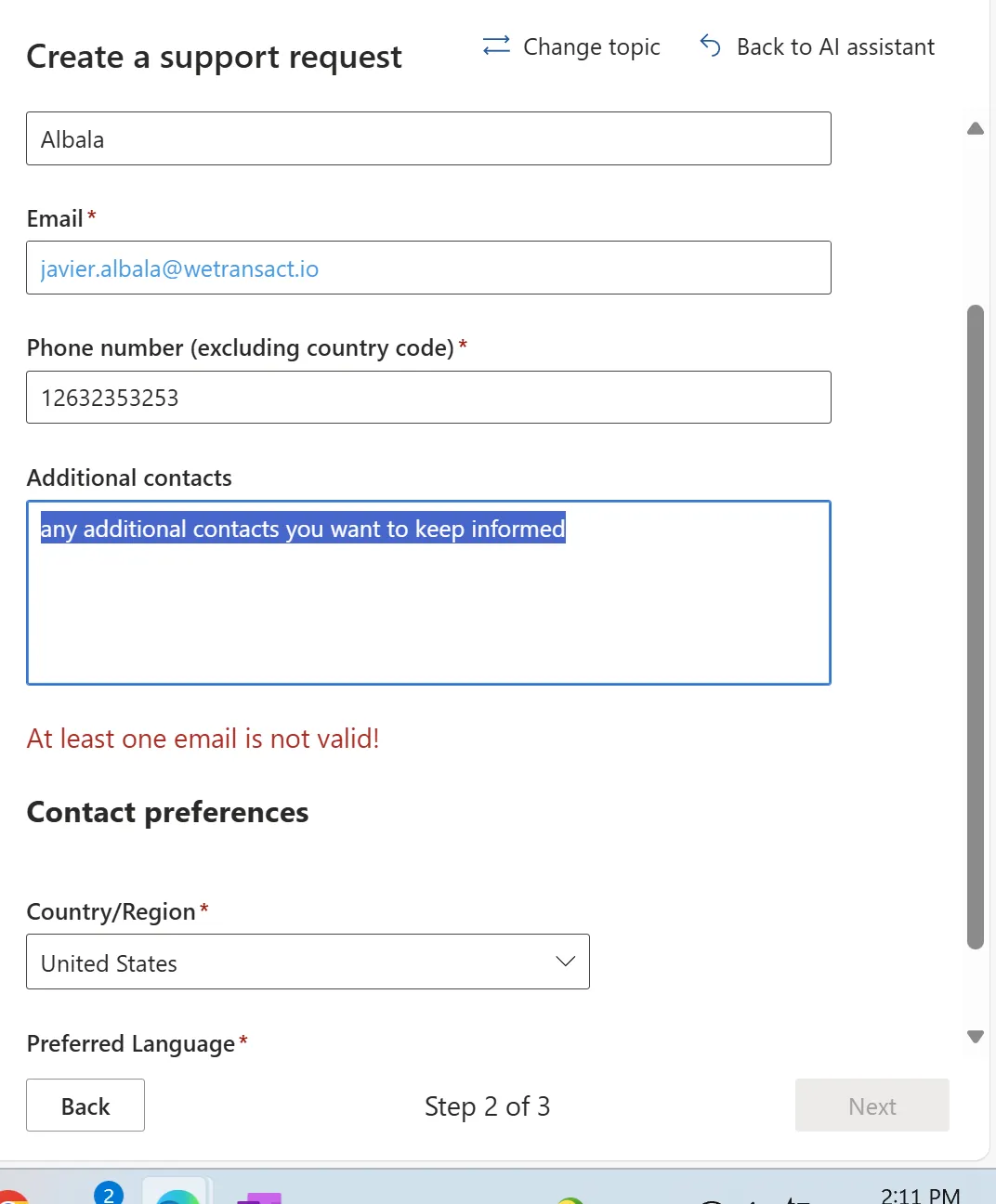
Click on next and fill the rest of the contact information
Please escalate this issue with your AE or PDM at Microsoft.
💬 For more, contact us at : [email protected]