How to find your Tenant ID in Azure portal?
2 min
Finding your Tenant ID in Azure gives you the unique directory identifier needed to create a private plan, ensuring the offer is correctly assigned to the intended customer’s Azure Active Directory tenant. please follow the steps below:
🟣 Sign in to Azure Portal (https://portal.azure.com).
🟣 On the top search bar, search 'Tenant or Tenant Properties'.
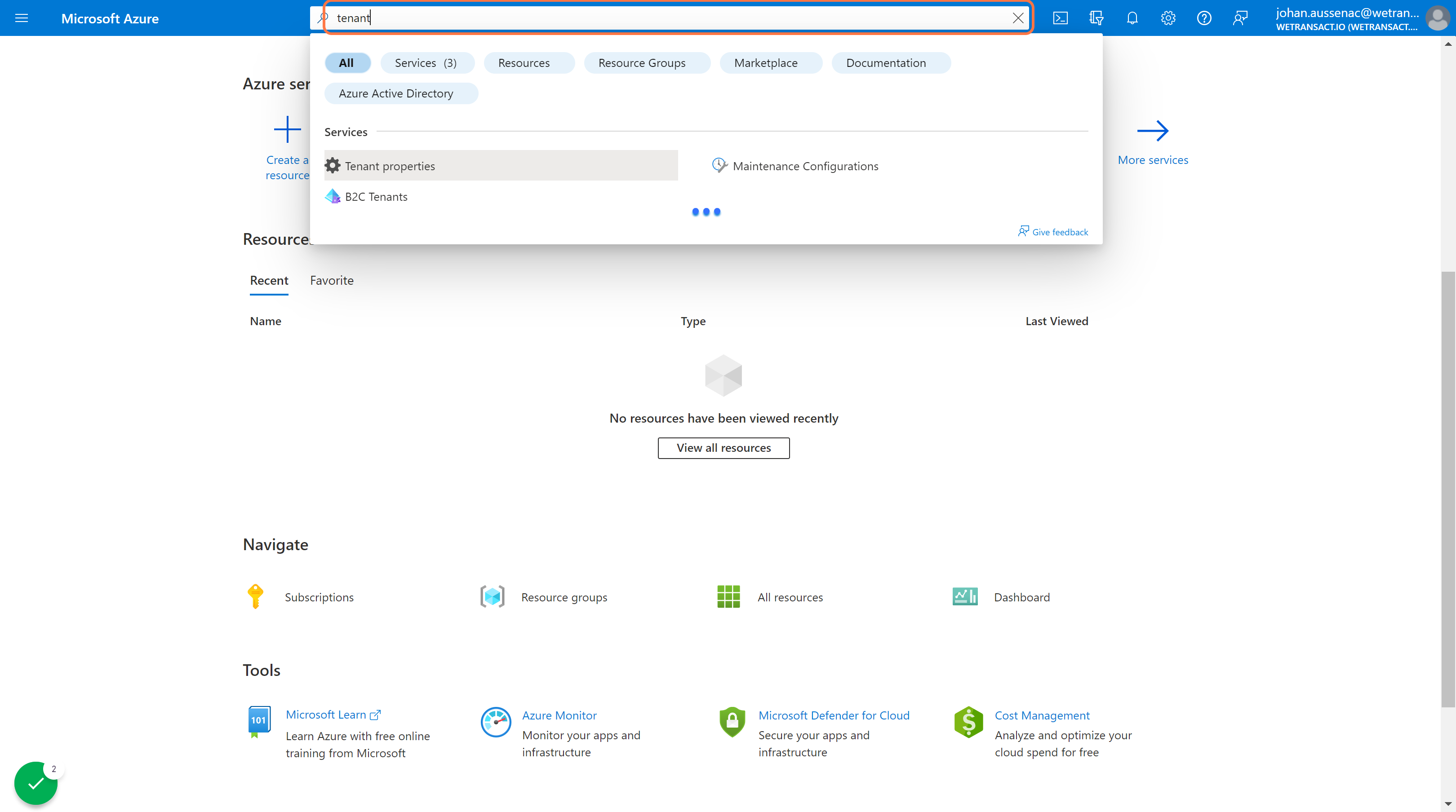
🟣 Click on Tenant properties.
Scroll down to the "Tenant ID" field. Here's the tenant you are looking for. You can copy it to the clipboard

💬 For more, contact us at : [email protected]