How to provide (or update) Partner Center user rights?
7 min
Providing or updating Partner Center user rights ensures team members have the correct roles and permissions to perform their responsibilities, enabling smooth management of offers, customers, and program enrollments.
Here you'll know how to provide user access rights to your colleagues. You'll need to be of course Global Admin user rights.
If you don't know, click here to know who is the Global Admin. please follow the steps below:
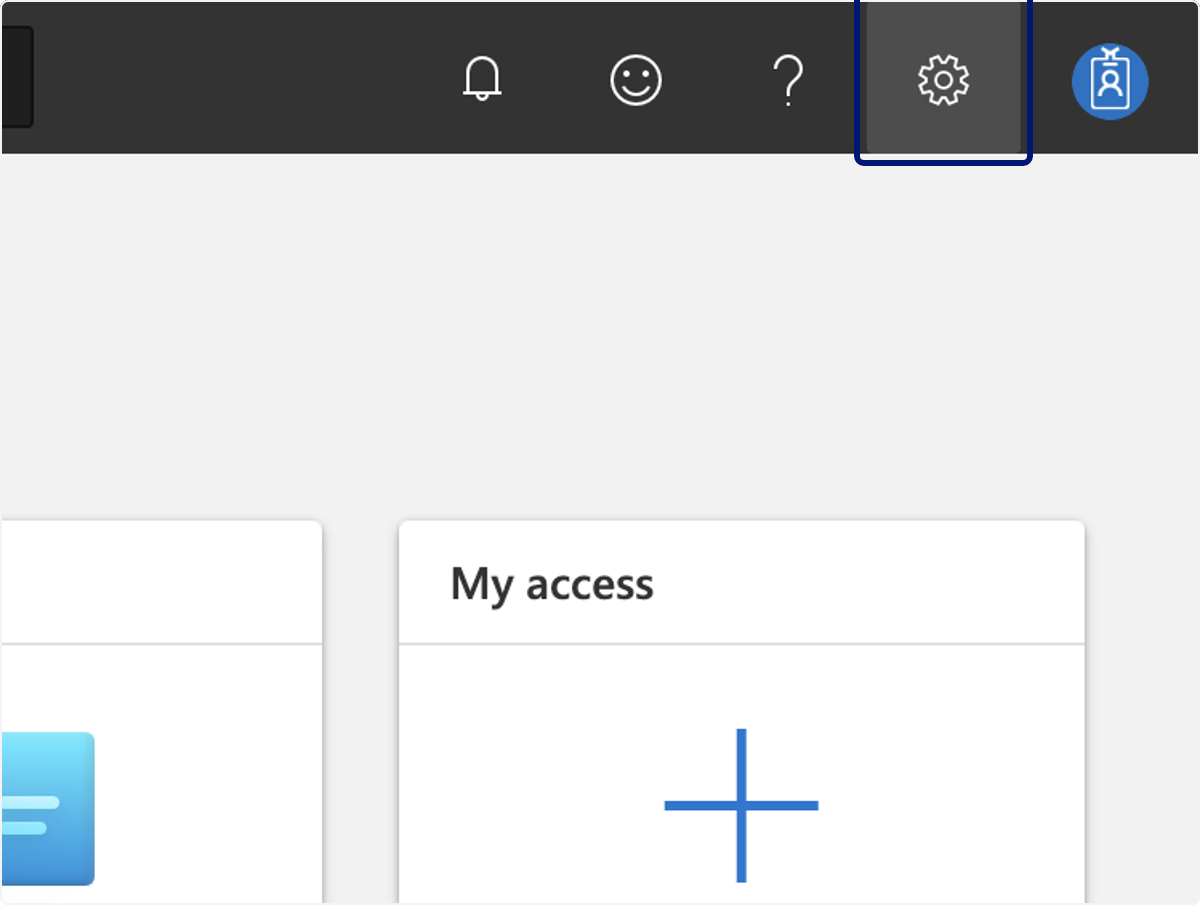
🟣 Click on Settings
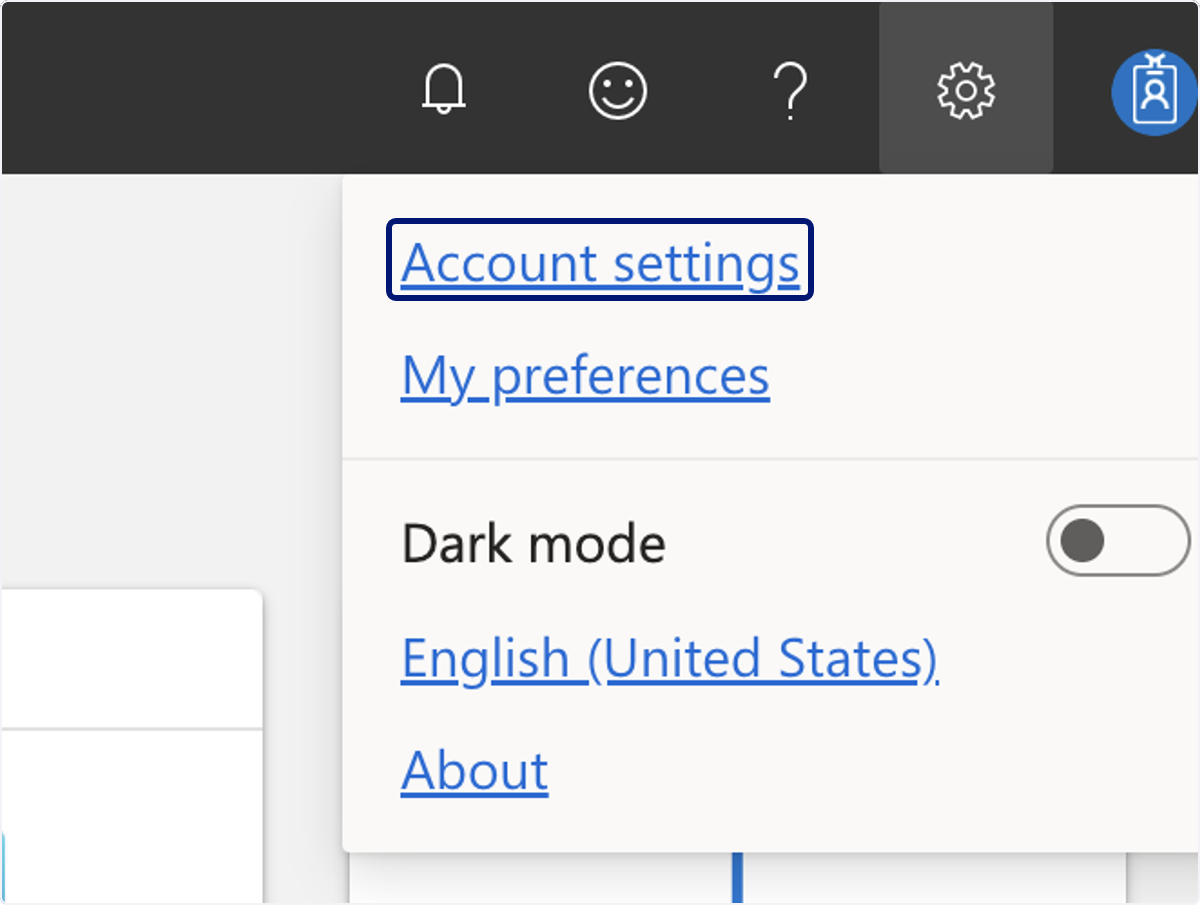
🟣 Click on Account settings
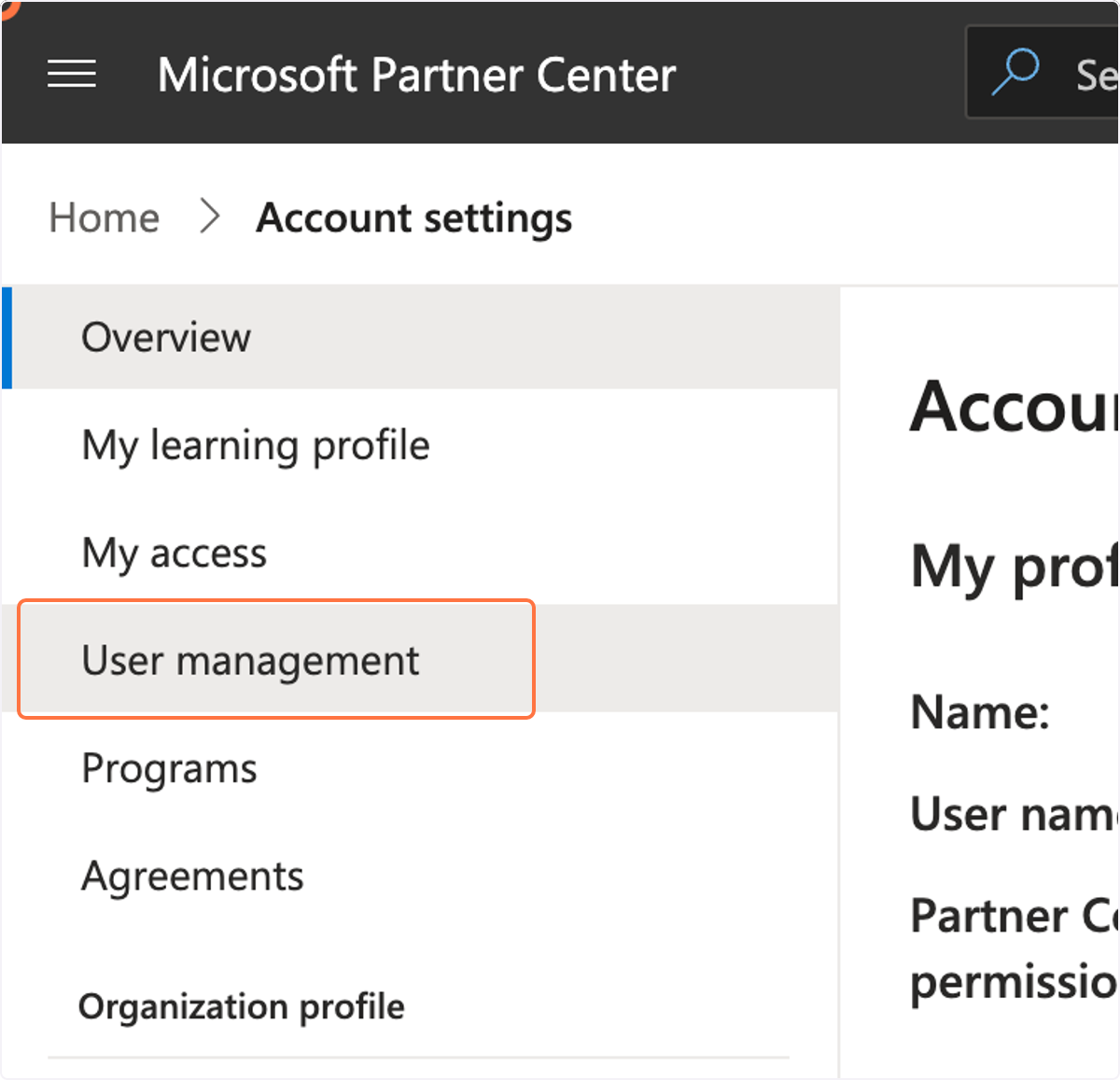
🟣 Click on "User Management"
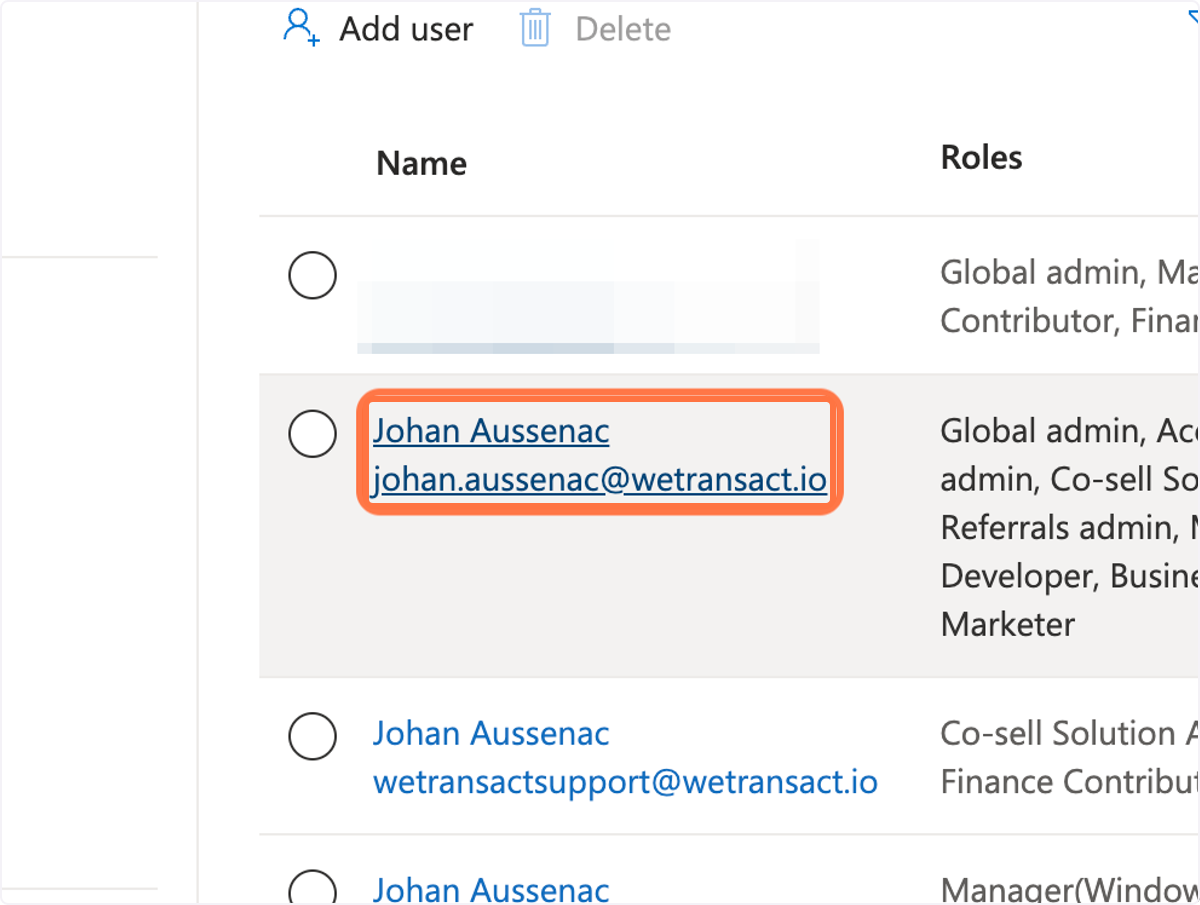
🟣 Click on the"Name" of the user to update rights or click on "Add user" to provide rights
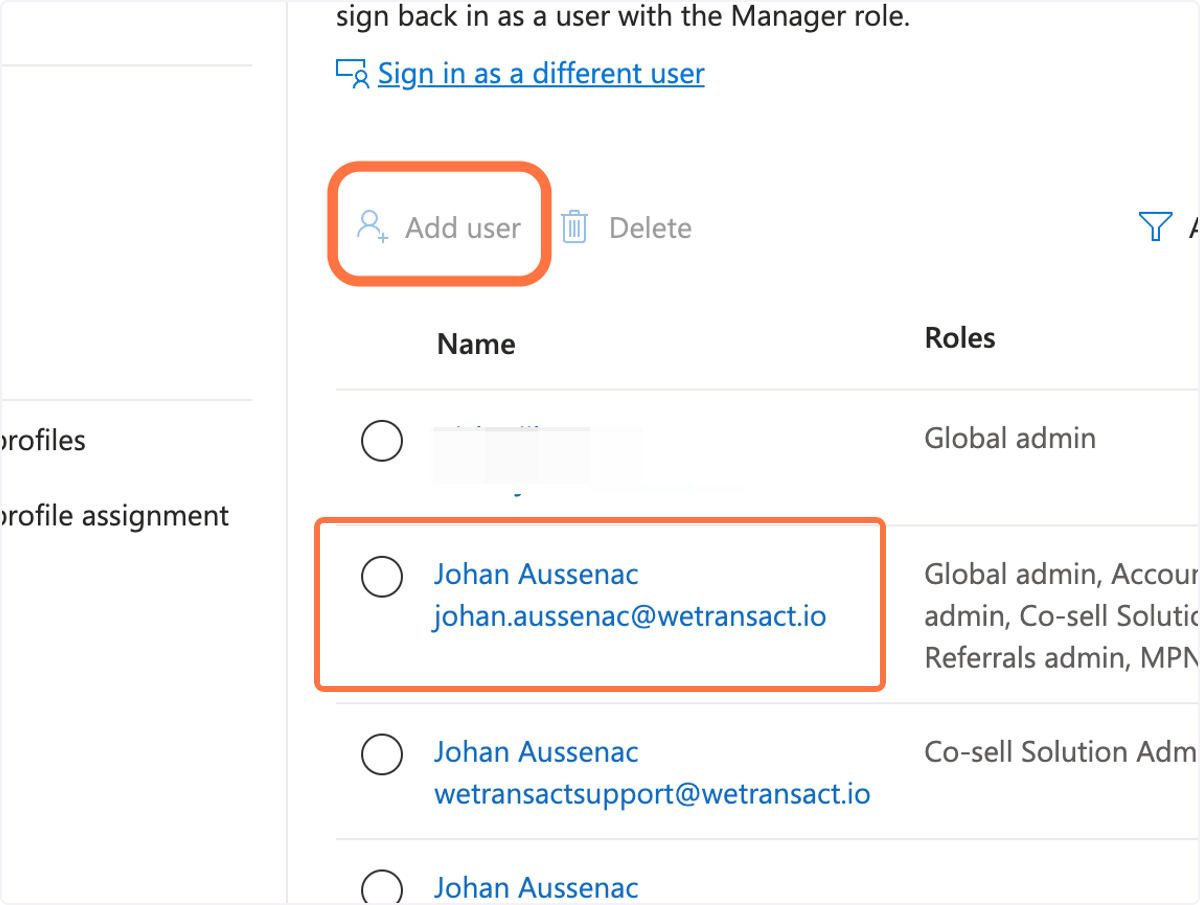
🟣 To update the rights. Click on the name/email.
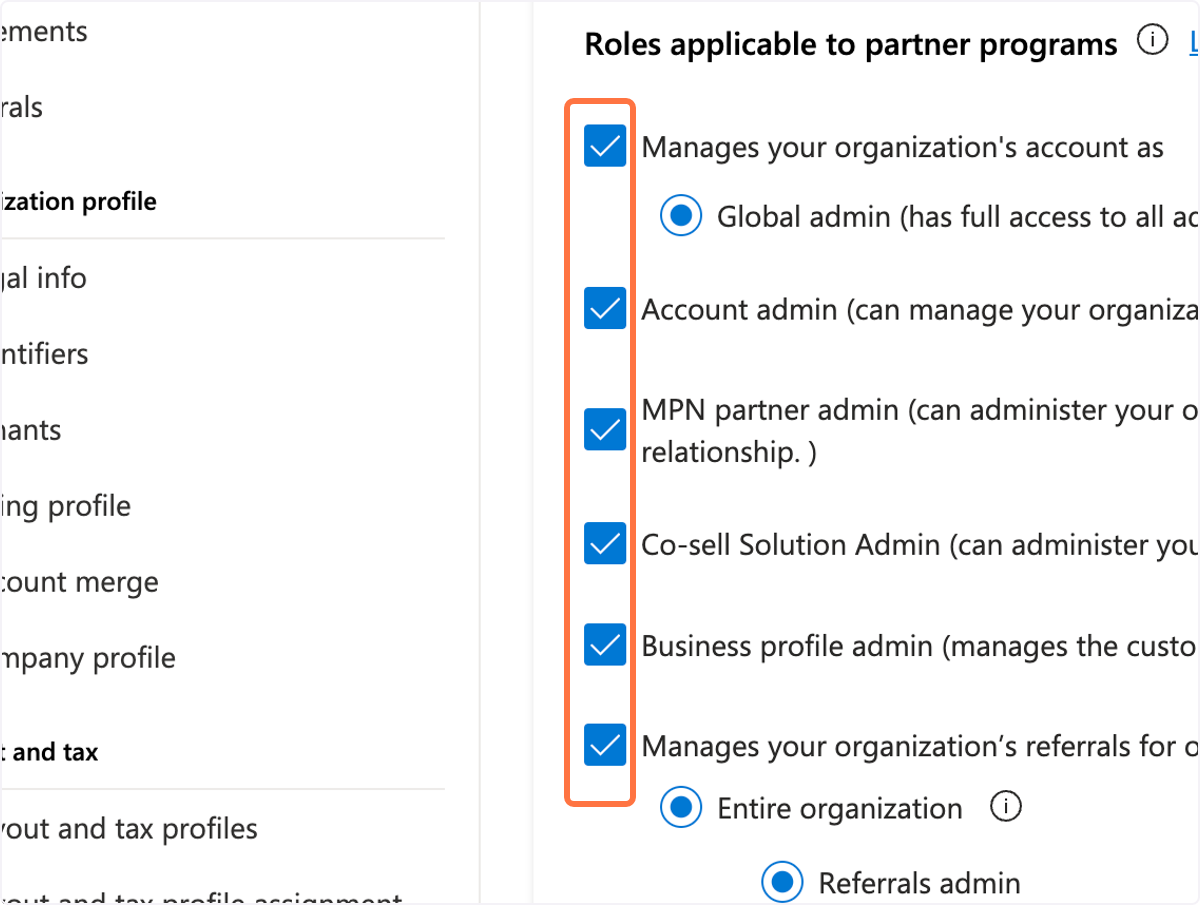
🟣 Check all the boxes on "Roles applicable to partner programs"
🟣 Scroll down and click "Update"
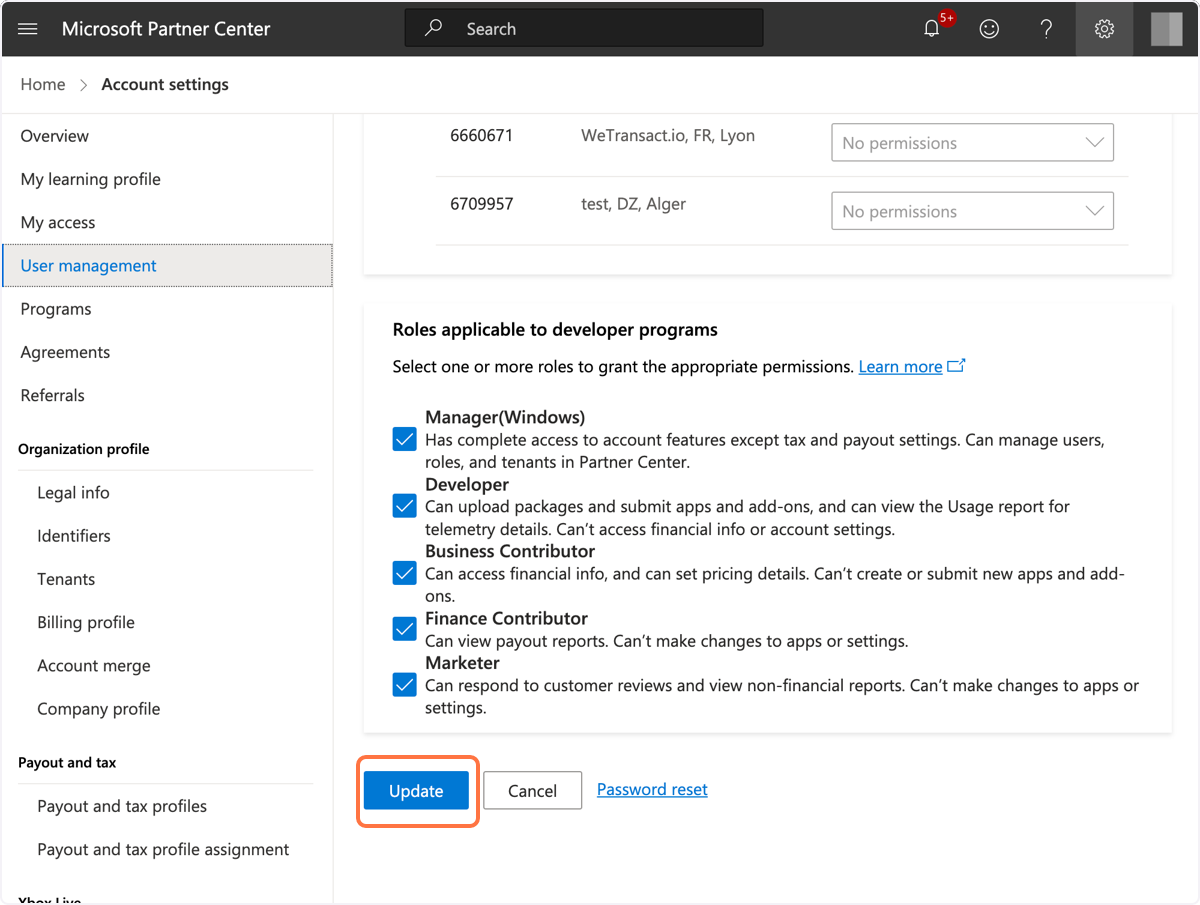
The user rights update should be ready. Ask the user you provided the rights, to log out and log in again so the new user rights are reflected successfully.
💬 For more, contact us at : [email protected]