How do you assign the billing administrator role in Microsoft Azure Portal?
7 min
If you want to assign the Billing Administrator role, you can give a user permissions to manage billing, payments, and invoices in your Azure account. Please follow the steps below:
🟣 Sign in to Azure portal and click on Users
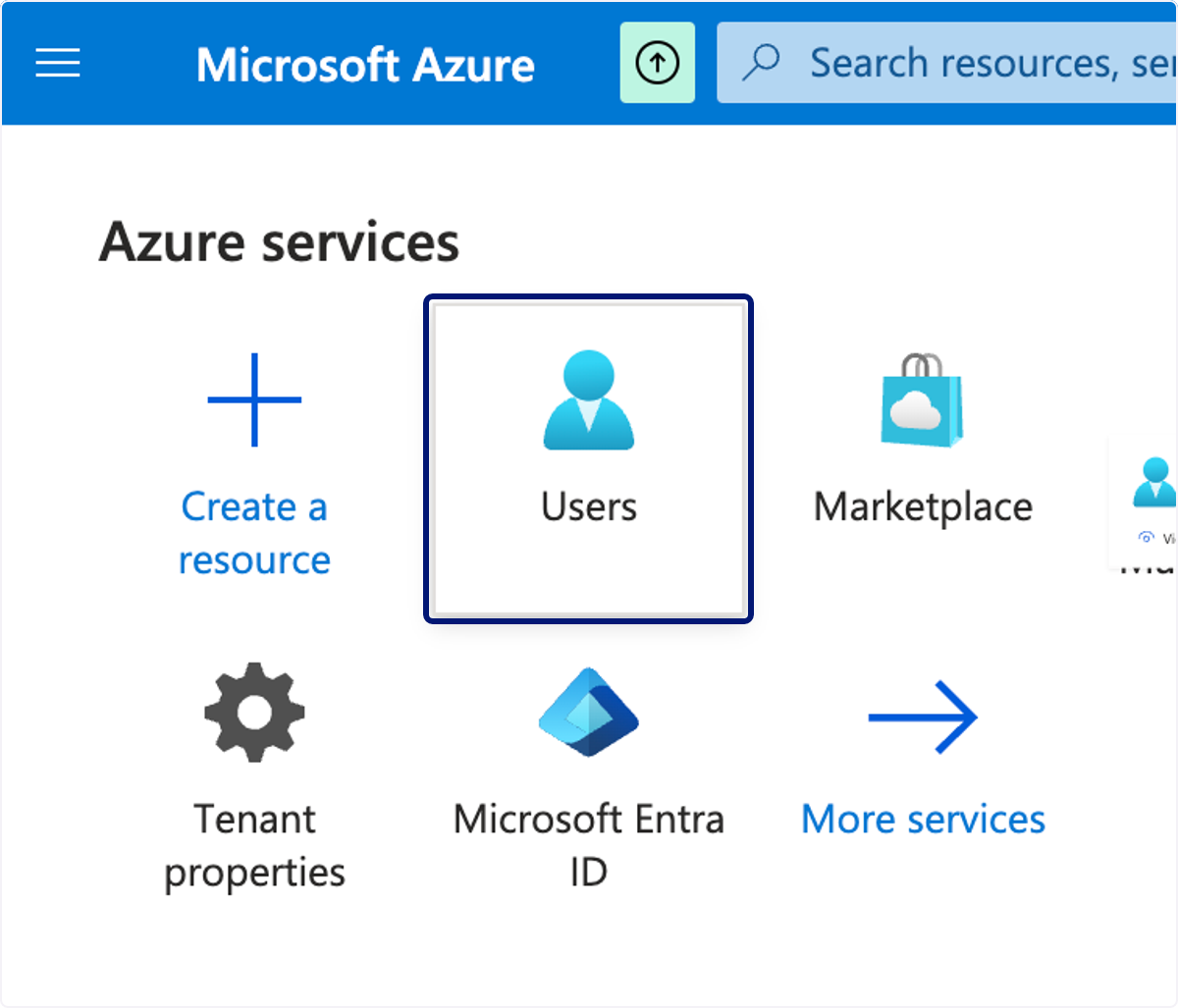
🟣 Click on search box
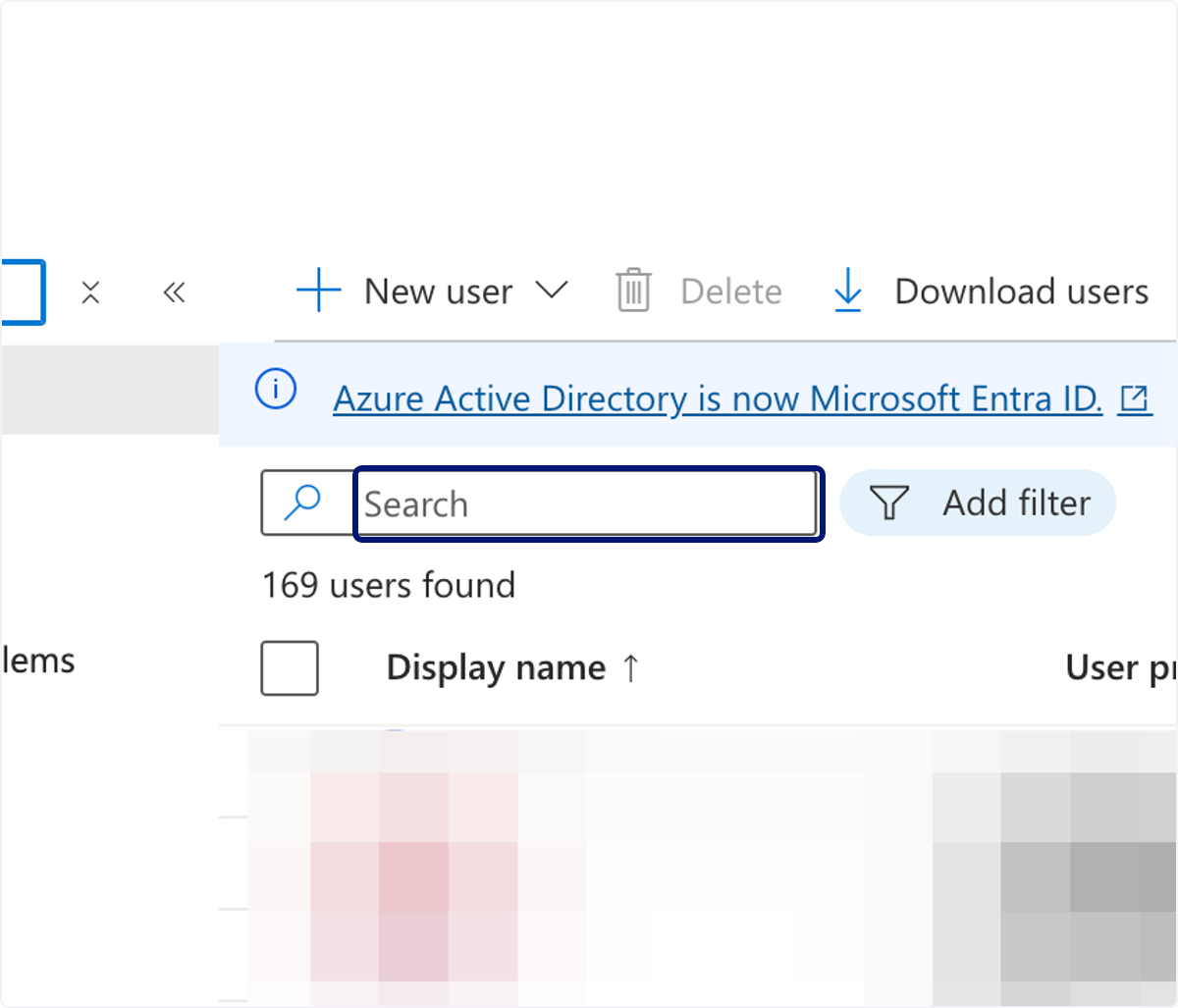
🟣 Type your name or the name of the person you want to assign this role to.
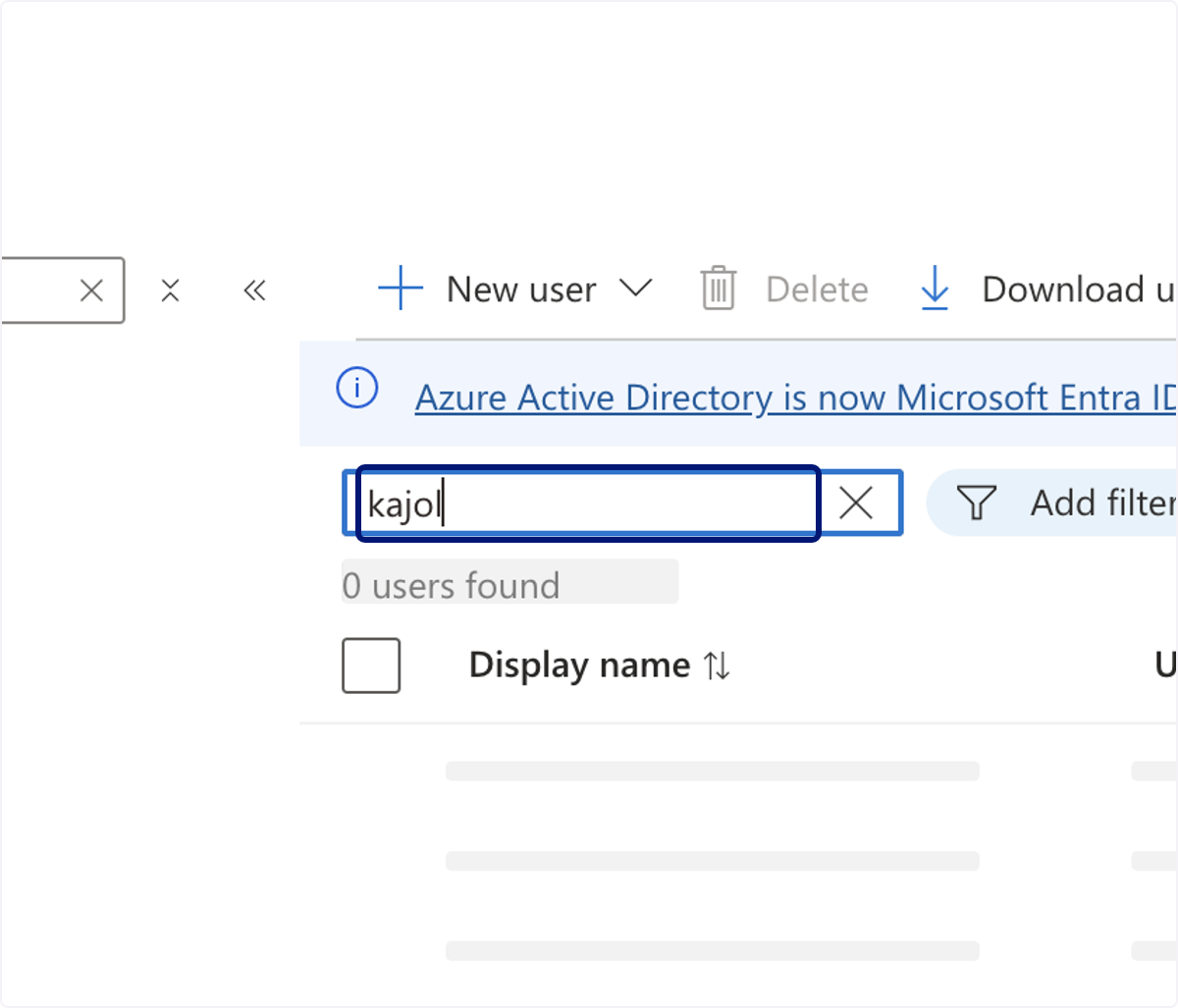
🟣 Click on Kajol Pasha
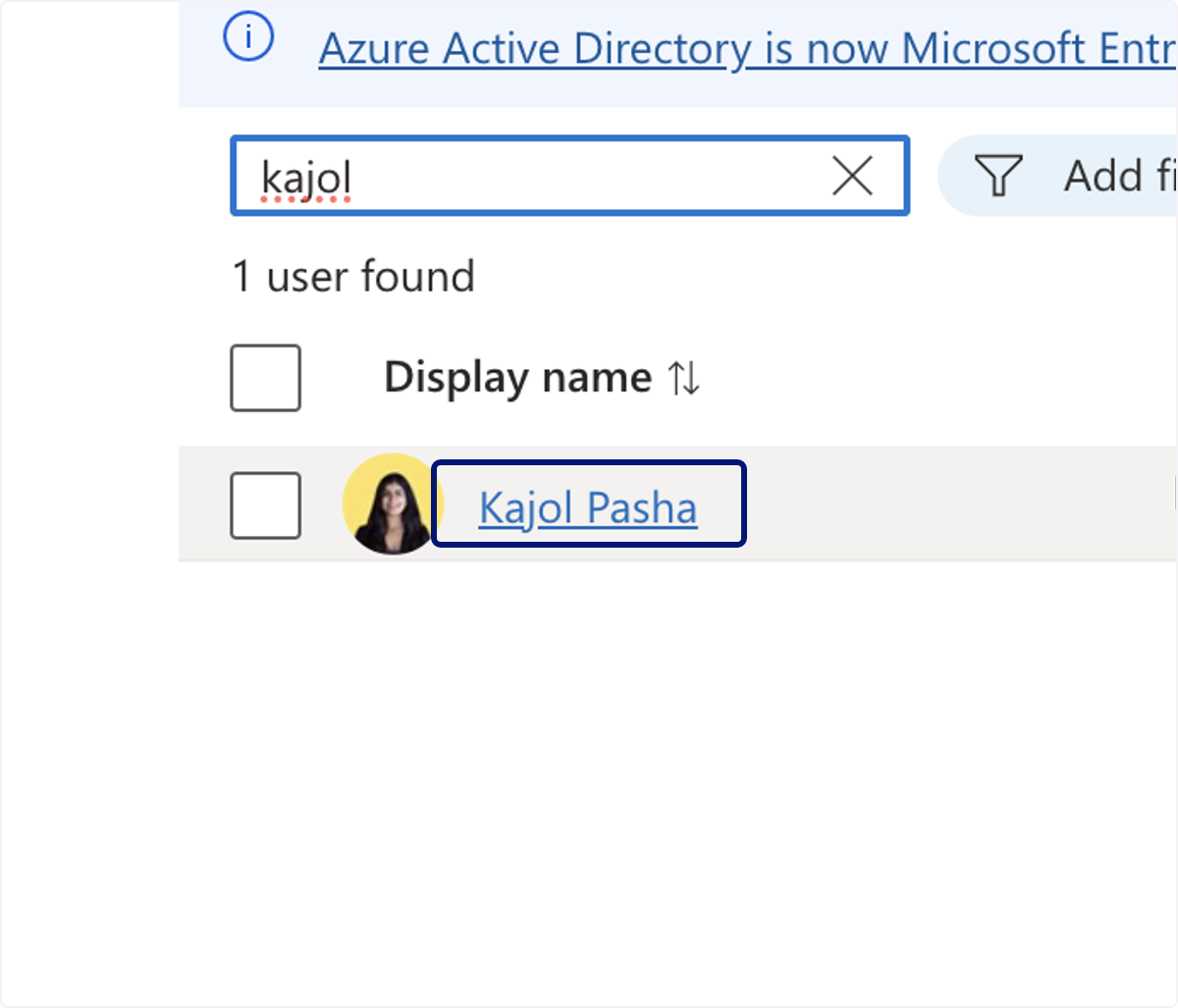
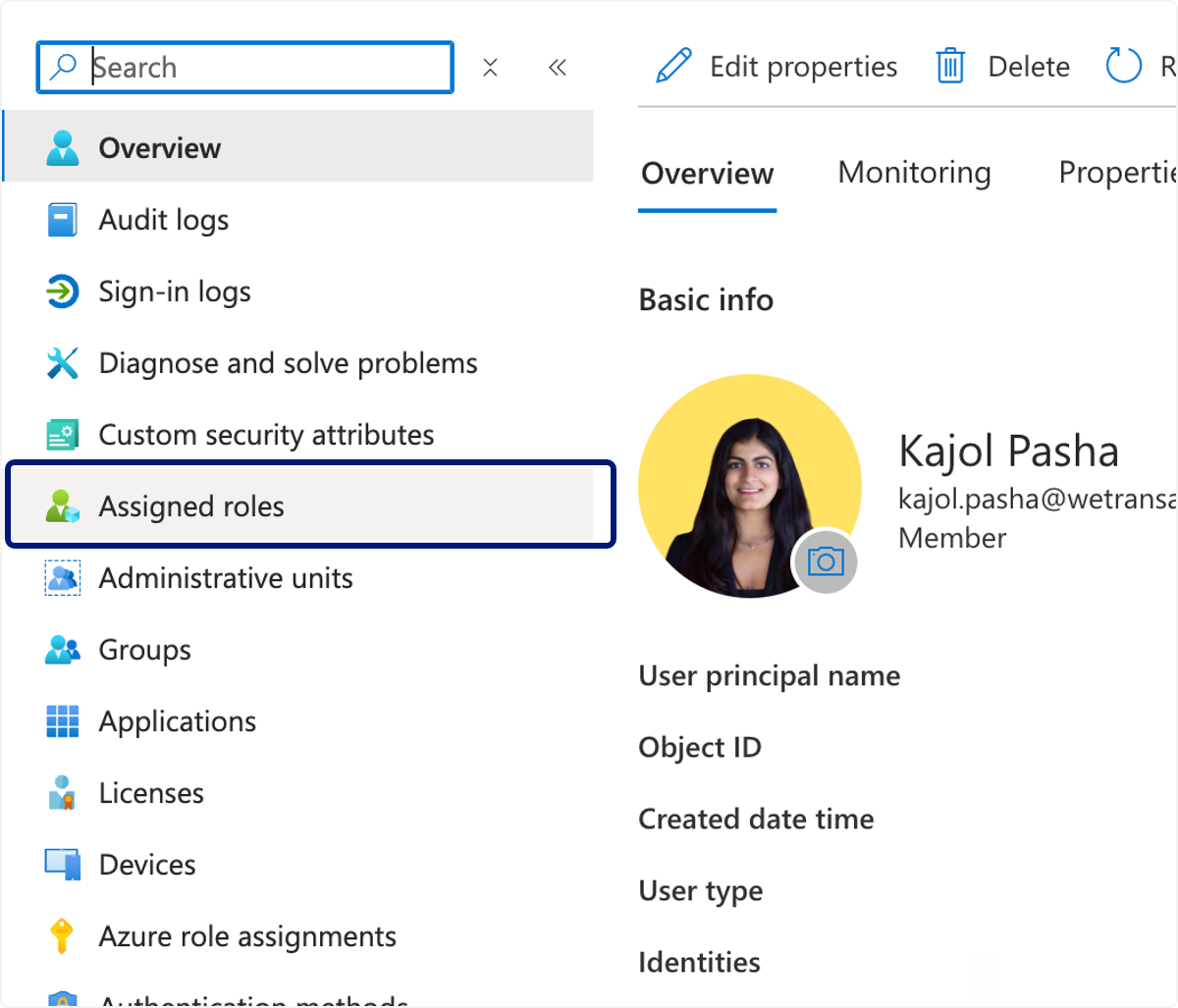
🟣 Click on Assigned roles
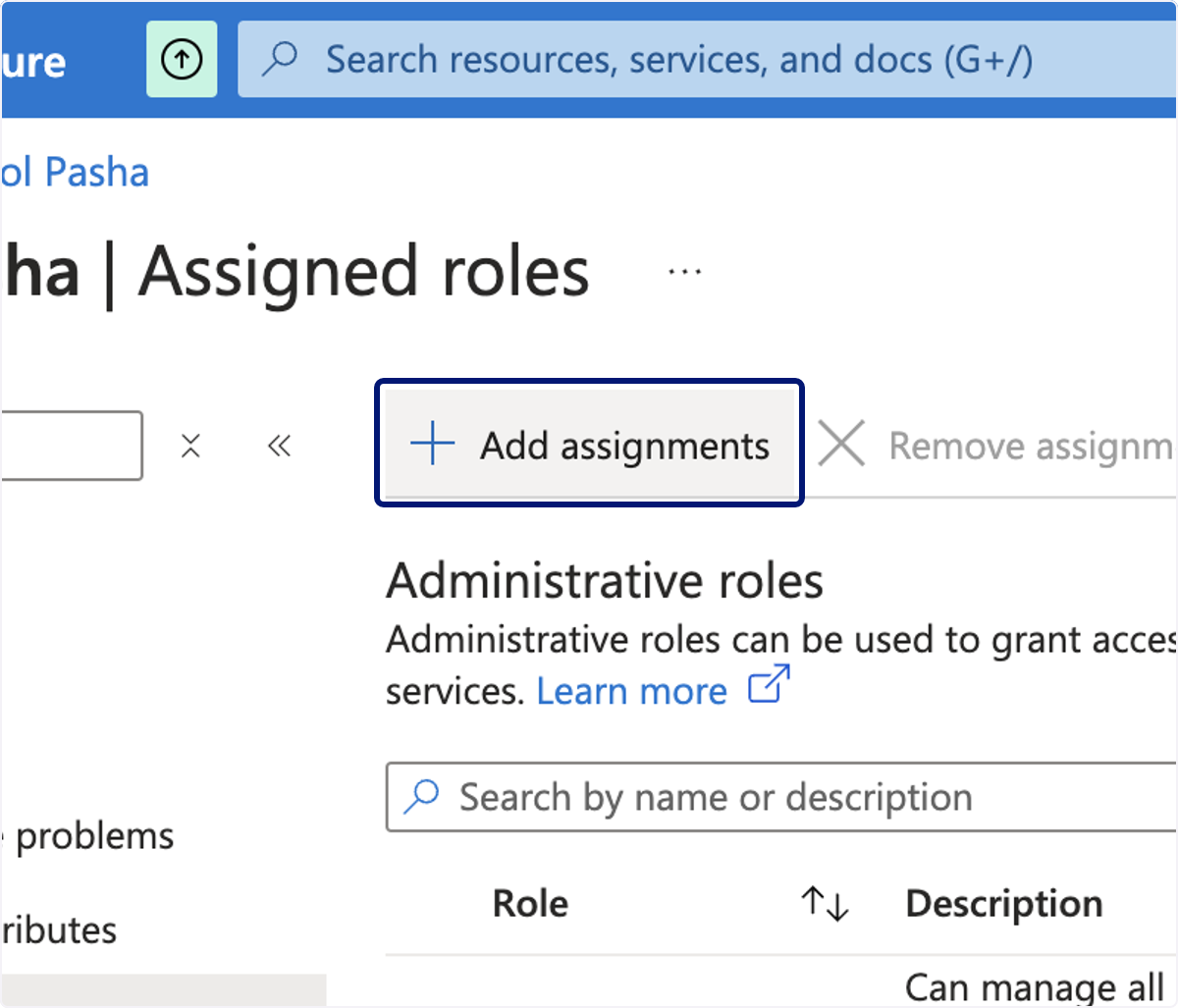
🟣 Click on Add assignments
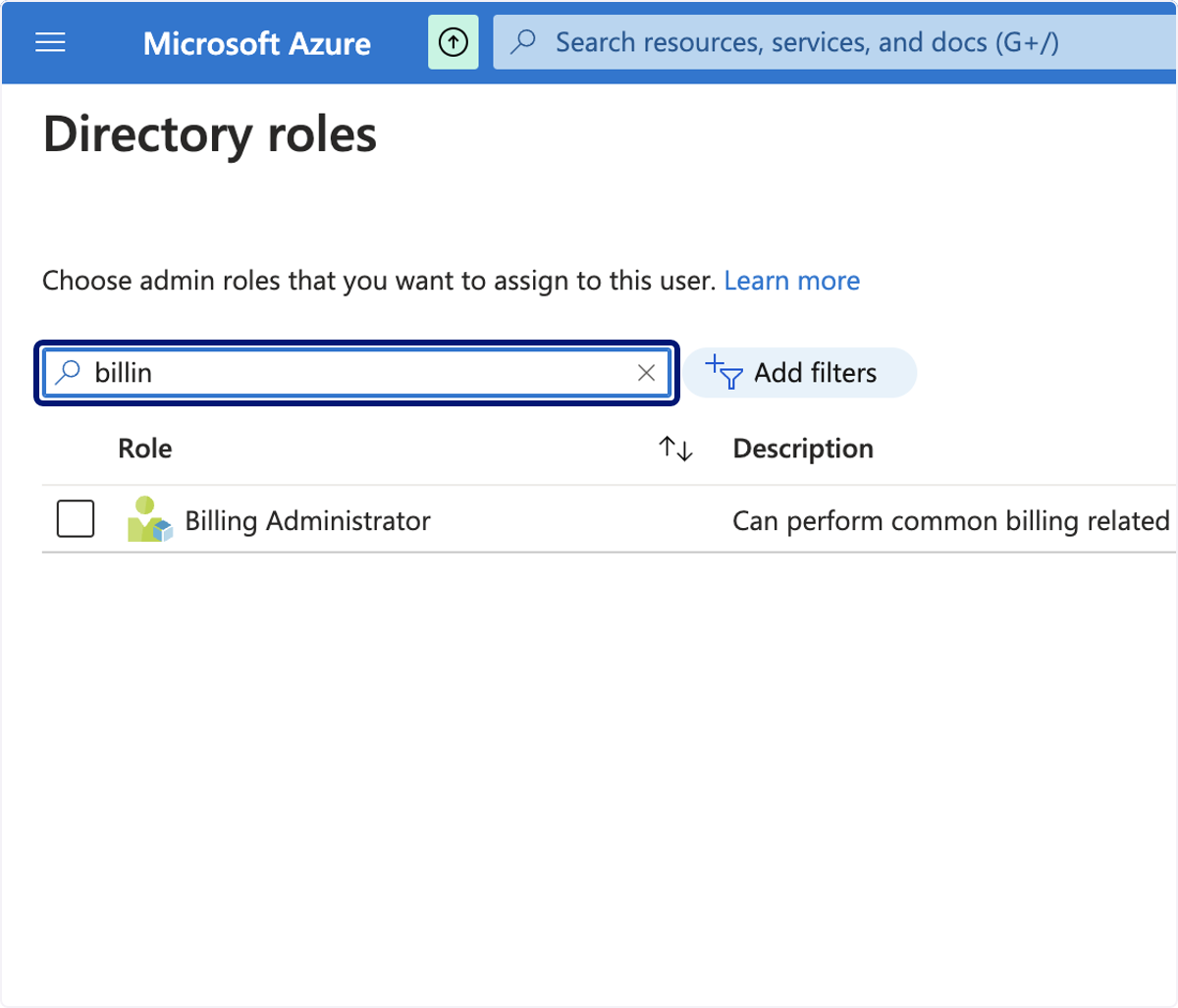
🟣 Type "billin"
🟣 Click on Billing Administrator Can perform common billing related tasks like updating payment information.
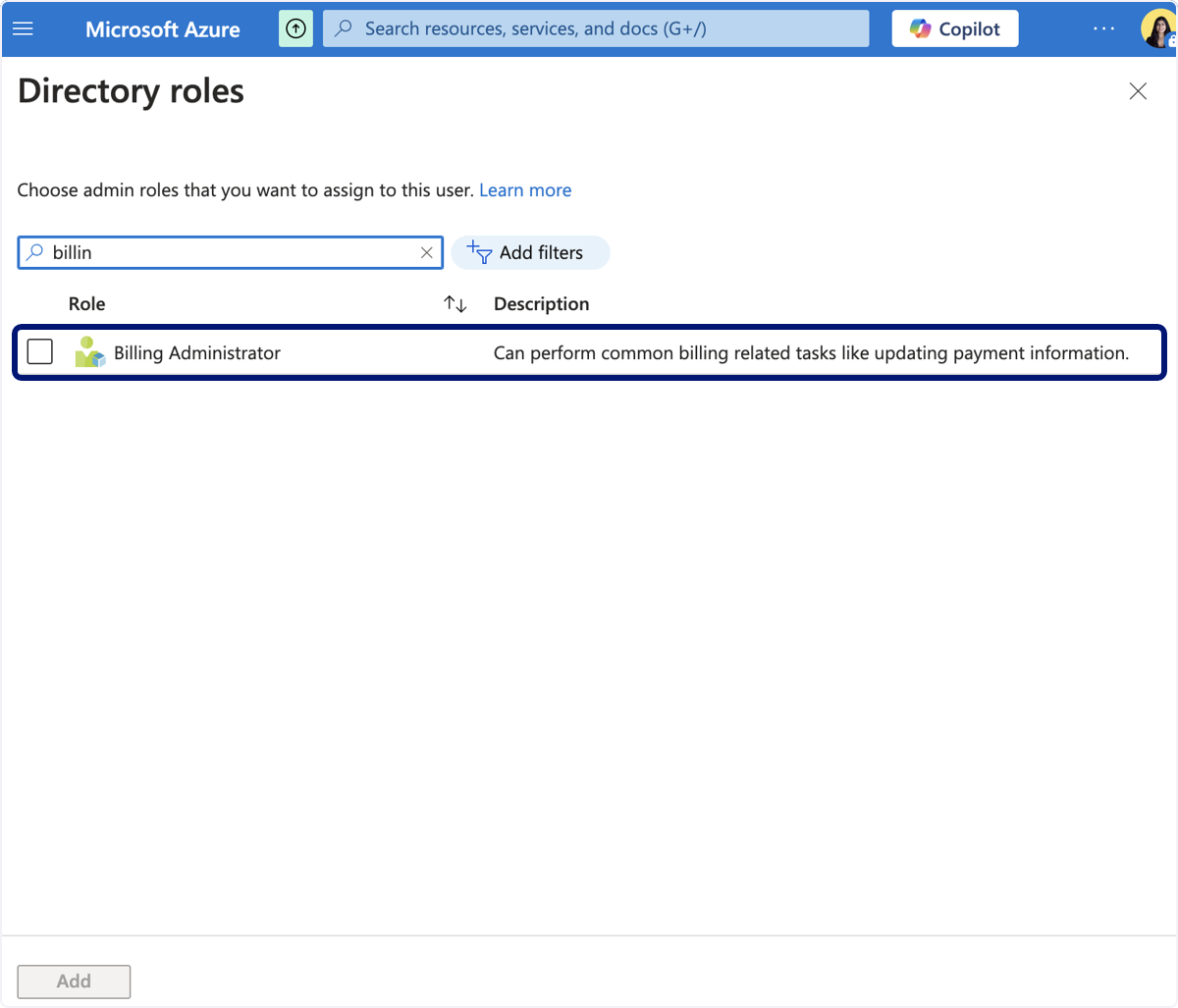
🟣 Click on Add
💬 For more, contact us at : [email protected]