How to action admin consent requests?
3 min
Actioning admin consent requests allows a Global Admin to review and approve application permission requests, ensuring secure access to organizational data while maintaining compliance and control. Please follow the steps below:
Head to entra.microsoft.com and log in
🟣 Click on Expand Applications section
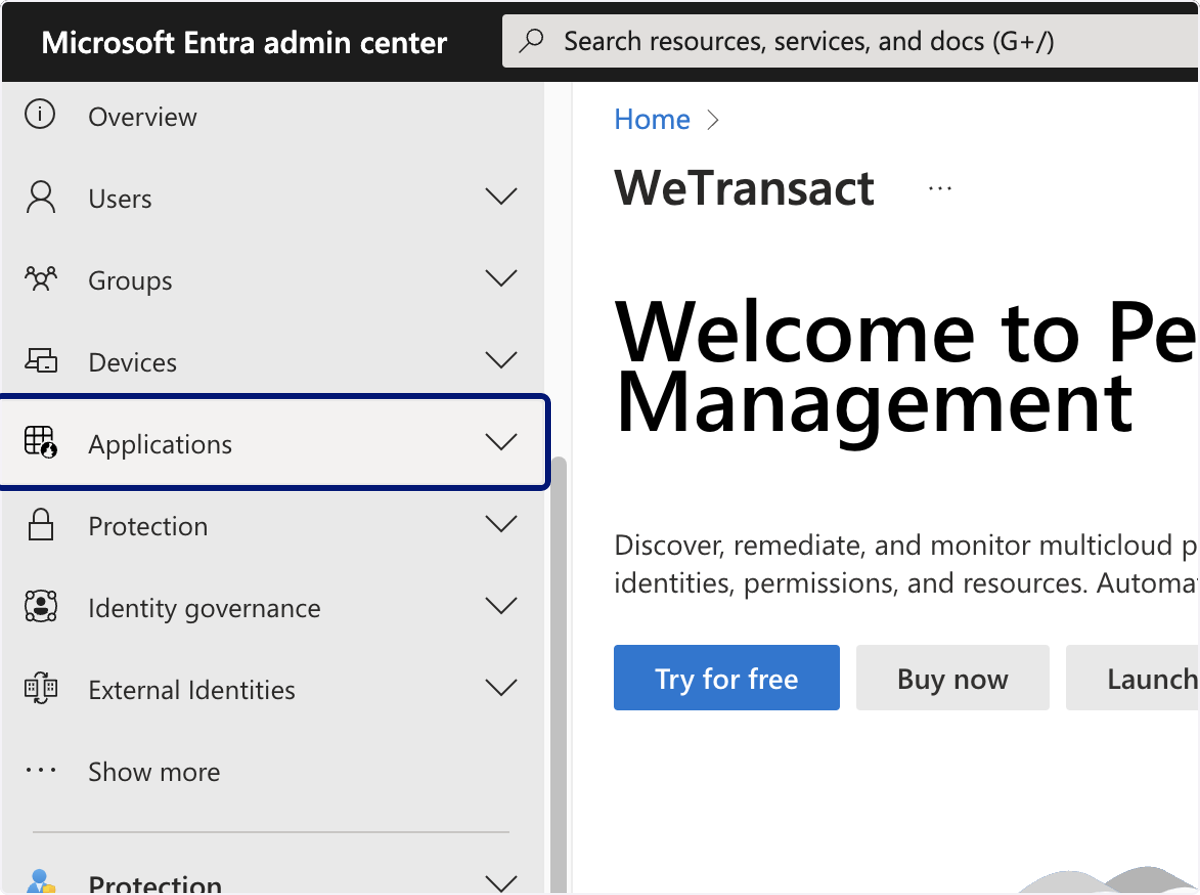
🟣 Click on Enterprise applications
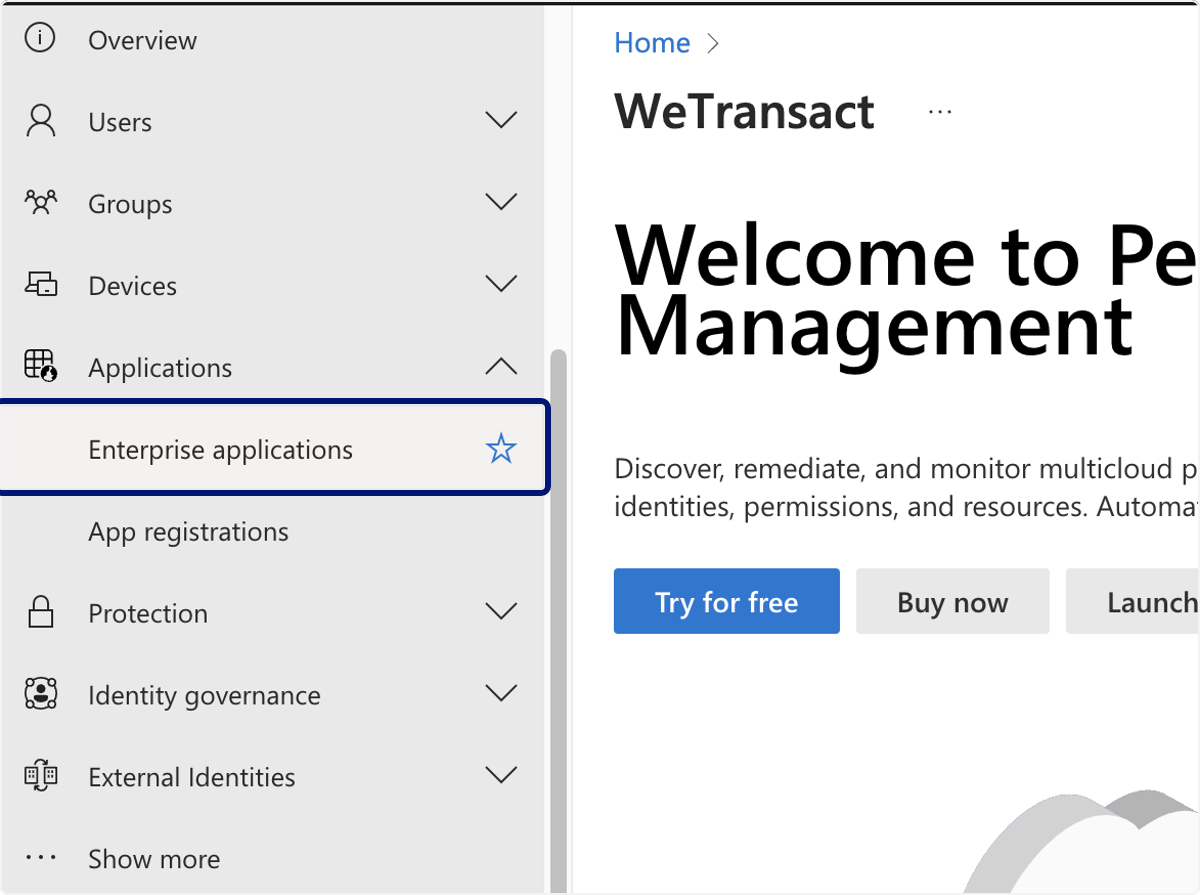
🟣 Click on Admin consent requests
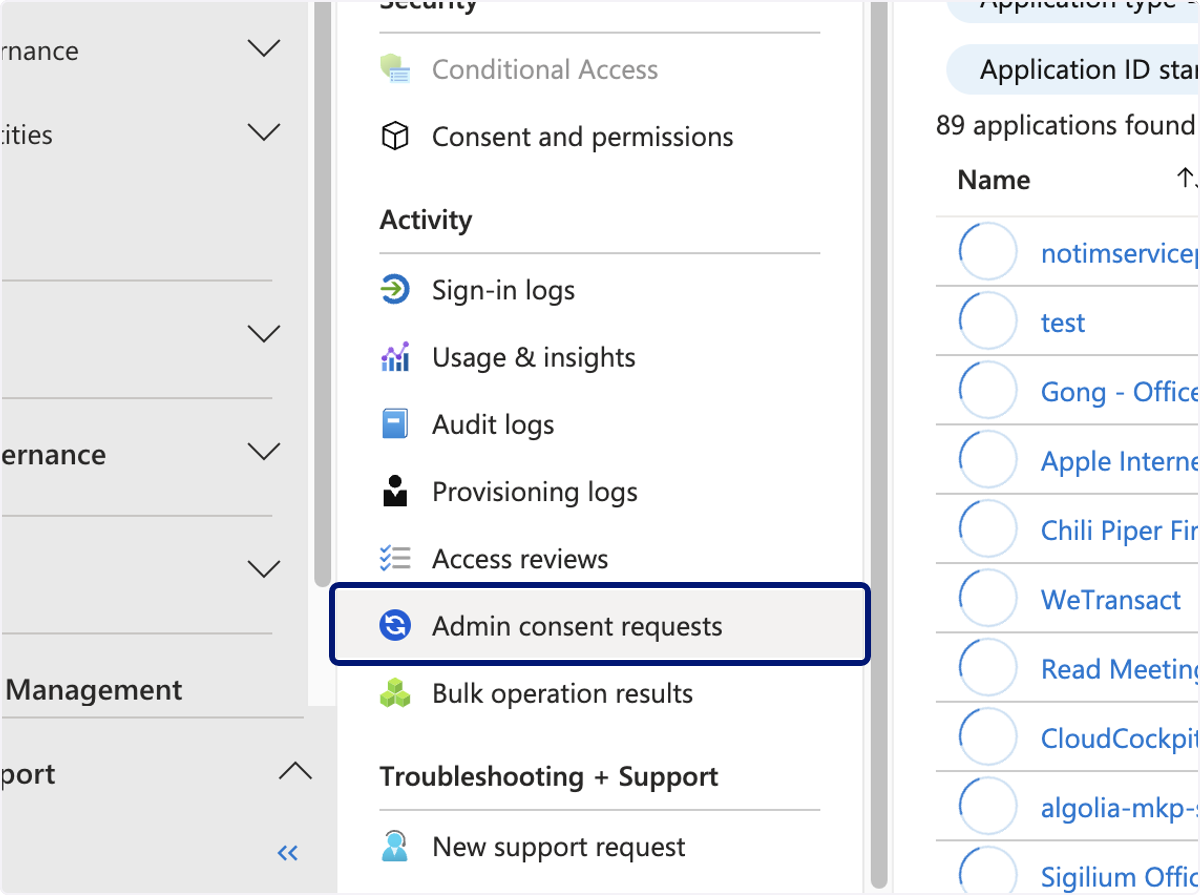
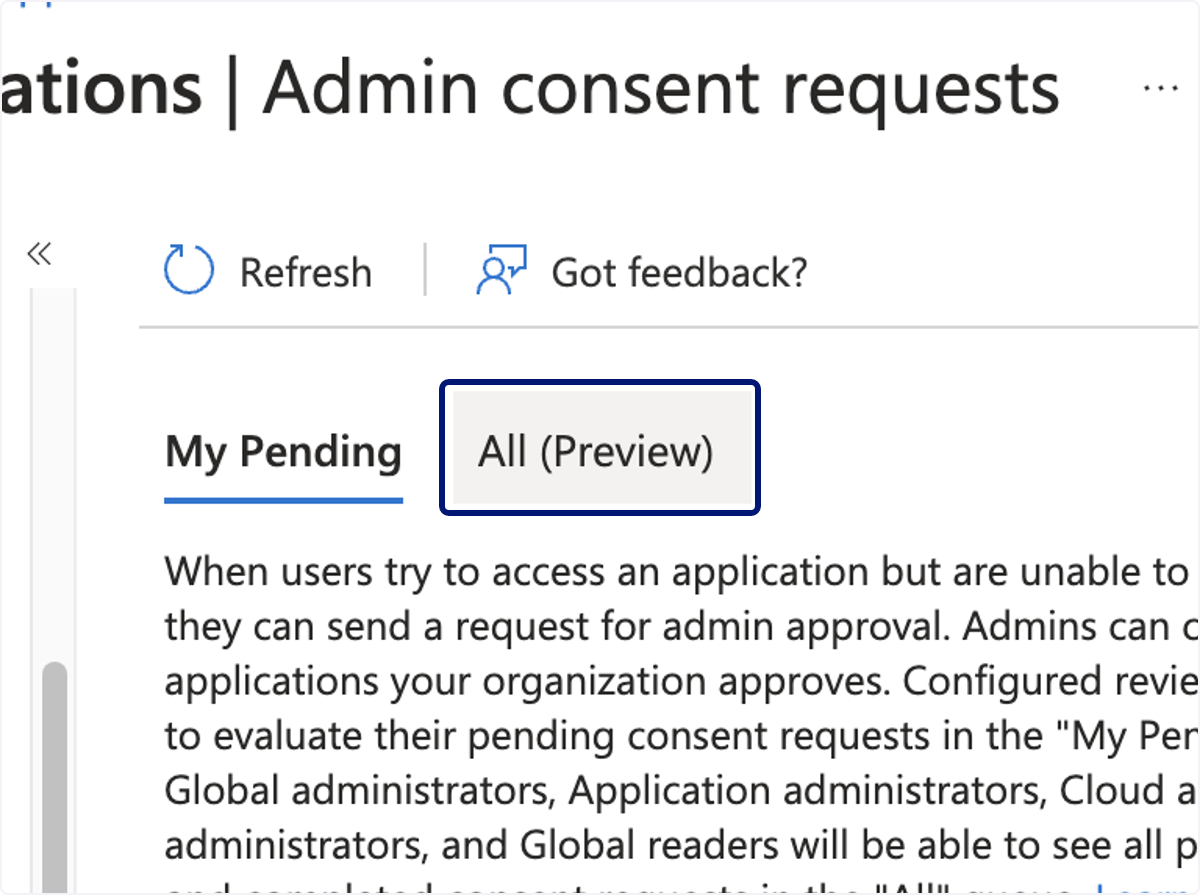
🟣 Click on All (Preview).
You will see WeTransact on the list- click approve.
💬 For more, contact us at : [email protected]