创建用于发票付款的 Azure 支持请求
22 分
本指南将引导您完成通过银行转账为发票付款创建 Azure 支持请求的步骤。
此流程适用于信用卡付款失败或由于卡额度限制而无法使用信用卡付款的情况。
该流程通过在 Azure Portal 中提交账单支持工单直接完成。提交后,Microsoft 支持工程师将联系您以协助完成付款。
登录您的 Azure portal。
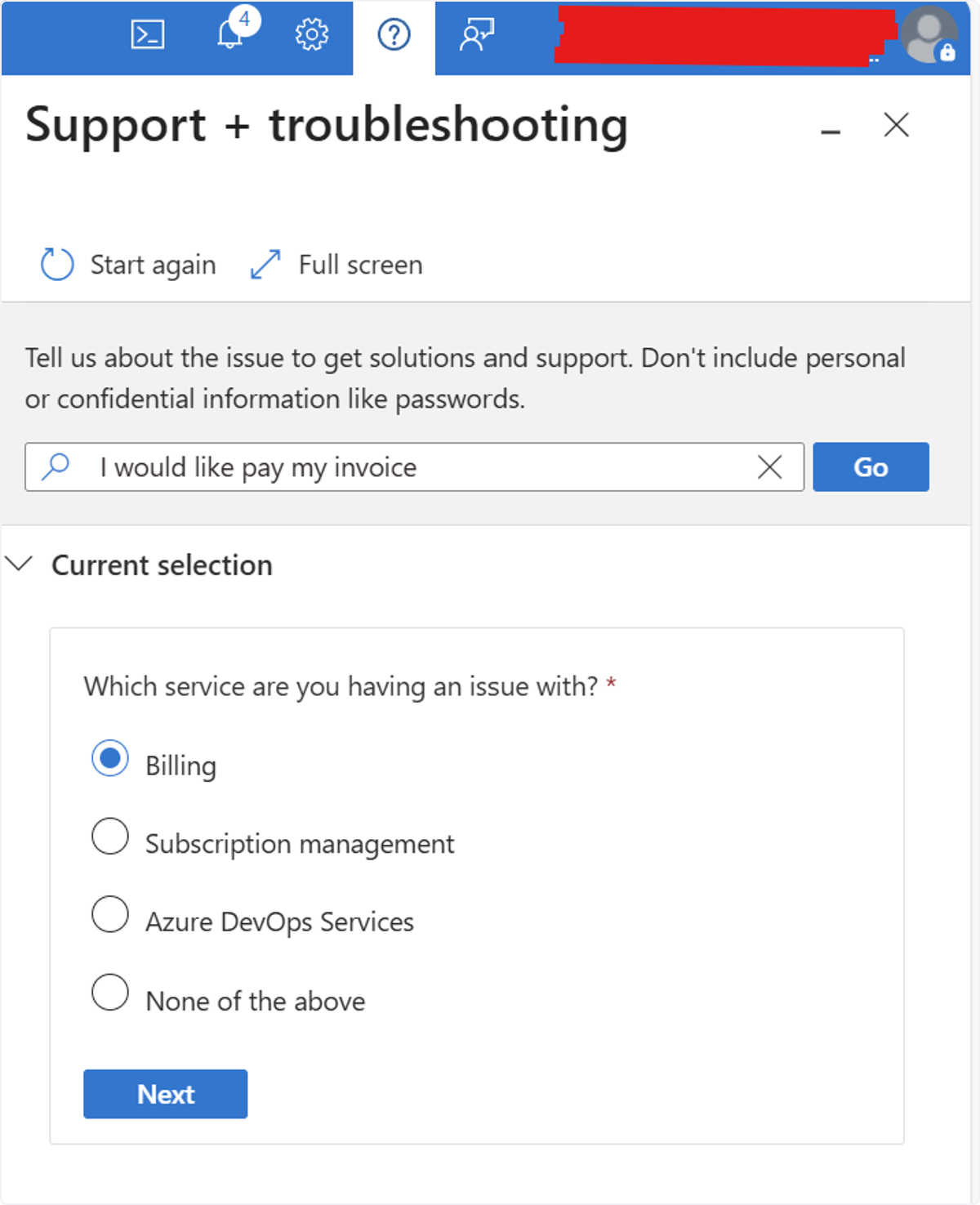
🟣 前往问号图标
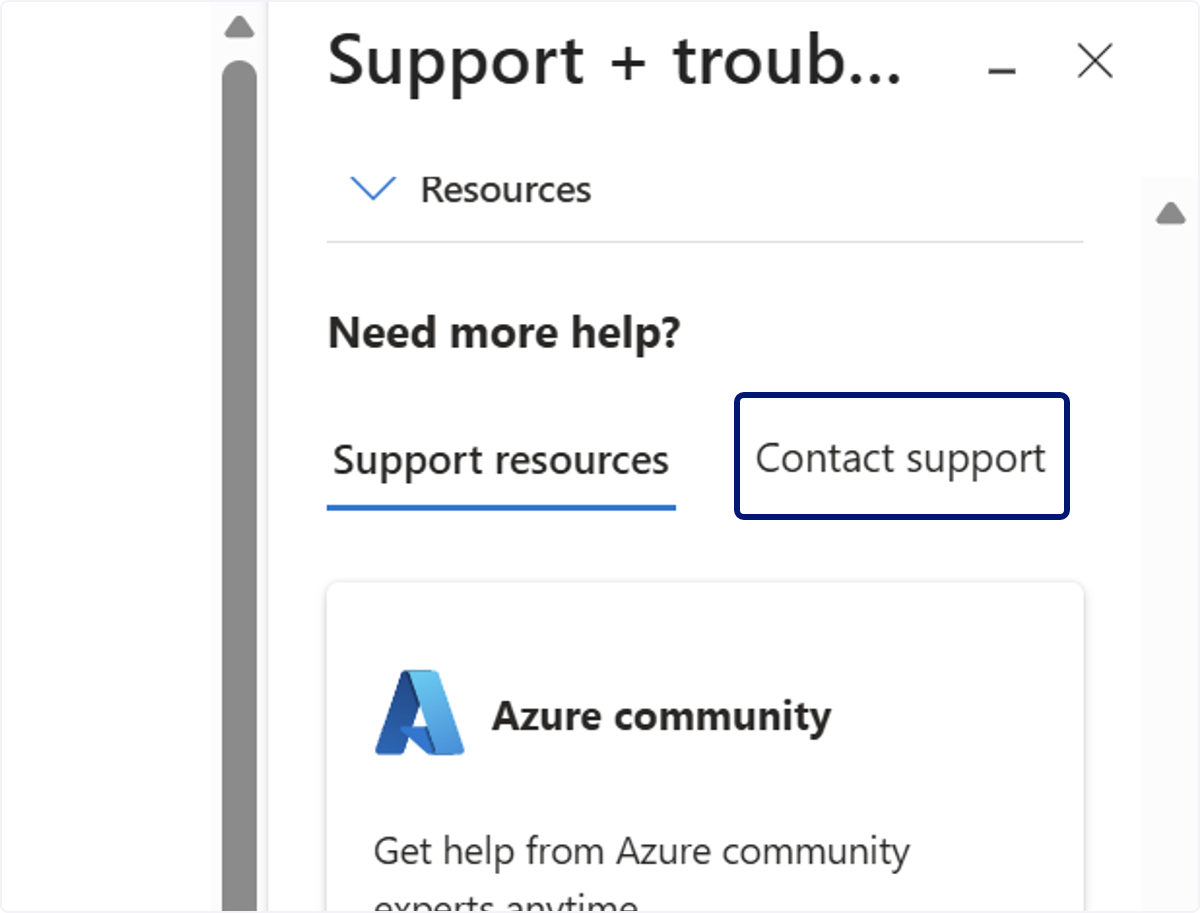
🟣 点击 Contact support
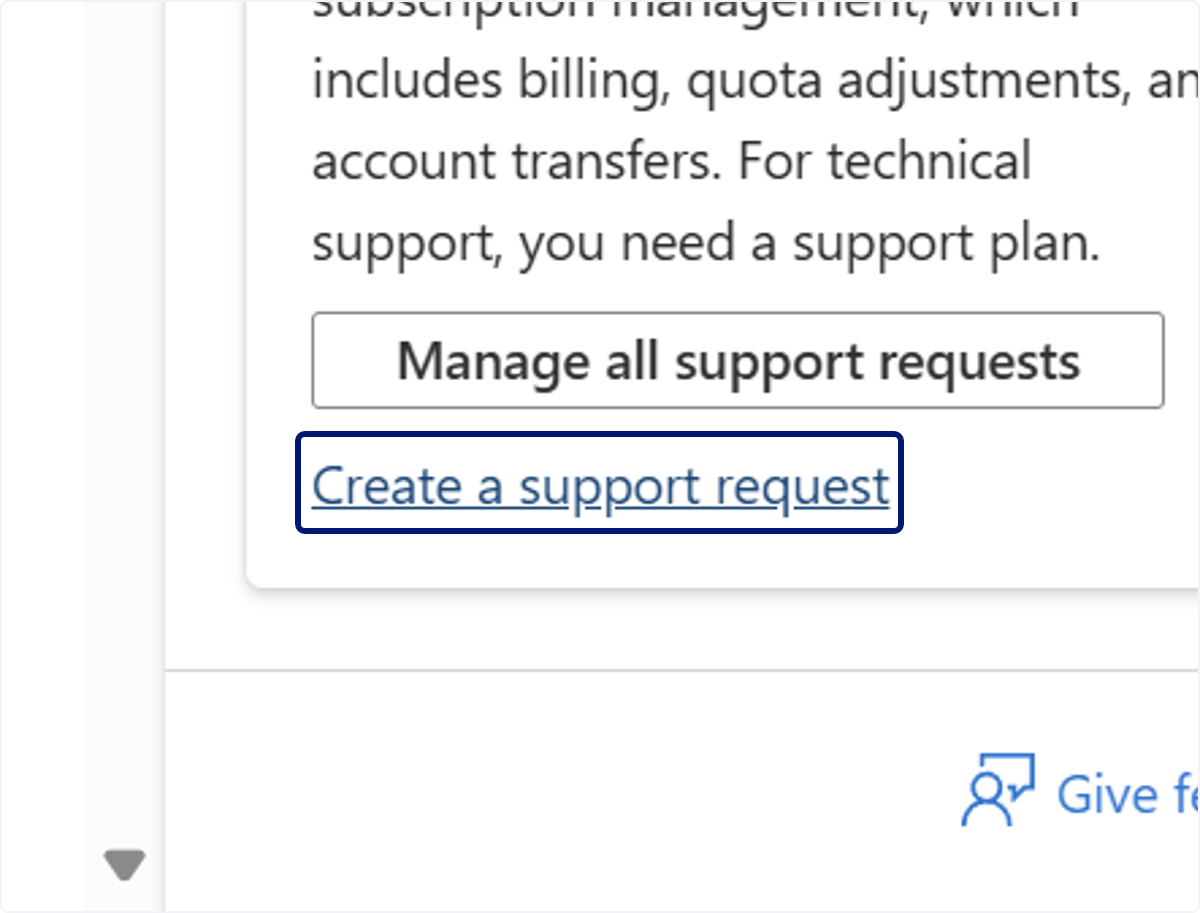
🟣 点击 Create a support request
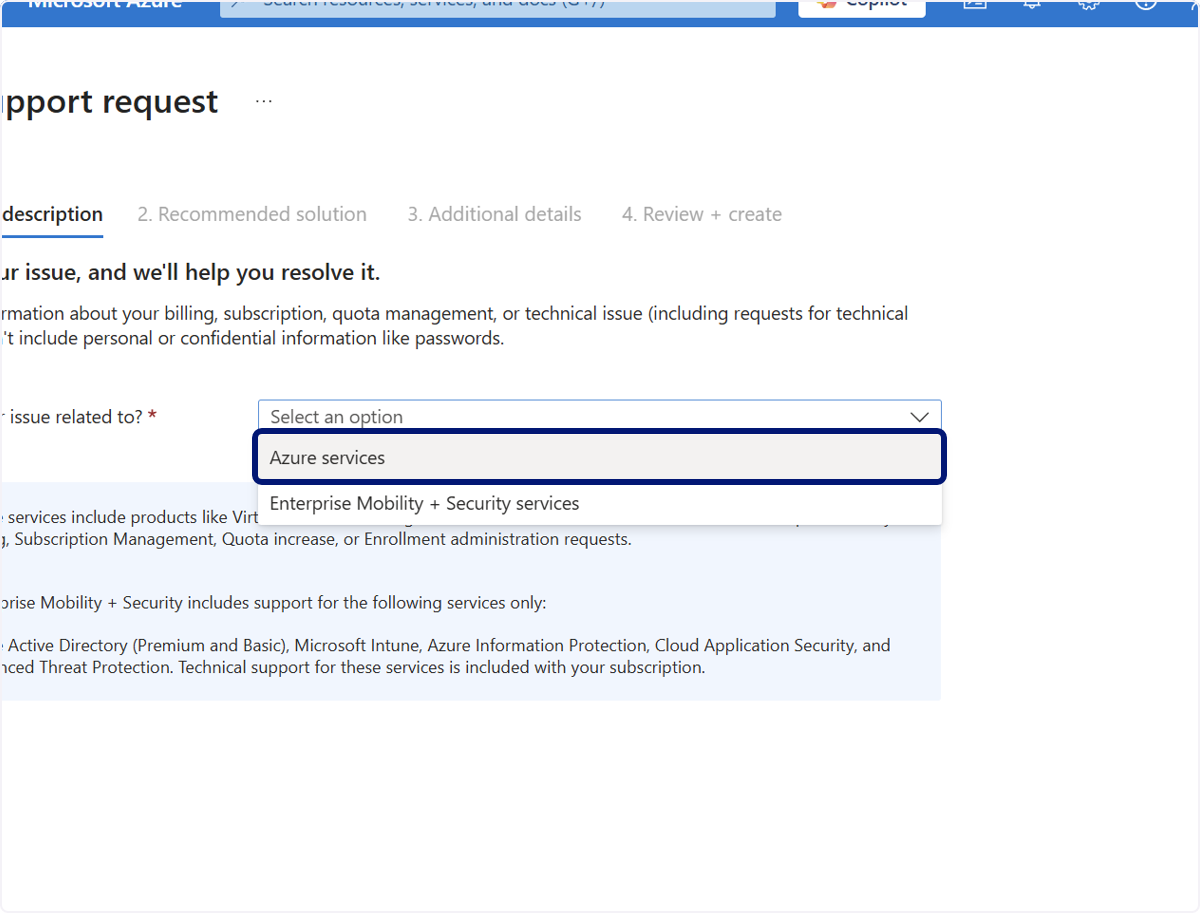
🟣 Issue related to: 选择 Azure services
🟣 输入“We would like to pay our invoice by bank transfer”
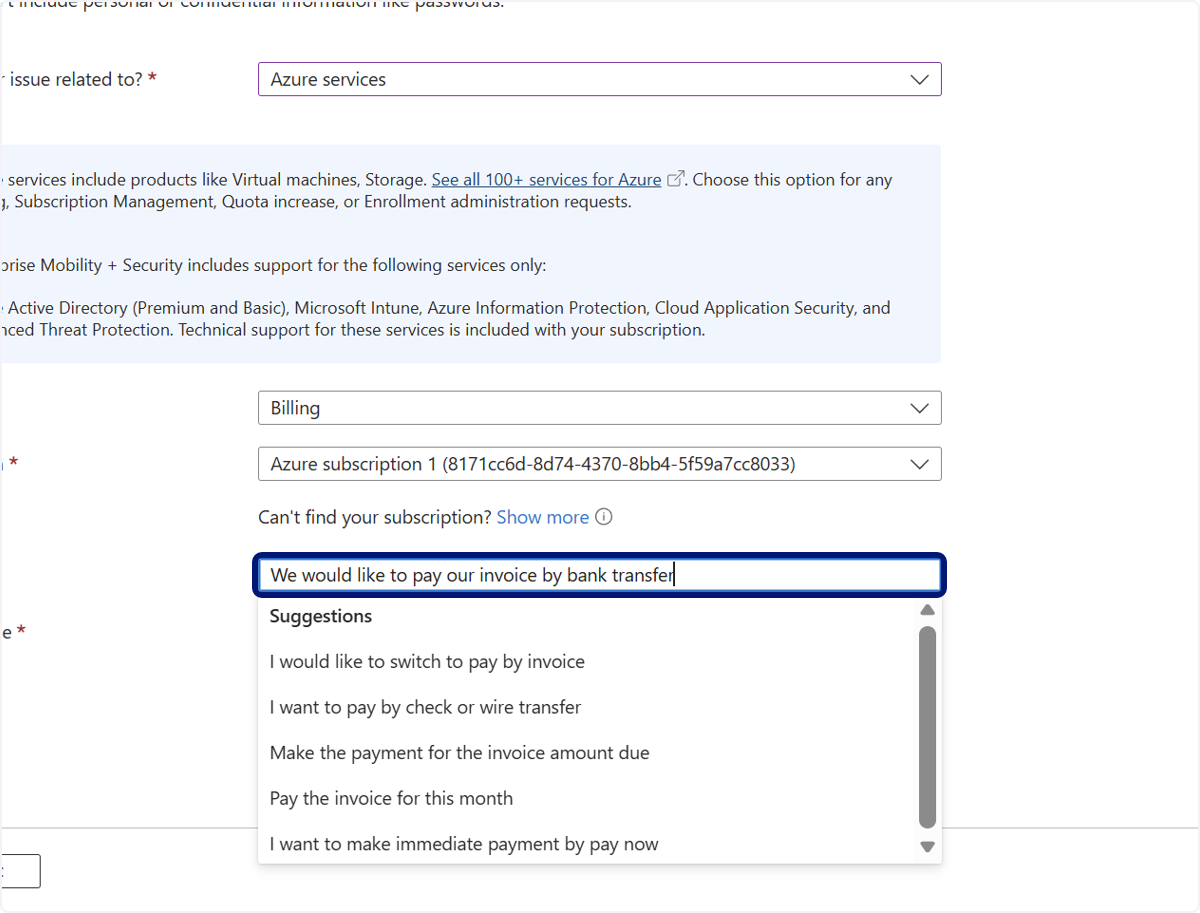
🟣 点击 Pay the invoice for this month
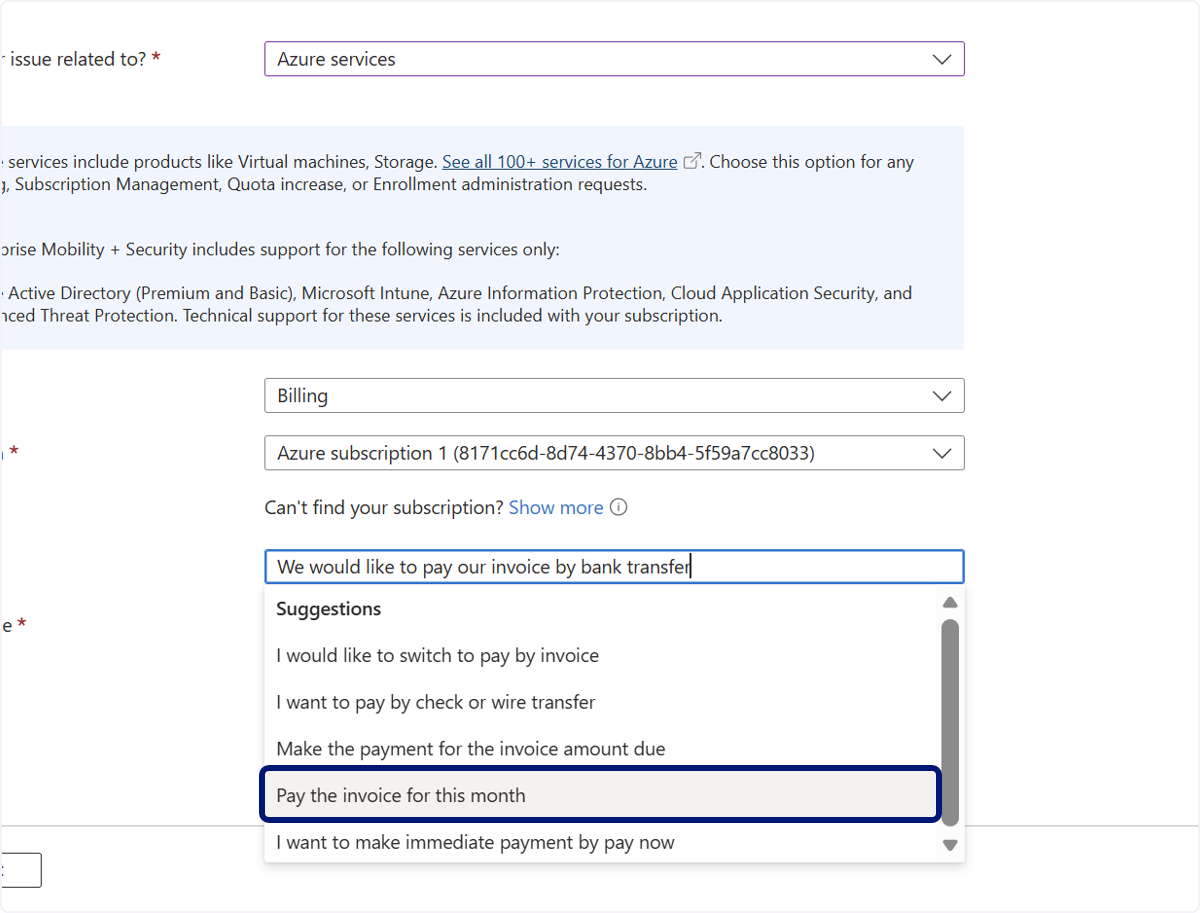
🟣 点击 Problem type
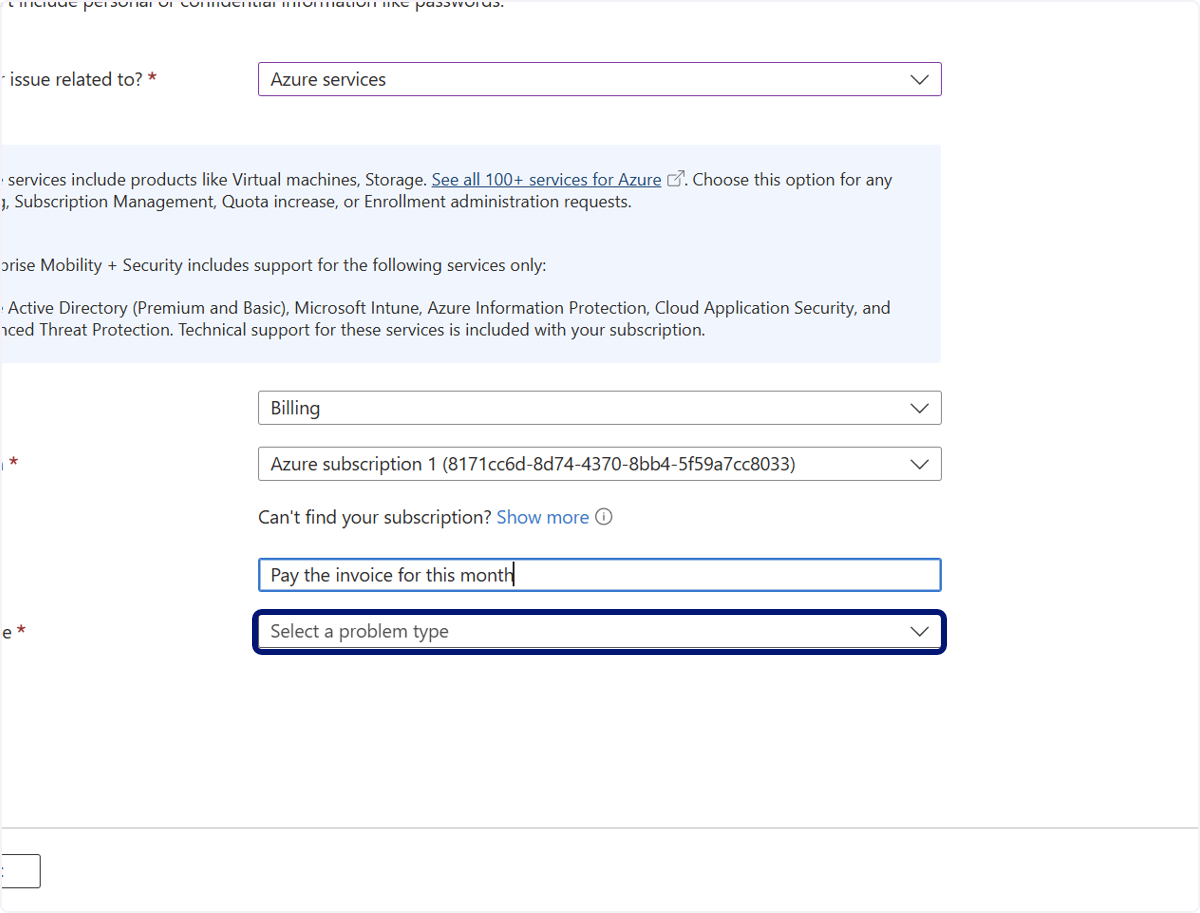
🟣 点击 Make a Payment
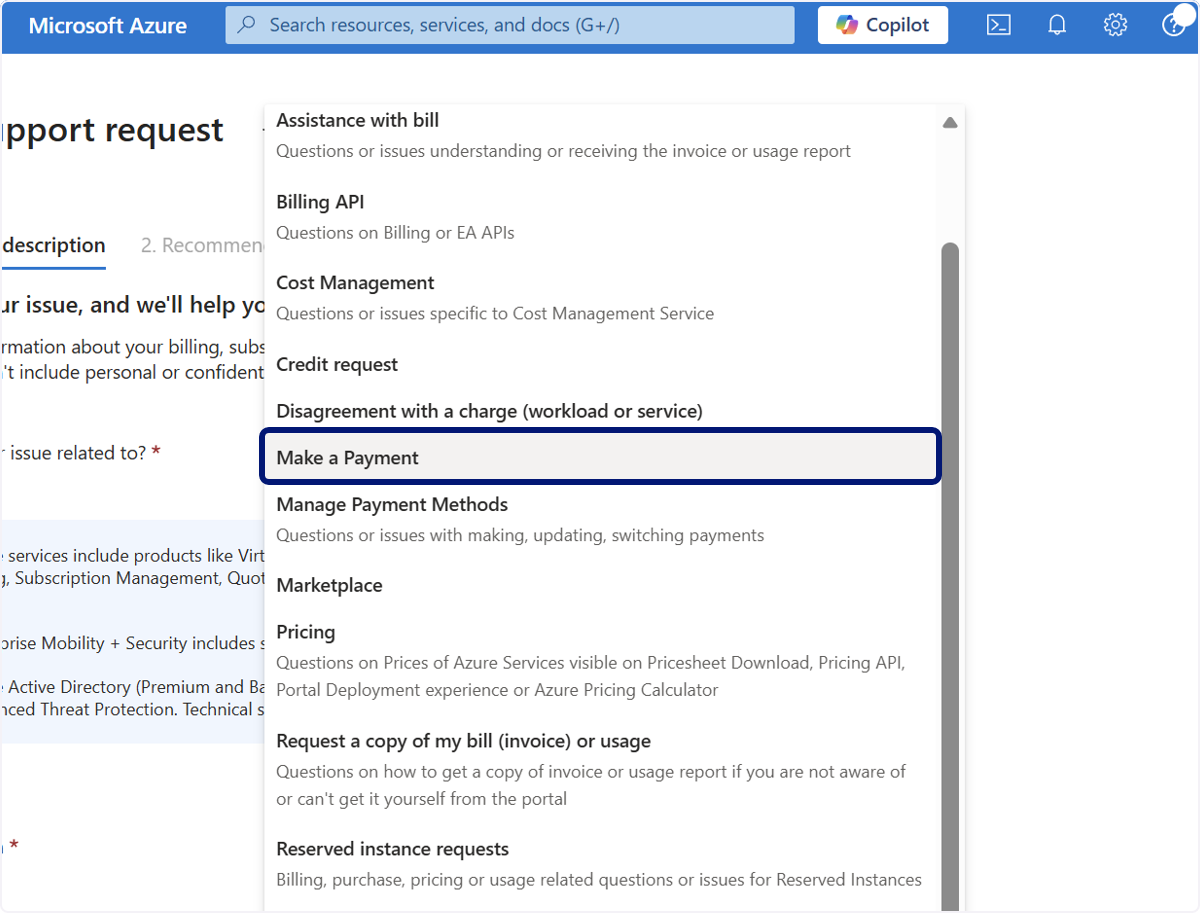
🟣 点击 1. 问题描述…
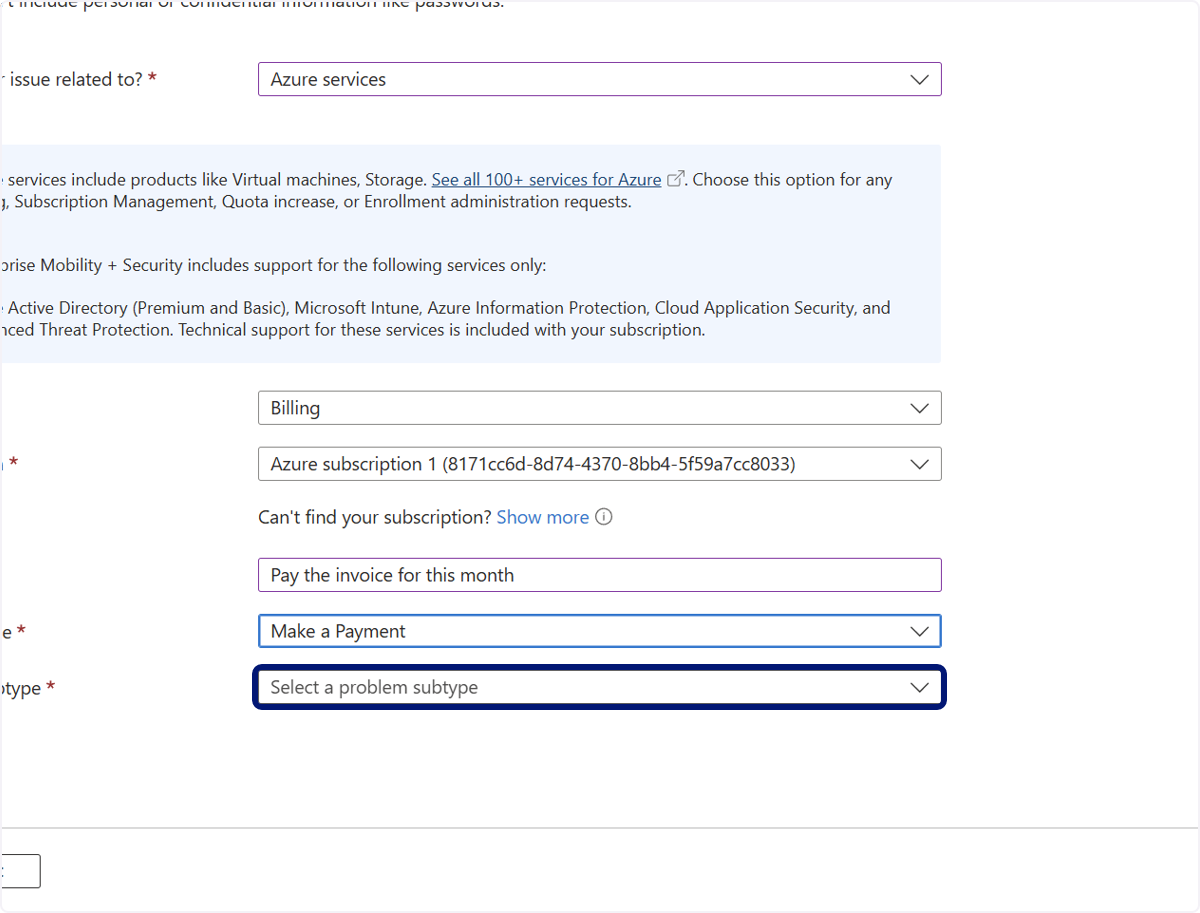
🟣 点击 Need assistance to make a payment immediately…
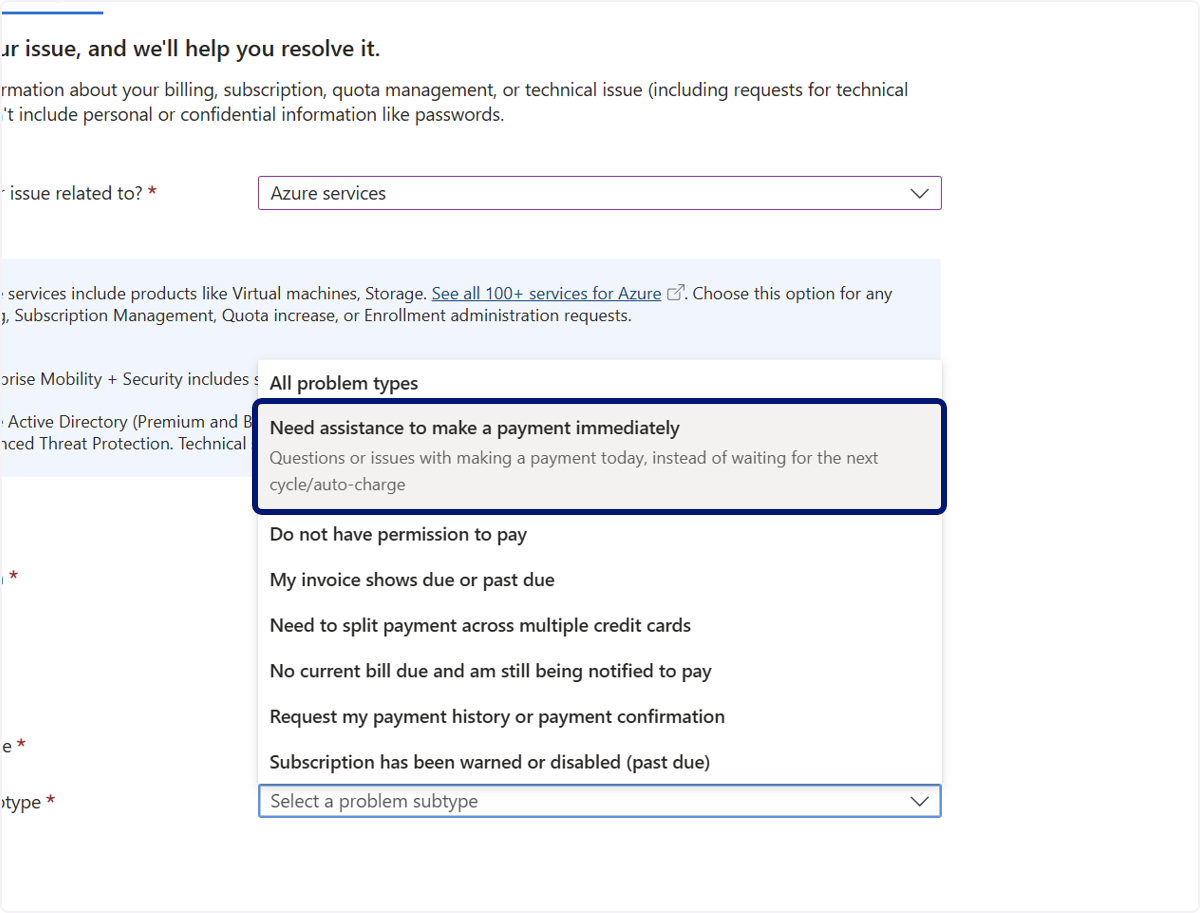
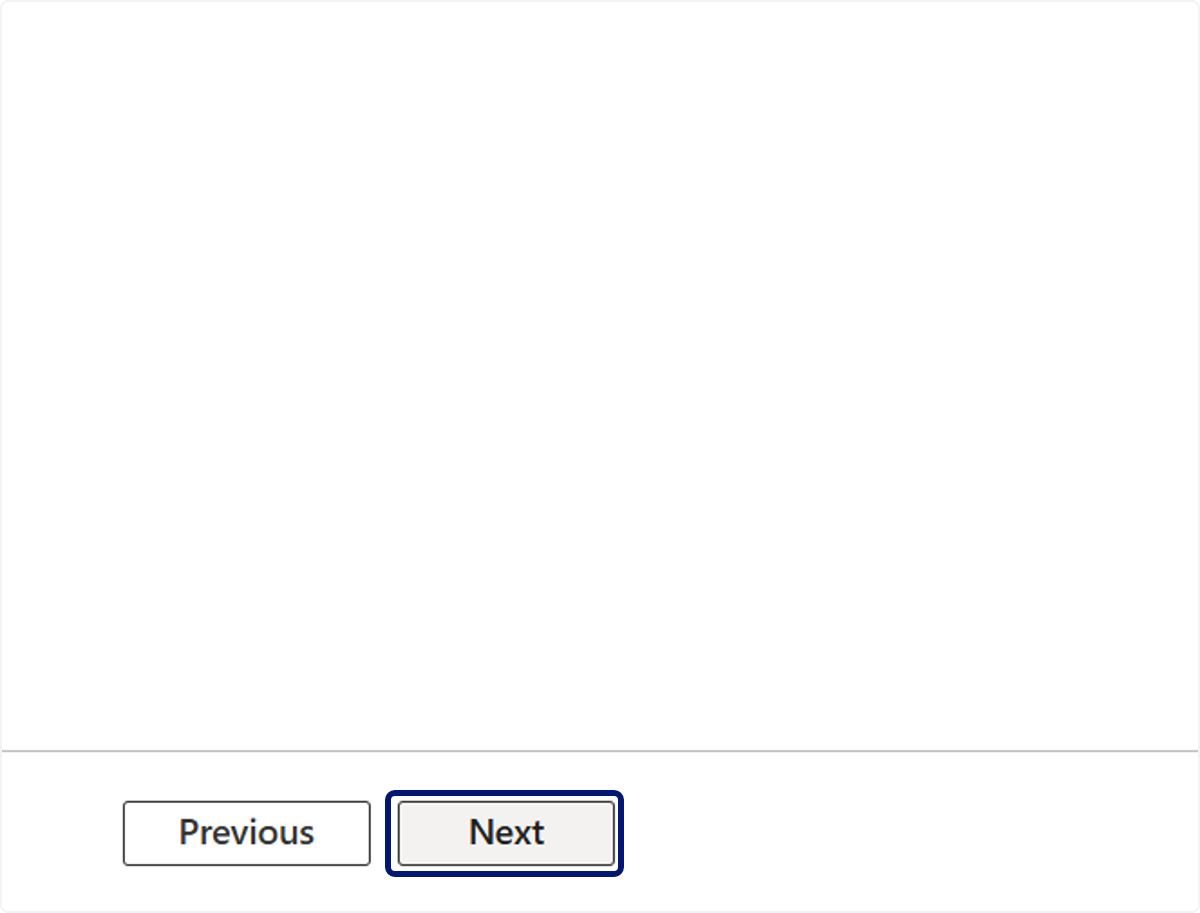
🟣 点击 Next
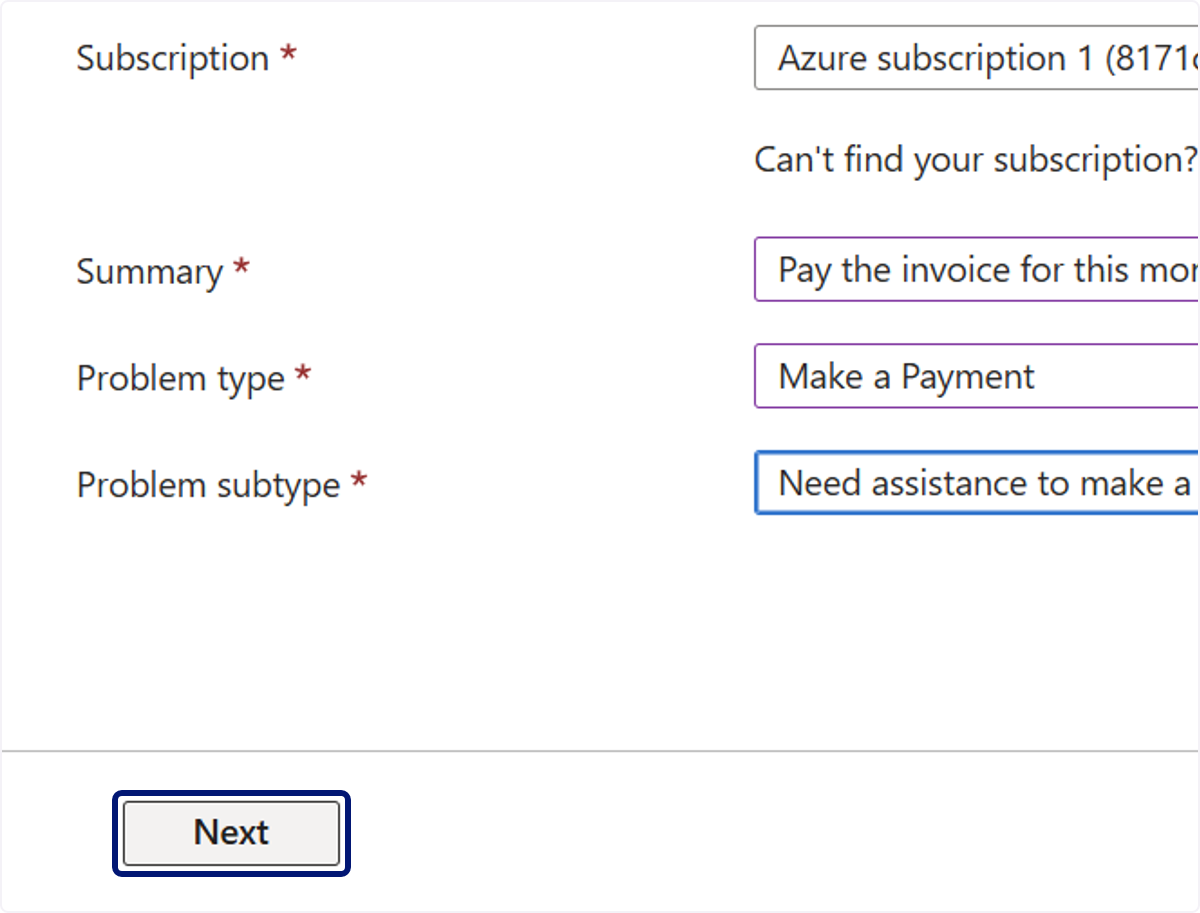
🟣 点击 Return to support request
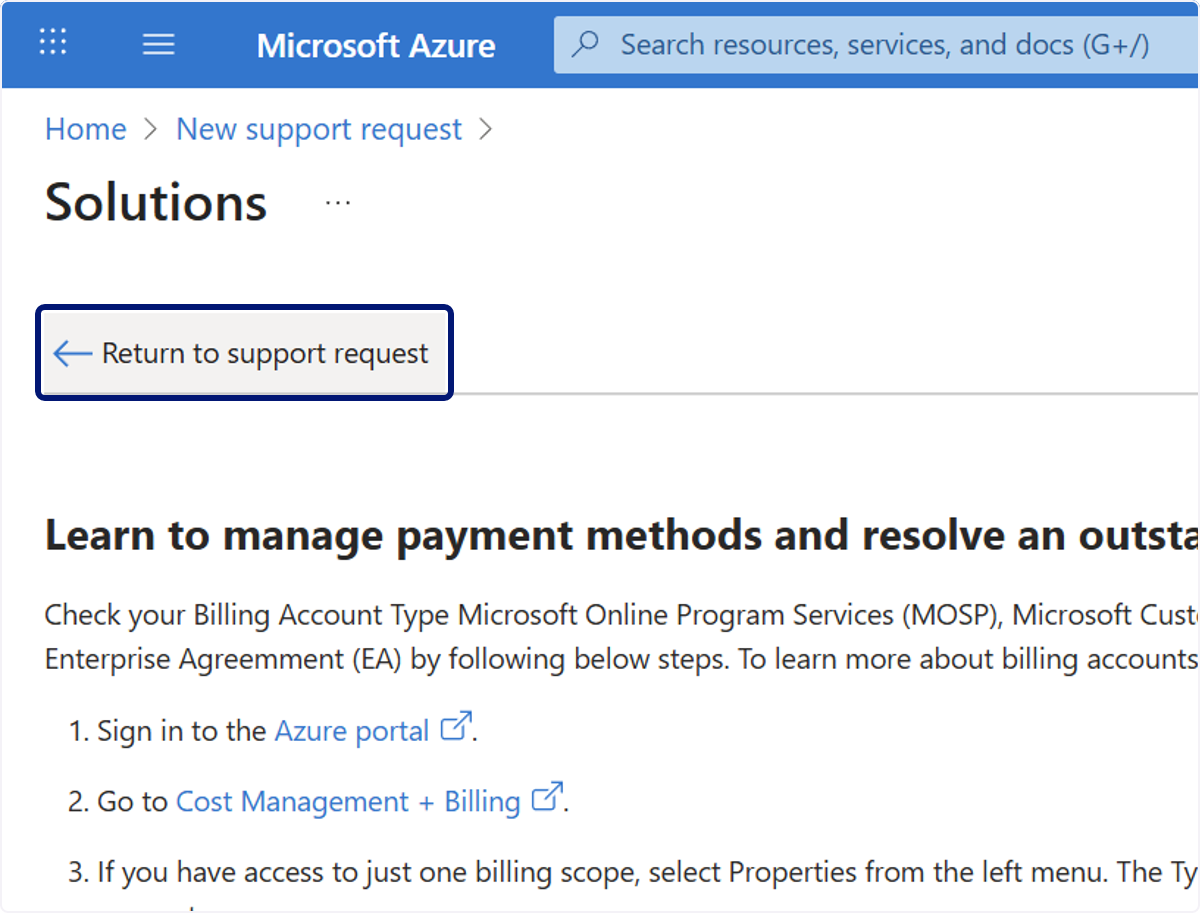
🟣 点击 Next
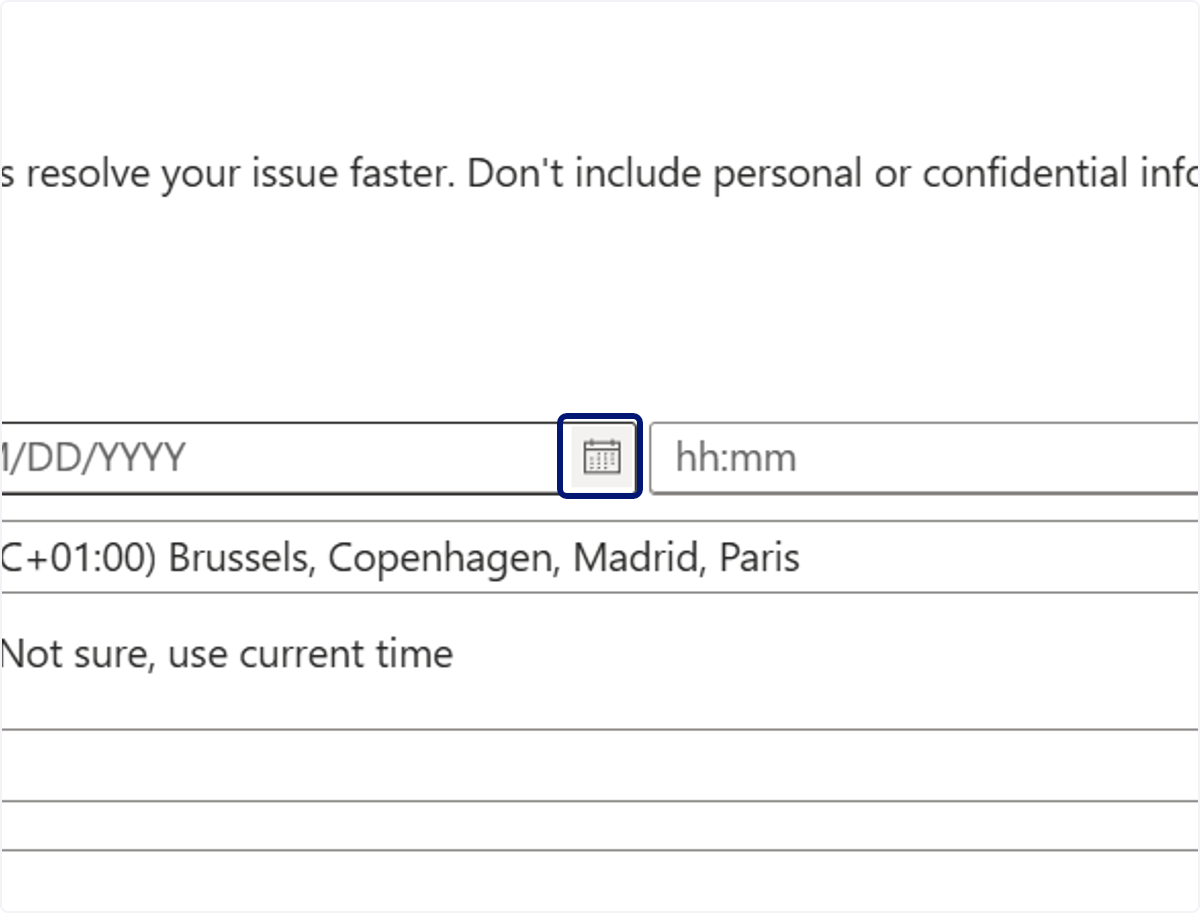
🟣 选择一个日期
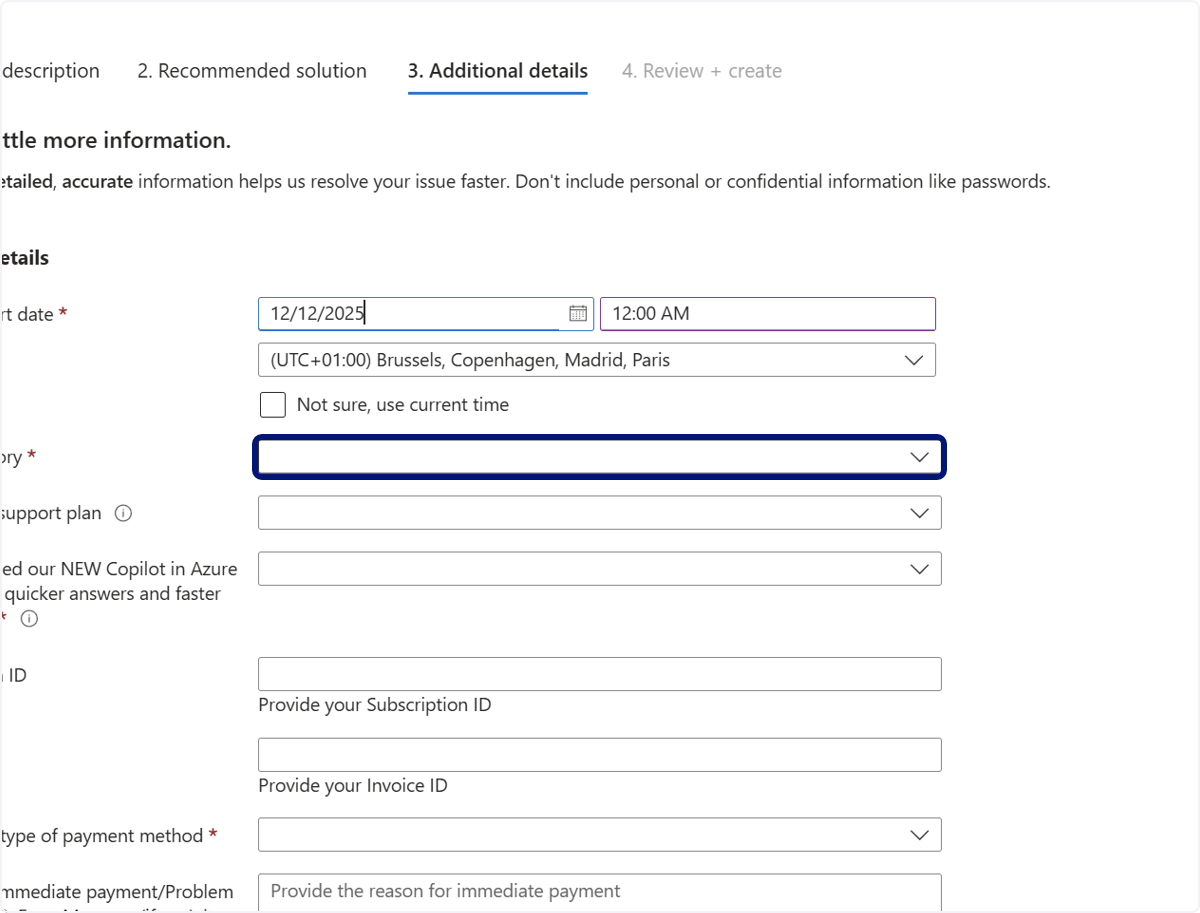
🟣 点击 1. Problem description…
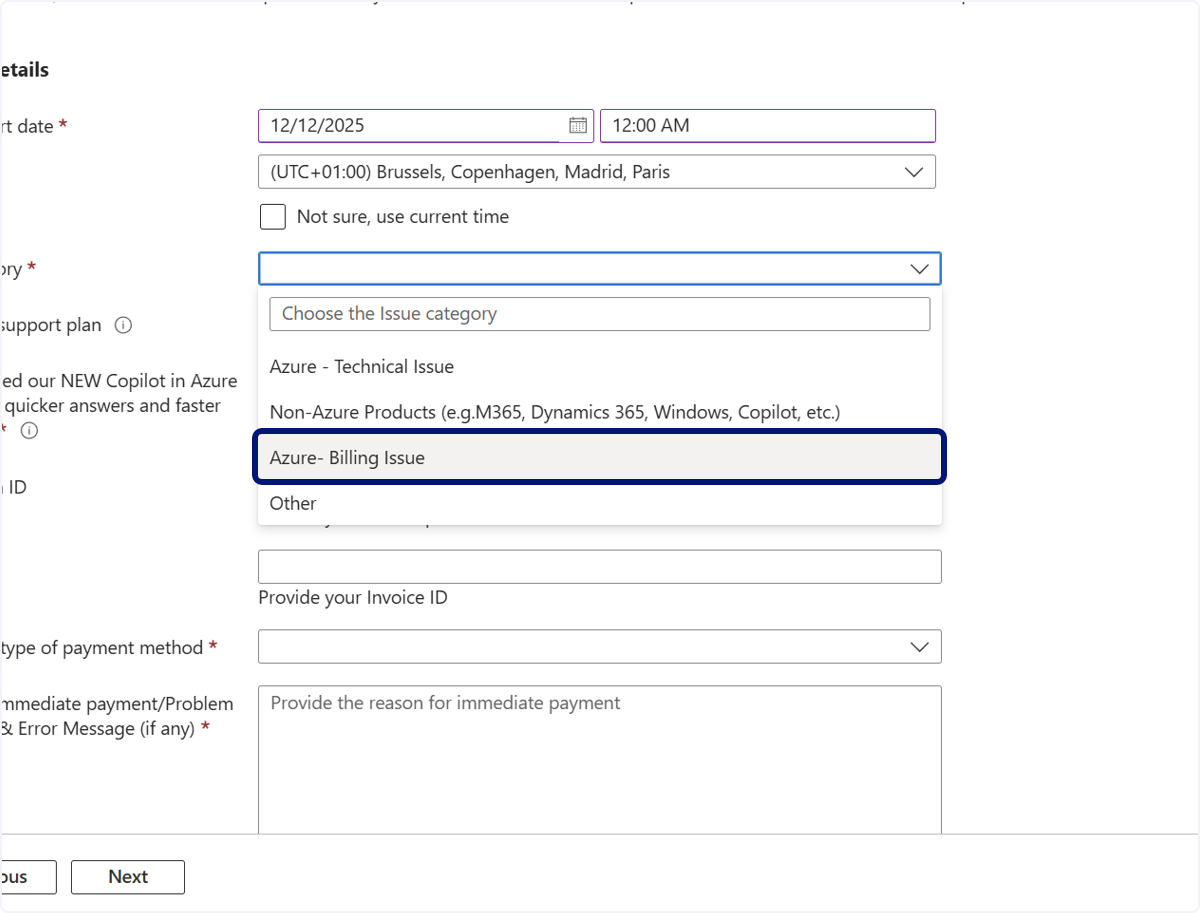
🟣 点击 Azure- Billing Issue
🟣 点击 1. Problem description…
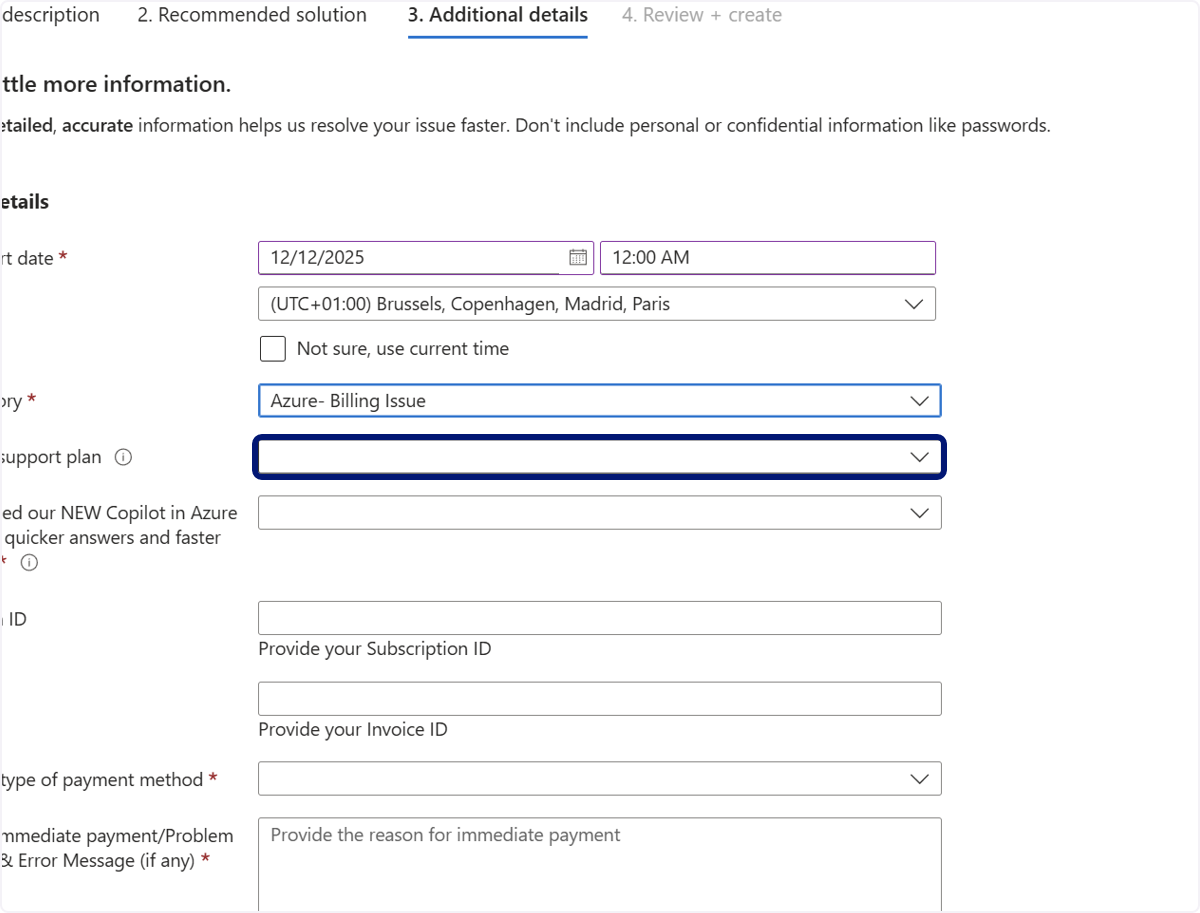
🟣 点击 Basic
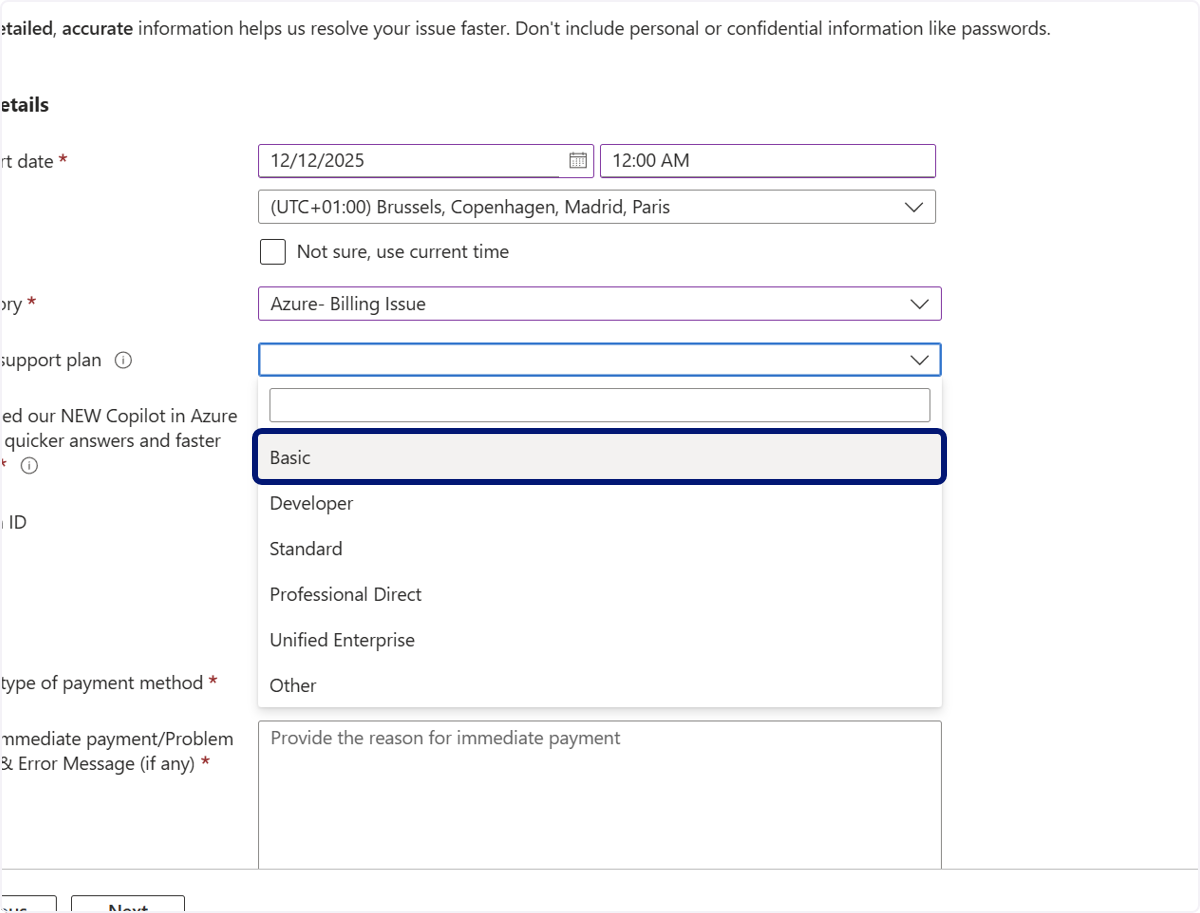
🟣 点击 1. Problem description…
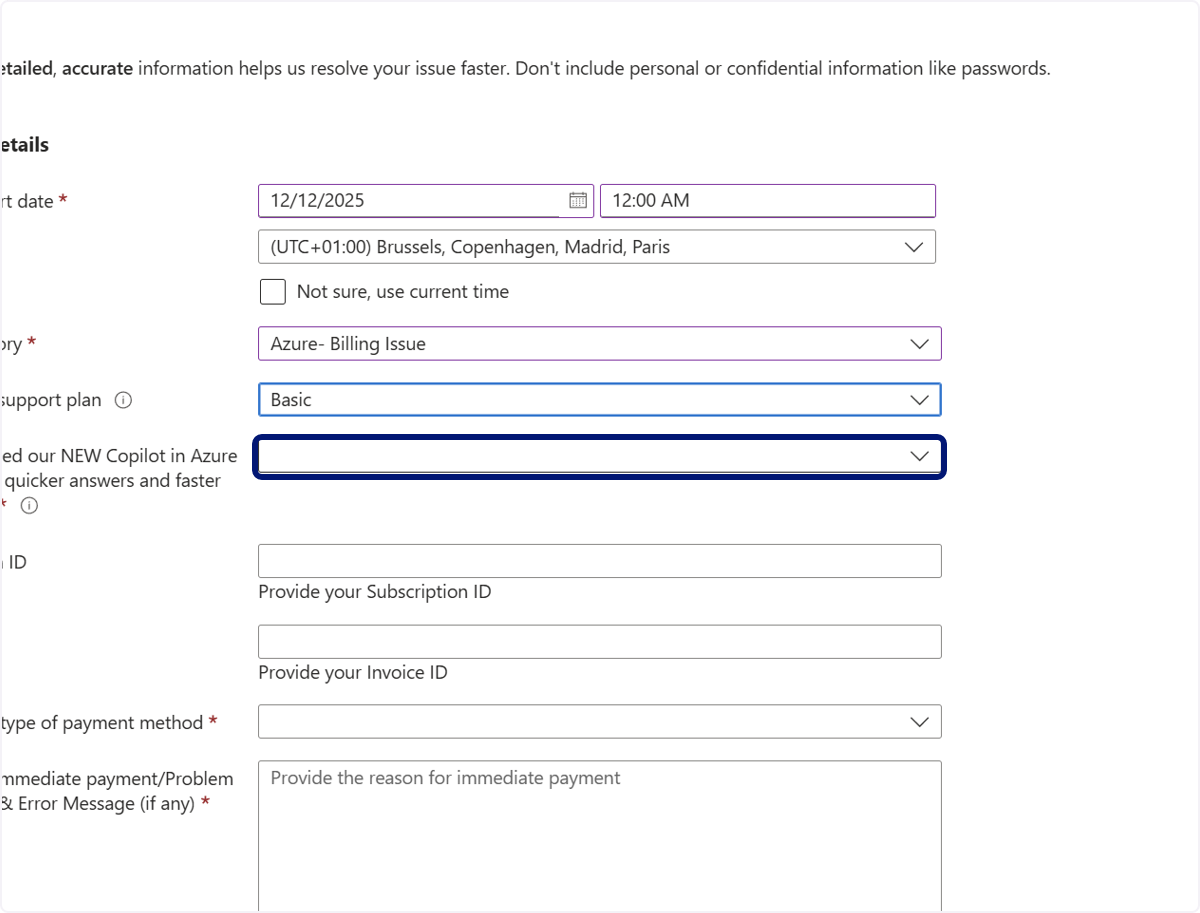
🟣 点击 Yes
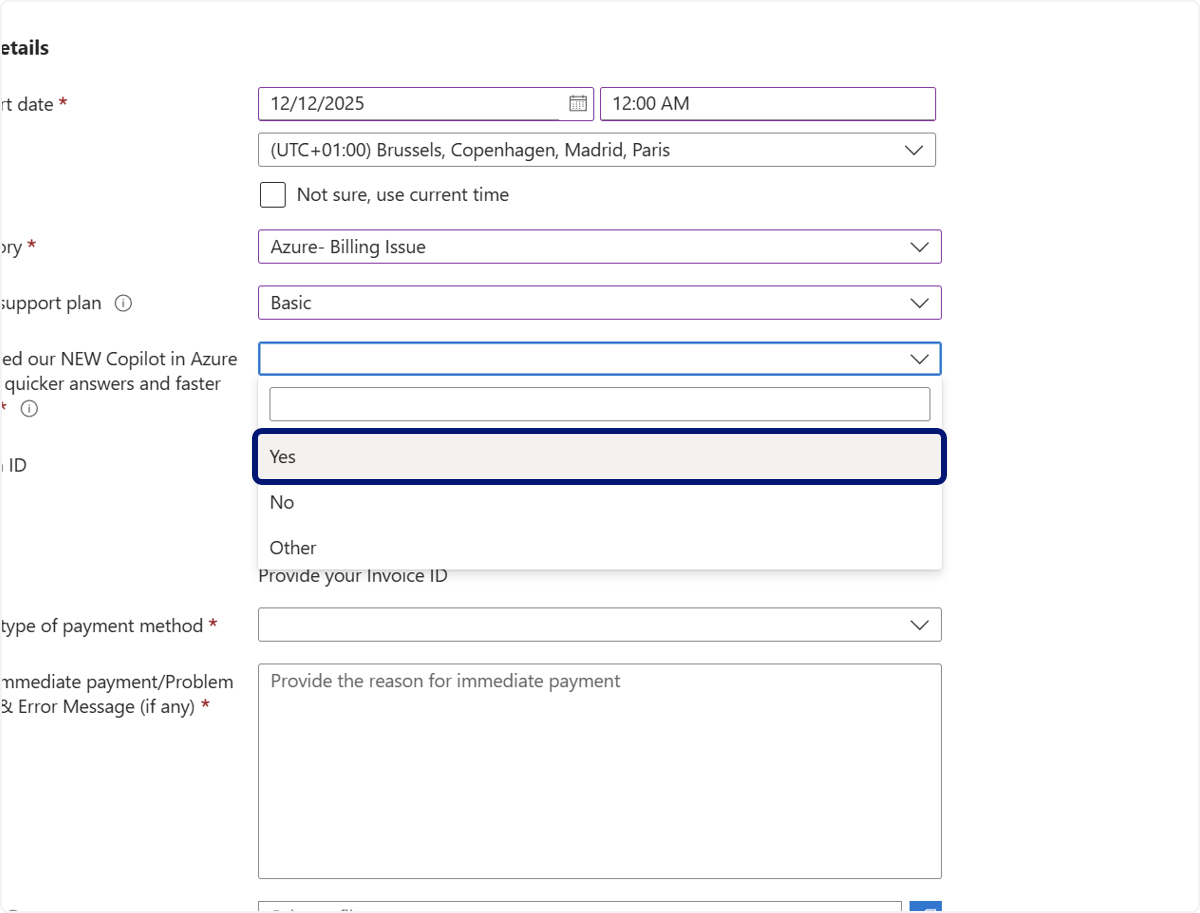
🟣 输入“添加您的发票 ID”
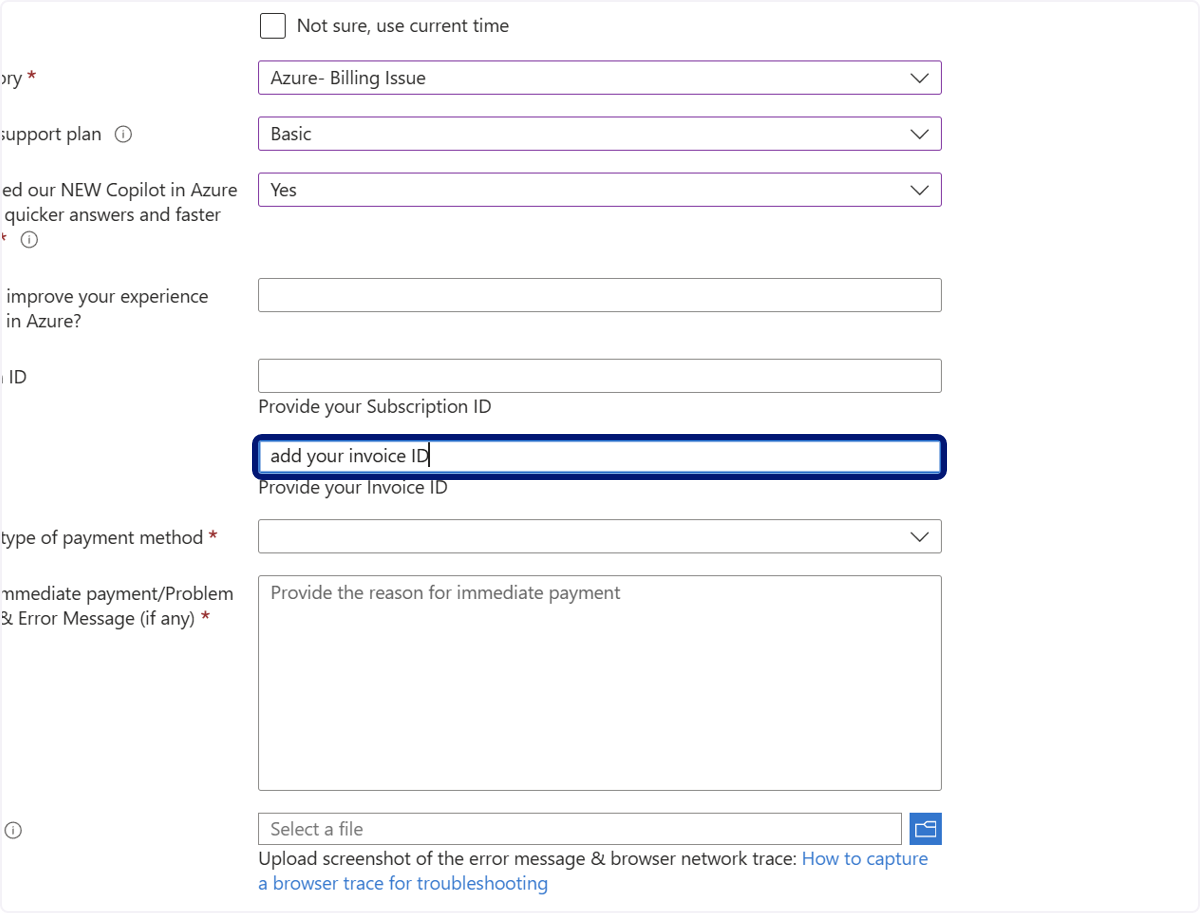
🟣 点击 1. Problem description…
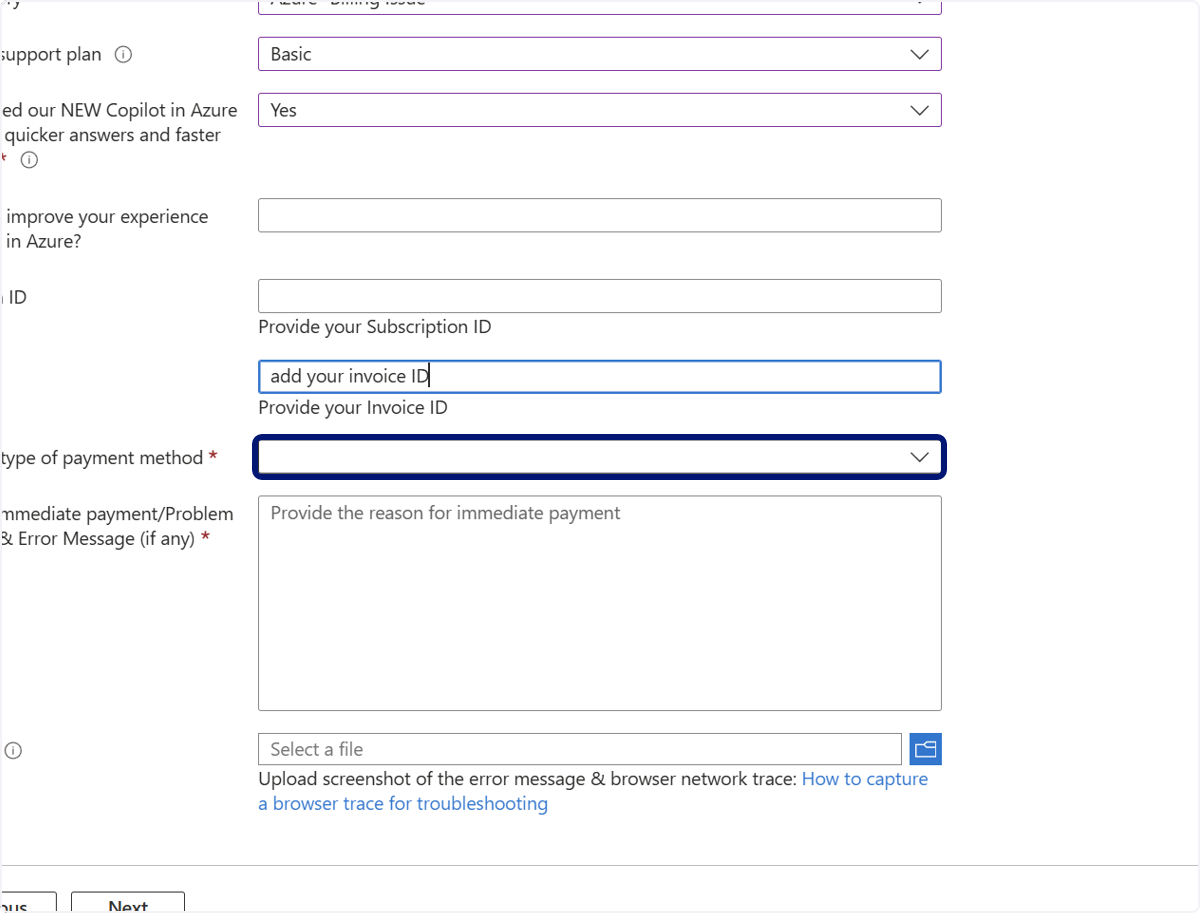
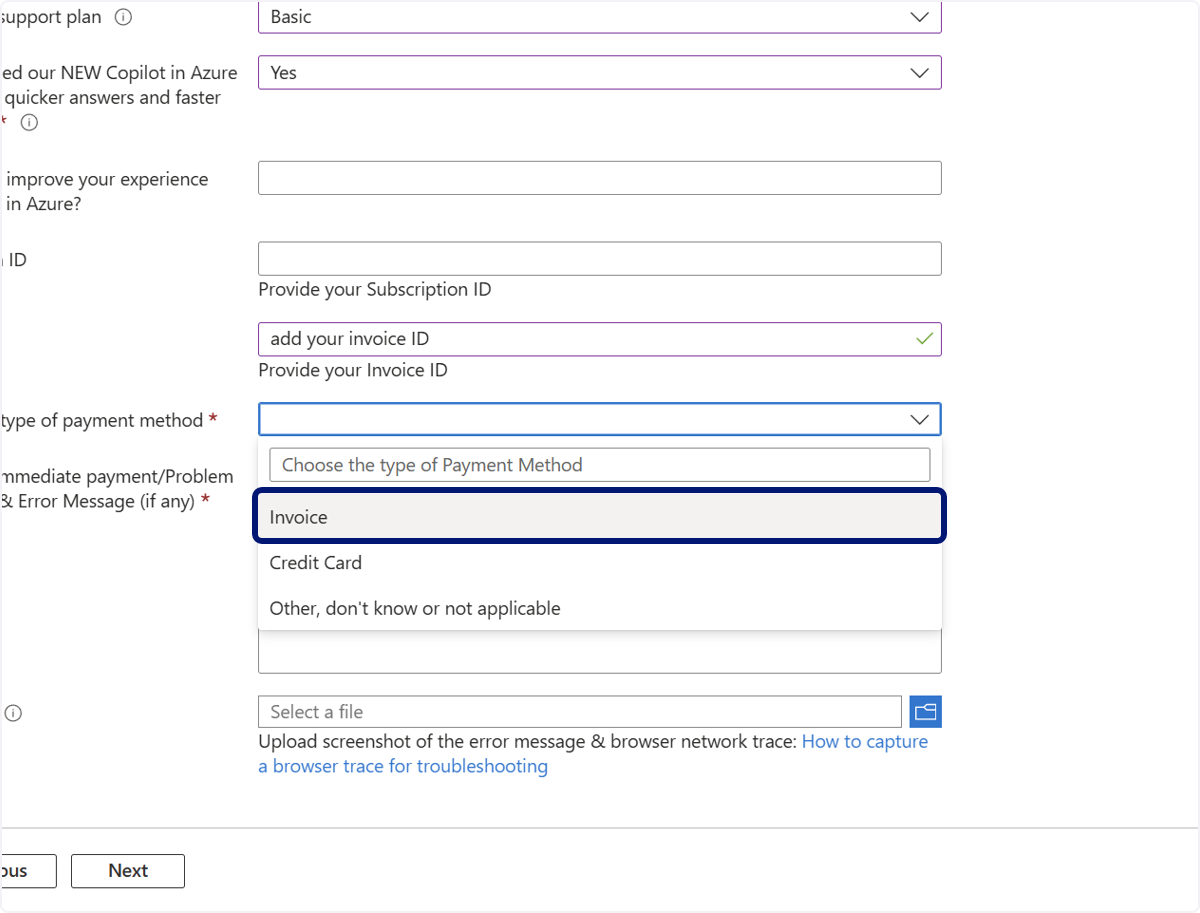
🟣 点击 Invoice
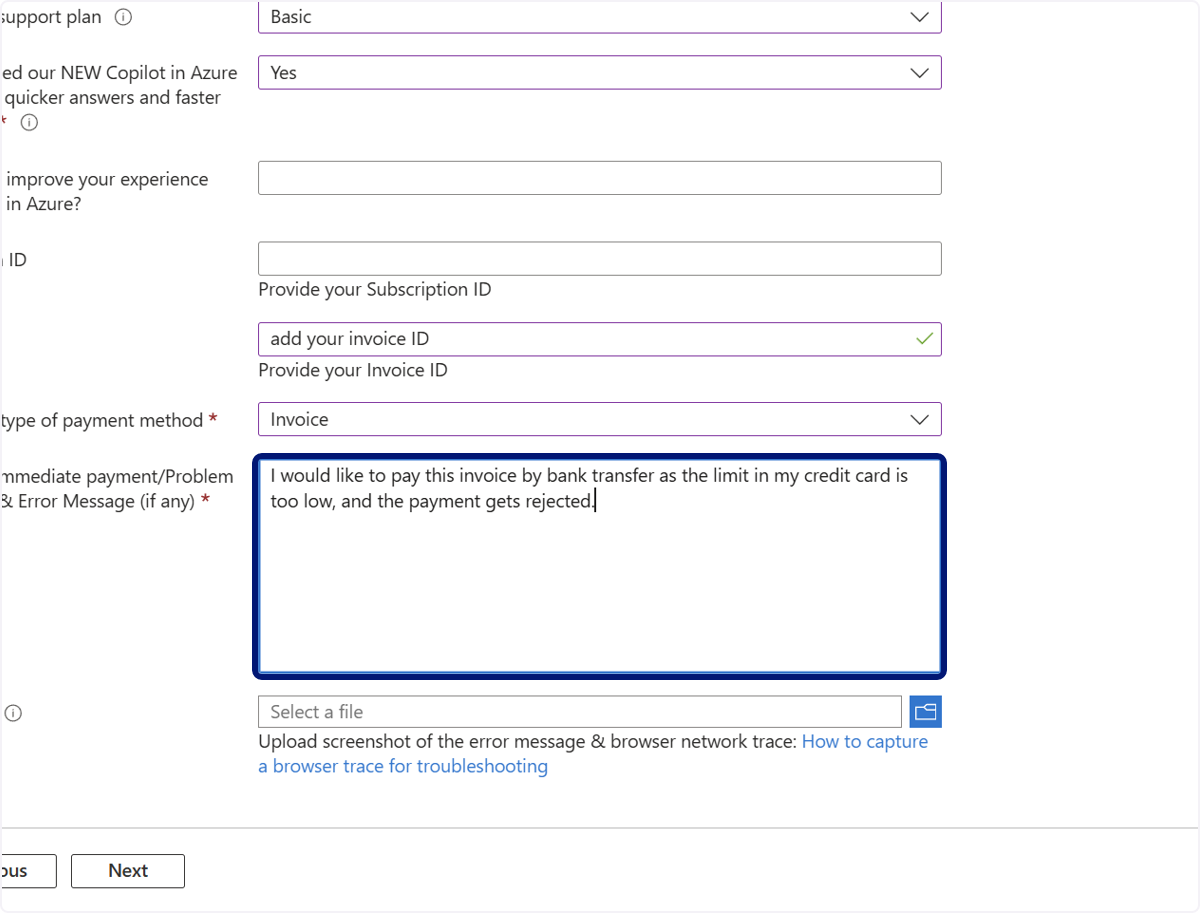
🟣 输入“我想通过银行转账支付此发票,因为我的信用卡额度太低,付款被拒绝了。”
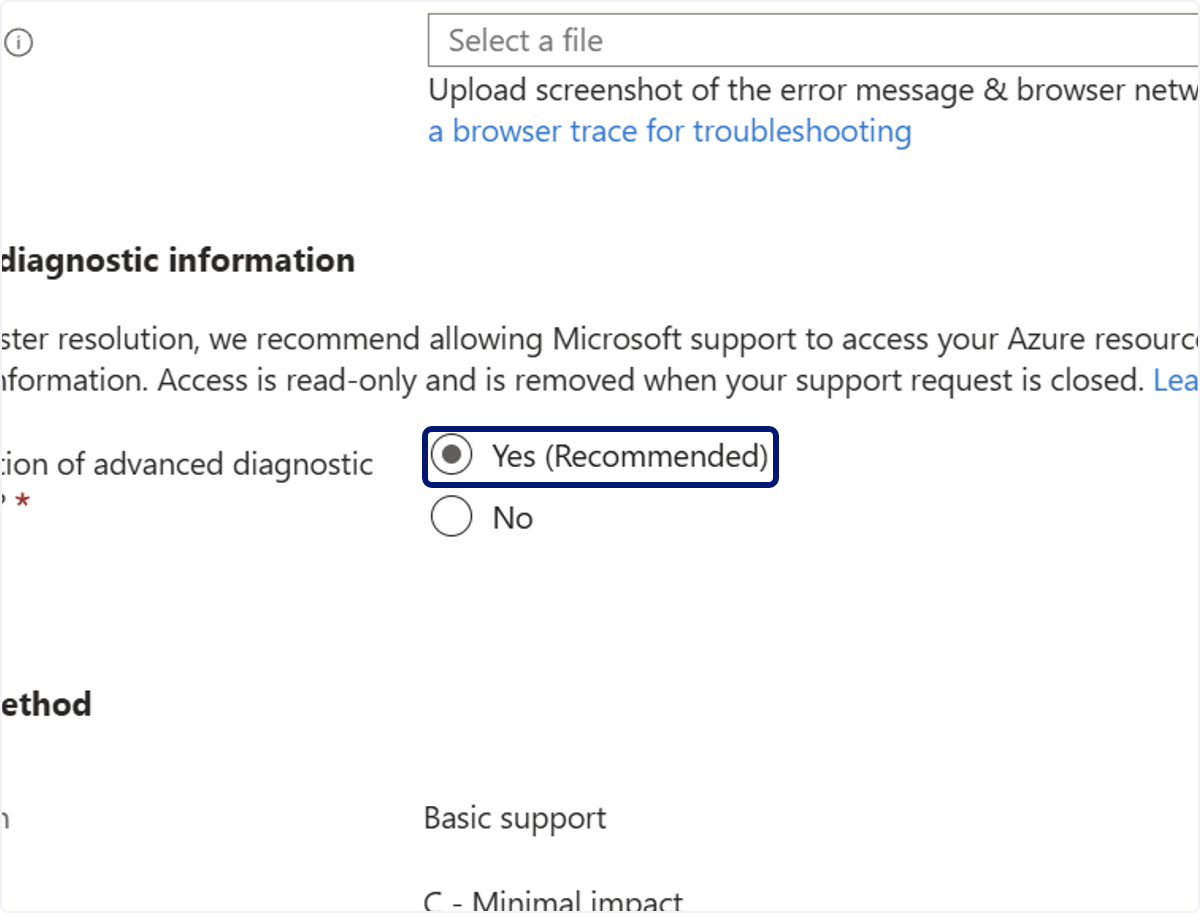
🟣 点击 Yes(推荐)
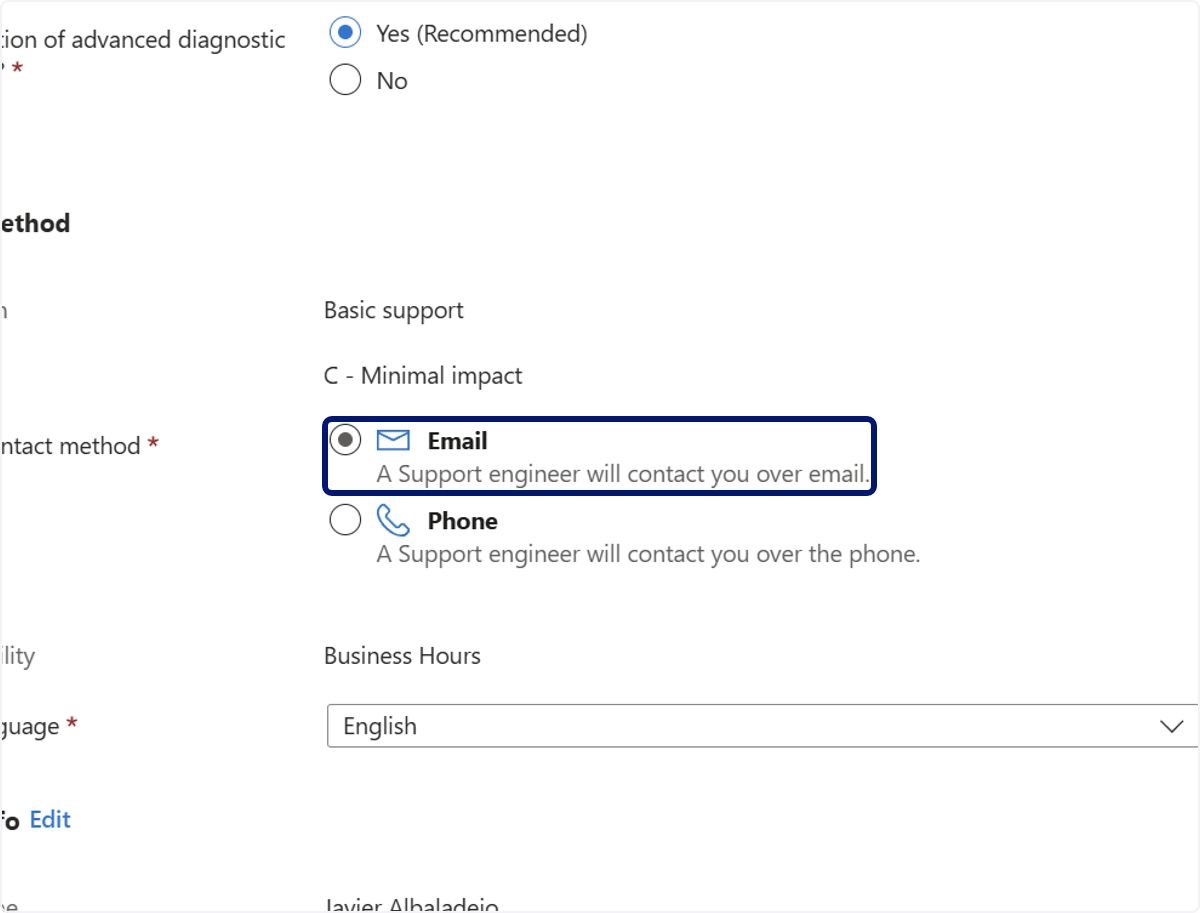
🟣 点击 Email。支持工程师将通过电子邮件与您联系。
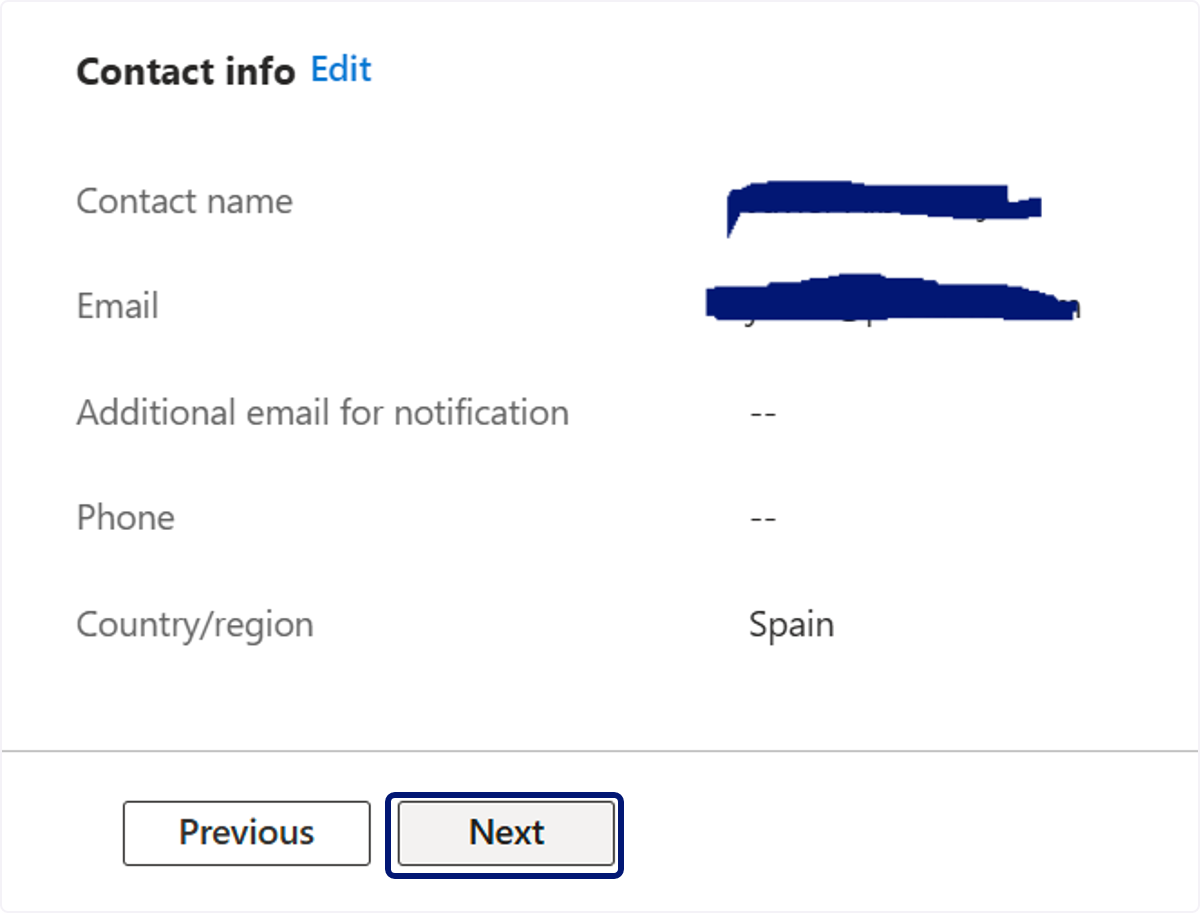
🟣 点击 Next
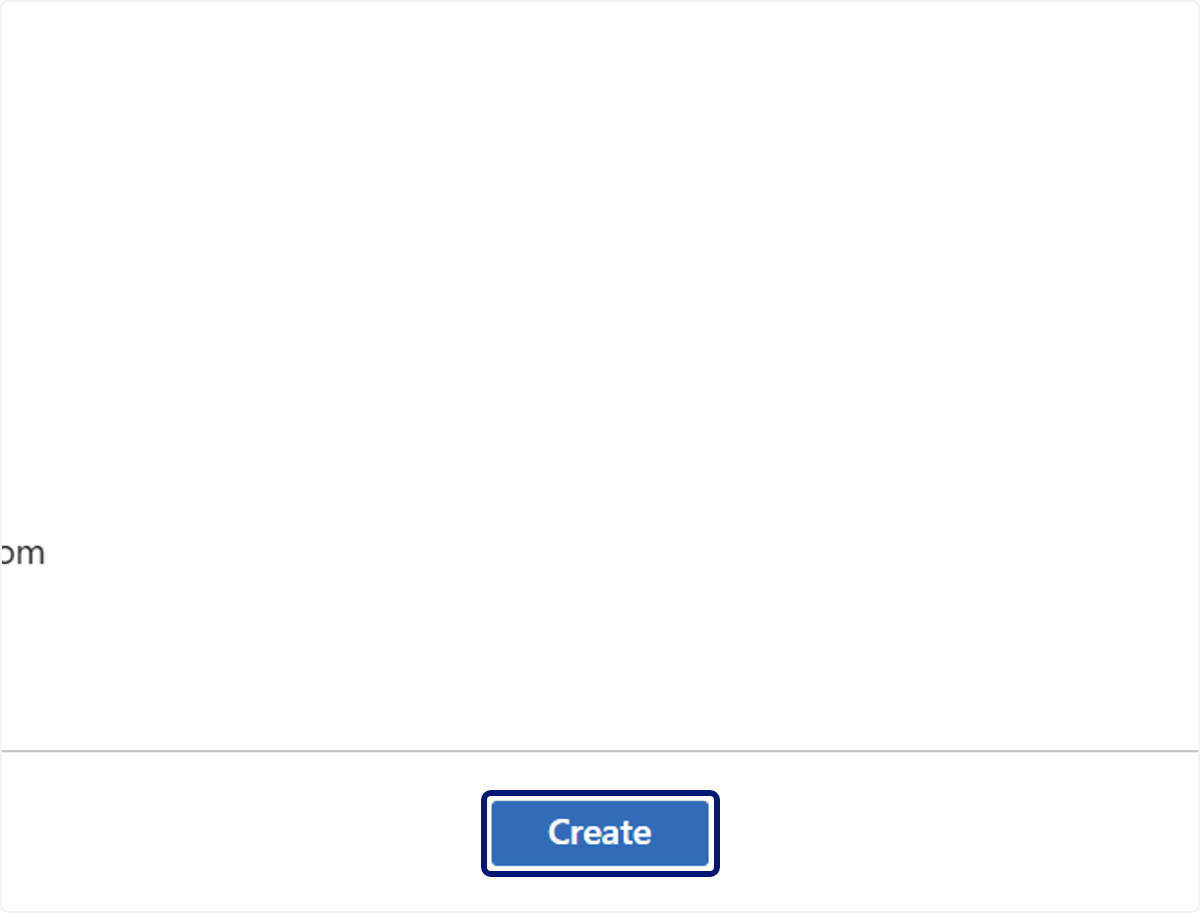
28. 点击 Create
💬 如需了解更多信息,请通过以下方式联系我们:[email protected]