如何在 Azure 门户中查找你的租户 ID?
2 分
在 Azure 中查找您的 Tenant ID,可获取创建私有计划所需的唯一目录标识符,从而确保该产品正确分配给目标客户的 Azure Active Directory 租户。请按照以下步骤操作:
🟣 登录 Azure Portal (https://portal.azure.com)。
🟣 在顶部搜索栏中,搜索“Tenant”或“Tenant Properties”。
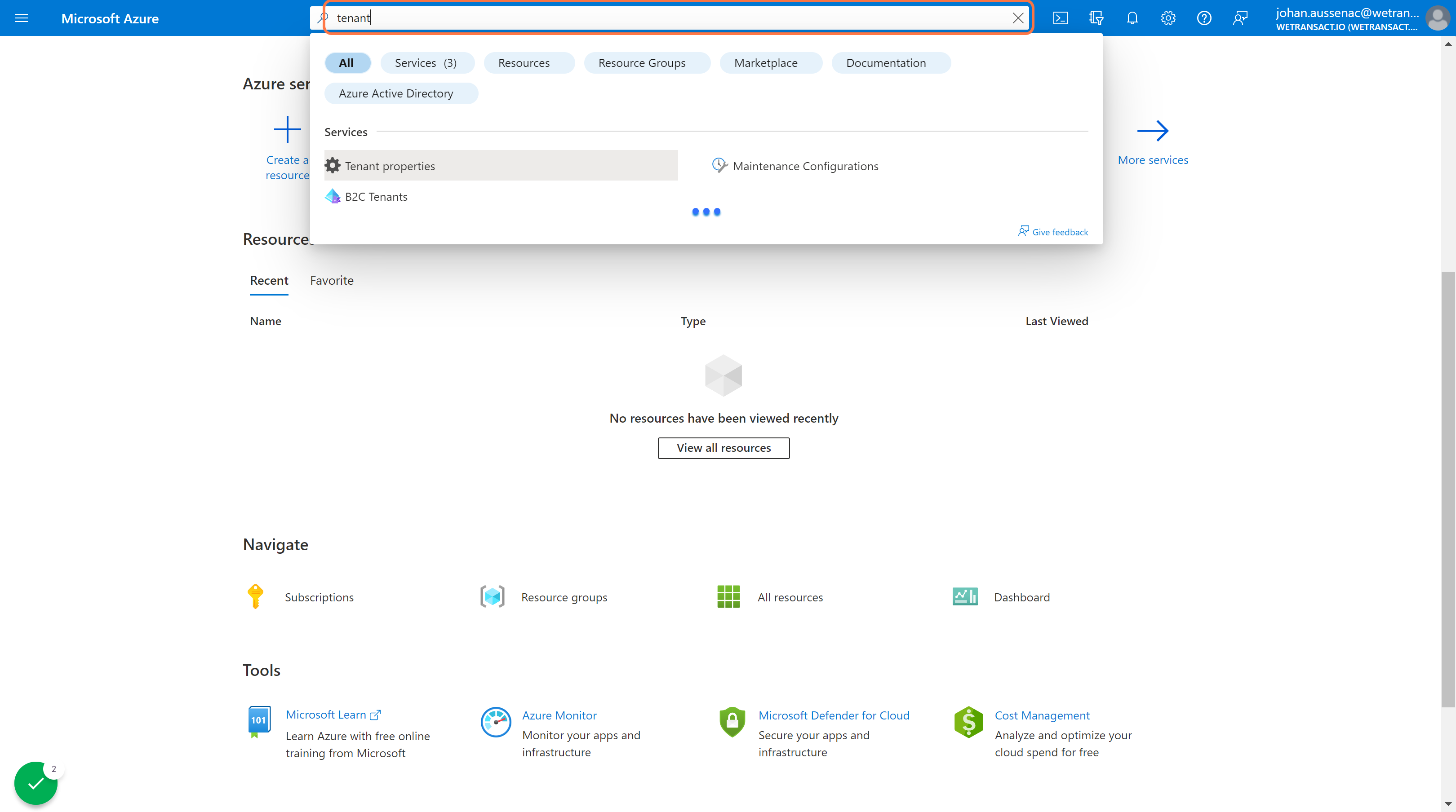
🟣 点击 Tenant properties。
向下滚动到“Tenant ID”字段。这里就是您要查找的租户 ID。您可以将其复制到剪贴板。

💬 如需了解更多信息,请通过以下方式联系我们:[email protected]